In a world increasingly captivated by aerial technology, the desire to create a drone that rivals the renowned DJI models presents an exciting challenge for enthusiasts and professionals alike. This guide explores the nuances of building your own drone versus opting for commercial offerings like DJI. You might wonder: can a DIY project not only match but surpass the sophistication and performance of these established brands? As we delve into design principles, critical components, and performance benchmarks, you’ll discover the potential of personalizing your flying experience. Whether you seek to save costs, customize features, or simply embrace the thrill of building, understanding the differences can empower you to make informed choices. Join us on this journey to uncover whether you can build a drone that soars above commercial alternatives, providing insights that cater to both novice builders and seasoned aviators.
Understanding DJI Drones: A Comprehensive Overview
Drones have revolutionized aerial photography, surveying, and recreational flying, with DJI leading the charge in shaping these innovations. Known for their user-friendly design and advanced features, DJI drones cater to both enthusiasts and professionals. Whether you’re capturing stunning visuals or conducting commercial surveys, understanding the capabilities of DJI models is crucial.
At the heart of the DJI experience lies a commitment to combining sophisticated technology with ease of use. Their drones are equipped with features such as GPS stabilization, intelligent flight modes, and high-resolution cameras, allowing pilots to achieve professional-grade results without extensive prior knowledge. The intuitive mobile app enhances the flying experience by enabling real-time control and monitoring of flight conditions, ensuring a seamless connection between pilot and drone.
What sets DJI drones apart is not just their cutting-edge technology but also their continuous software updates and dedicated ecosystem of accessories. Regular firmware updates enhance performance and introduce new features, ensuring that users enjoy the latest advancements in drone technology. Additionally, DJI supports a robust community of users who share tips, troubleshooting advice, and creative ideas, further enriching the experience for all skill levels.
As you consider whether to invest in a DJI product or pursue a DIY approach, take into account the reliability and extensive support that DJI offers. While building your own drone can provide a custom fit for specific needs, it often requires a deeper understanding of the technology and may lack the integration advantage that comes with DJI’s systems. This balance of performance, user-friendliness, and support makes DJI a significant player in the evolving landscape of drone technology.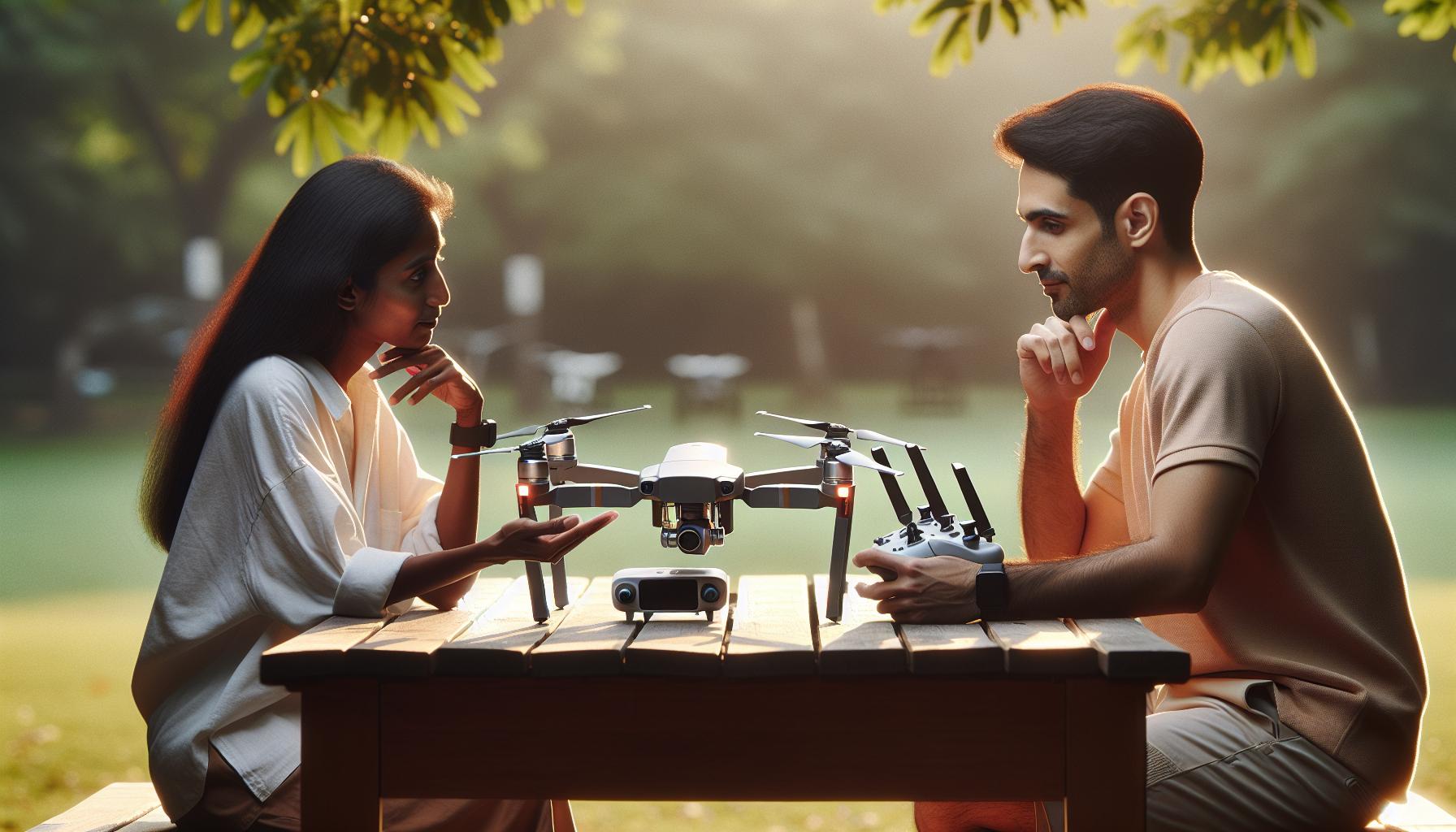
Key Differences: DIY Drones vs. DJI Models
Building your own drone can be an exciting challenge, but is it truly better than investing in a ready-made DJI model? Each approach has its unique benefits and drawbacks that cater to different needs and preferences. Understanding these differences can help you make an informed choice that aligns with your drone goals.
One of the primary advantages of DJI drones is their user-friendly design, which allows even novices to operate them efficiently. DJI products come equipped with advanced features like GPS stabilization, intelligent flight modes, and high-resolution cameras, enabling pilots to achieve professional-quality footage with minimal effort. Furthermore, DJI provides robust support through a continuously updated software ecosystem and a vibrant community, offering troubleshooting resources and tips for optimal use. This degree of integration and reliability is something that a DIY drone might struggle to match, especially for those unfamiliar with drone technology.
In contrast, DIY drones offer the opportunity for customization and experimentation, attracting tech-savvy enthusiasts. Building from scratch or modifying existing models allows for personalization that can cater to specific requirements-ranging from payload capacities to flight endurance. However, this process demands a deeper understanding of aerodynamics, electronic components, and programming, which can be daunting for beginners. Additionally, the versatility of DIY drones comes with the challenge of ensuring compatibility among various parts, which might lead to unexpected performance issues or require extensive troubleshooting.
Ultimately, choosing between a DIY drone and a DJI model involves weighing the desire for customization against the convenience and support provided by commercial drones. If you crave the thrill of building and potentially innovating, the DIY route could be rewarding. However, if your focus leans more toward instant usability and performance reliability, especially for capturing stunning visuals or conducting consistent commercial work, DJI’s solutions are hard to beat.
Essential Components for Building Your Own Drone
Building your own drone not only taps into your creativity and technical skills but also allows for a customized flying experience tailored to your specific needs. Understanding the essential components required for assembling a drone is crucial to ensure the best performance and avoid complications during the build process.
A typical DIY drone kit consists of several fundamental elements that dictate performance, functionality, and durability. Here’s a breakdown of what you’ll need:
Essential Components
- Frame: This is the foundation of your drone, providing structural support for all other components. Materials include carbon fiber for lightness and strength or plastic for an economical choice.
- Motors: Brushless motors are standard for quads, offering high efficiency and power necessary for flight. The number and size of motors will depend on the drone’s weight and desired performance.
- Electronic Speed Controllers (ESC): These devices regulate the power to the motors, allowing for swift speed adjustments that are vital for flight stability.
- Flight Controller: This brain of the drone receives input from sensors and translates it into motor commands. It determines how the drone reacts to pilot inputs and environmental conditions.
- Propellers: The propeller size and design affect lift and efficiency. Larger propellers can produce more lift but also require more power, so choose based on your motors and intended use.
- Batteries: Lithium Polymer (LiPo) batteries are commonly used for their high energy density, but it’s essential to select the correct voltage and capacity based on your drone’s specifications.
- Receiver and Transmitter: These components enable communication between the pilot and the drone, with varied ranges suitable for different flying applications.
- Camera (optional): For aerial photography or FPV (first-person view) flying, adding a camera system can enhance your experience, but it will increase the overall weight.
Understanding each component’s function not only aids in the assembly but also helps you make informed decisions about upgrades and maintenance. This knowledge empowers you to troubleshoot effectively and optimize your drone for better performance, cultivating a rewarding experience as you navigate the exhilarating world of DIY drone flying.
Step-by-Step Guide to Assembling a Custom Drone
Assembling your own drone can be an exhilarating experience that offers not only the joy of creation but also the opportunity to customize performance to suit your needs. The process can seem daunting at first glance, yet with the right guidance, it can transform into a rewarding project. Here’s a detailed step-by-step guide designed to walk you through the assembly of a custom drone, ensuring each component is integrated seamlessly for optimal performance.
Start by laying out all the essential components on your workspace. Ensure you have your frame, motors, ESCs, flight controller, propellers, batteries, receiver, and transmitter ready. Before diving into assembly, familiarize yourself with the individual components. Each piece plays a crucial role in the overall functionality of your drone.
Once you have everything organized, begin with the frame. Attach the motors to the frame, ensuring they are secured tightly and oriented correctly for the desired flight configuration. The motor placement is vital; typically, they are placed in a ‘+’ or ‘X’ formation depending on whether you’re building a quadcopter or another type, which directly influences handling and control.
Next, connect the Electronic Speed Controllers (ESCs) to the motors. The ESCs manage the power output to each motor based on signals from the flight controller. Make sure to wire them carefully, ensuring the correct motor is connected to the appropriate ESC, and follow any specific wiring diagrams your flight controller provides.
After securing the motors and ESCs, install the flight controller onto the designated spot on your frame. This unit is incredibly significant as it interprets sensor data and translates it into controls for the motors. Depending on your flight controller, you may need to calibrate it after installation, so consult the manufacturer’s instructions for guidance.
Once the flight controller is in place, attach the receiver. This unit will allow you to communicate wirelessly with your drone using a transmitter. Ensure that you link the receiver and transmitter according to the manufacturer’s instructions, and this may involve binding them together before you finish the assembly.
Finally, add the propellers to the motors. It’s critical to ensure they are correctly oriented and secured to prevent any mid-flight disasters. Double-check that all connections are tight, wires are managed properly to avoid entanglement, and that your battery is compatible with the system setup. Once assembled, you can update the firmware of your controller or any accessories, calibrate the sensors, and perform a pre-flight check to confirm everything functions properly.
This methodical approach not only strengthens your technical skills but gives you a deeper understanding of how each component works together within the drone. With knowledge, you can troubleshoot effectively, upgrade components, and ensure you extract the best performance from your custom-built flying machine.
Firmware Updates: Keeping Your Drone Up-to-Date
Keeping your drone’s firmware updated is crucial for ensuring optimal performance, enhancing features, and maintaining safety. Firmware updates can fix known bugs, improve flight stability, and sometimes even introduce new functionalities that can elevate your drone experience. For instance, DJI regularly releases updates that refine camera performance, enhance GPS functionality, and improve obstacle avoidance capabilities. Staying current with these updates allows drone operators to fly with confidence, knowing they have the latest technology at their fingertips.
To update your drone’s firmware effectively, follow these streamlined steps:
Steps for Updating Firmware
- Prepare Your Equipment: Ensure that your drone is fully charged and connected to a reliable power source. Use the official DJI app, such as DJI GO 4 or DJI Fly, depending on your drone model.
- Connect Your Device: Launch the app on your smartphone or tablet and connect to your drone. The app will automatically check for available firmware updates.
- Download Updates: If an update is available, initiate the download. Ensure you have a stable internet connection to avoid interruptions.
- Install Updates: Once the download is complete, the app will guide you through the installation process. Follow the on-screen instructions carefully, and do not power off the drone during the update.
- Validate the Update: After the installation, the app will prompt you to verify that the update was successful, which is crucial for ensuring everything functions as expected.
It’s essential to make updates a routine part of your drone management, particularly before important flights. Not only does this ensure you have the latest improvements, but it also maximizes safety by reducing the risk of experiencing issues due to outdated software. Drone technology is continually evolving, and regular updates keep your flying experience at the cutting edge.
Lastly, remember that while firmware updates can greatly enhance performance, they can also require you to recalibrate your drone’s settings and parameters. Familiarize yourself with your specific model’s requirements and ensure you conduct any necessary calibrations after an update. This proactive approach enhances your drone’s reliability and performance, enabling you to focus on capturing stunning aerial footage or conducting important flight operations.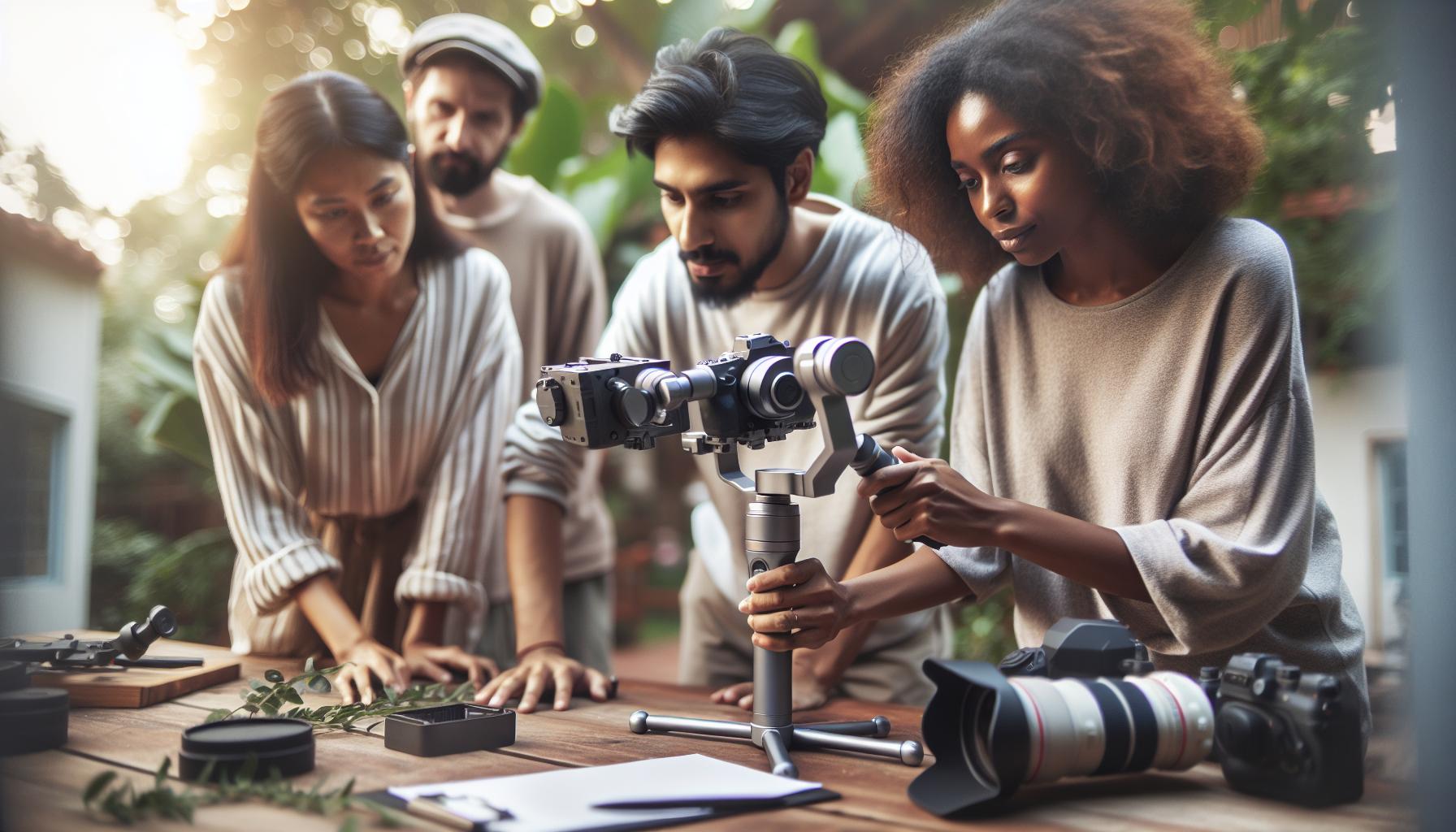
Mastering Gimbal Calibration for Optimal Footage
Achieving optimal footage from your drone hinges significantly on mastering gimbal calibration, a crucial process that ensures stability and precision in your aerial shots. A well-calibrated gimbal minimizes vibrations and compensates for movement, allowing you to capture smooth, cinematic video regardless of changing environmental conditions or pilot maneuvers. Given the advanced camera capabilities of drones like those from DJI, understanding gimbal calibration not only enhances your shooting quality but empowers you to exploit the full potential of your equipment.
When it comes to DJI drones, the calibration process is straightforward yet vital. Ensure your drone is on a stable, level surface before calibration. Access the settings through the DJI app you are using (such as DJI GO 4 or DJI Fly), and find the gimbal calibration option. Follow these steps for a successful calibration:
Steps for Gimbal Calibration
- Open the app: Launch your DJI app and connect your drone.
- Navigate to settings: Look for the Gimbal settings icon.
- Select auto calibration: Tap on “Gimbal Auto Calibration” and then “START.”
- Watch for adjustments: The gimbal will perform adjustments automatically; make sure not to touch it during this phase.
- Validate the calibration: After completion, check for any error prompts-if all is well, your gimbal will be ready for flight.
Regular calibration is crucial, especially if your drone has experienced jolts or crashes, or if you notice any stabilization issues during flight. A well-calibrated gimbal can significantly enhance your footage, providing that professional look which is often sought after in aerial cinematography. Additionally, it’s a good practice to recalibrate before major shoots or when flying in new, challenging environments. This attention to detail not only safeguards your investment but elevates the quality of your aerial imagery, making your drone flying experience all the more fulfilling.
Troubleshooting Common Drone Issues: Expert Tips
When venturing into the world of drones, it’s inevitable that you’ll encounter a range of common issues that can hinder your flying experience. Understanding how to troubleshoot these problems effectively can not only save you time but also enhance your enjoyment and confidence while operating your drone. From connectivity problems to unexpected crashes, many challenges can be rectified with a few simple steps and some know-how.
One prevalent issue many drone pilots face is poor connectivity between the remote control and the drone itself. If your drone becomes unresponsive during flight, the first step is to check the battery levels of both the drone and the remote. Ensure there are no obstructions between the transmitter and receiver, as these can disrupt the signal. If the problem persists, perform a controller reset or rebind the controller to the aircraft, following the specific instructions in your drone’s user manual.
Battery management is another critical area for troubleshooting. Low battery voltage during long flights can cause erratic behavior or even crashes. Regularly monitor the battery performance, and be proactive in replacing worn batteries. Always ensure your battery is securely connected, and use the built-in battery management systems designed to prevent issues like over-discharge.
Lastly, don’t underestimate the importance of regular firmware updates. Keeping your drone’s firmware current is essential for both performance and safety. Firmware updates not only fix bugs but also enhance features that improve flight stability and responsiveness. Access the firmware update service through the official app associated with your drone, as many models will notify you when updates are available.
By addressing these common issues with practical solutions, you can create a smoother and more enjoyable flying experience, regardless of whether you’re piloting a DIY drone or a commercial model from DJI. Empowering yourself with these troubleshooting techniques ensures you’re well-equipped to tackle any hiccup that comes your way, allowing you to focus on capturing stunning aerial footage instead.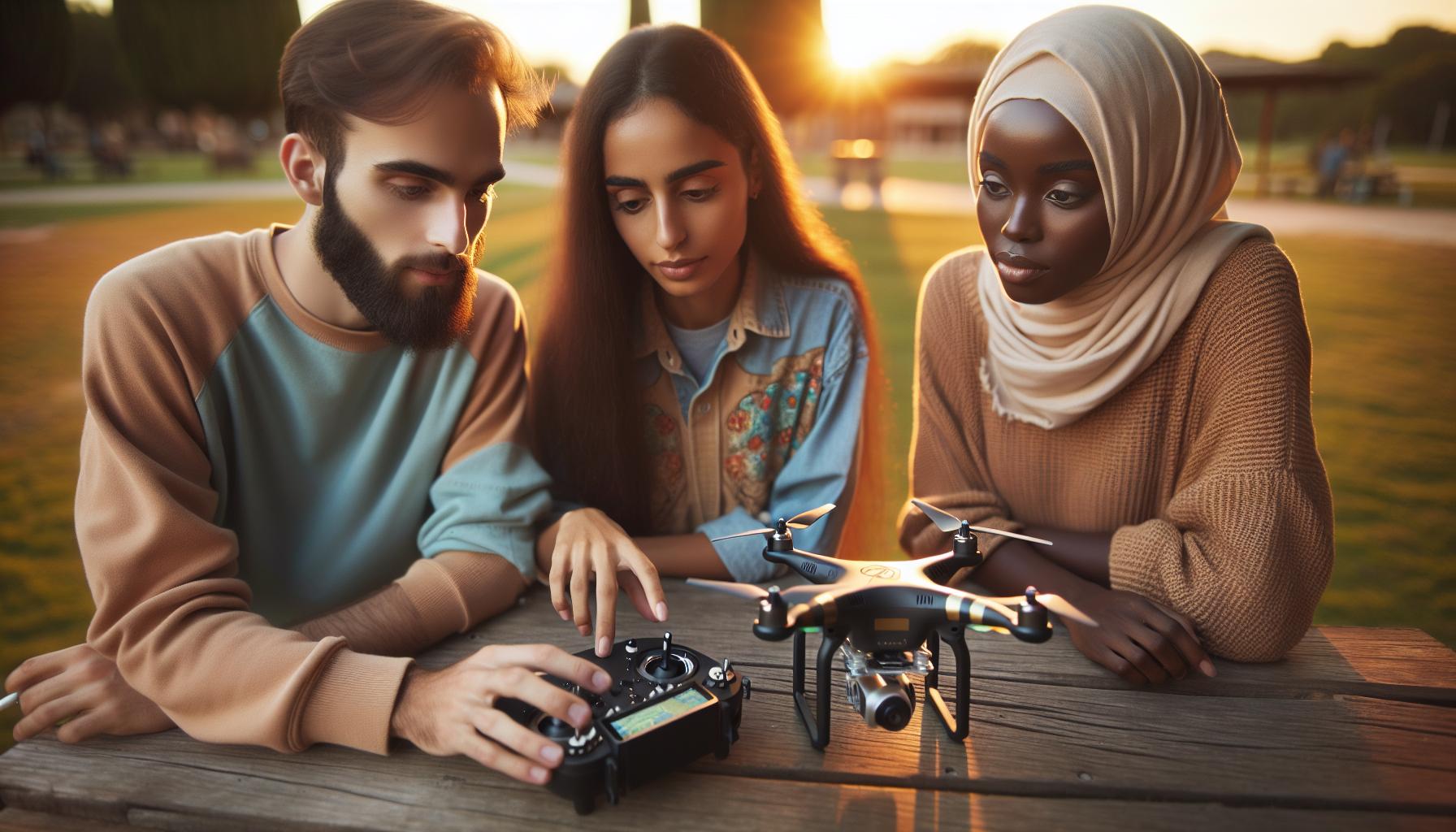
Exploring Flight Modes: Choose the Right Settings
When navigating the diverse landscape of drone operation, selecting the right flight mode can significantly impact your flying experience and the quality of footage captured. Modern drones, particularly DJI models, offer a variety of flight modes, each designed to cater to different scenarios, skill levels, and creative aspirations. Understanding these modes empowers both novice flyers and seasoned drone pilots to optimize their aerial maneuvers and enhance their overall experience.
Common Flight Modes and Their Applications
- GPS Mode: This is the standard mode for most DJI drones, providing stability and ease of control. GPS mode keeps your drone anchored in place, making it ideal for beginners and for capturing steady shots without sudden movements.
- Sport Mode: For those looking for speed and agility, sport mode is the ultimate choice. It disables many of the safety features that limit speed and maneuverability, allowing experienced pilots to execute rapid movements and intricate aerial tricks.
- tripod Mode: This mode reduces the drone’s responsiveness, making it perfect for capturing smooth, cinematic footage. The slower movements help avoid unintentional shakes or jerks that can occur during filming.
- Follow Me Mode: Utilizing advanced positioning and tracking technology, this mode allows the drone to autonomously follow the pilot, making it great for outdoor activities like biking or hiking where the pilot is on the move.
- Point of Interest: This automated mode allows the drone to orbit around a specified point of interest, facilitating stunning panoramic shots and dynamic footage, perfect for showcasing landmarks or subjects in detail.
Choosing the Right Mode for the Situation
When selecting a flight mode, consider the type of shots you want to capture and your current skills. For beginners, sticking with GPS mode offers the safest and most manageable experience. As comfort levels increase and proficiency improves, transitioning into tripod or sport mode allows for greater creative freedom. It’s crucial to practice in a controlled environment before venturing into complex maneuvers in busy areas.
Additionally, understanding environmental factors-like wind conditions and obstacles-can inform your choice of flight mode. For instance, in windy conditions, GPS mode can provide stability, while in open, less crowded spaces, you might explore the agility benefits of sport mode for exciting aerial dynamics. With practice and knowledge, you’ll not only enhance your skills but also take your aerial photography and videography to new heights, discovering the nuances of each flight mode.
Safety Procedures When Flying Your Drone
When flying a drone, particularly in the consumer market dominated by brands like DJI, adhering to strict safety procedures is paramount not just for your equipment, but for those around you. An essential first step is to familiarize yourself with local laws and regulations governing drone usage in your area. This ensures compliance and fosters responsible flying. For instance, many regions require drone operators to maintain visual line of sight with the aircraft and avoid flying over crowds.
Before taking off, conducting a pre-flight check can significantly minimize risks. Inspect your drone for any physical damage, ensure that the battery is fully charged, and confirm that all firmware updates are installed. Updating firmware is crucial as it often contains vital safety fixes that can prevent malfunction during flight. Pay attention to weather conditions; avoid flying in rain or strong winds, as these can drastically affect your control over the drone.
During flight, maintain a safe distance from people and property, and always be mindful of your surroundings. Utilize the built-in features of DJI drones, such as altitude limits and geofencing zones, to avoid restricted areas. Furthermore, in the event of an emergency, know the standard procedures for safely landing your drone, which can prevent accidents.
Finally, consider maintaining a flight log that records your flying practices, conditions, and any incidents. This not only helps improve your flying technique over time but also provides documentation in case of disputes or concerns raised by others regarding your drone operations. Engaging in these safety practices positions you as a responsible pilot, contributing to the overall community’s positive perception of drone technology.
Advanced Features: Obstacle Avoidance and Thermal Imaging
The integration of advanced features like obstacle avoidance and thermal imaging sets DJI drones apart in the competitive marketplace, making them a top choice for both amateur and professional pilots. Obstacle avoidance systems, found in models such as the DJI Mavic series, utilize an array of sensors, including binocular vision and infrared detection, to create a three-dimensional map of the environment. This technology allows the drone to detect and navigate around obstacles in real-time, thus minimizing the risk of collisions. By employing advanced algorithms, these systems provide multiple flight modes that enhance pilot control, allowing for smoother operation during complex maneuvers or in cluttered environments.
In terms of thermal imaging, DJI has taken aerial photography to new heights with drones equipped with thermal cameras, such as the DJI Mavic 3 Thermal. This technology is particularly valuable for applications in search and rescue, firefighting, and building inspections, as it enables users to capture thermal data that highlights heat signatures and temperature variations. The ability to visualize thermal energy not only aids in identifying potential hazards but also enhances efficiency in various fields, including agricultural monitoring and wildlife conservation. For a DIY drone builder, integrating thermal imaging would require specialized hardware and software, which may not be easily accessible or affordable compared to the comprehensive packages offered by DJI.
To fully leverage these advanced features, operators must familiarize themselves with the settings and calibration processes tailored for different environments. It’s essential to practice proper pre-flight checks and adjustments to ensure that obstacle avoidance systems are functioning adequately. For example, validating the field of view of lidar sensors before flight can help improve detection capabilities. For those interested in thermal imaging, understanding how to interpret thermal data requires practice and experience; thus, engaging in exercises that involve various scenarios will enhance skill and confidence.
Ultimately, while DIY drones offer a level of customization, DJI’s mature technology in obstacle avoidance and thermal imaging creates substantial advantages that elevate user experience and safety. By incorporating these sophisticated features into a user-friendly platform, DJI serves both professional and recreational pilots with powerful tools that cater to diverse aerial applications, making them a formidable option against any home-built counterparts.
Legal and Regulatory Compliance for Drone Pilots
Compliance with legal and regulatory frameworks is essential for drone pilots, whether flying DJI models or custom-built drones. One of the primary regulations in many countries is the requirement for drone operators to register their UAVs. In the United States, the Federal Aviation Administration (FAA) mandates that all drones weighing over 0.55 pounds must be registered online, which helps in ensuring accountability and safety in airspace. Similarly, many countries have their respective aviation authorities overseeing drone regulations, so it’s crucial for pilots to familiarize themselves with local laws to avoid hefty fines or legal issues.
Understanding the operational limitations, such as no-fly zones and altitude restrictions, is just as vital. Drones cannot typically be flown within a certain distance of airports, critical infrastructures, or densely populated areas without specific permissions. For example, in the U.S., recreational pilots must abide by community-based safety guidelines and maintain visual line of sight with their drone at all times. Commercial operators, on the other hand, need to obtain a Remote Pilot Certificate under the FAA’s Part 107 regulations, which involves passing an aeronautical knowledge test and adhering to strict operational rules. Keeping abreast of changes in regulations ensures that you’re always compliant, as drone laws can evolve rapidly with advancements in technology and changes in public safety policies.
Moreover, privacy laws are gaining importance in the drone flying landscape. Pilots must respect individuals’ rights to privacy, particularly when using the drone for photography or videography. Certain jurisdictions may have strict rules on obtaining consent before capturing images or recordings of private property. This not only helps in legal compliance but also builds goodwill and trust within the communities where drone pilots operate. Engaging with local stakeholders and fellow drone enthusiasts can be a great way to stay informed about local regulations and best practices.
Lastly, maintaining a solid understanding of insurance requirements can protect you from potential liabilities associated with drone flight. While not legally mandated in many regions, having drone insurance can safeguard against damages or accidents that may occur during operation. Additionally, consider joining a reputable drone association or community, which often provides resources, updates on regulatory changes, and a support network for drone pilots. Staying informed and compliant not only enhances your flying experience but also contributes to the responsible use of drone technology.
Accessory Recommendations to Enhance Your Drone Experience
In the ever-evolving world of drone technology, having the right accessories can significantly enhance both your flying experience and the capabilities of your UAV. Whether you’re a beginner exploring the skies with a DJI Mini or a seasoned pilot piloting a Mavic or Phantom, investing in quality accessories not only boosts performance but also ensures safety and efficiency. Consider the following recommendations to take your drone experience to new heights.
Essential Accessories for DJI Drones
First and foremost, high-capacity batteries are vital for prolonging flight times. DJI models like the Mavic and Air Series typically come with standard batteries, but upgrading to high-performance options can extend your flight duration significantly, allowing for more extensive aerial shots and maneuvers. Additionally, a multi-battery charging hub can streamline the charging process, ensuring you’re always ready for your next flight without having to wait for individual batteries to charge.
Another crucial accessory is a set of ND (Neutral Density) filters for your drone’s camera. These filters are especially useful for videographers and photographers, as they help manage exposure and create stunning cinematic effects by reducing the light entering the lens. Utilizing ND filters enhances your ability to capture smooth footage, particularly in bright conditions, where glare can detract from video quality.
Investing in a dedicated hard case or backpack is also essential for transporting your drone safely. Look for models designed specifically for your DJI drone model to ensure a snug fit. These cases provide protection against accidental impacts and environmental elements while also offering ample space for additional accessories and spare parts.
Lastly, consider adding a GPS tracker or altitude sensor. A GPS tracker ensures you can locate your drone easily, especially in case of a hard landing or loss of signal. On the other hand, advanced altitude sensors help maintain stable flight in challenging conditions, providing an additional layer of control and safety.
By integrating these accessories into your drone setup, you’ll significantly improve your operational capabilities and safeguard your investment, giving you the confidence to explore new aerodynamics and photography techniques.
Comparative Reviews: DJI Mini, Mavic, Phantom, and More
The landscape of consumer drones is increasingly dominated by DJI, a brand synonymous with innovation and quality. However, as hobbyists and professionals explore the idea of building their own drones, it raises the question of how DJI’s various models stack up against potential DIY alternatives. Comparing models like the DJI Mini, Mavic, and Phantom reveals unique features and specifications that cater to different user needs-knowledge that’s essential before making an investment.
DJI Mini Series
The DJI Mini series is renowned for its compact size and lightweight design, making it a favorite among beginners and casual fliers. With a maximum flight time of up to 30 minutes and advanced features like QuickShots, the Mini offers an accessible entry point into aerial photography. It incorporates a 4K camera that captures stunning visuals, but its limited feature set compared to higher-end models might leave enthusiasts wanting. The Mini’s simplicity is its biggest asset; it’s exceptionally easy to use, and for many, the trade-off in features for portability and ease of use is worth it.
Mavic Series
In contrast, the Mavic series caters to a more advanced audience, bridging the gap between professional and consumer-grade drones. Models like the Mavic Air 2 and the Mavic 3 boast impressive capabilities, including obstacle avoidance, advanced shooting modes, and longer flight times reaching up to 46 minutes. The Mavic 3, with its dual-camera system, allows for both wide-angle and telephoto shots, making it ideal for serious photographers and videographers. These features place Mavic drones at the forefront of consumer technology, providing a robust platform for creative professionals.
Phantom Series
For those seeking a drone that prioritizes stability and performance, the Phantom series stands out. Known for its larger frame and advanced flight stabilization systems, the Phantom 4 Pro features a 1-inch 20MP sensor capable of capturing 4K video at 60fps. Its robust design allows for exceptional flying experiences in various environmental conditions, making it a preferred choice for professionals in fields like surveying and cinematography. While heavier and less portable than the Mini or Mavic, the Phantom’s performance and camera prowess can be unmatched, particularly for demanding projects.
Comparing DIY Drones to DJI Models
While DJI drones offer incredibly refined packages tailored for various skill levels and use cases, DIY drones could potentially provide customization that meets specific user preferences in terms of weight, camera quality, or flight time. However, achieving the same level of reliability and user-friendly interface found in DJI products can be a daunting task for beginners. Building a drone requires a solid understanding of components such as flight controllers, GPS modules, and battery systems, along with extensive calibration and firmware management.
Ultimately, the decision between a DJI drone and a DIY alternative hinges on individual priorities. For casual users who want simplicity and a dependable flying experience, DJI drones offer unparalleled convenience. Conversely, those with technical expertise and a desire for a personalized aerial solution may find building their own drone both rewarding and educational.
Q&A
Q: Can I build a drone that matches DJI’s camera quality?
A: Yes, it’s possible to build a DIY drone with comparable camera quality to DJI’s models. Focus on using high-quality camera components, such as a GoPro or mirrorless camera, and ensure proper stabilization and gimbal setup. Research compatible camera mounts to integrate with your drone frame for optimal performance.
Q: What are the cost differences between DIY drones and DJI models?
A: Building a DIY drone can range from hundreds to over a thousand dollars, depending on components and features. In contrast, DJI models generally have higher upfront prices, often due to advanced technology and pre-assembly. Assess your budget and desired features before deciding.
Q: How long does it take to build a DIY drone compared to buying a DJI?
A: Assembling a DIY drone can take several hours to days based on experience and complexity. In comparison, purchasing a DJI drone requires minimal setup and can be ready to fly out of the box, making it a more time-efficient option for beginners.
Q: What skills do I need to build a drone better than DJI?
A: Building a high-quality drone requires skills in electronics, soldering, and mechanical assembly. Additionally, understanding flight dynamics and software programming for flight controllers can enhance your drone’s performance. If you’re new, consider starting with simpler kits to build your skills.
Q: Are DIY drones easier to repair than DJI models?
A: Generally, DIY drones can be easier to repair due to the use of off-the-shelf components. If you have the necessary parts and skills, you can quickly replace or upgrade specific components. However, DJI’s integrated systems may require specialized knowledge for repairs, complicating the process.
Q: What is the best open-source software for DIY drones?
A: ArduPilot and PX4 are two popular open-source software platforms for DIY drones. They offer comprehensive flight control features and extensive community support. These platforms allow for customization and can often provide functionalities comparable to commercial systems.
Q: Can DIY drones offer better customization than DJI drones?
A: Yes, DIY drones allow for greater customization in design and component selection. You can choose the frame, motors, flight controller, and even software settings to tailor the drone to specific needs, unlike DJI models, which offer limited customization options.
Q: What are the legal considerations for flying a DIY drone?
A: When flying a DIY drone, you must comply with local regulations, just as with commercial drones. This includes registering your drone, adhering to weight limits, and maintaining visual line-of-sight during flight. Familiarize yourself with your country’s drone laws to ensure safe and legal operation.
The Way Forward
As you ponder whether you can build a drone that rivals DJI, remember that both DIY and commercial options have their unique strengths. Embrace the challenge of customization or the convenience of ready-made solutions-each path offers exciting possibilities. Ready to take the next step? Explore our tutorials on drone setup and advanced features to enhance your skills and knowledge.
Don’t stop here; dive into our comprehensive guides on the best DJI drones for various needs or check out our comparison articles for deeper insights. Join our community by subscribing to our newsletter for the latest tips and news, and share your thoughts in the comments below-we love hearing from fellow drone enthusiasts! Discover the potential of flying beyond limits, and let’s elevate your aerial adventures together!