Calibration of the gimbal on your DJI Mini 3 Pro is crucial for ensuring smooth, stable footage and precise control during flights. Many drone enthusiasts encounter issues with gimbal performance, which can lead to distorted images or uneven horizon levels. If you’ve experienced shaky shots or misalignment in your footage, you’re not alone. With just a few simple steps, you can effectively recalibrate your gimbal in minutes, enhancing your filming quality and flying experience. Our guide will walk you through the essential process, empowering you to get the most out of your DJI Mini 3 Pro and capturing stunning aerial visuals with ease. Dive in to learn how to fix your gimbal and improve your flying adventures!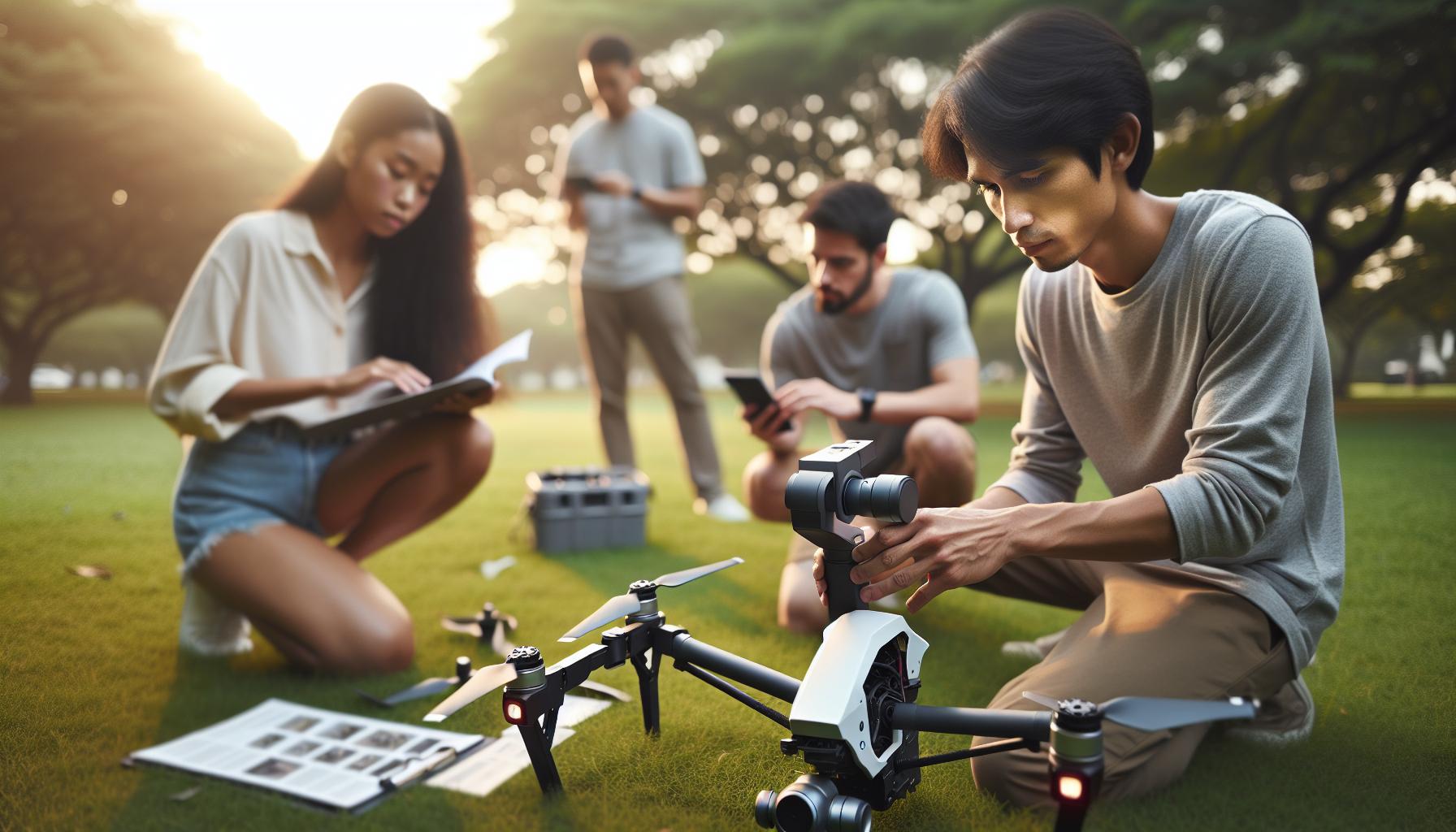
Understanding the Importance of Gimbal Calibration
When it comes to aerial videography and photography, gimbal calibration is a crucial factor that can significantly impact your results. A properly calibrated gimbal ensures that your camera remains horizon-level and stable, allowing you to capture smooth, professional-looking footage and images. This is particularly important in dynamic situations where sudden movements or changes in orientation can lead to unwanted shakes or tilts in your recordings.
Understanding the mechanisms of your DJI Mini 3 Pro gimbal is essential for optimizing its performance. Calibration helps align the gimbal’s sensors and motors, making them more responsive to movements, which is vital for achieving the smoothest shots. Without proper calibration, even the most advanced gimbal systems can produce distorted images and jerky motions that detract from the quality of your work. In environments that involve high winds or rapid changes in movement, a calibrated gimbal can make all the difference in stabilizing your footage and ensuring clarity.
Furthermore, regular calibration not only addresses immediate stability issues but also prolongs the life of your gimbal hardware. Over time, physical wear and tear can lead to misalignments that affect performance. By calibrating your gimbal, you acknowledge and rectify these discrepancies, allowing you to maintain optimal functionality. As you master the calibration process, you’ll gain greater confidence in operating your DJI Mini 3 Pro, enabling more creative possibilities and ultimately enhancing your overall flying experience.
In short, prioritizing gimbal calibration isn’t just an optional task; it’s essential for any serious drone operator dedicated to the art of capturing high-quality aerial images and videos.
Preparing Your DJI Mini 3 Pro for Calibration
Before diving into the calibration process, ensuring your DJI Mini 3 Pro is ready is crucial for a successful outcome. A well-prepared drone will not only save time but also enhance the quality of your calibration efforts. Start by finding a stable and flat surface where you can operate the drone without any disturbances. This minimizes movement that could interfere with calibration results.
Next, ensure your drone is fully charged. A low battery may result in interrupted calibration, causing errors or incomplete processes. It’s also important that you have the latest firmware installed. Firmware updates often include improvements and fixes that can enhance the gimbal performance, making calibration more effective. You can check for updates through the DJI Fly app on your mobile device.
Additionally, it’s wise to clear away any obstructions around the drone. This includes not just physical objects but also ensuring that there are no strong electromagnetic interference sources nearby, as these can affect sensor readings. Before starting the calibration, also verify that the gimbal is free of obstructions and has no visible damages, as any physical defects can result in inaccuracies during calibration.
Lastly, familiarize yourself with the calibration procedure detailed in the DJI Fly app, which provides step-by-step instructions. Knowing what to expect will help you stay calm and focused during the process, ensuring a smoother experience. Taking these preliminary steps will set a solid foundation for achieving accurate gimbal calibration on your DJI Mini 3 Pro.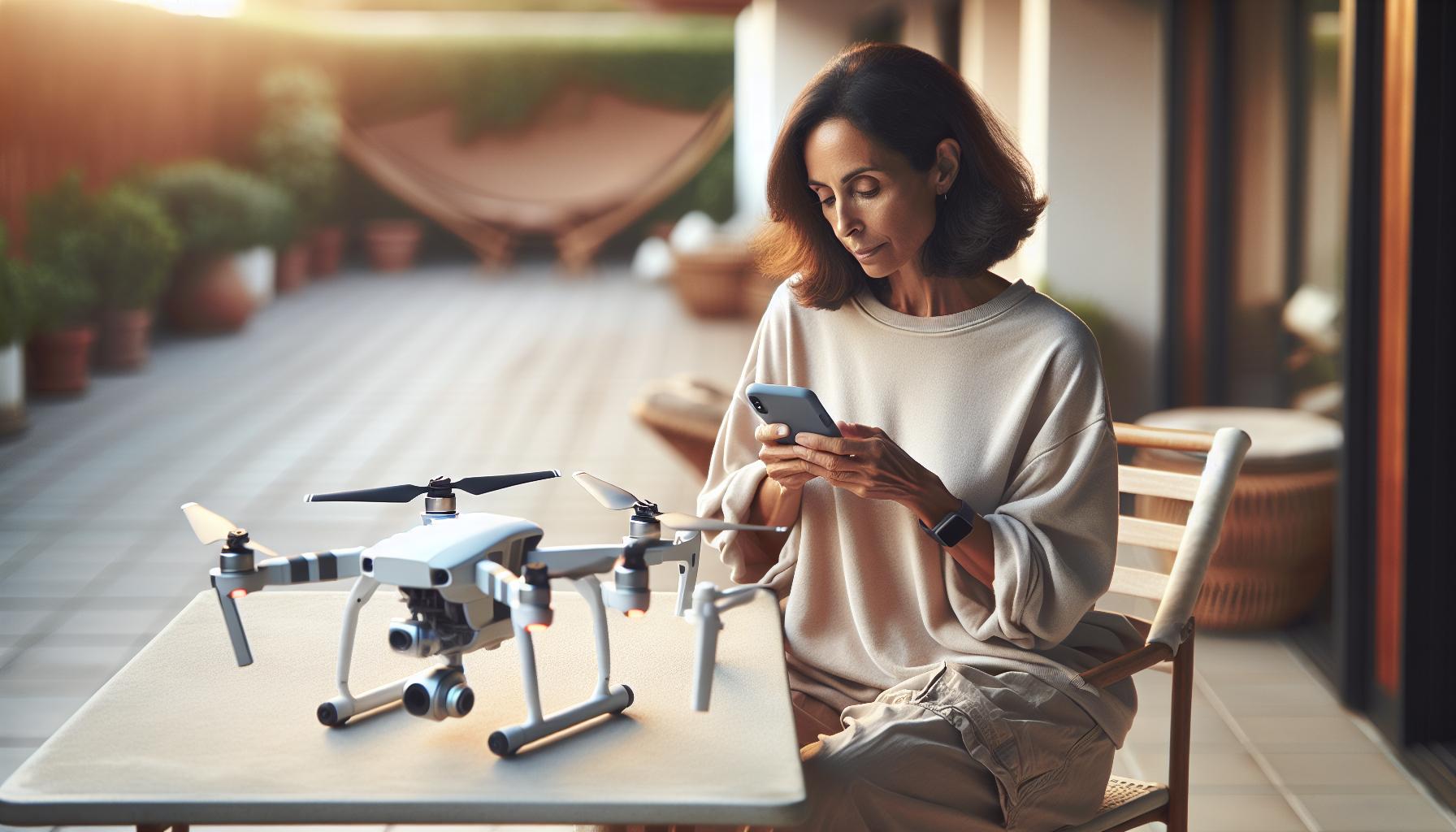
Step-by-Step Guide to Calibrating Your Gimbal
Ensuring your gimbal is calibrated correctly is crucial for capturing stable, high-quality aerial footage, especially with the DJI Mini 3 Pro’s sophisticated stabilization technology. A step-by-step calibration process can seem daunting, but with the right approach, it can be accomplished in just a few minutes. Follow these detailed instructions to achieve optimal results.
Step 1: Access the Calibration Menu
To start the calibration process, power on your DJI Mini 3 Pro and launch the DJI Fly app. Once connected, navigate to the settings menu located in the upper right corner of the screen. From there, find and select the “Gimbal” tab to access the gimbal settings.
Step 2: Start the Calibration Process
Within the gimbal settings, you will find the option for “Gimbal Calibration.” Tap this, and the app will provide information about the necessary conditions for calibration. Ensure that the gimbal is free from any obstructions and that you are in a stable environment.
Step 3: Align the Gimbal
The DJI Mini 3 Pro will prompt you to position the camera. Start by placing the drone on a flat, level surface. Follow the on-screen instructions, which may include turning the drone in specific directions (often 360 degrees) to allow the gimbal sensors to recalibrate its position accurately. Make sure to keep the drone still while executing these movements.
Step 4: Confirm Calibration
After the gimbal has completed its movements, the app will provide feedback on the success of the calibration. If successful, you will receive a confirmation message. If there are any issues, the app may suggest re-calibrating or checking for physical obstructions.
Step 5: Test the Gimbal
Once you’ve confirmed successful calibration, it’s essential to test the gimbal’s performance. Conduct a short flight indoors or outdoors, paying attention to visual feedback from the gimbal stabilization as well as the smoothness of video capture. Adjust settings if necessary, and repeat the calibration process if any issues persist.
These straightforward steps will help ensure your DJI Mini 3 Pro’s gimbal is properly calibrated, enhancing the quality of your aerial footage and providing a more seamless flying experience. Regular calibration is a recommended practice, especially after firmware updates, crashes, or significant temperature changes, to maintain top performance. Happy flying!
Common Issues During Gimbal Calibration and Fixes
During the gimbal calibration process for your DJI Mini 3 Pro, encountering issues is not uncommon, and being prepared to troubleshoot these can save you valuable flying time. A well-calibrated gimbal is essential for smooth footage; however, various factors can interfere with the calibration procedure. Understanding these potential pitfalls and their fixes is crucial for a seamless experience.
One of the most frequent issues is the gimbal calibration process stalling or failing to complete. This may occur if there are physical obstructions preventing the gimbal from moving freely. Ensure that your drone is placed on a flat, level surface, free from any objects that could hinder its movement. If the calibration doesn’t progress, try restarting the calibration process after repositioning the drone. It’s also worth checking if the drone’s firmware is up to date, as updates can fix bugs impacting performance.
Another common problem is receiving a gimbal overload or stuck warning message. This can happen if the gimbal motors are under unnecessary strain-perhaps due to an over-tightened clamp during transport or gimbal settings being incorrectly configured. To resolve this, power down your drone, inspect the gimbal for any potential obstructions or damage, and gently reposition the motors. If the issue persists, a gimbal reset might be necessary, which typically can be done through the app.
Calibration might also be unsuccessful due to environmental factors. High winds, vibrations, or extreme temperatures can disrupt the calibration process. Always conduct calibration in a calm, stable environment. If conditions are less than ideal, wait for better weather or move to a sheltered location. Following these considerations will enhance your chances for a successful gimbal calibration, allowing you to capture the stunning footage your DJI Mini 3 Pro is designed for.
By being aware of these common issues and their solutions, you can ensure your gimbal operates efficiently, ultimately improving your drone flying experience. Happy flying!
Advanced Calibration Techniques for Precision
To achieve impeccable stability and smooth video capture with your DJI Mini 3 Pro, embracing advanced calibration techniques can make a significant difference. While standard calibration methods are effective, adding a few extra steps can fine-tune your gimbal’s performance, ensuring your footage is nothing short of cinematic.
One effective method is to conduct the calibration procedure on a stable surface that minimizes vibrations and movements. Consider using a gimbal calibration stand, which can further isolate the drone from environmental interference. When calibrating, ensure the drone is not exposed to direct sunlight or extreme temperatures, as these can affect the sensors. Using a digital level app on your smartphone can also help you confirm that the surface is perfectly horizontal, providing a solid foundation for precise calibration.
Utilize Professional Calibration Tools
For those who demand the utmost precision, investing in professional calibration tools can be beneficial. Tools like laser levels or smartphone apps designed for calibration can verify the alignment of your drone’s horizon. Notably, using an external IMU calibration device can ensure your gimbal’s sensors are receiving accurate readings, thus enhancing stability during flight.
Implement Environmental Adjustments
Environmental factors play a crucial role in the gimbal calibration process. Conduct calibrations during periods of low wind-even a gentle breeze can introduce unexpected movements. Furthermore, if possible, perform the calibration indoors or in a controlled environment where you can manage temperature fluctuations and steady surfaces. This attention to detail not only leads to a more streamlined calibration process but also optimizes performance under diverse flying conditions.
By adopting these advanced techniques, you empower your DJI Mini 3 Pro to deliver top-tier performance, allowing you to focus on capturing breathtaking visuals without interruption. Whether you’re a hobbyist or a seasoned professional, investing time in understanding and implementing these calibration practices will elevate your drone flying experience significantly.
How to Verify Successful Calibration Results
Verifying successful gimbal calibration is crucial for achieving stable and smooth footage with your DJI Mini 3 Pro. Following a calibration procedure, you should conduct a few simple tests to confirm that the gimbal is functioning optimally. Start by closely observing the gimbal’s responsiveness. When you tilt or pan the camera manually, it should smoothly follow your movements without any lag or stuttering. If you notice any hesitation or jerky motions, it might indicate that the calibration has not been entirely successful.
Next, capture a short test video while using different flight modes. This can help identify if there are any stabilization issues during movement. For example, record a stable object while flying in a straight line and then execute a few quick maneuvers. Analyze the footage afterward to see how well the gimbal maintains a level horizon, especially in turns or sudden movements. The horizon should remain steady and aligned without excessive tilt.
Additionally, conduct a visual inspection of the gimbal and its components. Check for any obstructions or physical damage that could affect its operation. Make sure the gimbal arms and motors are free of debris or bindings, which can often interfere with performance. If the gimbal appears misaligned or the camera frame seems off, a recalibration may be necessary.
It’s also beneficial to use calibration software or apps specifically designed for DJI products. These tools can facilitate a more accurate verification process by providing visual feedback during tests. Many experienced drone users recommend keeping an eye on the gimbal settings in the app; any irregularities or warning messages can help diagnose potential issues early, ensuring that you maintain top performance in your aerial photography and videography efforts.
Troubleshooting Gimbal Problems After Calibration
Ensuring that your gimbal operates smoothly after calibration is essential for capturing stunning aerial footage. Even after a careful calibration process, you may encounter issues such as instability or erratic movements. These problems can stem from various factors, including hardware malfunctions, firmware issues, or environmental influences. Addressing these challenges not only enhances your flying experience but also helps in maintaining the longevity of your equipment.
Identifying Common Issues
Start by observing the gimbal’s behavior during flight. If the camera is shaking or vibrating excessively, it may indicate that the gimbal is misaligned or that there’s interference from physical obstructions. Common troubleshooting steps include:
- Physical Inspection: Check for any loose connections, debris, or physical damage around the gimbal and camera. Ensure that the gimbal arms are functioning properly and are free of any obstructions.
- Firmware Updates: Make sure that both your DJI Mini 3 Pro and the accompanying app are running the latest firmware. New updates often fix bugs and improve performance.
- Resetting Settings: Sometimes, resetting the gimbal settings to factory defaults can resolve persistent issues. This can also help clear any anomalies caused by previous configurations.
Resolving Specific Problems
If the stabilization still appears off after these checks, consider recalibrating the gimbal. Follow the manufacturer’s instructions closely to ensure accuracy. While recalibrating, keep an eye on the following:
- Calibration Surface: Always perform the calibration on a flat and stable surface to avoid introducing errors.
- Battery Levels: Ensure your drones’ battery is sufficiently charged. Low battery levels can create erratic gimbal behavior.
- Environmental Factors: Avoid flying in windy or turbulent conditions that can affect gimbal performance post-calibration.
If the gimbal continues to misbehave despite these troubleshooting efforts, consider reaching out to DJI support or visiting a certified repair center. They can provide professional diagnostics and potential repairs, ensuring your drone remains in optimal working condition.
Understanding these potential issues and fixes will not only empower you as a drone operator but also enhance your ability to adapt and resolve problems quickly. This troubleshooting knowledge is vital for anyone looking to capture flawless aerial footage with their DJI Mini 3 Pro.
Maintaining Your Gimbal for Optimal Performance
Proper maintenance of your gimbal is crucial for maximizing the performance and lifespan of your DJI Mini 3 Pro. A well-maintained gimbal not only delivers superior stabilization for your aerial shots but also ensures that you spend more time flying and less time troubleshooting. Regular care and attention can prevent a host of issues that could interfere with your filming, helping you capture those breathtaking moments without interruption.
To maintain your gimbal effectively, consider the following practices:
Regular Cleaning
Dust, dirt, and moisture can cease the smooth functioning of your gimbal. Use a soft, lint-free cloth to gently clean the gimbal arms and camera lens after each flight. If your drone has been flown in dusty or wet conditions, take extra care to inspect and clean the gimbal to prevent any buildup of debris that could hinder performance.
Firmware Updates
Keeping your firmware updated is integral to the smooth operation of your DJI Mini 3 Pro. Regular firmware updates from DJI not only improve functionality but often include crucial bug fixes. Check for updates in the DJI Fly app or on the official DJI website before each flight to ensure you are flying with the latest enhancements.
Battery Management
Battery health plays a significant role in gimbal performance. Make sure to use the original DJI batteries and avoid depleting them below recommended levels. Store your batteries properly and regularly check their condition. A decline in battery performance can lead to erratic gimbal behavior, affecting stabilization during flights.
Safe Handling
Whenever handling your drone, treat it with care. Avoid sudden impacts or rough handling that could misalign or damage the gimbal components. Utilize a protective case when transporting your drone to safeguard against potential physical damage.
Incorporating these habits into your routine enhances the longevity and reliability of your DJI Mini 3 Pro’s gimbal, ensuring that you are always ready to fly whenever inspiration strikes. Regular maintenance not only keeps your equipment in top shape but also contributes significantly to the quality and stability of your captures, making every flight a successful one.
Tips for Using Your DJI Mini 3 Pro Post-Calibration
Post-calibration, your DJI Mini 3 Pro can provide smoother, more stable footage, but how you operate it can significantly affect performance. Understanding the dynamics of your drone after calibration is essential for maximizing its capabilities. Regular flying practice is crucial to fully embrace the improved stabilization features. Start with gentle maneuvers in controlled environments to get accustomed to any changes in handling or responsiveness.
Flight Techniques for Enhanced Stability
When flying your DJI Mini 3 Pro, adopt smooth and gradual control inputs. Abrupt changes in altitude or direction can lead to noticeable jerks in footage, even with a well-calibrated gimbal. Techniques such as:
- Gentle Ascents and Descents: Ascend and descend slowly to maintain video stability.
- Sweeping Movements: Use wide arcs rather than tight turns to ensure continuous stabilization.
- Constant Speed: Aim for a steady speed during flight to keep the gimbal from overcompensating.
You’ll be amazed at the quality of your results with these refined techniques.
Utilizing the Right Modes
Take advantage of the various intelligent flight modes available on the DJI Mini 3 Pro. For instance, using the Follow Me mode or Point of Interest can help you achieve cinematic shots with minimal effort. These modes allow you to focus on composing your shots instead of manually controlling the drone, letting the gimbal’s stabilization work to your advantage.
Monitor Performance with the App
After completing calibration, frequently check your DJI Fly app to ensure your gimbal’s performance is as expected. The app provides real-time feedback on the camera settings and gimbal status, enabling you to make immediate adjustments. This proactive approach helps you quickly address any issues before they affect your footage.
By implementing these practices, you not only affirm the benefits gained from calibration but elevate your overall flying experience. With a well-maintained gimbal and thoughtful flying techniques, expect remarkable clarity and smoothness in your aerial footage, empowering you to confidently capture breathtaking visual narratives.
Exploring the Benefits of Gimbal Calibration
The impact of gimbal calibration on your aerial footage can be nothing short of transformative. A properly calibrated gimbal not only enhances stability but also elevates the overall quality of your visuals, ensuring that every shot is as smooth and cinematic as possible. With features like the DJI Mini 3 Pro, users can experience significant improvements in their filming techniques, allowing for professional-level footage that captures breathtaking landscapes and dynamic movements with clarity.
Enhanced Stability and Smooth Footage
One of the most immediate benefits of gimbal calibration is the increased stability during flight. A well-calibrated gimbal compensates for any unwanted movements or vibrations caused by wind or rapid changes in direction. This results in smoother video footage, making it an invaluable asset for content creators who prioritize quality. For example, mobile videographers or real estate agents can showcase properties with fluid motion, adding a polished touch to their productions.
Improved Control During Complex Maneuvers
Calibration not only fine-tunes the gimbal’s performance but also enhances your control during complex maneuvers. Whether you are executing a dramatic slow-motion flyby or capturing a sweeping panoramic shot, an accurately calibrated gimbal allows for greater precision and responsiveness. This capability is especially crucial when using intelligent flight modes such as Waypoints or ActiveTrack, where the drone’s camera seamlessly follows the action while maintaining stability.
Versatility in Various Conditions
Calibrating your gimbal enables your DJI Mini 3 Pro to perform efficiently across different environments. Outdoor flying conditions can vary greatly, from gusty winds to varying terrain types. A calibrated gimbal helps overcome these challenges, ensuring that your footage remains steady regardless of circumstances. This versatility is essential for drone operators who engage in adventurous filming or who capture events in various locations, guaranteeing consistent results every time.
In summary, investing time in gimbal calibration significantly enriches the functionality of your DJI Mini 3 Pro. The benefits extend beyond just stability, facilitating creative expression and enhancing professional capabilities. Regularly calibrating your gimbal not only prolongs its lifespan but also allows you to push the boundaries of your aerial storytelling, ultimately capturing stunning imagery that stands out.
Comparative Insights: Gimbal Calibration for Other DJI Models
Gimbal calibration is a vital aspect of drone operation that enhances not only the stability of footage but also the overall performance of various DJI models. While the DJI Mini 3 Pro offers impressive calibration capabilities, other models like the Mavic Air 2, Mavic 3, and the Phantom series also prioritize gimbal precision to deliver stunning aerial imagery.
Each DJI model has its unique calibration process, influenced by the complexity of the gimbal design and the camera system. For example, the Mavic Air 2 and 2S share similar calibration routines, but issues like error codes 40011 and 40021 often arise if the gimbal was replaced or improperly calibrated. In these instances, users are encouraged to follow troubleshooting steps specific to their model, such as resetting the drone or performing the calibration again under stable conditions.
In contrast, models like the Phantom 4 Pro incorporate a more advanced calibration methodology due to the additional weight and mechanics involved in the gimbal system. For these models, achieving level calibration can significantly affect the performance during flight, especially when managing heavy payloads or switching between different shooting modes. Pilots using the Phantom series should pay close attention to environmental factors and follow the manufacturer’s guidelines for gimbal calibration to maximize their flight capabilities.
Furthermore, understanding how calibration varies across models enables pilots to adapt their techniques accordingly. For instance, users transitioning from the DJI Mini series to the Mavic series may need to adjust their calibration approach, acknowledging that Mavic drones often incorporate more sophisticated stabilization technology. Applying these insights ensures not just smoother footage but also boosts creativity in capturing shots-an essential takeaway for both hobbyists and professionals in the aerial photography realm.
User Experiences: Impact of Gimbal Calibration on Stability
Experiencing steady, shake-free footage is often the hallmark of a well-calibrated gimbal, an indispensable tool for drone pilots aiming to capture breathtaking aerial imagery. Many users have reported a remarkable difference in stability after performing a thorough gimbal calibration on their DJI Mini 3 Pro. For instance, some operators noted that prior to calibration, their footage exhibited undesirable jitter, particularly during sharp maneuvers or windy conditions. Post-calibration, however, the same footage transformed into smooth, cinematic shots, demonstrating the direct impact of proper settings on performance.
User stories echo the significance of calibration not only in improving video quality but also in enhancing overall flight experience. A new user recounts their first days with the Mini 3 Pro, where initial flights resulted in shaky recordings due to improper gimbal settings. By following a structured gimbal calibration process, the user achieved a new level of confidence, observing that the drone’s ability to maintain a balanced shot significantly reduced the learning curve in mastering aerial photography. This newfound stability allows users to focus more on composition and creativity rather than technical difficulties.
Regular calibration isn’t just beneficial; it can be essential under varying conditions. For example, experienced pilots often recommend recalibrating the gimbal after changing flight locations, especially if transitioning from calm to windy environments. This practice ensures that the gimbal’s compensation mechanisms function optimally, further enhancing stability. Observing these experiences highlights a crucial takeaway for both novice and seasoned pilots: never underestimate the power of a well-calibrated gimbal in delivering flawless aerial results.
In summary, investing time in gimbal calibration is a small step that can lead to significant improvements in stability and video quality, ensuring that every flight captures the essence of the moment perfectly. Engaging with the community and sharing experiences further emphasizes how calibration is not just a routine chore but a gateway to achieving stunning cinematic results. As you delve into your own gimbal calibration process, remember that each flight opens up new opportunities for mastery, creativity, and breathtaking aerial storytelling.
Faq
Q: How often should I calibrate the gimbal on my DJI Mini 3 Pro?
A: It’s recommended to calibrate the gimbal on your DJI Mini 3 Pro every few flights or whenever you notice instability. Regular calibration ensures optimal performance and stability in your footage. For more details, see our section on maintaining your gimbal for optimal performance.
Q: What are the signs that my DJI Mini 3 Pro gimbal needs calibration?
A: Common signs that your gimbal needs calibration include shaky footage, gimbal misalignment, or erratic camera movement. If you experience these issues, refer to our step-by-step guide to calibrating your gimbal for quick fixes.
Q: Can I calibrate the gimbal without a smartphone?
A: Yes, you can calibrate the gimbal without a smartphone by using the DJI remote controller if it supports calibration features. Check the user manual for specific instructions or refer to our detailed calibration guide for alternatives.
Q: How long does gimbal calibration take on the DJI Mini 3 Pro?
A: Gimbal calibration on the DJI Mini 3 Pro typically takes about 5-10 minutes. Ensure you’re in a stable environment and follow the steps outlined in our guide for a quick process.
Q: Will calibrating my gimbal improve video quality?
A: Yes, calibrating your gimbal can significantly improve video quality by stabilizing the camera during flight. Proper calibration minimizes shake and wobble, ensuring smoother footage. For more tips, check our section on tips for using your DJI Mini 3 Pro post-calibration.
Q: What should I do if the gimbal calibration fails?
A: If gimbal calibration fails, first check for obstructions and ensure the drone’s firmware is up to date. Restart the drone and try the calibration again. If issues persist, refer to our troubleshooting section for additional fixes.
Q: Is there a difference in gimbal calibration methods for DJI Mini 3 Pro and other models?
A: Yes, while the basic concepts are similar, the calibration steps can vary between models. It’s essential to follow the specific guidelines for the DJI Mini 3 Pro as outlined in our comparative insights section to ensure accurate calibration.
Q: Where can I find the gimbal calibration settings on the DJI Fly app?
A: You can find gimbal calibration settings in the DJI Fly app under the “Camera” settings tab. Follow the prompts to initiate the calibration process, detailed further in our article’s step-by-step guide.
The Conclusion
Now that you know how to calibrate the gimbal on your DJI Mini 3 Pro, you’re well on your way to capturing stunning, stable footage. Remember, a properly calibrated gimbal not only enhances your video quality but also extends the life of your drone’s components. If you encountered any issues during the calibration process, be sure to check out our detailed troubleshooting guide for common gimbal errors or explore tips for optimizing your DJI drone flight experience.
Don’t miss the chance to further enhance your skills-subscribe to our newsletter for the latest tips and tutorials tailored for drone enthusiasts like you. Interested in exploring the best accessories for your drone? Visit our comprehensive review section and discover gear that elevates your flying. We’d love to hear about your experiences, so drop a comment or share your success stories below. Keep flying high and capturing beautiful moments!