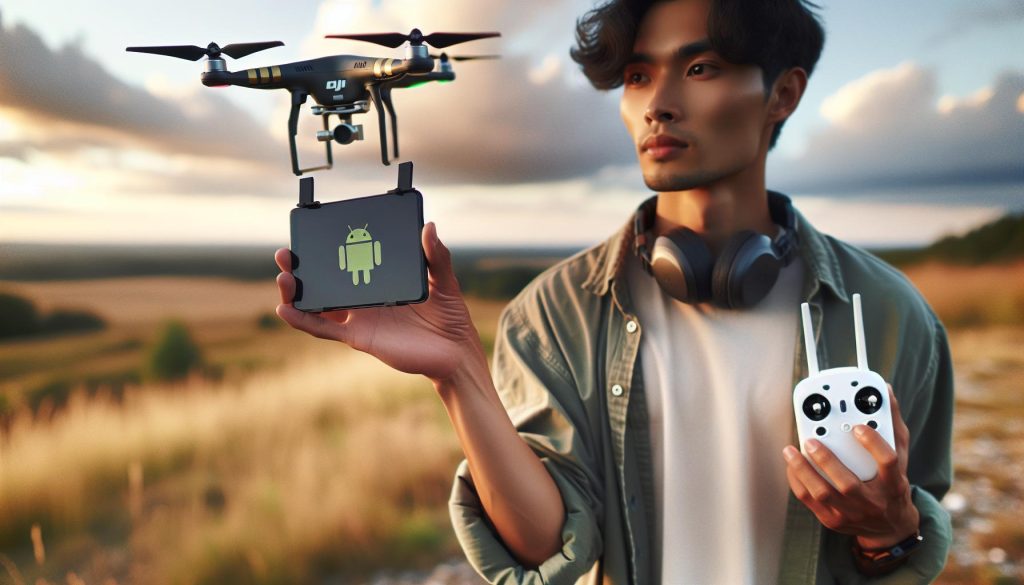
Flying a DJI drone using an Android device can unlock an entirely new world of aerial photography and videography, transforming ordinary landscapes into breathtaking visuals. With countless features designed for both beginners and seasoned pilots, mastering this technology is paramount to achieving stunning results. This guide provides essential insights into setting up your DJI drone for optimal performance, addressing common questions and concerns that many users face. Whether you’re looking to capture captivating moments or explore the skies, understanding how to properly configure your system can significantly enhance your flying experience. Dive in to learn about effective setup procedures, vital tips for safe operation, and the best practices to ensure your flights are not just enjoyable but also productive. By the end of this guide, you’ll be equipped to take your aerial adventures to new heights, confidently navigating the skies with your DJI drone.
How to Choose the Right DJI Drone for Android
Selecting the ideal DJI drone for your Android device can significantly enhance your aerial photography and videography experience. With the extensive range of DJI drones available, understanding your needs and capabilities is crucial. Whether you’re a beginner or an experienced pilot, consider factors such as flight time, camera quality, portability, and ease of use.
Know Your Purpose
Before investing, define why you want a drone. Are you looking for high-resolution photography, or do you plan on using it primarily for recreational flying? Drones like the Mavic Air 2 are fantastic for capturing stunning images with its 48MP camera and robust flight features, making it perfect for enthusiasts aiming for quality without overwhelming complexity. In contrast, the Mini series offers a lightweight and ultra-portable alternative, perfect for travel and casual use.
Check Compatibility with Android
Ensure that the drone is compatible with your Android device. Most DJI drones utilize the DJI Fly app or the DJI GO 4 app, so check their compatibility with your Android version. Older devices may struggle with newer apps, affecting performance and user experience.
Evaluate Battery Life and Range
Battery life is another critical aspect to consider. A higher flight time allows for more extended sessions and reduces interruptions for charging. Drones like the Mavic 3 boast impressive battery durations, providing up to 46 minutes. Additionally, consider the operating range; drones designed for extended use can maintain a connection over several kilometers, enhancing your creative options during flight.
By reflecting on your objectives and assessing the features of different models, you can select a DJI drone that elevates your flying experience while seamlessly integrating with your Android device. Happy flying!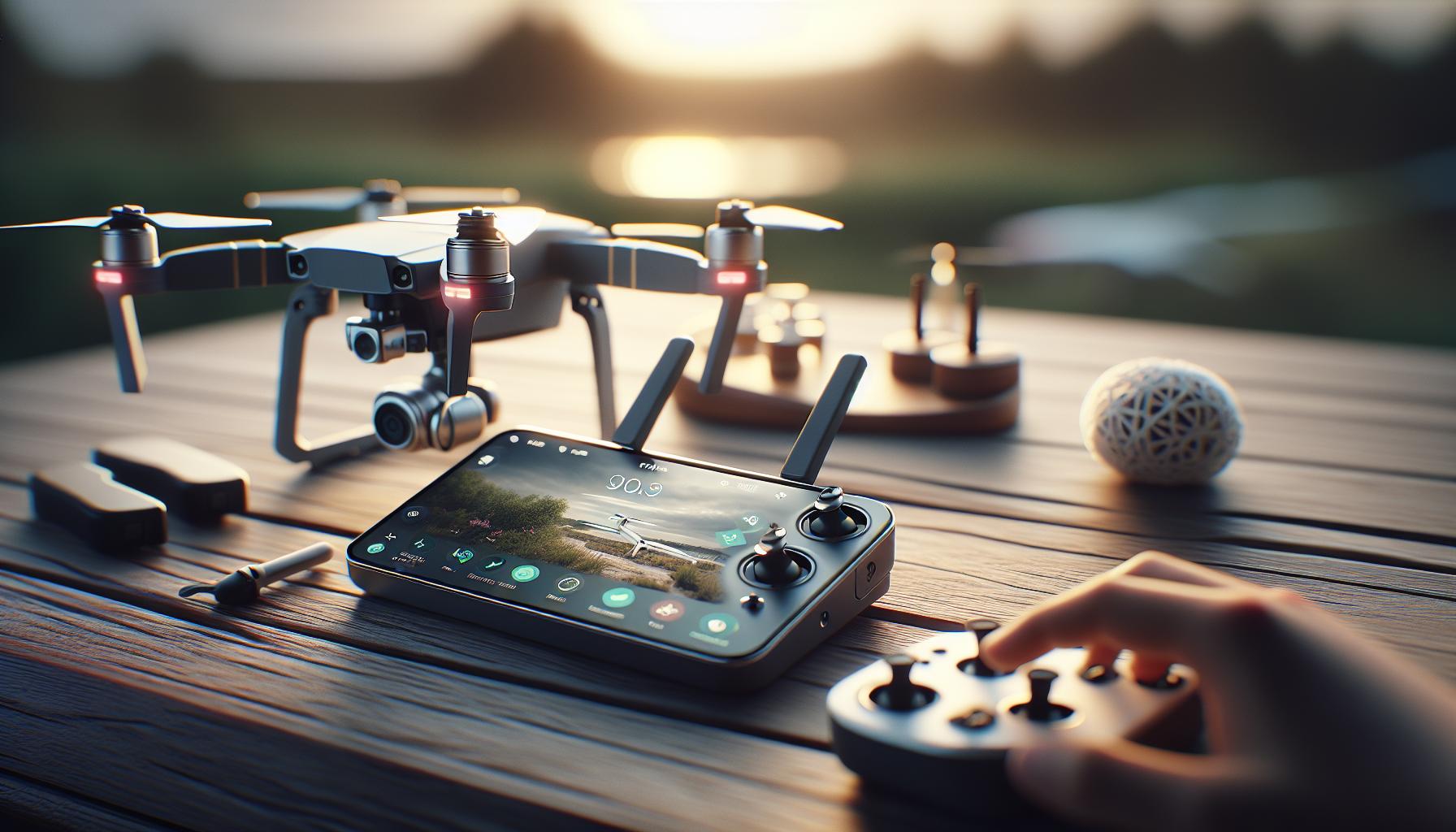
Essential Android Apps for DJI Drone Pilots
In the era of aerial photography, having the right mobile applications can elevate your flying experience significantly. Essential Android apps not only facilitate the operation of your DJI drone but also enhance your filming capabilities and streamline pre-flight preparations. Here’s a comprehensive overview of the vital applications that every DJI drone pilot should consider integrating into their toolkit.
One of the most critical tools is the DJI Fly app, designed for the latest DJI drone models, including the Mavic Mini and Air series. This app boasts a user-friendly interface that provides essential flight information, customizable control settings, and a variety of intelligent flight modes. Furthermore, it supports seamless live streaming and advanced features like QuickTransfer for easy sharing of your captured images and videos to your mobile device.
For those looking to maximize their flying abilities, the DJI GO 4 app remains indispensable for older models, such as the Phantom 4 series. This app brings advanced features including detailed telemetry data, flight planning tools, and the ability to manage settings for real-time HD video transmission. Users can also access various post-processing tools within the app that aid in editing footage on the go.
In addition to these primary applications, consider incorporating airspace awareness tools such as AirMap or DroneBuddy. These applications provide crucial information on local regulations, no-fly zones, and airspace restrictions, empowering pilots to fly legally and safely while making informed decisions about where to take off and land. They also allow users to share their flight plans and real-time locations with other pilots, promoting community safety and collaboration.
Lastly, for post-flight analysis, apps like Litchi can be quite beneficial. This app not only offers mission planning and waypoint navigation but also allows for comprehensive review sessions, where users can analyze their flight paths and performance metrics. With these tools, DJI drone pilots can ensure they are prepared, informed, and ready to capture stunning aerial footage while adhering to best practices for safety and legality.
Step-by-Step Guide to DJI Drone Setup
Setting up your DJI drone correctly is essential for optimizing performance and ensuring a safe flying experience. Whether you’re a seasoned pilot or a newcomer, understanding the setup process can significantly enhance your flight capabilities. The journey to get your drone ready for the skies largely revolves around three key steps: unboxing and assembling, downloading and configuring the necessary software, and conducting pre-flight checks to ensure everything operates smoothly.
Begin by carefully unboxing your drone and all its components, including the remote controller, batteries, and any additional accessories. Take the time to read through the user manual to familiarize yourself with each part and its function. Assemble the drone by attaching the propellers securely, ensuring they are on the correct arms (clockwise vs. counterclockwise). This step is crucial, as incorrect propeller placement can affect flight stability and safety.
Next, download the appropriate app for your device-either the DJI Fly app for newer models like the Mavic Mini and Air series or the DJI GO 4 app for older models such as the Phantom 4. After installation, connect your mobile device to the remote controller and launch the app. You will be prompted to update the drone’s firmware if necessary-this is an important step to ensure that your drone is operating smoothly and is equipped with the latest features and safety protocols. Follow the on-screen instructions to complete the firmware updates and set up your control preferences.
Before taking flight, conduct a thorough pre-flight checklist. Check battery levels on both the drone and the remote controller, ensuring they are sufficiently charged. Confirm GPS signal strength as well, which will affect your drone’s positioning and stability during flight. It’s also advisable to conduct a gimbal calibration before flying to ensure your camera captures smooth footage. Once everything checks out, you’ll be ready to launch your drone into the sky with confidence.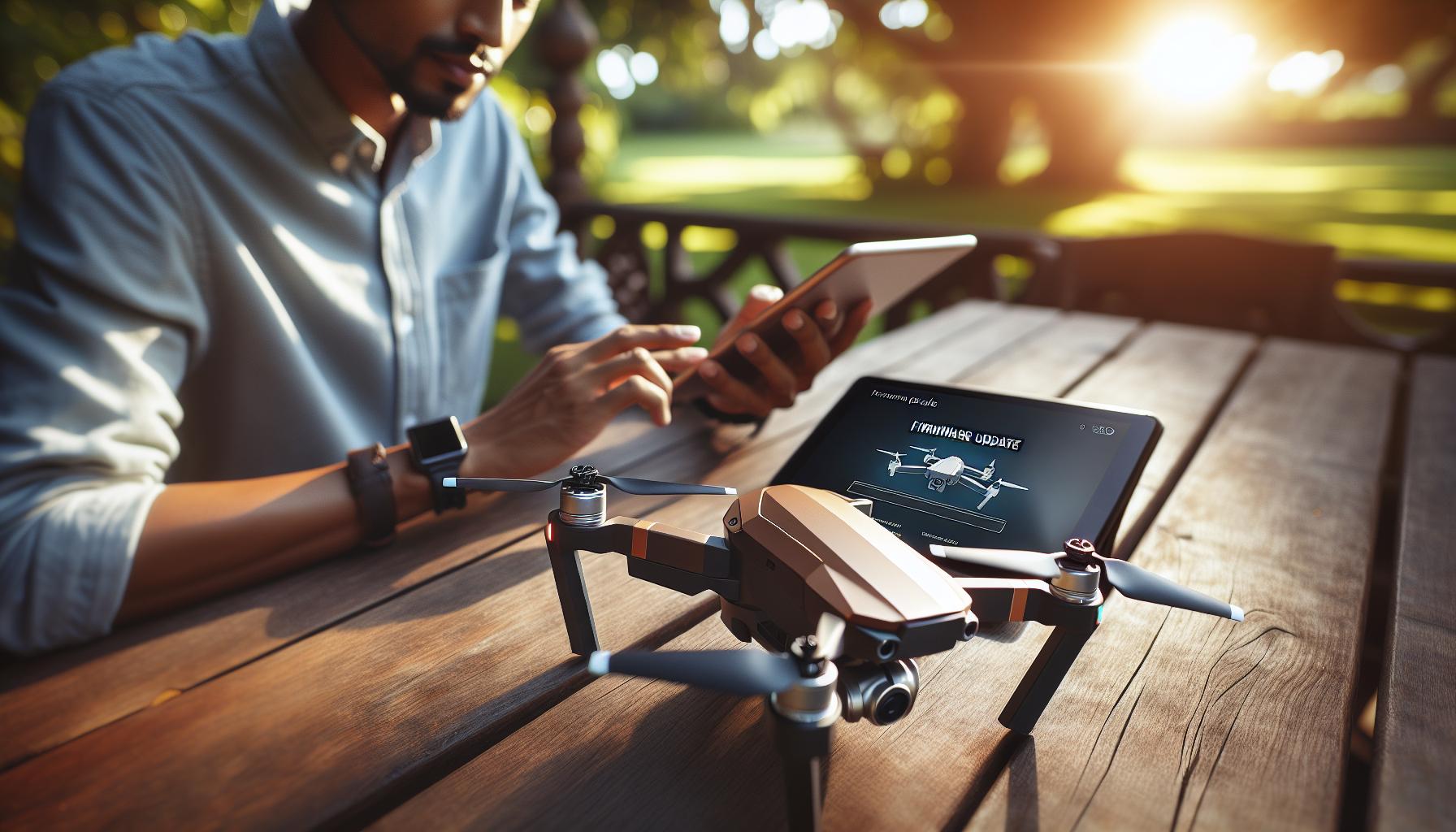
Updating Firmware: Keep Your Drone Up-to-Date
Keeping your DJI drone’s firmware updated is crucial for enhancing performance, compatibility, and safety. DJI frequently releases firmware upgrades to address bugs, improve flight stability, enhance camera functionality, and introduce new features. Unfortunately, neglecting firmware updates can lead to a host of issues, including reduced battery life, lack of compatibility with new hardware, or even flight system malfunctions.
To ensure your firmware is always current, start by downloading the correct app for your drone. Most modern DJI drones utilize either the DJI Fly app or the DJI GO 4 app, depending on the model. Once the app is installed and your drone is connected, the application will typically notify you of any available firmware updates. In this process, the app will guide you through the update procedure, making it easy even for beginners. It’s recommended to perform these updates in a well-lit environment and ensure you have a stable internet connection.
During the firmware update, ensure your drone’s battery is sufficiently charged-preferably above 50%-to prevent any interruptions that could potentially corrupt the update. After the update is complete, the app may prompt you to restart your drone, which helps ensure that all new settings and features are properly initialized. Checking for updates regularly, especially before significant flights or after incidents, will help maintain your drone’s optimal performance.
An additional tip is to stay informed about updates through the DJI forum or dedicated communities. Engaging with other pilots can provide insights into specific updates and share experiences that might help you operate your drone more efficiently. Keeping your firmware up-to-date isn’t just about following the latest trends-it’s about ensuring your drone operates at its best, leveraging enhancements that make flying safer and more enjoyable.
Gimbal Calibration for Smooth Footage
Achieving smooth, cinematic footage when flying your DJI drone requires more than just a steady hand; it necessitates proper gimbal calibration. The gimbal plays a crucial role in stabilizing the camera during flight, allowing you to capture high-quality video and photos free from jitter or vibration. Understanding how to calibrate your gimbal is essential for anyone looking to elevate their aerial photography skills.
Before starting the calibration process, ensure that your drone is on a flat, stable surface and that the battery is adequately charged. This step is vital because an uncalibrated gimbal can lead to undesirable footage, even on stable flights. Connect your Android device to the drone and open either the DJI Fly app or the DJI GO 4 app, depending on your drone model. From the main interface, navigate to the camera settings. Here you will find the option to calibrate the gimbal.
Begin the calibration process by selecting the “Gimbal Calibration” option. Follow the on-screen instructions, which typically involve moving the drone through its various axes. The app will guide you through panning, tilting, and rotating the gimbal to ensure it is correctly synchronized with your drone’s movements. This process may take a few minutes, but its importance cannot be overstated; it’s what allows your shots to flow smoothly without the distracting sway often seen in amateur footage.
Ensure that you perform this calibration regularly, especially before important shoots or after firmware updates. Environmental factors like temperature changes can also affect gimbal performance, so recalibrating in different locations or weather conditions is recommended. If you notice any anomalies during recording, such as excessive vibrations or tilting, don’t hesitate to re-run the calibration. With a well-calibrated gimbal, your drone will capture breathtaking footage that showcases your skill and creativity as a pilot.
Exploring Flight Modes: Beginner to Advanced
Understanding the different flight modes available on DJI drones is crucial for both beginners aiming to master the basics and experienced pilots looking to fully utilize their drone’s capabilities. Each mode offers unique settings and controls designed to enhance the flying experience, catering to various skill levels and operational requirements.
Beginner Mode
For those new to drone flying, Beginner Mode is an excellent starting point. This setting simplifies the controls and restricts the maximum altitude and distance, ensuring users do not venture too far or too high while they are just getting accustomed to handling the drone. In this mode, features such as automatic return-to-home and obstacle avoidance are usually maximized, providing an extra layer of safety. Pilots can focus on learning to maneuver the drone with less anxiety, making it an ideal choice for practice flights.
Sport Mode
Once you feel comfortable with the basic operations, switching to Sport Mode allows for a more exhilarating flying experience. This mode unlocks the full capabilities of the drone, enabling faster speeds and more dynamic maneuvers. However, the trade-off is a reduction in safety features like obstacle detection. Pilots in this mode need to be more vigilant as the drone will respond more aggressively to controls, making it essential to have a solid understanding of flight mechanics before diving in.
Tripod Mode
For those focused on capturing cinematic footage, Tripod Mode is a game changer. This mode significantly slows down the drone’s movement and makes it easier to execute smooth, precise maneuvers. The drone behaves more delicately, allowing you to set up stunning shots without the risk of sudden movements that could spoil your footage. It’s especially useful for close-range shots where stability and accuracy are paramount-ideal for videographers and photographers alike.
Advanced Features and Customization
For experienced pilots, there are advanced flight modes such as Waypoints, Follow Me, and ActiveTrack that further enhance the flying experience. Waypoints allow you to set a specific flight path by inputting coordinates via the app, enabling fully autonomous flights ideal for mapping or surveying. The Follow Me mode can be particularly useful for capturing dynamic content, as the drone autonomously follows the pilot or another subject, keeping it centered in the frame.
By understanding each flight mode, pilots can select the one that best fits their experience level and shooting requirements, turning every fly into a valuable opportunity for learning and creativity. Whether you’re just starting or looking to push the boundaries, familiarizing yourself with these options will significantly enrich your overall flying experience.
Mastering DJI Drone Controls and Settings
Mastering the controls and settings of your DJI drone can significantly enhance your flying experience, allowing you to harness the full potential of your device. Understanding each control element is not just advantageous; it’s essential for safe and effective operation. DJI drones are equipped with intuitive interfaces, often navigated through a comprehensive mobile app on your Android device, making it easier to adjust settings and monitor flight data in real time.
The primary controls include the joysticks, which control the drone’s ascent, descent, rotation, and lateral movement. Learning to coordinate these controls smoothly is crucial for stable flight. Begin by practicing basic maneuvers in an open area; start with simple takeoffs and landings, and gradually incorporate turns and altitude adjustments. Adjusting the joystick sensitivity within the app can help tailor the drone’s responsiveness to your flying style, making controls more manageable as you learn.
Another critical aspect to master involves the various settings available in the DJI Fly app. Adjustments such as camera settings, flight parameters, and software controls can be meticulously fine-tuned. For instance, switching between resolution settings can allow for higher-quality footage but may also impact frame rates. Additionally, familiarize yourself with the Safety Settings, which can include automatic return-to-home features, altitude limits, and geofencing capabilities. Utilizing these features adds an extra layer of security, protecting your investment while flying.
Finally, continuous learning about your drone’s advanced features can greatly expand your capabilities. Many DJI drones offer intelligent flight modes such as Follow Me and ActiveTrack, which require minimal input from the pilot, allowing for creative filming opportunities. Practicing with these functions will not only boost your confidence but also enhance the artistic value of your aerial photography.
By integrating knowledge of flight controls with the app’s settings, you develop a comprehensive understanding that enhances both safety and creativity in your flying. Engaging with community forums and tutorials can further enrich your learning journey, providing insights from other pilots to help navigate challenges and maximize the use of your drone.
Safety First: Pre-Flight Checklist and Best Practices
Flying a DJI drone can offer breathtaking aerial views and exhilarating experiences, but safety must always be a top priority. Before you launch your drone into the sky, a thorough pre-flight checklist can significantly reduce risks and ensure a successful flight. Knowing that even seasoned pilots can encounter unexpected situations emphasizes the importance of preparation and vigilance.
Start by performing a comprehensive inspection of your equipment. Check the drone’s body for any signs of damage, ensuring that the propellers are secure and free of cracks or chips. Next, confirm that your battery is fully charged and that you have a backup if necessary. A low battery during flight can lead to loss of control, so always start with a sufficient power reserve. Alongside the physical checks, inspect your remote controller and ensure that the mobile app on your Android device is updated and functioning correctly.
Essential Pre-Flight Checklist
- Inspect the Drone: Check for physical damage, secure propellers, and clean sensors.
- Battery Check: Ensure primary and spare batteries are fully charged and properly installed.
- Firmware Updates: Confirm that both the drone and remote controller firmware are up-to-date.
- GPS and Calibration: Check GPS signal strength and recalibrate the drone if necessary.
- Weather Conditions: Assess wind speed, visibility, and possible weather changes.
- Flight Restrictions: Verify any no-fly zones or legal regulations in your area.
Environmental awareness is crucial as well. Keep an eye on the weather conditions; flying in high winds, rain, or during unfavorable weather can jeopardize your drone’s control and safety. Use your Android device to check real-time weather updates before launching. Likewise, be mindful of your surroundings. Ensure that your flight area is clear of people, animals, and obstacles. Into this, verify you’re aware of local laws governing drone usage, which include altitude limits and restrictions on flying near airports or other sensitive areas.
Lastly, create a mental plan of your flight path. Knowing your intended route can help keep your drone within sight and within safe operating distances. If this is your first flight or you are in a new area, practice basic maneuvers at a safe altitude to gain confidence and ensure everything is functioning as expected. By taking these precautions seriously, you set the stage for a secure and enjoyable drone flying experience.
Indoor Flying: Tips for Safe Navigation
Flying a drone indoors can be an exhilarating experience, but it also poses unique challenges that require careful navigation and attention to safety. Indoor environments, with their confined spaces and various obstacles, demand a different skill set compared to outdoor flying. Understanding how to maneuver your DJI drone effectively inside can enhance your flying experience and reduce the risks of accidents.
Begin by assessing the space in which you plan to fly. Ensure that the area is large enough to accommodate your drone’s wingspan and that there are minimal obstacles like furniture, walls, or hanging items that could interfere with flight. Clear the floor space of loose objects that might cause distractions or could be damaged during a flight. Before you take off, consider marking a designated flight area where your drone will have enough room to maneuver without interference.
Utilize the indoor flying features that many DJI drones offer. For instance, the advanced obstacle avoidance system can help detect and navigate around obstacles effectively, but it’s crucial to remain vigilant as this technology can sometimes have limitations, especially in tightly packed environments. Start with gentle movements, practicing takeoffs, hovering, and controlled landings at low altitudes. This approach not only builds confidence but also gives you a better understanding of how your drone behaves in an indoor setting.
Finally, consider the use of the DJI Fly app on your Android device, which provides real-time telemetry data and enhances your flying experience. Features like the Return-to-Home function can safeguard your drone if it ventures too close to walls or other obstacles. Pre-flight indoor calibrations are essential; ensure that your drone’s sensors are properly calibrated for indoor conditions, and always be aware of your surroundings to avoid collisions. By applying these tips, you can navigate your drone indoors safely and skillfully.
Troubleshooting Common DJI Drone Issues
Flying a DJI drone opens up a world of creative possibilities, but it’s not uncommon to encounter some challenges along the way. Knowing how to troubleshoot common issues can save you time and reduce frustration, allowing you to focus on capturing breathtaking aerial footage. Below are the most frequently encountered problems and effective solutions to ensure your flying experience remains smooth.
Battery Problems
One of the most reported issues among DJI drone pilots relates to battery performance. If your drone shows a substantial drain in battery life or won’t take off at all, consider the following steps:
- Check Battery Health: Use the DJI app to monitor battery status. Look out for any warning indicators and ensure that the cells maintain balanced voltage.
- Proper Charging: Ensure that the battery is correctly connected to the charger. Avoid overcharging, as it can reduce battery lifespan.
- Temperature Conditions: Remember that lithium batteries function best within a certain temperature range. If it’s too cold or hot, the battery may not perform optimally.
GPS Connectivity Issues
Loss of GPS signal can be frustrating, especially when you’re trying to initiate a flight. If your drone refuses to connect or shows “GPS signal weak,” then try these suggestions:
- Wait for Initialization: Ensure you give your drone enough time to acquire GPS satellites. It may take several minutes in a new location.
- Check GPS Mode: Verify that you’re in the correct flying mode and that the drone is in a clear, open area free from tall buildings or electromagnetic interference.
- Firmware Updates: Always ensure your drone’s software is up to date, as updates can resolve connectivity issues.
Camera and Gimbal Malfunctions
Sometimes, the gimbal may not respond as expected, or the camera might not function correctly. To remedy this:
- Calibration: Regularly calibrate your gimbal through the DJI application to ensure that it’s functioning properly.
- Physical Obstructions: Inspect the gimbal and camera for any obstructions or dirt that might hinder movement. Clean them gently if necessary.
- Restart: A simple restart of the drone and remote control can often resolve these minor glitches.
Loss of Control Signal
If you experience a loss of control signal, the drone may become unresponsive, creating a potential concern. Here’s how to address this issue:
- Check Range: Ensure you are flying within the drone’s recommended range. Limitations in range can be due to obstacles between the controller and the drone.
- Interference Sources: Avoid flying near large structures, metallic objects, or areas with heavy radio frequency interference, which can disrupt the signals.
- Recalibrate Remote Controller: Occasionally recalibrating your remote controller can help establish a stronger connection with the drone.
Troubleshooting common issues is essential for a positive flying experience with your DJI drone. By being proactive and following these steps, you can minimize disruptions and maximize the joys of aerial photography and videography. Always refer to your drone’s user manual for model-specific guidance and updates to enhance your flying adventures.
Advanced Features: Obstacle Avoidance and More
Flying a drone becomes remarkably safer and more intuitive when equipped with advanced features like obstacle avoidance systems. These technologies utilize a combination of sensors and smart algorithms to detect obstacles in real-time, allowing the drone to maneuver around them gracefully or come to a safe stop. Such features not only enhance flight safety but also expand the creative possibilities for capturing aerial photography and videography without the constant fear of crashes.
Understanding Obstacle Avoidance
Most DJI drones incorporate multiple cameras and sensors around their body, which continuously scan the environment for potential hazards. This capability is particularly beneficial in dynamic flying conditions, such as flying in forests or urban landscapes full of buildings and power lines. For instance, the DJI Mavic Air 2 employs forward and backward sensors to effectively identify objects, providing alert feedback to the pilot and enabling adjustable settings for obstacle avoidance.
Both beginners and experienced pilots should understand how to actively leverage these systems. Ensure that the obstacle avoidance mode is enabled in the app settings before takeoff. Pilots can customize how aggressively the drone responds to detected obstacles, allowing a tailored flying experience suited to varying skill levels. Beginners might prefer the “ActiveTrack” feature, which keeps focus on moving subjects while avoiding obstacles, making it an ideal setting for capturing action-packed scenes.
Additional Advanced Features
Beyond obstacle avoidance, many DJI drones offer capabilities like “Return to Home” (RTH), where the drone automatically returns to its launch point if it loses connection or runs low on battery. This function is enhanced with GPS accuracy and the ability to avoid obstacles during its return path, ensuring a safe landing even in complex environments.
To maximize the use of these features, pilots should also keep their firmware updated. Firmware updates often include enhancements and improvements to existing flight systems and features like obstacle avoidance. Regularly perform updates via the DJI Fly app, where you can monitor the performance of your drone and address any software bugs that may arise.
By familiarizing yourself with these advanced technologies and capabilities, you can elevate your flying experience, ensuring not only safety but also the successful capture of stunning aerial content. Always remember, though, that while these systems provide a layer of protection, they are not a substitute for attentive flying and good judgment.
Legal Regulations for Flying Drones with Android
Flying a drone can open up exhilarating opportunities for capturing stunning aerial imagery and engaging in recreational activities, but it also comes with a set of legal responsibilities that every pilot must understand. Regulations vary by country, state, and even city, making it vital for drone operators to stay informed about the rules governing their flying activities. Non-compliance can lead not only to the confiscation of your property but also to significant fines and even criminal charges.
In the United States, for example, the Federal Aviation Administration (FAA) lays out specific guidelines for recreational and commercial drone use. For recreational pilots, it is mandatory to register drones weighing more than 0.55 pounds. Moreover, pilots must operate below 400 feet and within visual line-of-sight at all times. Flying in restricted airspace, such as near airports, is strictly prohibited unless you have prior authorization. The FAA also emphasizes the importance of avoiding populated areas to minimize risks to people and property.
For commercial pilots, regulations are more stringent. A Part 107 certification is required, which involves passing an aeronautical knowledge test. Commercial pilots must also maintain flight logs, adhere to specific operational limitations (like only flying during daylight hours), and keep their drones in compliance with maintenance and airworthiness standards.
To stay compliant, familiarize yourself with any local drone laws on top of national guidelines, as city ordinances might impose further restrictions. Apps like B4UFLY and AirMap can help navigate airspace restrictions and provide real-time information on where it’s safe to fly.
Key Points on Legal Regulations
- Register your drone if it weighs more than 0.55 pounds.
- Maintain visual line-of-sight with your drone at all times.
- Avoid flying in restricted airspace unless authorized.
- Commercial pilots must obtain a Part 107 certification.
- Check local laws to ensure additional compliance.
Understanding and adhering to legal regulations not only protects you from potential penalties but also contributes to the safe and responsible use of drones in your community. Always approach your flying activities with an awareness of your surroundings and respect for the law to fully enjoy the benefits of piloting your DJI drone.
Faq
Q: How do I connect my DJI drone to my Android device?
A: To connect your DJI drone to your Android device, download and install the DJI Fly app from the Google Play Store. Power on your drone and remote controller, then open the app. Follow the on-screen instructions to complete the pairing process and access your drone’s features.
Q: What should I do if my DJI drone app is not working on Android?
A: If the DJI app isn’t working, try restarting your device and reinstalling the app. Ensure your Android device’s software is updated and compatible with the app. Also, check your drone’s firmware and update it if necessary to ensure stability.
Q: Can I fly my DJI drone without the app?
A: No, you typically need the DJI app to access essential controls and features for flying your drone. The app provides vital information like battery status, GPS location, and flight modes that enhance your flying experience.
Q: What are the best settings for DJI drones on Android?
A: The best settings vary by drone model, but generally, you should enable GPS, adjust video resolution for optimal quality, set the flying speed to a comfortable level, and ensure obstacle avoidance is turned on for safety. Refer to your model’s manual for specific recommendations.
Q: How can I improve my drone’s flight time with my Android device?
A: To enhance flight time, fully charge your drone’s battery, minimize the weight of accessories, and avoid flying in windy conditions. Additionally, adjust the settings in the DJI app to optimize power usage, such as reducing video recording quality or flight speed.
Q: Are there specific Android devices that work best with DJI drones?
A: While most modern Android devices are compatible, DJI recommends using phones with at least 3GB RAM and Android 6.0 or higher for optimal performance. Devices with a smooth, high-resolution display are ideal for better flight control and monitoring.
Q: How do I update my DJI drone’s firmware using Android?
A: To update your DJI drone’s firmware via Android, open the DJI Fly app, connect your drone, and navigate to the firmware update section. Follow the prompts to download and install the latest firmware. Ensure your battery is fully charged during the update.
Q: What safety features are available when flying DJI drones with Android?
A: DJI drones offer various safety features, including GPS geofencing, obstacle avoidance, altitude limiting, and intelligent return-to-home functionality, which can be accessed and monitored via the DJI app. These features enhance your flying experience while ensuring safety.
Future Outlook
Now that you’re equipped with the perfect setup guide for flying your DJI drone with Android, it’s time to take to the skies! Remember, practice makes perfect, so don’t hesitate to revisit our tutorials on advanced flying techniques and essential safety tips as you grow your skills. Interested in exploring more about the various DJI models? Check out our in-depth comparisons of the Mini, Mavic, and Phantom series to find the perfect match for your needs.
To ensure you never miss a drone update or helpful flying tip, subscribe to our newsletter! You’ll get access to exclusive insights and resources that will enhance your flying knowledge. If you have any questions, feel free to leave a comment below-we would love to hear about your flying experiences or troubleshoot any issues you encounter. Now, get ready to capture breathtaking aerial shots and enjoy the thrill of drone flying!