Did you know that proper management of your DJI Mini 3’s battery can significantly enhance your flight time and overall experience? As a drone enthusiast or professional pilot, understanding how to efficiently charge and maintain your drone’s batteries is crucial for maximizing performance and ensuring safe operations. In this comprehensive guide, we’ll explore essential techniques for charging your DJI Mini 3, covering everything from optimal charging practices to troubleshooting common issues. By mastering these power management strategies, you’ll not only prolong battery life but also gain the confidence to embark on longer flights and capture stunning aerial footage. So, let’s dive in and empower your drone adventures!
Understanding the DJI Mini 3 Battery Types and Specifications
The DJI Mini 3 is equipped with advanced battery technology designed to enhance your flying experience while ensuring safety and reliability. Its smart battery, the DJI Mini 3 Intelligent Flight Battery, boasts a capacity of 2453 mAh and operates at a voltage of 7.7V, enabling flight times of up to 38 minutes under optimal conditions. Such efficiency is critical for both hobbyists looking to capture stunning landscapes and professionals who require extended flight sessions for their projects.
Understanding the technical specifications of the Mini 3 battery can significantly optimize your drone’s performance. The battery is lithium polymer (LiPo), which allows for high energy density while remaining lightweight. This is particularly advantageous for the Mini 3’s compact design, giving it both agility and the endurance needed for longer flights. In terms of safety and durability, the battery is designed with built-in sensors that monitor temperature changes and other crucial parameters to prevent overcharging and overheating.
Another important aspect is the battery’s design for easy installation and removal. With a simple click, pilots can swap out batteries to ensure they’re always ready for their next adventure. Additionally, effective power management practices can maximize the lifespan of the battery. Always charge your battery with the recommended DJI charger, and avoid letting it drop below 20% charge during flights. This practice not only ensures a safer flying experience but also prolongs the overall life of the battery, allowing you to enjoy more flights over time.
Furthermore, knowing the current battery status is crucial when planning your flights. The DJI Fly app provides real-time data on battery health, estimated remaining flight time, and alerts for low battery conditions. This integration takes the guesswork out of flying, helping you make informed decisions to ensure a successful and safe flight experience. Embracing these insights will maximize the potential of your DJI Mini 3 and enhance your aerial adventures.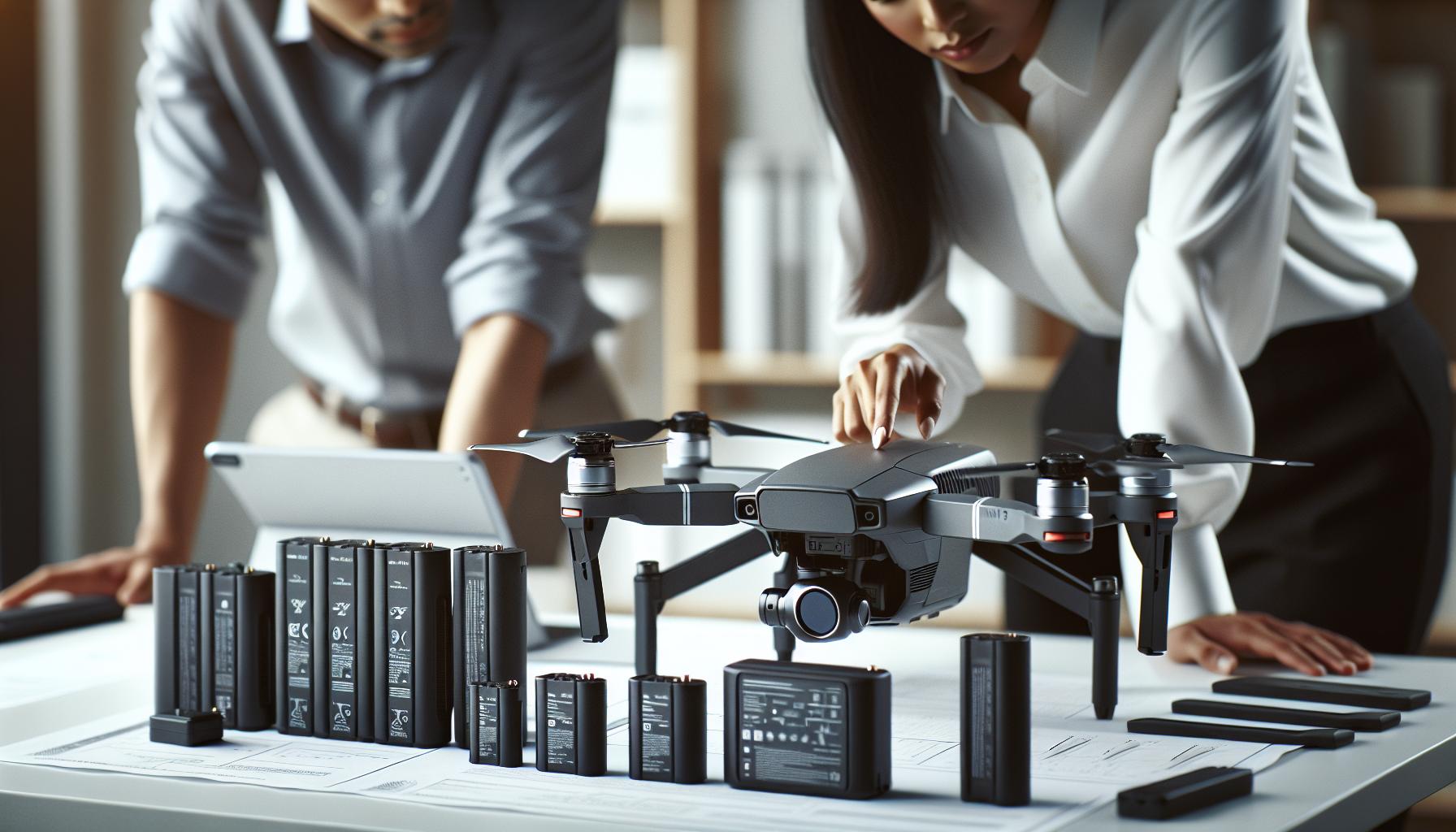
Essential Tools for Charging Your DJI Mini 3
To ensure your DJI Mini 3 is always ready for flight, investing in the right charging tools is crucial. The efficiency of your drone’s battery is heavily influenced by the equipment you use. First and foremost, using the official DJI Mini 3 charger is essential. DJI’s proprietary charger is designed to optimize battery health and improve charging times. It ensures a safe charging environment, significantly reducing the risk of overheating and extending the lifespan of your Intelligent Flight Battery.
In addition to the charger, consider maintaining a multi-battery charging hub. This accessory allows you to charge multiple batteries simultaneously and is especially useful for drone enthusiasts planning longer flights or shoots. By providing a controlled charging environment for each battery, the hub can help balance charge levels, ensuring that every battery receives the proper attention it needs. It’s a time-saving tool that enhances your readiness, allowing you to keep your Mini 3 airborne longer.
When it comes to cables, always opt for high-quality, compatible USB-C cables. Avoid generic alternatives; they may not provide the same power delivery required for efficient charging. A robust cable not only speeds up the process but also maintains the integrity of the battery during charging sessions. This is particularly important for those who frequently travel and require a reliable solution to keep their drone powered up on-the-go.
Lastly, monitoring tools can offer invaluable insights into battery health and charging efficiency. The DJI Fly app not only tracks your flight metrics but also provides real-time updates on battery status. By understanding the specific needs of your battery and addressing them with these essential tools, you significantly enhance your flying experience and ensure that your DJI Mini 3 remains in peak condition for every adventure.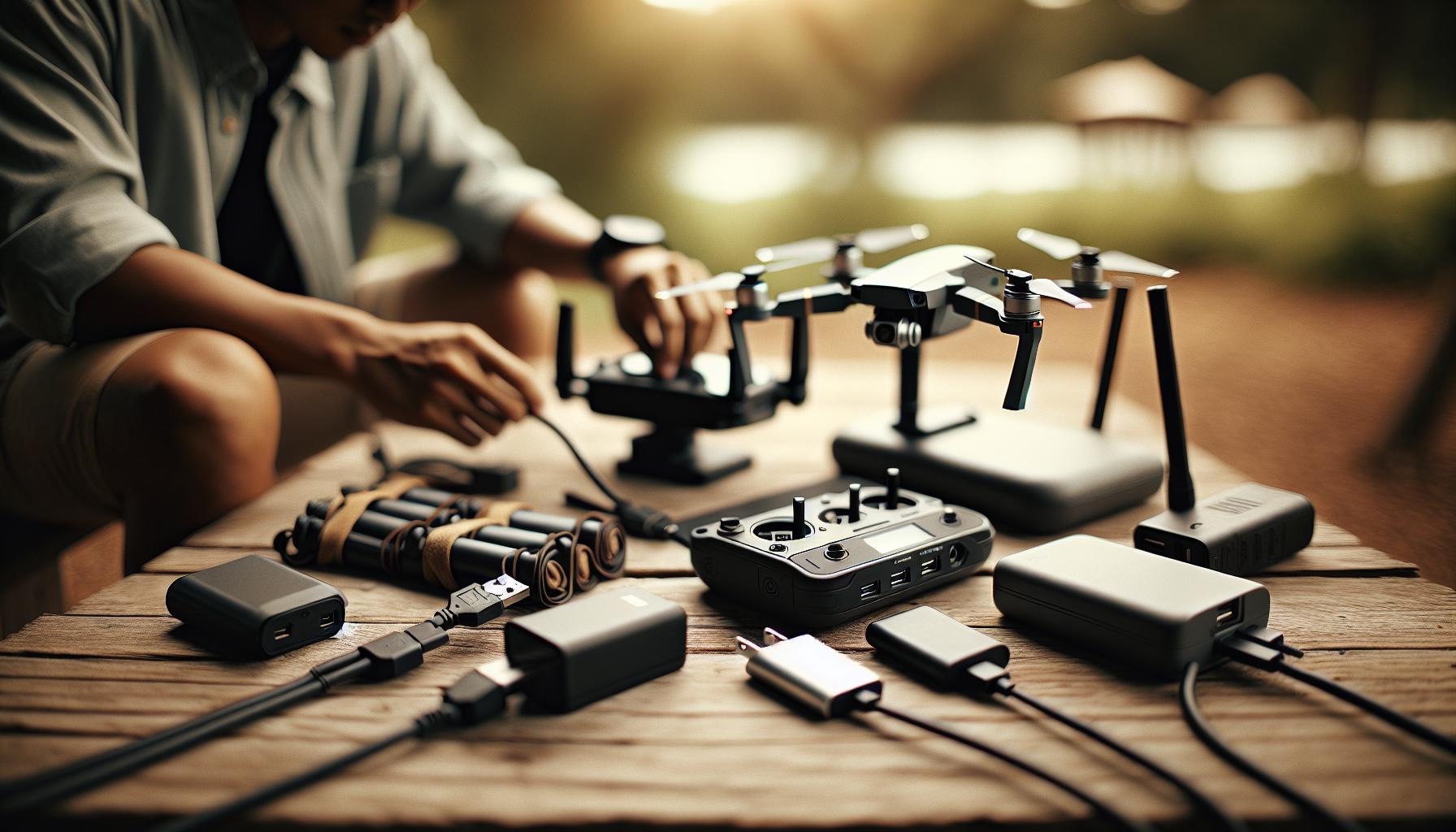
Step-by-Step Guide: How to Charge the DJI Mini 3
Charging your DJI Mini 3 correctly is essential for maintaining optimal battery performance and ensuring it’s always ready for your next flight. The process is straightforward, but following the right steps and safety precautions is crucial to prolonging the battery’s lifespan and efficiency.
Start by selecting the official DJI Mini 3 charger, as this is specifically designed to cater to the power requirements of your drone’s Intelligent Flight Battery. Plug the charger into a wall outlet and connect it to the battery using the provided USB-C cable. Ensure that connections are snug and secure to prevent any interruptions during the charging process.
Once connected, the LED indicators on the battery will begin to show the charging status. Typically, a blinking red light indicates that it’s charging, while a solid green light means that the battery is fully charged. It’s advisable to monitor the charging time; the DJI Mini 3 battery typically takes about 90 minutes to reach a full charge from empty. To avoid any potential damage, always allow the battery to cool down before attempting to recharge if it has been used extensively.
For those who often fly for extended periods or require quick turnaround times, investing in a multi-battery charging hub can be a game-changer. This accessory allows you to charge multiple batteries simultaneously while maintaining optimal conditions for each one. For on-the-go charging, ensure you always carry high-quality USB-C cables, which can help maintain consistent power delivery and prevent any issues related to inferior alternatives.
Finally, make use of the DJI Fly app to keep tabs on battery health and performance. The app provides useful metrics such as remaining charge capacity and overall battery health status, enabling you to make informed decisions about when to recharge or retire a battery from service. Following these steps will help ensure your DJI Mini 3 is charged efficiently and is ready to capture those breathtaking aerial shots whenever you are.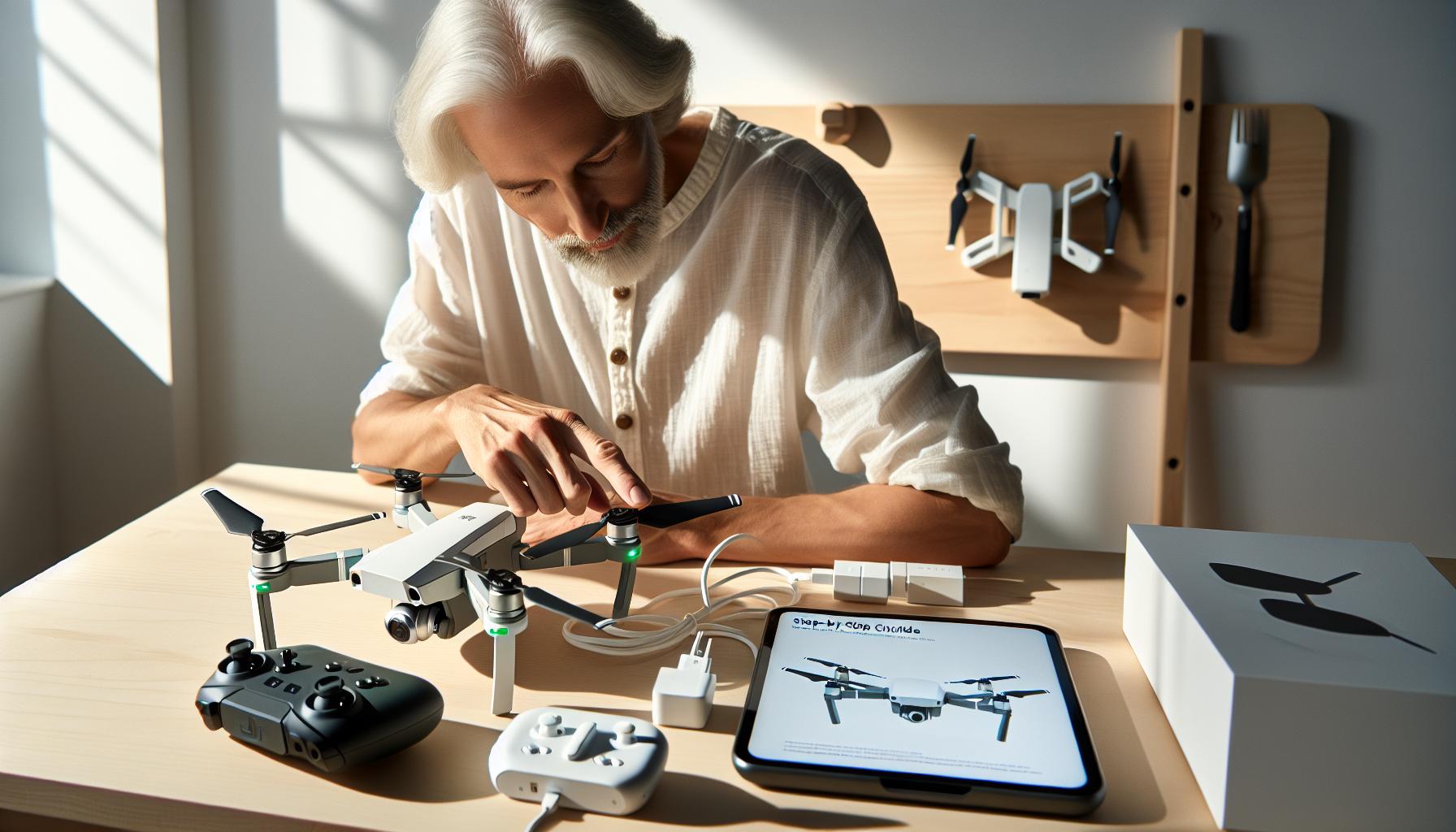
Charging Best Practices for Extended Battery Life
Regularly practicing proper charging techniques is crucial for extending the battery life of your DJI Mini 3, promoting both optimal performance and longevity. One of the key aspects to consider is not to let your battery drop too low before recharging it. Aim to recharge your battery when it reaches around 20-30% capacity. This practice helps in reducing the strain on the cells and mitigates degradation over time.
Using the official DJI charger designed for the Mini 3 is imperative. This ensures that your battery receives the appropriate voltage and current for efficient charging. Avoid using low-quality or counterfeit chargers, as they can deliver inconsistent power and potentially harm your battery. The battery should also be stored in a cool, dry place, ideally at around 50% charge if you plan not to use it for an extended period. Excessive heat can damage the cells, while extreme cold can temporarily reduce battery capacity.
Regularly monitoring the battery’s health through the DJI Fly app is another excellent practice. This app not only provides information on remaining charge and overall health but also gives insights into flight performance. If you notice a significant drop in flight time, it might be time to consider replacing the battery. Additionally, consider establishing a consistent charging routine. If you’re aware you’ll be flying regularly, charge the battery up to 90% before your flights, and avoid keeping it plugged in to the charger once it reaches 100% to prevent trickle charging.
A great tip for advanced users is to take advantage of the DJI Mini 3’s features that help manage power effectively. Utilize the “Low Battery RTH” (Return to Home) settings wisely-setting it to a higher percentage can prevent your drone from forcibly returning while still having enough power for additional maneuvers if necessary. Following these best practices can significantly enhance your battery’s lifespan and ensure you’re always ready for your next flight adventure.
Troubleshooting Common Charging Issues with the DJI Mini 3
Encountering charging issues with your DJI Mini 3 can be frustrating, particularly when excitement for your next flight builds. Understanding common problems and their solutions can save time and prevent potential damage to your equipment.
One frequent issue is the inability of the battery to charge despite being connected to the charger. If you notice that the LED indicators on the battery do not light up or blink when plugged in, ensure that you are using the original DJI charger and cable. Third-party chargers often fail to deliver the correct voltage, leading to inefficient charging or damage. If the battery still does not respond, check the charging port for debris or damage that could prevent a secure connection.
Another common problem arises when the battery charges very slowly or only partially. This could be due to the battery being overly discharged. Lithium-polymer batteries like those in the Mini 3 can enter a protective state if their voltage drops too low, causing them to refuse charging. To resolve this, try activating the battery by plugging it into the charger for at least 30 minutes. If it still fails to respond, it might require a specialized charger or intervention through the DJI Assistant 2 software to restore normal operation.
Lastly, keeping an eye on the charging temperature can help avoid complications. Charging batteries in extreme temperatures, whether too hot or too cold, can prevent efficient charging cycles. Aim to charge your batteries at room temperature and refrain from using them in extreme weather conditions. If your battery shows signs of swelling or unusual warmth during charging, discontinue use immediately, as these are indicators of a potential failure.
By recognizing these common charging issues and applying these solutions, you can maintain the health and performance of your DJI Mini 3’s battery, ensuring that you are always ready for your next aerial adventure.
Comparing Charging Options: DJI Mini 3 vs. Other Models
When it comes to charging, understanding the differences between the DJI Mini 3 and other models can greatly enhance your flying experience and operational efficiency. The DJI Mini 3’s charging system, designed specifically for its compact design and lightweight battery, offers unique advantages but also invites comparison with other models within the DJI lineup, such as the Mavic Air series and Phantom drones.
The Mini 3 utilizes a lightweight, rechargeable LiPo battery (2200mAh), which is optimized for maximum flight time while ensuring portability. In contrast, models like the Mavic Air 2 feature larger batteries with higher capacity (3500mAh), providing extended flight time but also requiring more robust charging solutions. Charging speed is crucial for drone pilots; the Mini 3 supports a 30W USB-C charger, which can fully charge the battery in approximately 60 minutes. However, the Mavic series, equipped with specialized charging hubs, can charge multiple batteries simultaneously, allowing for minimal downtime during continuous flight sessions.
Charging Methods Across DJI Models
Inherent in each model’s design are various charging methods that can suit different needs:
- Standard Charging: The Mini 3 relies on a standard USB-C charging port, making it flexible for charging on the go. Meanwhile, the Mavic series features proprietary chargers that optimize charging time but are less versatile.
- Charging Hubs: Mavic drones often include charging hubs that can accommodate up to three batteries collectively, charging them in a prioritized manner. The Mini 3’s charging method lacks this multi-battery capability, which can affect workflow for users needing to operate multiple drones throughout the day.
- Power Banks: The Mini 3 can utilize a power bank for charging, adding convenience for remote pilots. Conversely, while the Mavic series can also utilize power banks, their higher capacity demands require larger solutions.
Practical Considerations
While both the Mini 3 and other DJI models are reliable, the differences in charging processes lead to considerations based on pilot needs. For example, those who prioritize lightweight and portable designs may favor the Mini 3’s charging simplicity. Conversely, operators requiring extensive flight times with greater battery capacity will find the Mavic series more in line with their demands. This ensures that a pilot’s choice primarily reflects their intended usage, flight style, and operational demands.
In summary, while the DJI Mini 3 offers a streamlined charging approach suitable for casual users and hobbyists, other models’ advanced features cater to professional pilots demanding higher performance and flexibility. Understanding these nuances can aid drone users in making informed decisions when selecting the right model and charging apparatus for their unique flying experiences.
Firmware Updates and Battery Performance Impact
Keeping your DJI Mini 3 updated with the latest firmware is essential not only for enhancing its performance but also for maximizing battery efficiency. Each firmware update can bring optimizations that improve the management of battery usage during flights, resulting in longer and more stable flight times. For example, an update might refine the drone’s power consumption algorithms, allowing it to utilize battery power more effectively, especially during challenging maneuvers or in varying atmospheric conditions.
To ensure you’re getting the best battery performance, periodically check for firmware updates through the DJI Fly app. It’s a straightforward process: connect your remote controller to your mobile device, open the app, and the software will automatically notify you of any available updates. Always take the time to read the update notes, as they often highlight specific enhancements to battery management or safety features.
Another practical tip is to upgrade your firmware before significant flights or after long periods of inactivity. Doing so can prevent potential issues that might arise from outdated software, which could negatively impact your battery experience. Furthermore, each update may include new features that improve the overall flight experience, from smarter battery consumption to improved flight modes, all contributing to sustained battery health.
In addition to keeping firmware current, monitoring the battery’s health through the app can provide insights into its performance over time. The DJI Fly app offers updates on battery cycle counts, capacity, and health status, which can alert you to any potential issues before they escalate. Regularly checking this data will empower you as a pilot, ensuring that your drone’s battery functions optimally for every flight. By integrating these practices into your routine, you can maximize the capabilities of your DJI Mini 3 while ensuring safety and efficiency in your flying adventures.
Understanding Battery Storage and Maintenance Tips
When it comes to drone operation, one of the most crucial factors to consider is how you store and maintain your batteries. Proper battery care can significantly extend their lifespan while ensuring optimal performance. Lithium-polymer (LiPo) batteries, commonly used in the DJI Mini 3, require specific handling to minimize risks and maintain their health.
To start, it’s essential to store your batteries in a cool, dry place. Extreme temperatures can lead to reduced capacity and overall battery health. Ideally, the storage conditions should be between 20°C to 25°C (68°F to 77°F). Furthermore, it’s important not to fully charge or discharge your batteries before storing them. Aim for a storage voltage of around 3.8V per cell, which the DJI Fly app can help monitor. This level prevents the cells from going into a deep discharge state, which can damage them.
Regular maintenance checks are also vital in ensuring your battery remains in good condition. Inspect the battery for any physical damage, swelling, or leaks. If you notice any of these signs, it’s often best to dispose of the battery safely according to local regulations and replace it. Charging your batteries only with official DJI chargers is highly recommended, as this ensures compatibility and safety, helping to further prolong the life of your batteries.
Finally, when flying, try to keep an eye on the battery’s cycle count and overall health through the DJI Fly app. If you’re planning a long flight, consider bringing multiple batteries fully charged and ready to go. This practice not only ensures longer flight times but also helps in managing the health of your batteries by varying their usage and avoiding frequent deep discharges. With these maintenance and storage tips, you’ll ensure your DJI Mini 3 batteries remain healthy and reliable, enhancing your overall flying experience.
Optimizing Power Management for Advanced Flight
To achieve optimal performance and efficiency in your DJI Mini 3, understanding and utilizing advanced power management strategies is essential. Drones are complex electronic devices, and their operation relies heavily on effective energy use. By employing smart flight techniques and leveraging your drone’s onboard features, you can extend flight times, enhance performance, and reduce the frequency of battery charging.
One fundamental approach to power management is to take advantage of flight modes that prioritize battery conservation. For instance, switching to Cine Mode can significantly reduce throttle sensitivity and speed, resulting in smoother flights and less power consumption. Additionally, utilizing Intelligent Flight Modes, such as Waypoint or Follow Me, allows the drone to execute complex maneuvers while conserving energy by optimizing its flight path based on predetermined criteria.
Another practical strategy is to make use of the DJI Fly app’s real-time battery monitoring capabilities. This feature not only provides critical information about your battery’s remaining capacity but also indicates the ideal time to land. Setting your flight altitude at a comfortable height can also save battery power – the higher you fly, the greater the energy demand due to increased air resistance.
To further extend your battery life, consider these tips:
- Reduce Wind Resistance: Use a streamlined flying style, especially in windy conditions, to limit energy loss.
- Monitor Camera Usage: Frequent use of the camera, particularly in high-resolution settings, can drain your battery more quickly. Limit recording to essential moments.
- Warm-up Period: Allow your batteries to warm up before flight; cold batteries perform poorly, which can affect flight time.
Additionally, ensure your firmware is up to date. Firmware updates often include enhancements to power management and battery optimization, which can boost overall performance. Regularly updating will help mitigate potential issues that could impact your flight efficiency.
By understanding the nuances of your DJI Mini 3’s power management features and employing strategic flying techniques, you will not only significantly enhance your flight experience but also ensure the longevity of your battery, allowing for more captivating aerial adventures with extended flight times.
Accessorizing Your Charging Experience: Must-Have Gear
To enhance your charging routine for the DJI Mini 3, investing in must-have accessories can streamline the process, improve efficiency, and ensure your batteries are always ready for action. The right gear not only aids in charging but can also enhance the overall usability of your drone, allowing for longer flight sessions and faster turnaround times between uses.
A portable charging hub specifically designed for the DJI Mini 3 is invaluable. With the ability to charge multiple batteries simultaneously, a hub can significantly cut down your downtime, especially during long shoots or extensive flying sessions. Many hubs are equipped with smart charging technology that prevents overcharging and optimally manages battery health, extending your batteries’ life. Additionally, consider a high-capacity power bank, particularly with USB-C PD (Power Delivery) support, which can serve as a backup power solution for your charging needs when you’re away from traditional outlets.
Another essential tool is a quality multi-battery charging station. These stations can charge various battery types and often feature LED indicators to let you know the charging status of each battery at a glance. For those who prioritize travel and mobility, look for lightweight and compact options that can fit easily into your backpack or carry-on. Coupling this with spare batteries allows you to easily swap out depleted ones without the wait, ensuring that you’re always prepared for that perfect shot or extended exploration.
Finally, investing in a protective carrying case for your batteries is crucial. This not only protects your batteries during transport but also organizes your charging setup. Many cases come with individual compartments to prevent damage from physical impacts and ensure efficient heat dissipation during charging. Utilizing these accessories will not only optimize your charging experience but also enhance the overall functionality and longevity of your DJI Mini 3.
Legal Considerations for Drone Battery Transport
Transporting drone batteries involves navigating a complex maze of regulations and safety considerations. Understanding the legal landscape is essential for both casual hobbyists and professional operators. Lithium Polymer (LiPo) batteries, used in DJI Mini 3 drones, can be a fire hazard if not handled correctly, which makes adherence to transport regulations crucial.
The first step in ensuring legal compliance is to familiarize yourself with the regulations set forth by aviation authorities. In the United States, the Federal Aviation Administration (FAA) stipulates that batteries over 100 watt-hours (Wh) must be carried in carry-on luggage, not checked baggage. For most DJI Mini 3 batteries, which typically have a 43 Wh capacity, this regulation is beneficial since they don’t exceed the limit, allowing for more straightforward transport. However, airlines may have additional restrictions, so it’s advisable to check their specific policies prior to travel.
When you prepare your batteries for transport, consider the following best practices to mitigate risks and comply with legal standards:
- Discharge Batteries: Ensure that batteries are stored at a charge level between 30% and 50% to minimize fire risk during transport.
- Use Protective Cases: Invest in cases designed specifically for LiPo batteries. These cases are often fireproof and provide a safe way to store batteries while traveling.
- Label Batteries: Clearly label your batteries according to the regulations of the region you’re traveling in. This includes indicating that they contain lithium batteries and their respective voltages.
- Know Emergency Protocols: Familiarize yourself with what to do in case of a battery fire. Having the right tools, like a fire extinguisher rated for electrical fires, can be invaluable.
In addition to handling individual batteries, transporting spare batteries often raises questions. Carrying multiple spare batteries is generally permitted, but airlines may limit the total watt-hours. Thus, calculating the total capacity of all batteries is crucial. Many jurisdictions also require that batteries be kept in their original packaging or within individual pouches to avoid short-circuiting.
Adhering to these guidelines and staying updated on regulations not only aids in promoting safe practices but also ensures a hassle-free transport experience. The world of drone flying can be exhilarating, and being well-prepared from a legal standpoint enables you to fully enjoy your adventures without interruption.
DIY Battery Solutions for the DJI Mini 3
When it comes to managing power for your DJI Mini 3, understanding DIY battery solutions can greatly enhance your flying experience, especially for those who frequently venture out for extended flights or aerial photography sessions. Crafting your own battery solutions involves not only a grasp of battery technology but also practical strategies to ensure reliability, safety, and performance.
One popular approach among seasoned drone pilots involves creating custom charging setups that accommodate multiple LiPo batteries simultaneously. You can assemble a multi-charger system that can handle several batteries at once, reducing the amount of downtime between flights. For this purpose, a balance charger is essential as it allows for safe charging while maintaining the health of each cell. It’s crucial to ensure that your charging setup features proper connectors compatible with the DJI Mini 3’s batteries, typically using XT30 or similar connectors.
Additionally, building a portable battery pack can be incredibly beneficial when you’re flying in remote locations. Consider purchasing high-quality LiPo batteries with a higher capacity than standard Mini 3 batteries. Ensure these batteries are housed in a protective casing and paired with a DC-DC converter to match the required voltage. This customized setup not only provides the option for longer flight times but also offers the flexibility to re-charge your drone in the field without needing access to traditional power sources.
If you are looking to push the boundaries further, consider incorporating solar charging panels into your DIY solutions. A foldable solar charger can be a game-changer, especially for outdoor enthusiasts who spend their time in the wilderness. Coupling this with a power bank that can efficiently store energy allows you to recharge your drone batteries on the go. While setting this up involves some initial investment and know-how, it ultimately enhances your flying ventures by providing a renewable energy source, ensuring that you’re always ready to capture that perfect shot.
Ultimately, by leveraging these DIY battery solutions, you empower yourself with greater autonomy and efficiency, amplifying your experience as a drone operator.
FAQ
Q: How long does it take to fully charge a DJI Mini 3 battery?
A: It typically takes about 90 minutes to fully charge a DJI Mini 3 battery using the DJI charger. For optimal charging, it’s best to use the original charger to ensure the battery is charged safely and efficiently. Refer to the section on charging best practices in the main article for more details.
Q: Can I charge the DJI Mini 3 battery while it’s in the drone?
A: Yes, you can charge the DJI Mini 3 battery while it’s installed in the drone, provided you use the official DJI charging hub or a compatible charger. This method is convenient but may take slightly longer than removing the battery to charge it separately.
Q: What should I do if my DJI Mini 3 battery won’t charge?
A: If your DJI Mini 3 battery won’t charge, first ensure that you’re using a compatible charger. Next, check for any visible damage or dirt on the battery contacts. If the problem persists, refer to the troubleshooting section of the main article for further guidance.
Q: Is it safe to charge the DJI Mini 3 battery overnight?
A: Charging the DJI Mini 3 battery overnight is generally safe if you’re using the official charger or charging hub, which includes safety features to prevent overcharging. However, to preserve battery health, it’s better to monitor the charging process and avoid excessive charging times regularly.
Q: How do temperature conditions affect charging the DJI Mini 3?
A: Temperature significantly impacts the charging process of the DJI Mini 3 battery. It’s recommended to charge the battery in temperatures between 5°C and 40°C (41°F to 104°F). Extreme temperatures can affect performance and safety, so refer to the battery storage and maintenance tips in the article for specifics.
Q: What is the best way to store a charged DJI Mini 3 battery?
A: Store the charged DJI Mini 3 battery at around 40-60% charge for optimal longevity. Keep it in a cool, dry place away from direct sunlight and extreme temperatures. For more detailed storage tips, consult the battery storage and maintenance section in the main article.
Q: Can I use third-party chargers for my DJI Mini 3 battery?
A: While some third-party chargers may be compatible with the DJI Mini 3 battery, it’s advisable to use DJI’s original charger for safety and reliability. Third-party chargers may not regulate voltage properly, potentially damaging the battery. Check the article for comparisons with other models.
Future Outlook
Now that you’re equipped to effectively charge your DJI Mini 3 and manage its power, you can maximize your flying time and capture stunning aerial footage. Remember, understanding battery care is crucial for safe operations and longevity. Don’t miss our related guides on optimizing flight times and troubleshooting battery issues to further enhance your drone experience.
If you found this guide helpful, subscribe to our newsletter for the latest tips and tutorials straight to your inbox, and explore our detailed reviews on the Mavic and Phantom series for even more knowledge. Your next adventure awaits-take it to the skies and keep learning! Share your thoughts in the comments and let us know how these tips have worked for you!