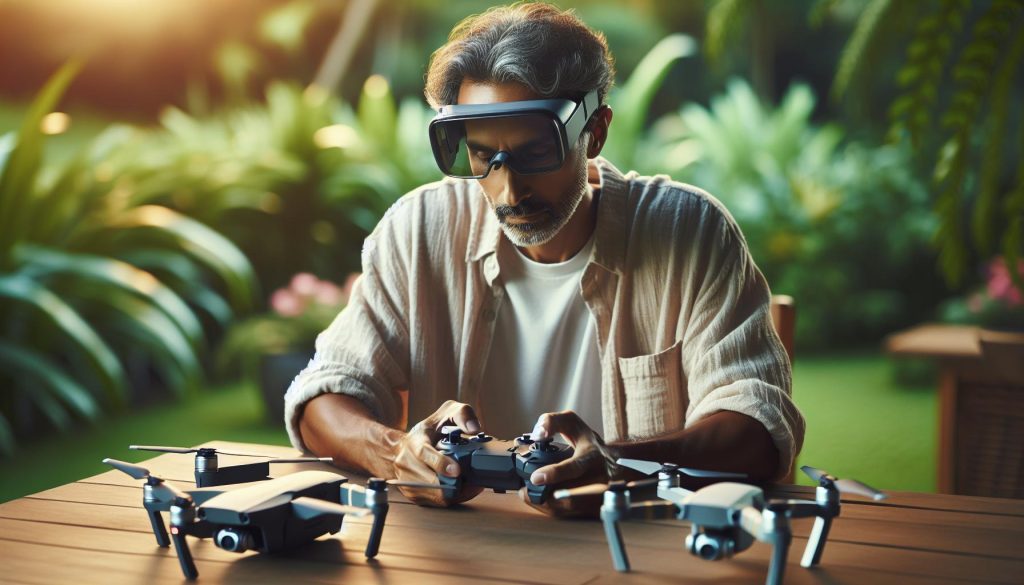
Connecting your DJI Goggles to your drone unlocks an immersive flying experience that brings an entirely new dimension to aerial photography and videography. Ensuring a successful pairing is essential-it enhances your control and situational awareness, allowing for precise maneuvers and captivating footage. Whether you’re a beginner eager to elevate your flying skills or a seasoned pilot seeking seamless integration of technology, this tutorial will guide you through the straightforward pairing process. By the end, you’ll be ready to experience the stunning views and exhilarating moments that only FPV (First Person View) flying can provide. Dive in to ensure you’re not just flying, but truly experiencing the sky like never before!
How DJI Goggles Work with Drones
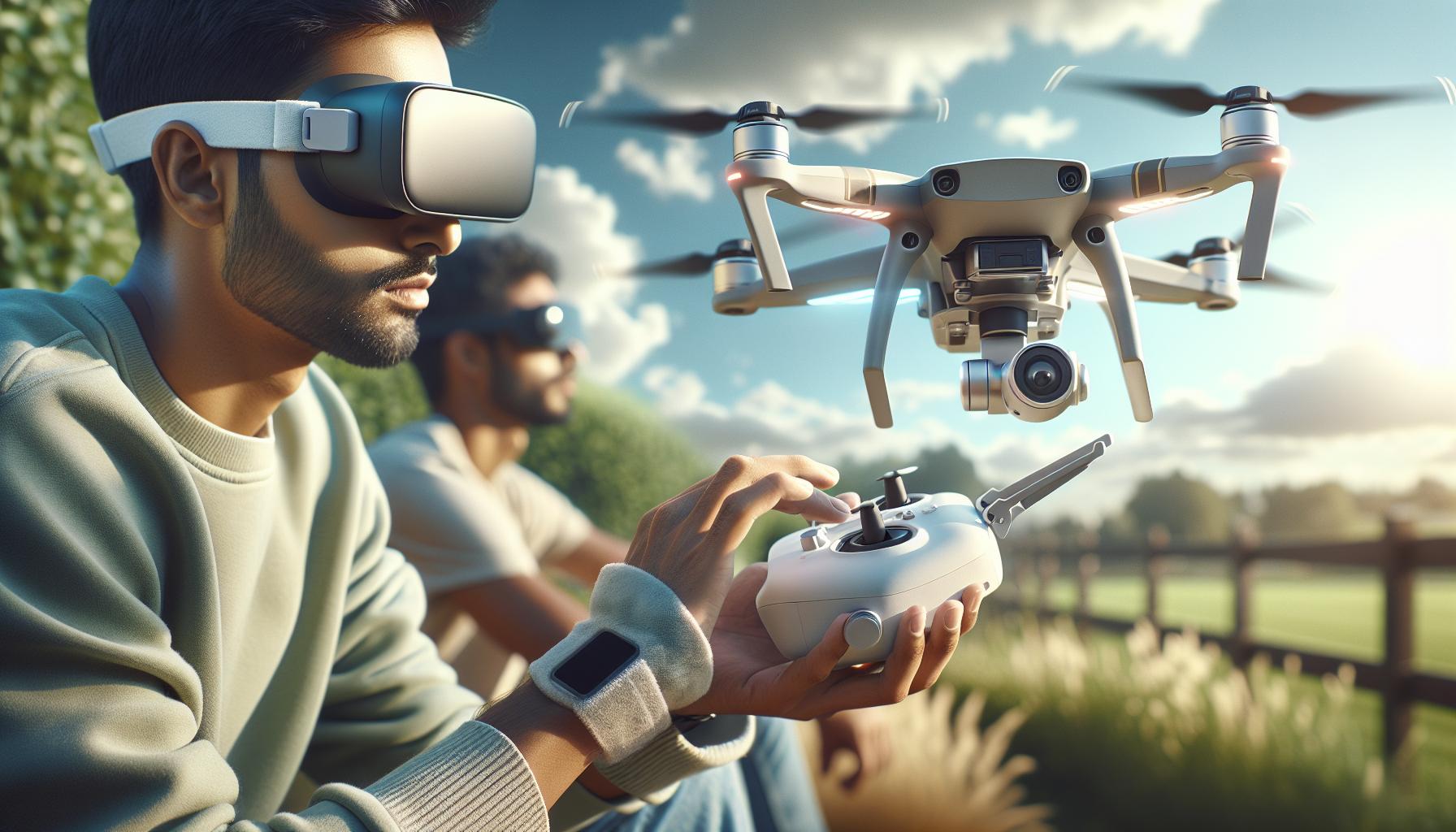
To experience a new dimension of aerial photography and videography, DJI Goggles provide an immersive first-person view (FPV) that elevates the standard drone flying experience. These goggles allow pilots to see exactly what their drone sees in real-time, providing a seamless connection that transforms the way users interact with their equipment. By presenting a live video feed directly onto large, high-quality displays within the goggles, users can navigate and control their drones from an entirely new perspective, enhancing situational awareness and control during flights.
The goggles utilize a wireless transmission protocol that pairs with compatible DJI drones, ensuring low-latency video feeds that are critical for precise maneuvering. As pilots engage in flight, the goggles interpret data received from the drone’s camera and relay visuals instantly, making it seem like they’re soaring alongside their UAV. This connection is not just about viewing but also integrating flight commands; various models allow for head tracking, enabling the pilot to adjust the drone’s camera view simply by moving their head, adding an intuitive control method that feels natural and engaging.
For an optimal experience, it’s key to ensure that your goggles and drone are updated with the latest firmware, maximizing compatibility and performance. Understanding the specific pairing requirements for your drone model is also crucial, as each series may have unique characteristics in connectivity and functionality. Through FCC compliance and regulations, it’s essential to consider legal aspects as well, particularly in areas where drone flying with FPV systems may require additional permissions or adherence to certain guidelines. Overall, utilizing DJI Goggles not only enhances your creative potential but also deepens your connection with your drone.
Essential Gear for Connecting Your DJI Goggles
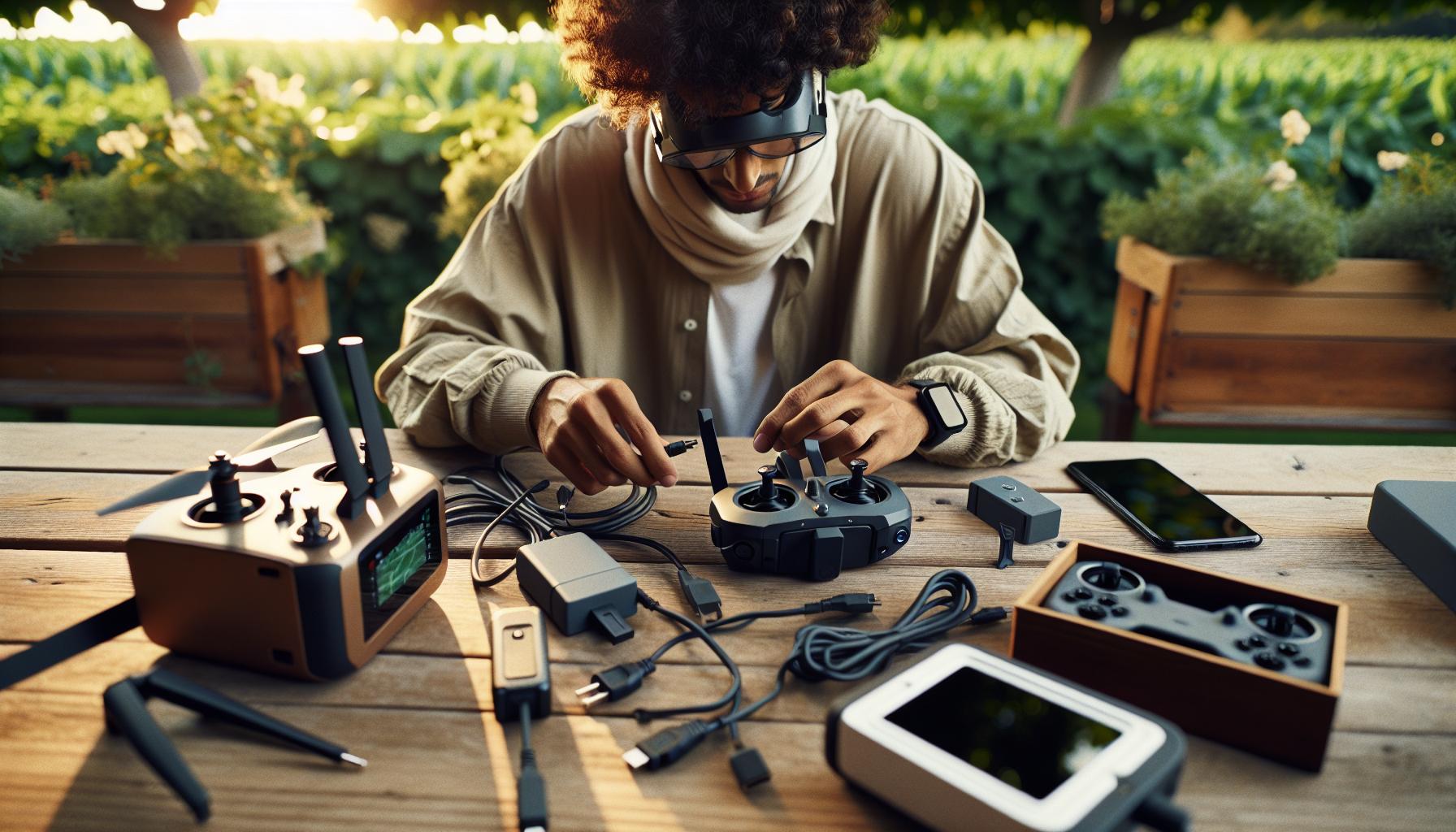
To achieve a seamless connection between your DJI Goggles and drone, a few essential components are needed to ensure optimal functionality and performance. First and foremost, your DJI Goggles must be compatible with the specific drone model you are using. This compatibility often includes several of DJI’s current drone series, such as the Mavic, Air, and Mini lines, each having distinct connectivity protocols and firmware requirements that must be met.
In addition to the goggles and drone, a stable wireless transmission environment is crucial. This typically includes being in an open area free from significant physical obstructions like trees or buildings, as well as minimizing interference from other electronics. A charged battery for both the goggles and the drone is also fundamental; flying with depleted batteries can lead to unexpected cutoffs and connection issues.
Furthermore, utilizing up-to-date firmware on both devices is essential. Regular software updates include enhancements in connectivity and performance that optimize the user experience. Taking the time to check and, if necessary, update your DJI Goggles and drone firmware via the DJI app can prevent many potential issues before they arise.
Lastly, ensure that you have the appropriate cables and connectors ready for charging and linking your devices during setup. While the pairing process is generally wireless, having the right gear, such as USB charging cables, can be a lifesaver if troubleshooting is needed. Following these guidelines will prepare you for a successful connection, allowing you to dive into an immersive drone flying experience.
Step-by-Step Pairing Process for DJI Goggles
To unlock the immersive experience of flying with your DJI Goggles, a clear and systematic pairing process is essential. Getting your goggles to connect seamlessly with your drone elevates your flying to a new level, allowing you to feel as if you’re in the pilot’s seat. Here’s a straightforward guide to help you through the pairing process effectively.
Start by ensuring that both your DJI Goggles and drone are powered on. It’s crucial that they are charged sufficiently to avoid any interruptions during the setup. With your goggles ready, use the touchpad or controls to navigate to the settings menu and select the “Linking” option. This setting is typically found in the main menu, under the settings or connection tab. Once you’ve selected this option, your goggles will enter a pairing mode.
Now, focus on your drone. Depending on your specific DJI model, the method for entering pairing mode may vary slightly, but generally, you will press and hold the linking button on the drone until you see a indicator light start to blink. This indicates that the drone is searching for connected devices. Make sure you are within a reasonable distance, ideally no more than 1 meter apart, to facilitate the connection.
As your goggles search for the drone, a confirmation prompt should appear on both devices when they detect each other. Confirm the pairing on your goggles by following the on-screen instructions, which may require you to select “Yes” or “Pair.” Once completed, both the drone and goggles will register that they are linked. Look for a solid green light or a confirmation notification to indicate successful pairing. Lastly, adjust your goggles for a comfortable fit and check the display settings to enhance your flying experience before taking to the skies.
With these steps, you’re now ready to dive into the thrilling world of FPV flying, bringing your aerial photography and videography to new heights through an enhanced visual experience. Always remember to maintain awareness of your surroundings while flying to ensure a safe and enjoyable experience.
Troubleshooting Common Connection Issues
Connecting DJI Goggles to your drone should be a smooth and intuitive process, but like any technology, you might encounter connection hiccups. Understanding common issues and how to resolve them is crucial for ensuring a seamless flying experience. Here are some practical troubleshooting steps that can help get your goggles linked up with your drone efficiently.
One of the most frequent issues arises from the pairing process itself. Ensure that both your DJI Goggles and drone are sufficiently charged and powered on before starting the pairing. If they aren’t, the pairing process might not initiate correctly. If the devices fail to connect, try restarting both the goggles and the drone. This can often resolve temporary glitches that may prevent them from pairing properly.
Another common issue is interference with RF signals. It’s essential to minimize any interference from nearby electronic devices. If you are in an area with numerous electronic signals, consider moving to a more open space before attempting to pair again. Also, make sure that both devices are within a close range (ideally under one meter) during the pairing process, as being too far apart can hinder the connection.
Sometimes, you may find that the goggles fail to detect the drone despite following the pairing procedure. In this case, check the firmware on both devices. Outdated firmware can lead to compatibility issues. Update your DJI Goggles and drone firmware through the DJI Assistant 2 application on your computer or use the DJI GO app on your mobile device. After updating, retry the pairing steps again.
Lastly, if you see that your goggles are flashing a particular LED pattern, consult the user manual for the specific meaning of those flashes. Each pattern typically indicates a different issue, which can guide you in pinpointing the problem more accurately. By following these guidelines and remaining patient, you’ll enhance your chances of a successful connection, paving the way for an exhilarating FPV drone experience.
Understanding DJI Goggles Settings for Optimal Use
Optimizing your DJI Goggles starts with understanding the settings and features designed to enhance your flying experience. These settings not only affect the quality of the video feed but also influence your comfort and control while flying. When you’re fully immersed in the first-person view (FPV), every detail matters-from visual clarity to latency adjustments.
To achieve the best possible performance, consider the following key settings within the DJI Goggles:
Video Settings
- Resolution: Set your goggles to the highest resolution supported by both the goggles and your drone to enjoy clear, high-definition footage that enhances your flying experience.
- Frame Rate: Adjust the frame rate based on your flying style. A higher frame rate (e.g., 60fps) is ideal for fast-paced maneuvers, while a lower rate may suffice for more leisurely flights.
Display Adjustments
- Lens Distance: Customize the eye relief setting to suit your vision for comfort and clarity. This adjustment allows for optimal alignment of the lenses with your eyes, reducing fatigue during longer sessions.
- Brightness and Contrast: Fine-tune these settings depending on the ambient light conditions. Increasing brightness in low-light environments can significantly improve visibility.
Furthermore, take advantage of the available screen overlays that provide real-time data like battery life, GPS information, and altitude. Configuring these overlays ensures you have all critical flight information readily visible without cluttering the view.
Incorporating these adjustments in the DJI Goggles not only enhances your aerial viewing experience but increases your situational awareness. As you become more accustomed to using the goggles, experiment with different settings to find the perfect configuration that works for your flying style. By understanding and optimizing these settings, you can transform your drone operations, making them not just about the flight but a truly immersive visual adventure.
Comparative Overview of DJI Goggles Models
Understanding the various models of DJI Goggles is essential for drone enthusiasts who want to elevate their flying experience. Each model is tailored for specific functionalities and caters to different user preferences, making it imperative to choose the right one based on your own needs. The two primary models currently dominating the market are the DJI Goggles 2 and the DJI Goggles Integra, both offering unique features that enhance the FPV experience.
DJI Goggles 2
These goggles are designed for high-definition viewing, supporting up to 1080p resolution per eye. This ensures that details are crisp and vibrant, allowing for a much more immersive experience during flight. The low-latency transmission is particularly beneficial for high-speed maneuvers, which is crucial for racing or intricate aerial photography. Furthermore, the Goggles 2 include built-in speakers for audio feedback and a more engaging experience, as well as compatibility with various DJI drones, including the Mavic series.
DJI Goggles Integra
The Integra model, on the other hand, is designed with comfort and ease of use in mind. It features lightweight construction and a streamlined design, making it ideal for extended flight sessions without causing fatigue. The integrated headband and adjustable lenses ensure a secure fit for diverse facial shapes. The Goggles Integra also offer similar resolution capabilities as the Goggles 2 but may lack some advanced features found in the higher-end model, appealing to beginners and casual drone users.
Key Features Comparison
| Feature | DJI Goggles 2 | DJI Goggles Integra |
|---|---|---|
| Resolution | 1080p per eye | 1080p per eye |
| Weight | Heavier due to advanced tech | Lightweight for comfort |
| Audio | Integrated speakers | No built-in audio |
| Target Users | Advanced users, FPV enthusiasts | Beginners, casual users |
Choosing the right model ultimately hinges on your flying style and experience level. Whether you opt for the high-definition capabilities of the DJI Goggles 2 or the comfort of the Goggles Integra, understanding the differences can help you maximize your drone flying experience. By carefully assessing your needs against the features provided, you can confidently select a pair that will enhance not only your drone’s capabilities but your overall enjoyment in the air.
Enhancing Your Drone Experience with DJI Goggles
The integration of DJI goggles into your drone flying experience can be transformative, offering an immersive perspective that reveals the world from a bird’s eye view. By connecting goggles such as the DJI Goggles 2 or DJI Goggles Integra, you’re stepping into a realm where every flight becomes an opportunity for exploration and creativity. Whether you’re surveying landscapes, capturing breathtaking video footage, or racing through complex environments, these goggles enhance your operational control and situational awareness.
One of the standout features of the DJI Goggles 2 is their ability to provide a seamless, low-latency HD video feed, which is particularly beneficial during fast maneuvers or intricate aerial photography. This real-time feedback allows pilots to make more precise adjustments, ultimately improving flight stability and the quality of the resulting footage. For casual users, the lightweight design of the Goggles Integra ensures a comfortable experience, particularly during extended flight sessions.
To get started, ensure your goggles are appropriately paired with your drone. This generally involves activating the goggles, accessing the settings menu, and positioning the drone in discovery mode. Often, the on-screen prompts guide you through connecting both devices with minimal hassle. Once set up, you’ll find that controlling your drone becomes second nature, as you instinctively engage in maneuvers that feel more intuitive than ever before.
Utilizing DJI goggles not only elevates your skill set but also enhances the enjoyment of flying. With features like customizable settings for brightness and contrast, along with built-in audio options, your flights can be fine-tuned to suit personal preferences. Furthermore, engaging with new features-such as FPV racing capabilities-opens avenues for friendly competition among drone enthusiasts. Embrace the technology, as it serves as a gateway to new experiences and heights in your drone flying journey.
Tips for Maintaining Your DJI Goggles
To ensure that your DJI goggles maintain peak performance and longevity, implementing a few simple maintenance practices is essential. These innovative devices are not just about immersive experiences; proper care will enhance their functionality and extend their lifespan, allowing you to enjoy countless hours of aerial exploration.
First and foremost, always handle your goggles with care. Store them in a soft, protective case when not in use to avoid scratches on the lenses or damage to the device. Cleaning lenses with a microfiber cloth can prevent smudges and ensure unobstructed visibility during flights. Avoid using harsh chemicals or abrasive materials that could diminish the quality of the lenses over time.
Regular Firmware Updates
Keeping the firmware up to date is crucial for optimal performance. DJI frequently releases updates that enhance functionality, improve user interface, and fix any bugs reported by users. Regularly connecting your goggles to the DJI Fly app will notify you when updates are available. Follow the prompts in the app for a seamless update process, ensuring that you’re always flying with the latest features and improvements.
Battery Care
Taking good care of the batteries is equally important. Ensure that your goggles are charged with the recommended charging accessory, and avoid letting them drain completely before recharging. Storing your goggles with a partially charged battery (about 40-60% charge) is ideal for maintaining battery health. Additionally, avoid exposing the goggles to extreme temperatures, as this can affect battery performance and longevity.
By incorporating these maintenance tips into your routine, you will not only protect your investment but also enjoy a dependable and enjoyable flying experience. Whether you’re a beginner or a seasoned drone pilot, consistent care for your DJI goggles translates into more reliable performance in the air.
Safety Best Practices When Using DJI Goggles
Flying a drone while using DJI Goggles can provide an immersive experience, enhancing both the excitement and control of your aerial adventures. However, it’s crucial to adhere to safety practices to ensure not only your safety but also the safety of others and the integrity of your equipment.
First and foremost, always conduct a thorough pre-flight check. Ensure your drone is in good working order, and verify that your goggles are fully charged and functioning correctly. This includes checking the firmware on both the drone and the goggles, as outdated software can lead to malfunctions during flight. Familiarize yourself with the controls of your drone and the functionality of the goggles before taking off. Knowing features such as return-to-home, GPS signal strength, and battery levels is essential for maintaining control.
When operating your drone with goggles, it is advisable to fly in a wide-open space, free from obstacles or people. This minimizes the risk of collisions and accidents, as your view is entirely through the goggles, limiting your peripheral awareness. Be conscious of your surroundings; maintain situational awareness, and if you’re flying in areas with crowds, be sure that you have a visual observer to help you keep track of the drone’s location relative to people and obstacles.
Lastly, be aware of local regulations regarding drone use with FPV goggles. Legislation varies by location, and many jurisdictions require that the pilot maintains a direct line of sight with the drone, which can be challenging when using immersive goggles. Make sure to stay informed about the laws in your area to avoid potential penalties and ensure responsible flying practices. By following these safety best practices, you’ll be able to enjoy the thrill of flight with the added peace of mind that comes from being a responsible pilot.
Exploring Advanced Features of DJI Goggles
Utilizing DJI goggles unlocks a host of advanced features that can significantly enhance your drone flying experience. Many users appreciate the seamless integration these goggles offer with DJI drones, transforming their perspective from mere operators to pilots immersed in the aerial environment. One of the standout features is the low-latency video transmission, which provides real-time feedback for precise maneuvering. This is especially beneficial during high-speed flights or intricate aerial maneuvers, where split-second decisions are key.
Another impressive capability is the head tracking feature available in select models. This allows pilots to intuitively control the camera angle simply by moving their heads, providing a natural and immersive way to capture footage from various angles without needing to redirect the drone itself. This functionality, especially during cinematic shoots, has the potential to elevate your videography by enabling dynamic and fluid camera movements.
Additionally, many DJI goggles support multiple flight modes and interfaces that display essential telemetry data including altitude, battery life, and signal strength directly within the pilot’s field of vision. This integration minimizes the need to glance away from the flight path, allowing for a more focused and enjoyable flying experience. Newer models, such as the Goggles 3, even offer compatibility with the latest DJI drones, showcasing features like high-definition video output and the capability for larger FOV (field of view) settings.
Ultimately, maximizing your experience with DJI goggles involves not only enjoying these advanced features but also engaging with the community and keeping abreast of firmware updates that continually enhance functionality. Be sure to leverage these tools to elevate your aerial artistry, whether for hobbyist filming or professional endeavors.
Legal Considerations for Flying Drones with Goggles
Flying drones equipped with goggles transforms the piloting experience, providing a fully immersive view of the aerial landscape. However, it’s essential to understand the legal landscape that governs such operations. Regulations often vary by location, affecting how and where you can fly. Pilots must familiarize themselves with local laws, which can dictate everything from altitude limits to no-fly zones. In many countries, you may also need to obtain a license or register your drone if it exceeds a certain weight, ensuring adherence to safety and accountability standards.
Key Regulations to Consider
It’s crucial to abide by the following legal considerations while using DJI goggles with drones:
- Registration: Depending on your jurisdiction, drones that weigh more than a certain amount (typically 250 grams) must be registered with relevant aviation authorities.
- Visual Line of Sight: Many regulatory bodies require pilots to maintain a visual line of sight with their drone, which can complicate the use of goggles during flight. Always ensure you’re operating within these bounds.
- No-Fly Zones: Be aware of restricted areas, such as airports, military bases, and populated events. Using goggles makes situational awareness more challenging, so check guidelines before flying.
- Privacy Laws: Respect people’s privacy when filming or capturing images. Ensure that your actions comply with local privacy regulations to avoid legal issues.
Staying Informed
Engagement with local drone communities can be invaluable for staying updated on regulatory changes and best practices. Regularly check the websites of aviation authorities and participate in forums or groups that focus on drone flying. These resources can offer insights into specific laws pertaining to goggles and drones, equipping you with the knowledge necessary for responsible flying.
Ultimately, understanding and adhering to the legal landscape not only ensures compliance but also enhances safety, allowing you to enjoy the thrilling experience of flying with DJI goggles without the worry of legal repercussions.
Frequently asked questions
Q: How do I reset my DJI Goggles if they won’t connect to my drone?
A: To reset your DJI Goggles, turn them off, then press and hold the power button for about 10 seconds until you see the startup screen. This process reverts settings to their defaults, allowing you to attempt reconnection following the pairing steps outlined in your tutorial.
Q: Can I use DJI Goggles with any DJI drone model?
A: Most DJI Goggles are compatible with various DJI drones, but check the specifications for your specific model. For best performance, ensure your drone and goggles support the same transmission technology, such as OcuSync or Lightbridge.
Q: What should I do if my DJI Goggles say they are paired but won’t show the live feed?
A: If your DJI Goggles indicate they are paired yet do not display the live feed, ensure your drone is powered on and within range. Restart both the goggles and the drone to reset the connection. Refer to your troubleshooting section for more insights.
Q: How far can I operate my DJI Goggles from my drone?
A: The operating range of DJI Goggles depends on the drone model and transmission technology, typically up to 4-7 km. Always check the manufacturer’s specifications and maintain visual line-of-sight for safety.
Q: Do I need to update the firmware for my DJI Goggles?
A: Yes, regularly updating the firmware for your DJI Goggles ensures optimal performance and compatibility with your drone. Use the DJI GO or DJI Fly app to check for available firmware updates and install them as needed.
Q: Why won’t my DJI Goggles turn on?
A: If your DJI Goggles won’t power on, check the battery charge. Hold the power button for a few seconds. If the issue persists, try using a different charging cable and ensure that the charger is functional.
Q: Can I record video while using DJI Goggles?
A: Yes, you can record video while using DJI Goggles, but this depends on the drone model. Ensure that the recorder feature is activated in your drone settings and confirm you have enough storage space available.
Q: What is the difference between DJI Goggles and DJI Goggles RE?
A: The main difference lies in features and compatibility; the DJI Goggles RE (Racing Edition) offers lower latency and additional support for first-person view racing. Standard DJI Goggles provide a broader view and enhanced video quality for cinematic capture.
Key Takeaways
Now that you’ve successfully paired your DJI Goggles with your drone, it’s time to elevate your flying experience! Remember, mastering your equipment opens up new possibilities for stunning aerial shots and immersive flights. If you have any questions or run into issues, don’t hesitate to check out our troubleshooting guide or the latest tips for optimizing your drone’s camera settings.
For more insightful tutorials, take a look at our in-depth articles on drone setup and firmware updates. Ready to take your skills even further? Consider signing up for our newsletter for exclusive tips on the latest DJI models and upgrades! Your next thrilling flight awaits-don’t miss out on the adventure of flying like never before!