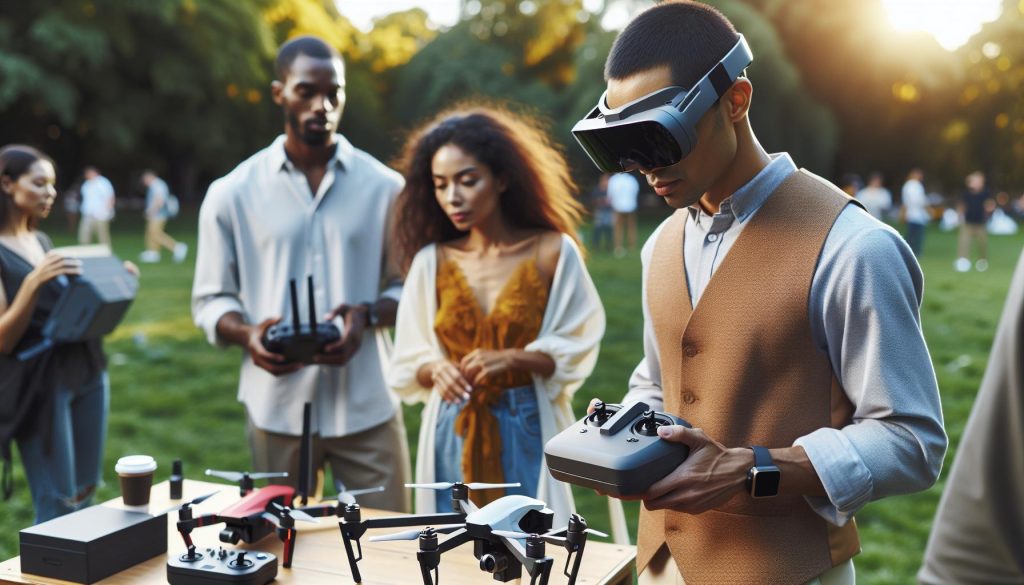
In the ever-evolving world of drone technology, many enthusiasts are eager to level up their flying experience by incorporating high-quality equipment like the DJI Goggles 2. But a common question arises: can these advanced goggles be used with other drone models? Understanding cross-platform compatibility not only enhances your flying capabilities but also maximizes the gear you already own. Whether you’re a seasoned pilot looking to switch things up or a newcomer wanting to explore the best tech at your disposal, knowing how to effectively pair your DJI Goggles 2 with different drones opens up a world of possibilities. Let’s dive into the essentials of cross-platform setups, exploring how to connect and configure your goggles for an optimal flying experience.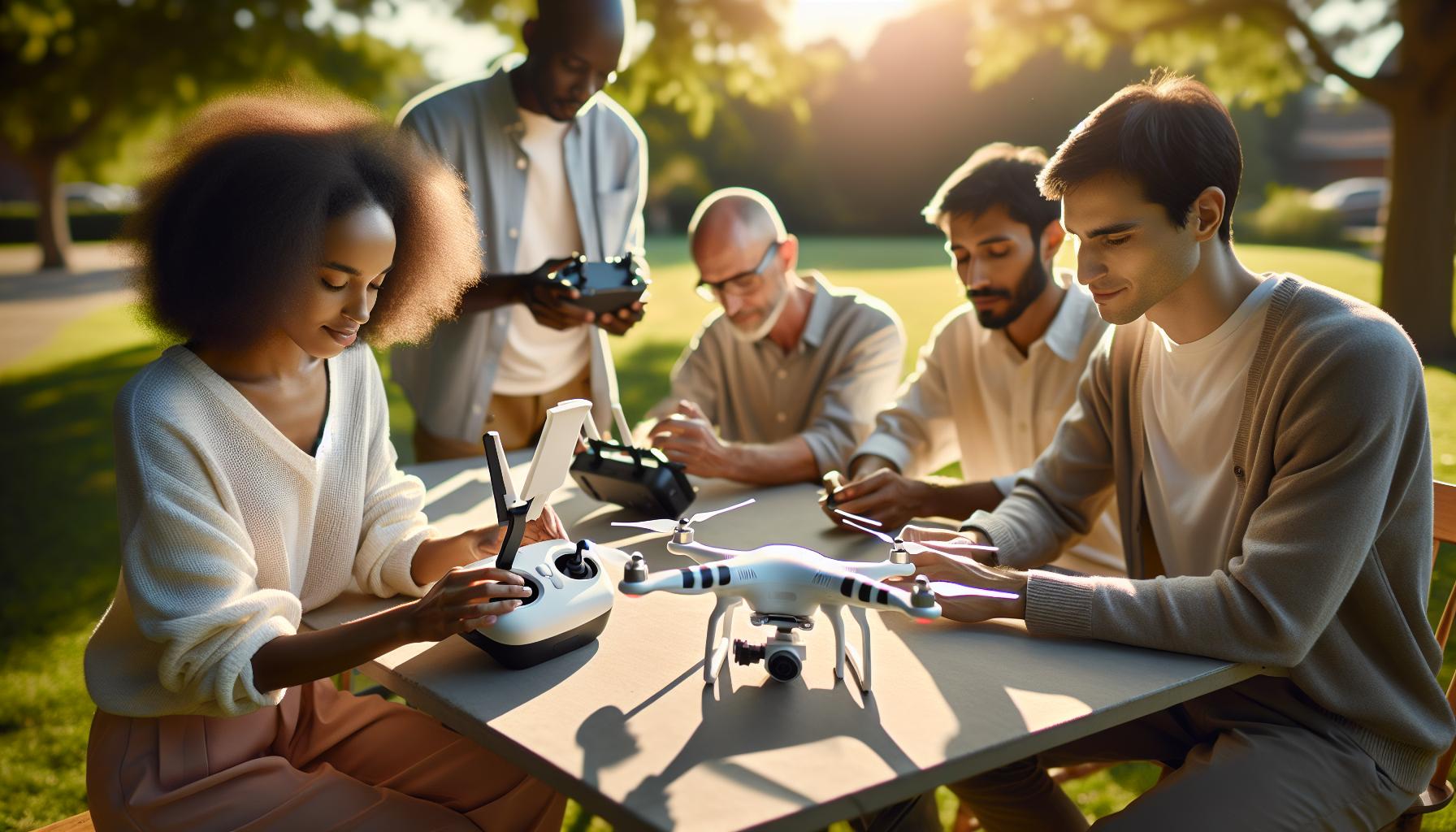
Understanding DJI Goggles 2 Compatibility with Drones
The integration of DJI Goggles 2 with a variety of drones opens up exciting possibilities for enhanced flying experiences. Designed with advanced technology, these goggles provide a first-person view (FPV) that immerses pilots directly into the flight environment. One of the key points of compatibility is that the DJI Goggles 2 can seamlessly connect with various DJI drone models, including the Mavic, Air, and Avata series. This compatibility is largely facilitated by the OcuSync technology, which allows for high-definition video transmission and low-latency control, making it easier for pilots to navigate and control their drones effectively.
However, users often wonder about the flexibility of the Goggles 2 when it comes to cross-platform usage. While they are primarily designed for use with DJI drones, several enthusiasts have successfully integrated them with compatible third-party FPV systems, provided these systems support compatible video formats and transmission protocols. Before attempting to use DJI Goggles 2 with non-DJI drones, it’s critical to check the specifications regarding video encoding and transmission to ensure that they align with the Goggles’ capabilities.
For drone operators looking to maximize their flying experience, understanding the nuances of compatibility is essential. Factors such as firmware updates, connection settings, and hardware compatibility can significantly affect performance. Additionally, utilizing the adjustable features of the Goggles 2, such as custom button mapping and head tracking, can provide a tailored experience suited to an individual’s flying style, enhancing both enjoyment and control in the air.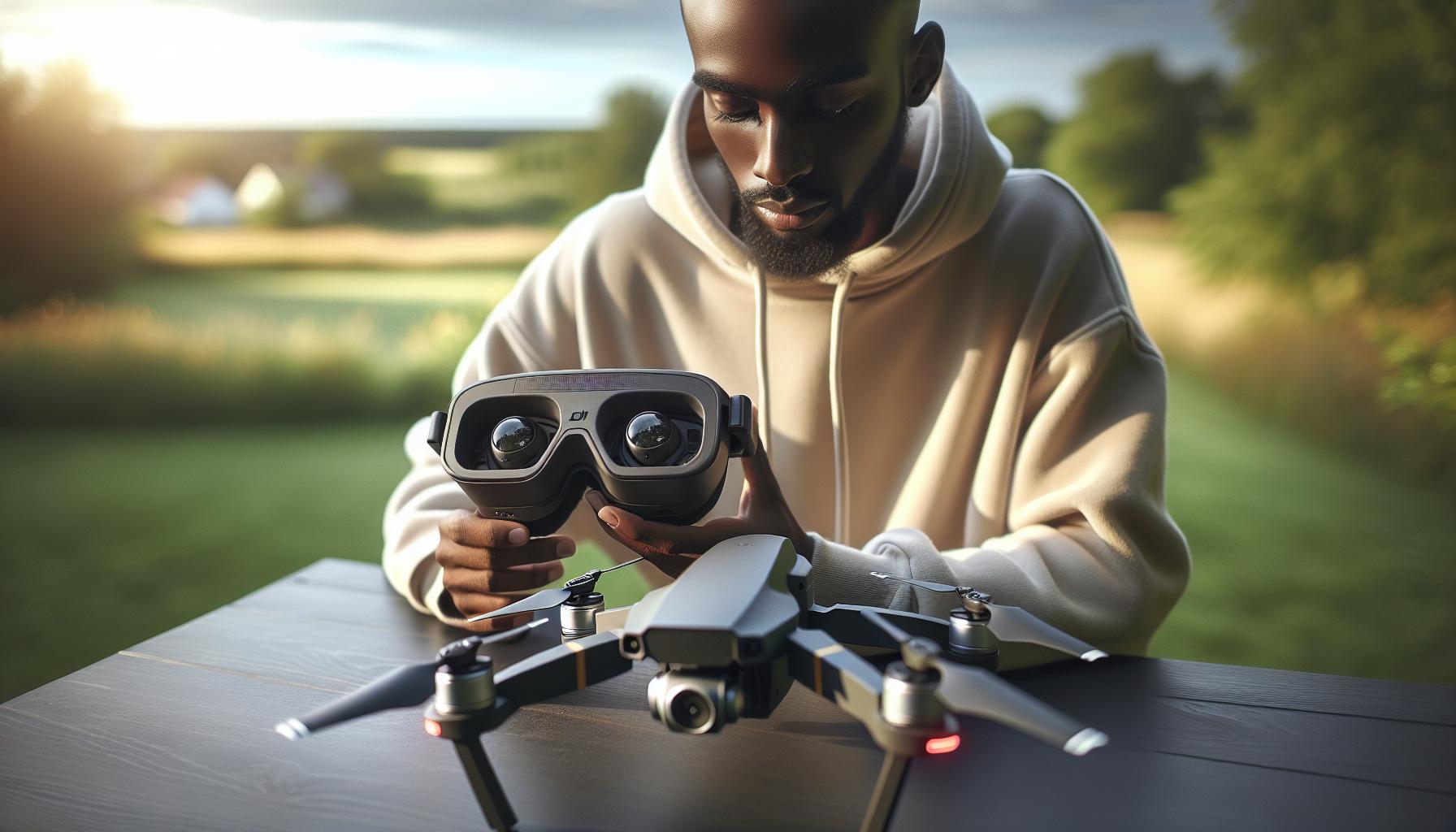
Benefits of Using DJI Goggles 2 for Drone Pilots
The DJI Goggles 2 represent a leap in immersive technology for drone pilots, enhancing the flying experience like never before. One of the standout advantages of these goggles is their ability to provide an exceptional first-person view (FPV) that significantly enhances situational awareness. By placing a high-definition screen directly in front of the pilot’s eyes, these goggles eliminate the distance typically experienced while looking at a handheld device. This immersive experience allows pilots to fly with precision, feeling as though they are actually in the cockpit.
Moreover, the advanced OcuSync technology featured in the DJI Goggles 2 ensures reliable and low-latency video transmission, allowing for smooth and uninterrupted live feeds during flight. This minimizes the risk of lag, which is crucial for maintaining control during complex maneuvers or in challenging environments. High-quality video is complemented by features such as adjustable brightness and a wide field of view, enhancing flight enjoyment and offering a competitive edge in racing scenarios.
The goggles also present unique customization options, allowing users to tailor their experience to personal preferences. Features such as head tracking enable intuitive control, translating the pilot’s head movements into drone maneuvers, which is particularly advantageous for FPV racing or creative aerial cinematography. Additionally, pilots can benefit from the ability to connect with multiple DJI drones, making the goggles versatile companions across various models.
Finally, using the DJI Goggles 2 can lead to a significant reduction in fatigue during extended flying sessions. The ergonomic design, combined with features aimed at reduced eye strain, encourages longer and more enjoyable flights. For both hobbyists and professional pilots alike, these benefits not only improve operational efficiency but also heighten overall satisfaction while navigating the skies.
Step-by-Step Guide: Setting Up DJI Goggles 2
Getting the most out of your DJI Goggles 2 requires a straightforward setup process, especially when you’re looking to use them across multiple drone platforms. While the goggles are designed with excellent compatibility in mind, a few steps ensure you’re equipped to enjoy a seamless cross-platform experience without hitches.
Start by ensuring that your DJI Goggles 2 are fully charged. A fully charged battery is essential for uninterrupted setup and flight experience. Once charged, power on both the goggles and your drone. Next, connect the goggles to the drone via Wi-Fi or the dedicated connection method specified for your drone model. This is typically done through the DJI Fly app or the DJI GO app depending on the drone you are using.
For connecting via Wi-Fi:
- Select the appropriate drone from the app interface.
- Enter the settings menu and navigate to Wi-Fi settings on your drone.
- Select the Goggles 2 from the list of available devices and connect.
If you’re using a drone equipped with OcuSync technology, the setup may be even more streamlined. Once connected, you should see a live feed from the drone’s camera displayed in the goggles. It’s wise to take a moment to adjust the fit of the goggles for comfort, and ensure that the lenses are properly focused for optimal clarity.
Additionally, it’s beneficial to check for firmware updates both for your drone and the goggles. Regular updates not only enhance functionality and compatibility but also improve performance and the overall user experience. This can usually be done through the app where you originally set the connection.
After the setup, familiarize yourself with the various features available. Utilize the head tracking for enhanced mobility, allowing your natural head movements to translate into drone movements, enhancing your piloting experience. When all is set, you’re ready to fly with an immersive first-person view, making the most out of your DJI Goggles 2 across different drones.
By ensuring proper setup and configurations, you can effortlessly transition between different models and capitalize on the innovative technology offered by DJI. Always refer to the user manual specific to your drone for additional details on compatibility features and firmware adjustments as needed.
Exploring Cross-Platform Functionality of DJI Goggles 2
The DJI Goggles 2 are revolutionizing how drone enthusiasts experience flight, especially with their cross-platform compatibility. These advanced goggles allow pilots to connect not just with a single model, but a range of DJI drones, fostering an immersive first-person view (FPV) that enhances both flying and filming. This versatility is particularly appealing for hobbyists and professionals who utilize multiple drone platforms, as it simplifies setup procedures and allows for seamless transitions between different aircraft.
To take full advantage of the cross-platform functionality, it’s essential to familiarize yourself with the different connection methods available. Many DJI drones support OcuSync technology, which streamlines the pairing process. Whether you’re flying the Mavic series, the Phantom, or the Mini models, the setup largely remains consistent, enabling a live video feed from the drone directly to your goggles. Users can leverage the DJI Fly or GO apps to manage connections, receive firmware updates, and customize settings tailored to individual drone specifications.
While the DJI Goggles 2 are predominantly designed for DJI drones, there are some limitations when connecting to non-DJI models. However, certain adaptations can enhance compatibility with third-party drones, allowing pilots to explore various creative options. Remember to periodically check the firmware for both the goggles and your drone, as updates can significantly improve functionality and ensure that you’re getting the most out of your equipment.
Using the goggles in a multi-drone setup means pilots can explore different flying styles and environments without needing a complete overhaul of their equipment. This adaptability fosters a broader understanding of aerial photography and videography, as pilots can switch from traditional quadcopters to FPV racers seamlessly. By embracing this cross-platform capability, DJI Goggles 2 users can truly elevate their aerial adventures, making every flight more engaging and dynamic.
Firmware Considerations for DJI Goggles 2 and Drones
Keeping your DJI Goggles 2 and compatible drones on the latest firmware not only maximizes performance but also enhances stability and introduces new features that can significantly improve your flying experience. It’s essential to understand how firmware updates work for both the goggles and the drones you intend to use, especially when engaging in cross-platform setups.
Firmware updates can unlock various capabilities, ensuring that your devices work seamlessly together, enhancing video transmission, and reducing lag. OcuSync technology, which is commonly utilized in DJI drones, plays a crucial role in ensuring that the connection between your drone and the goggles is robust and reliable. Regularly check the firmware versions of both the goggles and your drone through the DJI Fly or GO apps, as mismatched versions can lead to connectivity issues or degraded performance.
Steps for Updating Firmware
- Download the Latest Version: Go to the DJI official website or use the DJI Fly/GO app to check for the latest firmware updates for your Goggles 2 and drones.
- Connect Your Devices: Ensure your goggles and drone are fully charged and connected to the respective app. Follow the prompts to establish a connection.
- Initiate the Update: In the app, navigate to the Firmware Update section. The app will prompt you if an update is available. Follow the on-screen instructions to update both devices.
- Verification: After the update, verify that both devices are running the latest firmware. This can help in troubleshooting potential issues down the line.
Benefits of Regular Firmware Checks
Keeping firmware updated is essential for various reasons:
- Enhanced Features: New firmware often introduces improved functionalities or fixes. For example, updated versions may optimize video feed quality or introduce new flight modes.
- Increased Compatibility: As you explore using DJI Goggles 2 with different drone models, regular updates can enhance compatibility, especially with third-party drones.
- Improved Safety: Updates frequently include critical safety fixes. Staying current can help mitigate potential risks while flying.
- Streamlined Troubleshooting: If issues arise while connecting to drones or during flights, having the latest firmware can simplify troubleshooting.
Understanding and managing firmware updates will empower both hobbyists and seasoned professionals, ensuring a smoother and more enjoyable flying experience. By paying attention to these considerations, you can fully leverage the advanced functionalities that DJI Goggles 2 brings to both DJI and cross-brand drone operations.
Troubleshooting Common Issues with DJI Goggles 2
The integration of DJI Goggles 2 with various drone models opens a range of immersive flying experiences, but it’s not without potential challenges. Many users encounter common issues that can hinder their enjoyment and effectiveness while flying. Understanding how to effectively troubleshoot these problems can save time and enhance your overall experience.
One of the most frequent issues is connectivity trouble between the goggles and the drone. If you find that the goggles are not receiving a signal from the drone, first ensure that both the goggles and the drone are fully charged. Restarting both devices can often resolve temporary glitches. When ready, ensure they are paired properly. Follow the connection process as described in the user manual, and ensure that you are in an area with minimal interference, as this can cause dropouts or video lag.
Another concern users face is video transmission issues. If the video feed from the drone appears choppy or the resolution is unsatisfactory, check the firmware versions of both the Goggles 2 and the drone. Keeping the firmware updated is crucial, as updates often contain fixes for known bugs and performance enhancements. If the problem persists after updating, consider resetting the goggles to factory settings-a final resort that can sometimes clear persistent issues.
Lastly, if you experience discomfort or disorientation when using the goggles, it may be related to the settings or fitting. Adjusting the head strap for a snug fit can sometimes alleviate discomfort. For better visibility, ensure that the eyepieces are clean and positioned correctly for your eyesight. You may also need to adjust the brightness and contrast settings within the goggles menu to suit your individual preference, enhancing the clarity of the feed.
By addressing these common problems with proactive solutions, you can ensure a more enjoyable and trouble-free flying experience with DJI Goggles 2. Remember, staying informed about updates and best practices is key to maintaining optimal performance across various drone models.
Comparing DJI Goggles 2 with Other FPV Options
While the DJI Goggles 2 are a popular choice for immersive flying experiences, it’s important to compare them with other FPV (First Person View) options to understand their unique advantages and limitations. Several FPV systems are available in the market, each designed to cater to different pilot needs, budgets, and preferences.
One key advantage of the DJI Goggles 2 is their integration with DJI’s ecosystem of drones like the Mavic and Air series, which allows for seamless connectivity and configuration. The digital transmission offers clear video feeds with minimal latency compared to analog systems, providing a more reliable and immersive flying experience. In contrast, traditional analog FPV systems, while often less expensive, can suffer from interference, leading to lower-quality video and additional pilot stress during flight.
When considering alternatives, one prominent option is the Fat Shark series, known for their versatility and wide range of compatible equipment. However, these goggles usually require additional components, such as receivers and transmitters, which can complicate setup and may raise the total cost. Furthermore, while they offer a more traditional FPV experience, pilots may find that analog video quality is not on par with what is delivered by the DJI Goggles 2.
Main Factors to Examine
- Video Quality: DJI Goggles 2 provide high-definition digital video feeds with low latency, beneficial for both hobbyists and professional pilots.
- Ease of Use: The all-in-one setup of the DJI system makes it user-friendly, particularly for those new to FPV flying.
- Compatibility: While DJI Goggles work best with DJI drones, other brands like Fat Shark support a broader range of devices but may need additional equipment.
- Price Point: Depending on the features desired, DJI Goggles may represent a higher upfront investment but offer superior video experience and functionality.
In summary, while the DJI Goggles 2 shine with their advanced features and compatibility within the DJI ecosystem, other FPV options exist that may cater to different preferences. Pilots should consider their flying style, the types of drones they own, and their overall budget when selecting the most suitable FPV system. This approach ensures they maximize their flying experience, whether through DJI’s impressive digital technology or the adaptability of analog systems.
User Experiences: Reviews and Feedback on DJI Goggles 2
User feedback on the DJI Goggles 2 highlights both enthusiasm and critical insights that can help prospective buyers make informed decisions. Many users praise the immersive experience these goggles provide, particularly when used with DJI drones like the Mavic and Air series. The high-definition video quality and low-latency transmission create an engaging flying experience that makes users feel as if they’re piloting the drone directly from its perspective. This feature is often cited as a distinct advantage over traditional analog FPV systems, which can suffer from poor video quality and increased latency.
However, compatibility issues arise when attempting to use the DJI Goggles 2 with non-DJI drones. While some users successfully manage cross-platform setups, they often report a more complex configuration process, requiring additional steps and sometimes even third-party equipment. This added complexity can be a drawback for users expecting a plug-and-play experience. For those committed to the DJI ecosystem, the simplicity of setup is frequently highlighted-users appreciate the seamless connection between the goggles and their DJI drones, allowing for quick deployment and flight.
User experiences also emphasize the importance of firmware updates in enhancing compatibility and performance. Many reviews recommend keeping the goggles and drones updated to the latest versions to ensure optimal functionality. A few users have shared their frustrations with firmware bugs affecting stability and performance, underscoring the necessity of regularly checking for updates before flying.
Additionally, feedback reveals varying opinions on comfort during extended use. Some users report positive experiences with the ergonomics of the goggles, making them suitable for longer flights. Others, however, have mentioned discomfort after extended use, suggesting that users should consider their personal comfort levels when choosing any FPV system.
In summary, while the DJI Goggles 2 offer impressive features and user-friendly integration within the DJI ecosystem, potential buyers should weigh their compatibility with non-DJI drones and be prepared for possible setup complexities. Flexibility in use, regular firmware updates, and comfort considerations are essential components in creating an ideal flying experience for every pilot.
Maximizing Performance: Advanced Features of DJI Goggles 2
With the growing popularity of FPV (First Person View) flying, maximizing the performance of DJI Goggles 2 has become a priority for many drone enthusiasts eager to enhance their aerial experience. These advanced goggles offer a suite of features designed not only for use within the DJI ecosystem but also for those adventurous enough to experiment with cross-platform setups. Understanding how to leverage these advanced features can significantly improve flight experiences, even when using non-DJI drones.
One standout feature is the 高清 (High Definition) transmission, which achieves low latency and high-resolution video streaming. This quality not only immerses users in the flight but also enhances control during maneuvers, crucial when flying complex routes or capturing high-speed action. To take full advantage of this, ensuring that both the goggles and the connected drone firmware are up to date is essential. Regular firmware updates can resolve compatibility issues and unlock additional functionalities, enhancing the overall experience, especially when integrating with third-party equipment.
Moreover, the customizable settings and modes available in the DJI Goggles 2 provide an opportunity for pilots to fine-tune their experience to suit various flying conditions. Features like adjustable brightness, contrast, and even the option to view telemetry data in real-time help pilots maintain situational awareness and improve their flying precision. For instance, pilots can adjust the settings for bright or low-light environments, which can be particularly useful when flying at dawn or dusk, allowing optimal visibility of both the drone’s surroundings and the goggle’s displays.
Finally, ensuring a comfortable and secure fit can drastically improve your flying experience, especially during extended use. Utilizing the customizable head strap and cushioning, pilots can adjust the goggles for a better fit, minimizing fatigue and distraction. With multiple adjustments possible, each pilot can tailor the wearing experience based on personal preference, enhancing not just comfort but also the effectiveness of visual inputs during flight.
In summary, the capabilities of DJI Goggles 2 can be fully harnessed by focusing on HD transmission quality, customizable settings, and ergonomic comfort. Whether you’re flying DJI drones or brave enough to utilize them with other brands, these advanced features ensure a rich and immersive aerial experience that can elevate your piloting skills to new heights.
Safety Precautions When Using DJI Goggles 2
When delving into the exhilarating world of FPV flying with DJI Goggles 2, prioritizing safety is paramount. These advanced goggles significantly elevate the flying experience, but improper use can lead to dangerous situations. Pilots should familiarize themselves with essential precautions to stay safe and enjoy enhanced aerial adventures.
One of the foremost precautions involves maintaining a clear line of sight with the drone. While DJI Goggles 2 offer an immersive view, it’s crucial to occasionally glance up to monitor the drone’s position relative to obstacles, terrain, and other aircraft. This hybrid approach ensures situational awareness, especially in crowded or complex environments. Additionally, pilots should verify the local regulations governing drone flight, as many jurisdictions require maintaining visual contact with the drone.
Another essential safety measure is ensuring an uninterrupted power supply. Using a fully charged battery for both the goggles and the drone reduces the likelihood of losing video feed mid-flight. Low battery warnings from the goggles should be heeded promptly; the user should land the drone in a safe location to avoid crashes. It’s also advisable to conduct pre-flight checks, including calibrating the gimbal and ensuring all firmware is updated, to prevent unforeseen technical failures during the flight.
Furthermore, pilots should utilize the goggles’ customizable safety settings, such as configuring maximum distance and altitude limits. These features act as built-in safeguards, helping to avert potential mishaps. In addition, wearing the goggles in a secure manner, ensuring they are fitted snugly but comfortably, can prevent them from shifting during flight, which might lead to momentary disorientation.
By adhering to these fundamental , pilots can focus on enjoying their flight while maintaining the highest standards of safety and responsibility. This vigilance not only protects the operator but also ensures the protection of the surrounding environment and community.
Legal Considerations for FPV Flying with DJI Gear
Engaging in FPV (First Person View) flying with DJI gear, such as the DJI Goggles 2, adds a thrilling dimension to drone operation, but it’s crucial to be aware of the legal landscape surrounding this activity. As drone technology rapidly advances, so do the regulations governing its use, and staying informed is essential for every pilot to ensure compliance and safety.
Regulatory bodies worldwide impose specific regulations that must be followed when using FPV systems. In many countries, including the United States, the FAA mandates that pilots maintain visual line-of-sight with their drone during flight. This requirement is designed to prevent collisions and ensure public safety. However, if you’re flying with FPV gear like the DJI Goggles 2, having a spotter to maintain visual contact can help you remain compliant while enjoying a more immersive flying experience.
Additionally, familiarity with local laws is vital. Some regions may have restrictions about where you can fly, such as near airports, populated areas, or designated no-fly zones. Before each flight, it’s beneficial to use tools and applications-like DJI’s own Fly Safe maps-to verify that your chosen location is compliant with local regulations. Always check for additional state or municipal rules that may impose extra requirements on FPV flying or drone operations.
Another critical factor is ensuring that all equipment used, including the DJI Goggles 2, is compliant with local telecommunications regulations, particularly regarding frequency usage and power output. This compliance ensures that your FPV system operates legally without causing interference with other devices. Engaging in proper maintenance and updates for both the goggles and the drone also helps avoid technical violations that could arise from outdated firmware.
By prioritizing these legal considerations, drone operators can fully enjoy the capabilities of their DJI equipment, engage in responsible flying, and contribute positively to the evolving world of drone technology.
Accessory Recommendations for Enhancing your DJI Experience
Integrating accessories into your drone setup can drastically enhance your flying experience, particularly when using the DJI Goggles 2. Whether you are capturing breathtaking aerial footage or simply enjoying the thrill of First-Person View (FPV) flying, the right accessories can elevate your capabilities to new heights.
To maximize the utility and enjoyment of your DJI Goggles 2, consider adding the following accessories:
Essential Accessories for DJI Goggles 2
- HDMI Output Module: For pilots who want to stream their flight footage or share the immersive experience with others, an HDMI output module is essential. This allows you to connect the goggles to larger displays or recorders, making it easier to showcase your flights.
- Extra Batteries: Nothing ruins a great flight session quicker than a dead battery. Stocking up on additional batteries ensures your DJI Goggles 2 remains powered throughout long sessions, giving you the freedom to explore without frequent interruptions.
- Lens Cleaning Kit: Proper maintenance of your goggles is vital for a clear viewing experience. A lens cleaning kit keeps your optics free of dust and smudges, allowing you to enjoy crisp visuals during flights.
- Carrying Case: Protecting your gear is crucial. A padded carrying case specifically designed for the DJI Goggles 2 provides added protection against accidental drops or impacts, making it a worthy investment for any serious pilot.
- Custom Face Cushion: Comfort should never be overlooked. Upgrading to a custom face cushion can greatly enhance the fit of the goggles, reducing fatigue and allowing for longer flights without discomfort.
In addition to these core accessories, there are specialized options tailored to enhance performance and usability. For instance, when flying in crowded areas or for professional work, a spotter’s monitor ensures that you have someone keeping visual contact with the drone, adhering to legal regulations while still enjoying the immersive experience of the goggles. Furthermore, external antennas can improve signal strength and range, particularly beneficial for those diving into long-range FPV setups.
Investing in the right accessories not only enriches your flying experience but also complements the advanced functions of the DJI Goggles 2, making each flight safer and more enjoyable. By enhancing comfort, performance, and connectivity, you ensure that your DJI equipment serves you well, whether you’re a seasoned professional or an enthusiastic hobbyist.
FAQ
Q: Can DJI Goggles 2 be used with non-DJI drones?
A: Yes, DJI Goggles 2 can be used with some non-DJI drones if they support HDMI output or have compatible wireless transmission protocols. However, compatibility varies, so it’s essential to check the specifications of both the goggles and the drone for cross-platform functionality.
Q: What is the best way to connect DJI Goggles 2 to a different drone?
A: To connect DJI Goggles 2 to a different drone, verify that the drone supports HDMI output or a compatible video transmission method. Use appropriate cables or wireless adapters to establish the connection, following the manufacturer’s guidelines for setup to optimize video feed.
Q: Are there specific drones that work best with DJI Goggles 2?
A: DJI drones, especially the Mavic and Phantom series, are optimized for use with DJI Goggles 2. However, certain third-party drones with HDMI output and compatible transmission systems may also work effectively, making them suitable for FPV flying experiences.
Q: How can I troubleshoot connection issues between DJI Goggles 2 and a drone?
A: If experiencing connection issues, first check that both the goggles and drone are powered on and properly configured. Ensure firmware is updated on both devices, and verify that the video output settings on the drone are compatible with the goggles. Rebooting the devices often resolves connectivity problems.
Q: Do I need special adapters to use DJI Goggles 2 with other brands of drones?
A: Depending on the drone, you may need HDMI adapters or other compatible connections to use DJI Goggles 2. Check the specifications of both the goggles and the drone to determine the necessary equipment for a successful setup.
Q: What features of DJI Goggles 2 enhance the flying experience for other drones?
A: Features like low-latency video transmission, a high-resolution display, and head-tracking capabilities enhance the flying experience with any compatible drone. These features provide immersive FPV flying, giving pilots a better view of their surroundings and improved control.
Q: Is there a limitation on the range when using DJI Goggles 2 with other drones?
A: Yes, the range may be limited based on the drone’s transmission capabilities and the type of connection used. DJI Goggles 2 typically perform best when connected to compatible DJI drones but can work with others within the scope of their signal strength.
Q: Can I use DJI Goggles 2 for racing with non-DJI drones?
A: Yes, you can use DJI Goggles 2 for racing with non-DJI drones if they support compatible video transmission methods. Ensure the drone is equipped with a suitable camera and output connection to provide a live video feed for optimal racing performance.
Concluding Remarks
Now that you’ve explored the capabilities of DJI Goggles 2 and their compatibility with various drones, it’s time to elevate your flying experience. Remember, whether you’re a beginner or an advanced pilot, understanding cross-platform setups can significantly enhance your drone adventure. Don’t miss out on maximizing your gear-check out our guides on optimizing flight safety and firmware updates to keep your drones performing at their best.
Curious about more drone tips? Dive into our articles on the latest DJI models and accessory recommendations for a more comprehensive flying experience. Ensure you’re staying up to date by signing up for our newsletter, where we share exclusive insights and tips that every drone enthusiast should know. Join our community of passionate pilots and take your skills to new heights today!