Imagine capturing breathtaking landscapes or thrilling events from the sky and sharing them live with your audience on Facebook. With the capabilities of DJI drones, going live has never been more exciting and accessible. This guide will walk you through the essentials of streaming like a pro, ensuring you engage viewers in real-time while showcasing your drone’s exceptional features. Whether you’re a budding content creator or a seasoned professional, understanding how to effectively broadcast your aerial adventures can enhance your online presence and connect you with a wider audience. Get ready to elevate your streaming game and discover the tips and techniques that will transform your Facebook Live sessions into visually stunning experiences.
How to Set Up Your DJI Drone for Live Streaming
Establishing a live streaming setup with your DJI drone can transform your aerial photography into an engaging live broadcast experience. With drones capable of capturing stunning high-definition footage, you can share real-time adventures with your audience on platforms like Facebook, creating a unique blend of technology and storytelling. To harness this potential, a few key steps will ensure a seamless connection and optimal performance.
Begin by ensuring your DJI drone is compatible with live streaming. Models such as the Mavic, Mini, and Phantom series support this feature but confirm that your firmware is fully updated to avoid any connectivity issues. Next, focus on the gear that will support your live streaming endeavors. Besides your drone, equip yourself with a robust mobile device or tablet capable of running the DJI Fly app, which is essential for controlling the drone and accessing live stream settings. Additionally, a strong Wi-Fi or mobile data connection will help maintain a reliable stream.
Before going live, adjust your drone’s camera settings for the best quality video output. Set your resolution to at least 1080p for clarity and choose a frame rate suitable for the type of footage you want to capture – higher frame rates are great for fast action, while lower frame rates can evoke a more cinematic feel. Also, consider the lighting conditions; shooting during golden hour can add stunning effects to your live footage. Furthermore, ensure your gimbal is calibrated correctly, as smooth footage can enhance viewer experience significantly.
Lastly, familiarize yourself with the DJI Fly app’s live streaming features. From the app, connect directly to your Facebook account, choose your stream settings, and select the appropriate privacy options for your broadcast. Remember to carry out a test stream prior to your live session to address any potential issues with connectivity or settings. By following these guidelines, you can set up your DJI drone effectively for live streaming, allowing you to capture the beauty of the world in real-time while engaging your audience like never before.
Choosing the Right DJI Drone for Live Streaming
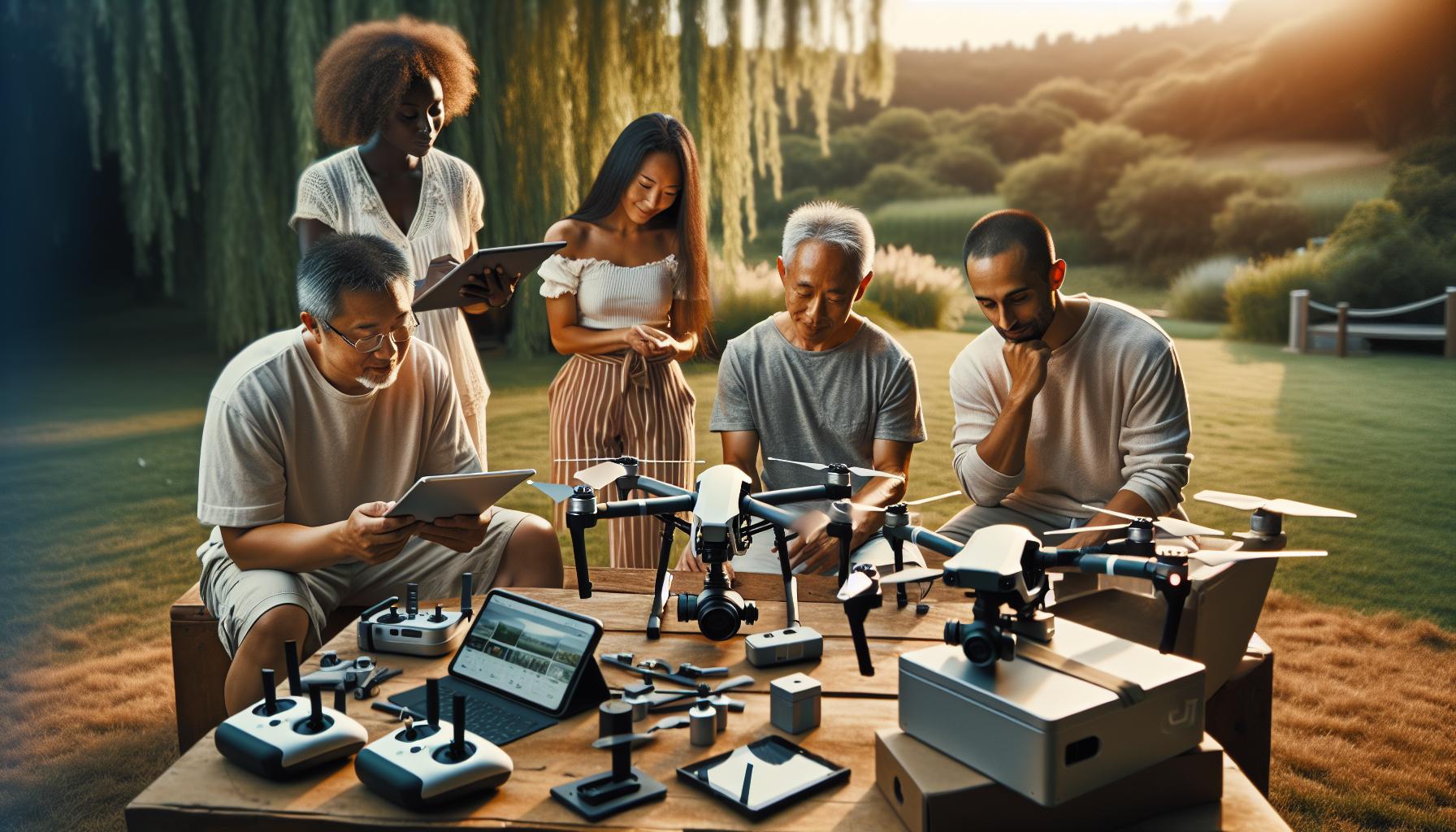
When embarking on the journey of live streaming with your DJI drone, selecting the right model can profoundly influence both the quality of your broadcast and your overall streaming experience. DJI offers several drone options, each equipped with unique features that cater to varying needs and preferences, whether you are a novice enthusiast or a seasoned professional.
First and foremost, consider the community and technological support available for your chosen model. The Mavic series, particularly the Mavic 2 Pro and Mavic Air 2, are renowned for their compact design and capability to deliver stunning 4K video. They also offer excellent obstacle avoidance and intelligent flying modes, making them ideal for capturing dynamic live streams safely. The Mini 2 is another solid choice, especially for those requiring a lightweight and portable option. Despite its size, it provides impressive video quality and user-friendly controls, making it perfect for those who are new to drone flying.
In contrast, the Phantom series, such as the Phantom 4 Pro, is designed for users who prioritize professional-grade video quality and advanced features. This model’s larger sensors enable superior image clarity and stabilization, delivering breathtaking footage even in challenging conditions. Additionally, if you’re looking to explore immersive footage, the DJI Avata allows for unique first-person view (FPV) live streaming experiences and is particularly suitable for adventurous pilots seeking an engaging storytelling perspective.
Key Features to Consider
When evaluating which DJI drone suits your live streaming needs best, keep these factors in mind:
- Camera Quality: Ensure the drone supports at least 1080p resolution; 4K is preferable for professional streams.
- Flight Time: Look for models offering longer battery life to avoid interruptions during your broadcast.
- Stability Features: Gimbal stabilization is crucial for smooth video; drones with 3-axis gimbals provide significant advantages.
- Live Streaming Capabilities: Confirm compatibility with platforms like Facebook and check if the necessary app integration is smooth.
- Ease of Use: Choose a drone with intuitive controls and reliable response times, especially for live situations.
is not solely about selecting the latest model but finding a balance between your skill level, the type of content you wish to create, and the technological demands of live broadcasting. Whether you opt for a compact Mavic or a robust Phantom, your drone should not only meet technical requirements but also inspire confidence in your ability to share compelling live footage with your audience.
Essential Equipment for Professional Live Streams
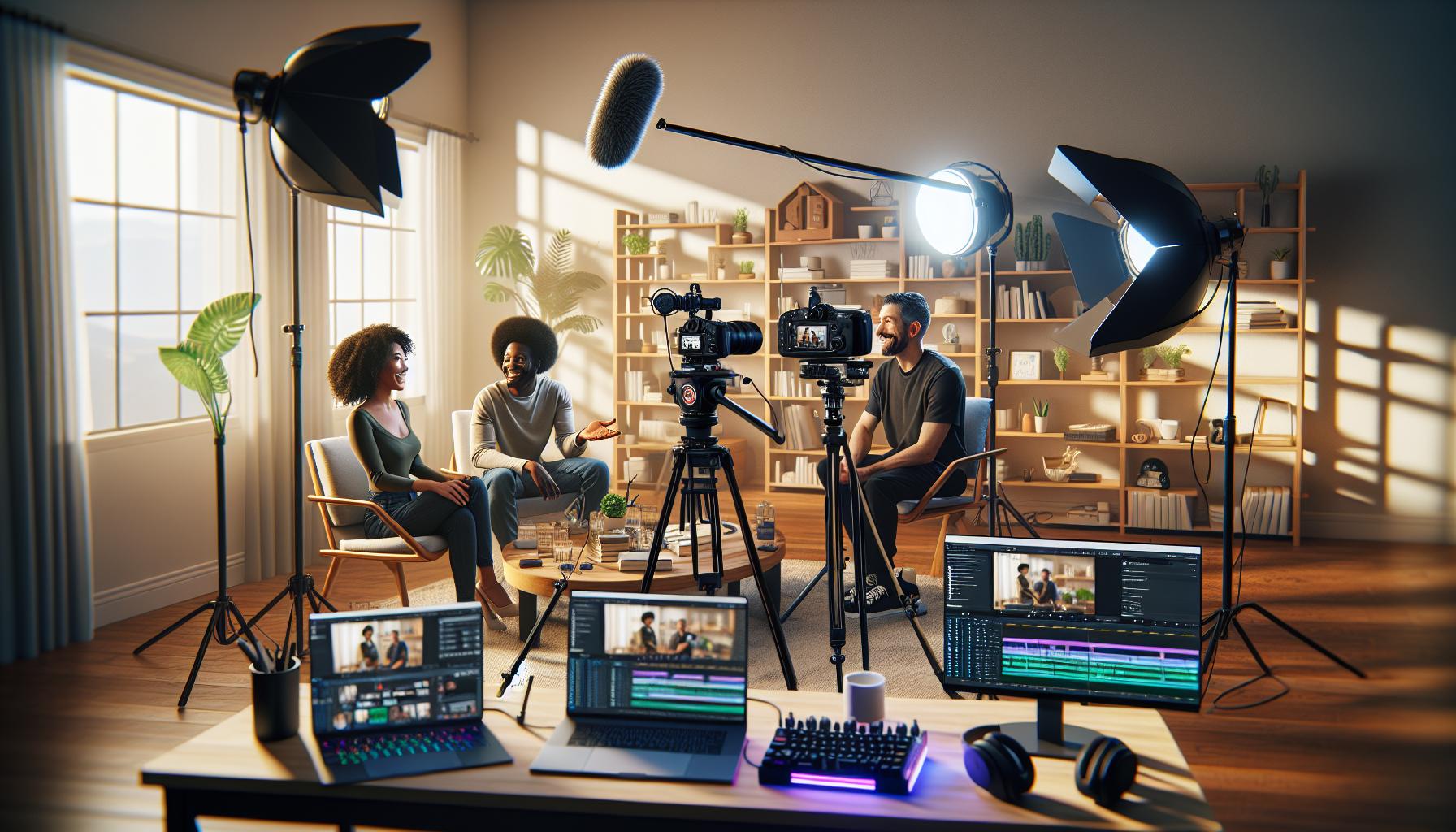
When engaging in live streaming with your DJI drone, having the right equipment can make all the difference between a mediocre broadcast and an impressive showcase. While the drone itself captures stunning aerial footage, complementary tools can enhance the quality of your live stream and streamline the broadcasting process. Investing in essential accessories not only improves your production value but also enhances the overall user experience for your viewers.
One key piece of equipment is a high-quality mobile device, preferably with a large screen and robust processing capabilities. This will allow you to effectively manage your stream using the DJI Fly app without lag or interruptions. Additionally, a reliable smartphone mount for your controller ensures that you can monitor your broadcast comfortably while maintaining control of the drone. For added stability, consider a tablet; its larger display makes it easier to navigate controls and monitor video feeds.
The next vital equipment to include is an external power bank to keep your devices charged throughout the session. Live streaming can drain your battery quickly, so having a portable charger will prevent interruptions due to low battery life. Furthermore, investing in high-capacity microSD cards is essential for recording high-definition footage simultaneously while streaming. It’s advisable to choose Class 10 or UHS-I compliance cards to ensure they can handle the fast data rates required for 4K video.
Lastly, to enhance audio quality, consider using an external microphone or a windscreen for your device’s built-in mic, especially if your broadcast includes commentary or interviews. Background noise can often detract from the viewer experience, so implementing these audio solutions will help maintain a professional edge in your live streaming sessions. Integrating these various elements creates a holistic approach to your live-streaming setup, ensuring both impressive visual and audio quality that keeps your audience engaged.
Step-by-Step Guide to Connecting Your Drone to Facebook
To successfully connect your DJI drone to Facebook for live streaming, understanding the essential steps and preparations can significantly enhance your broadcasting experience. With platforms like Facebook supporting live broadcasts, sharing your aerial footage in real-time has never been easier. This guide walks you through the necessary steps to get your drone ready for the spotlight.
First, make sure your DJI drone is equipped with the latest firmware, as updates often contain important features and fixes that can improve performance during live streams. Connect your drone to the DJI Fly app on your mobile device to check for updates. Once updated, power on your drone and remote controller, and ensure they are successfully connected. Launch the DJI Fly app, where you can adjust video settings to optimize the quality of your stream.
Next, navigate to the live streaming section within the app. This typically involves selecting the ‘Go Live’ option. Here, you will need to authenticate your Facebook account by logging in through the app. Follow the prompts to grant the necessary permissions, allowing the app to access your account for live broadcasting. You may then have the option to customize your live stream’s title and description, which can help engage your audience right from the start.
After setting up the stream, you can adjust resolution and bitrate settings in the app to suit your internet connection and desired video quality. For a seamless experience, a stable and fast internet connection is critical. It’s advisable to test your connection before going live to avoid interruptions. Finally, once you’re ready, simply press the ‘Go Live’ button to start streaming to your Facebook audience. Remember to engage with viewers as they join, responding to comments and questions to create a more interactive experience.
With these steps, you can share breathtaking views and thrilling experiences from your DJI drone straight to Facebook, captivating your audience with your live content. Embrace the opportunity to showcase your creativity and skills in the evolving world of drone technology and live streaming.
Optimizing Your Drone Settings for Quality Video
To capture breathtaking aerial footage during your live streams, optimizing your drone settings is paramount. Quality video depends on several factors, including resolution, frame rate, and recording format, each of which plays a crucial role in the overall clarity and fluidity of your broadcast. By taking the time to fine-tune these settings, you’ll ensure that your live stream captivates and engages your audience from start to finish.
First, start by setting the resolution and frame rate in the DJI Fly app. For live streaming, a resolution of 1080p is generally sufficient, as it balances quality and performance, particularly if your internet connection isn’t extremely fast. If you’re streaming in a well-structured setup with reliable bandwidth, consider bumping this up to 4K for a sharper image, assuming your drone supports it. The frame rate should ideally be set to 30fps for standard video or 60fps for action scenes, ensuring smooth motion that keeps viewers engaged.
Another critical setting to adjust is the video format. Use either MP4 for compatibility with most streaming platforms or MOV for higher quality. Additionally, make sure to set the bitrate to the highest available setting for your chosen resolution; this maximizes the amount of data transmitted, enhancing video quality during the stream. In the app, you can also set the color profile; opting for a flat color profile can provide more flexibility in post-editing, should you plan to process the footage later.
Environmental factors play their part as well. Prior to your live broadcast, check the lighting conditions; shooting in bright, even lighting will dramatically enhance video clarity. If necessary, adjust the exposure settings, such as ISO and shutter speed, to avoid overexposure or underexposure. A rule of thumb is to set your shutter speed at double that of your frame rate (e.g., 1/60 for 30fps) to achieve a natural motion blur.
By mastering these settings, you elevate your live streaming experience, allowing viewers to enjoy stunning visuals that showcase your drone flying skills. The right adjustments help to mitigate issues and ensure a stable, high-quality feed, turning your aerial adventures into a captivating cinematic experience.
Mastering Gimbal Calibration for Smooth Streams
To achieve seamless live streaming with your DJI drone, mastering gimbal calibration is essential. The gimbal is your drone’s stabilizing hero, ensuring that your footage remains smooth and free from distracting shakes or vibrations, especially during dynamic maneuvers. An accurately calibrated gimbal will not only enhance the quality of your live stream but also lend a professional touch to your aerial broadcasts.
Start by ensuring your drone is on a flat surface before calibrating the gimbal. This step is crucial to guarantee that the gimbal senses its level position accurately. Open the DJI Fly app and navigate to the gimbal settings. Here, you’ll typically find a calibration option. Follow the prompts to initiate the calibration process. The gimbal will perform its calibration routine, and you may observe it moving through various axes. Be patient; this procedure usually takes less than a minute, but it sets the foundation for steady filming.
Once calibrated, it’s prudent to conduct a test flight. Fly at a low altitude and check both the responsiveness of the gimbal and the steadiness of your footage. Employ various flight maneuvers, such as turns and ascents, to gauge the gimbal’s performance under different conditions. You want to ensure that the horizon remains level and that the visuals are smooth, even when the drone is in motion. If you notice any jitters or misalignments, it may be worth recalibrating again, as environmental factors or transportation can occasionally affect the gimbal’s accuracy.
In addition to calibration, consider using the gimbal’s focus and tilt functions effectively during your live stream. You can set up automated gimbal movements that enhance storytelling, enabling smooth transitions and dynamic framing of your subjects. Combine these with the right camera settings discussed previously, and you will produce professional-grade content that keeps your audience engaged throughout the live session.
Understanding DJI Fly App Features for Live Broadcasting
The DJI Fly app is a powerful tool that unlocks a multitude of features designed to enhance your live streaming experience with drones. As the control hub for your drone, the app seamlessly integrates various functionalities, making it easier than ever to deliver high-quality live broadcasts on platforms like Facebook. One standout feature is the intuitive user interface, which offers easy access to essential controls and settings, ensuring that both novice and experienced flyers can navigate confidently.
To kickstart your live stream, you’ll want to select the suitable video quality settings within the app. Navigate to the camera settings, where you can adjust the resolution and frame rate to ensure the best output based on your streaming platform’s requirements. For Facebook, a standard resolution of 1080p at 30 or 60 frames per second is recommended to maintain visual clarity and smooth playback. Additionally, consider enabling the “Live Streaming” option, which sets up the transmission automatically once you’re connected to the internet.
Another remarkable aspect of the DJI Fly app is its comprehensive telemetry data overlay, which can be particularly beneficial for live broadcasts. This feature allows you to display crucial flight information such as altitude, speed, and battery levels in real time, providing your audience with insight into the flight status and adding a layer of professionalism to your stream. Furthermore, engaging with your viewers is simplified through the app’s built-in chat function, keeping you connected and responsive during the broadcast.
Enhancing Your Live Experience
The DJI Fly app also offers customizable camera controls that let you adjust parameters like exposure and ISO on the fly. This adaptability is key to achieving the right aesthetic even as lighting conditions change. To further enrich your broadcasts, consider employing DJI’s Intelligent Flight Modes-such as ActiveTrack or Point of Interest-that enable dynamic and creative shots, ensuring that your live stream remains visually captivating. Taking the time to familiarize yourself with these features will undoubtedly elevate your live streaming capabilities, helping you deliver content that resonates with your audience.
Top Tips for Engaging Live Stream Content
Engaging your audience during a live stream requires not only quality footage but also a strong connection with viewers. One effective approach is to craft a compelling narrative throughout your stream. Consider what story you want to tell-whether it’s capturing a breathtaking scenic view or sharing an event in real-time, weaving a narrative will hold your audience’s attention. Begin with an intriguing introduction to set the stage for what’s to come, and keep the storytelling alive with commentary throughout the stream.
Regular interaction with viewers enhances engagement significantly. Make use of the chat feature offered by the DJI Fly app to respond to comments and questions in real time. This not only builds community but also shows that you value your audience’s input. Ask open-ended questions or create polls related to the content you’re streaming, encouraging viewers to participate actively. For instance, if you’re showcasing a stunning landscape, invite viewers to suggest areas to explore next or their thoughts on the location.
Utilizing DJI’s Intelligent Flight Modes, such as Follow Me or Waypoints, allows you to capture dynamic shots without having to manually pilot the drone. This freedom enables you to focus on engaging with your viewers or providing live commentary while the drone captures impressive footage. Make sure to announce these features during the stream, showcasing the technology at work and enhancing viewer intrigue.
Finally, plan your streams around specific themes or unique locations that stand out. Whether it’s a local event, a beautiful sunset, or an unexpected wildlife encounter, having a unique angle or informative content will keep viewers coming back for more. Tailoring your broadcasts to specific interests-like drone racing, scenic tours, or educational segments about drone technology-can also foster a loyal audience base.
By weaving together storytelling, interactive elements, and dynamic visual content, you’ll create an engaging live streaming experience that resonates with both casual viewers and dedicated fans.
Troubleshooting Common DJI Drone Live Streaming Issues
Live streaming with your DJI drone can offer an exhilarating way to share stunning aerial views and real-time events. However, technical issues can disrupt the experience. Identifying and resolving these common challenges is crucial to maintaining a smooth broadcast. Let’s explore some common issues, their solutions, and preventive measures that can help you avoid interruptions during your live streams.
Connectivity Problems
One of the most frequent issues encountered during live streaming is poor connectivity. If your stream is lagging or dropping out, check the following:
- Wi-Fi Signal Strength: Ensure your drone is within a reasonable distance from your smartphone or tablet to maintain a strong Wi-Fi signal. Fluctuating connections can cause interruptions in the stream.
- Check Network Settings: Make sure you are connected to a strong cellular network if you are streaming using mobile data. Switching between networks (Wi-Fi to cellular) can also help, but ensure that you are in an area with good coverage.
- Interference: Be aware of environmental factors that can interfere with the signal, such as tall buildings, trees, or other electronic devices.
Camera and Gimbal Issues
Another common challenge involves the camera or gimbal not functioning properly, which can affect video quality. To troubleshoot:
- Gimbal Calibration: Regularly calibrate your gimbal before flight to ensure stable footage. If the gimbal is drifting or unresponsive, recalibrating can often rectify the problem.
- Firmware Updates: Always keep your drone’s firmware up to date. Outdated software can lead to malfunctioning features, including live streaming capabilities.
App Glitches
If you encounter app crashes or freezes during your live stream, consider these steps:
- Close Background Applications: Ensure other apps are not consuming system resources that might be reserved for the DJI Fly app.
- Reinstall the App: If problems persist, uninstalling and reinstalling the DJI Fly app can resolve technical issues that may affect streaming.
Battery Management
Finally, battery life can be a significant concern during a live stream. To prevent unexpected shutdowns:
- Monitor Battery Levels: Keep an eye on your battery percentage throughout the stream, and plan to conclude your broadcast before reaching critical levels.
- Pre-flight Charging: Always ensure that both your drone and remote controller are fully charged before going live.
By proactively addressing these common issues, you can enhance the reliability of your live streams and provide an engaging experience for your audience. Remember, preparation is key-conducting tests and rehearsing your setup can significantly minimize potential disruptions.
Legal Considerations for Live Streaming with Drones
Understanding the legal landscape surrounding drone use is crucial, especially when venturing into live streaming. With the explosion of drone technology and its applications, the regulations governing their use have also evolved, aiming to balance innovation with safety and privacy concerns. Before you take your DJI drone to the skies for a live stream, familiarize yourself with both national and local laws that might apply.
Drones are classified differently in various jurisdictions, which can affect whether or not you need a license to operate your drone for streaming purposes. In the United States, for instance, operating a drone for commercial purposes-such as live streaming-requires a Part 107 Remote Pilot Certificate from the Federal Aviation Administration (FAA). This certification mandates that operators understand airspace regulations, weather conditions, and the ability to manage and mitigate risks effectively. Similarly, many other countries have their own regulatory frameworks that can vary significantly, so it’s important to review the specific requirements applicable in your location.
Moreover, considerations regarding privacy cannot be overstated. When live streaming, especially in public spaces, it’s not just about what you’re capturing, but also about whom. Always obtain consent if you’re filming individuals, especially if your stream could potentially infringe on their privacy rights. In some places, there can be severe penalties for violating privacy laws. This includes not only written consent but also being aware of the context in which you’re streaming-like avoiding sensitive areas where individuals have a reasonable expectation of privacy.
Operating your drone in controlled airspace or near airports also carries stringent regulations. Even when performing a harmless activity like live streaming, airspace violations can lead to fines, grounding of your drone, or even criminal charges. Before live streaming, it’s wise to check airspace maps and plan your flight paths accordingly, ensuring compliance with local laws regarding flight restrictions and required permits when applicable.
By respecting both operational guidelines and privacy laws, you can enhance the safety and enjoyment of your live streaming experiences while maintaining compliance and fostering goodwill with the community.
Enhancing Your Live Stream with Accessories and Gear
To elevate your live streaming experience with a DJI drone, investing in the right accessories and gear can make all the difference. A well-equipped setup not only enhances video quality but also ensures a smoother operation during your broadcasts. Picture yourself capturing breathtaking aerial views while seamlessly broadcasting a live event-this is not just a dream; it can be your reality with the right tools.
Essential Accessories for Optimal Performance
A variety of accessories can significantly improve both your drone’s functionality and your live streaming capabilities:
- Stabilizers and Gimbals: While most DJI drones come with built-in gimbals, investing in upgraded stabilization tools can reduce unwanted camera shake, providing smoother video footage. For instance, a handheld gimbal can be used when you transition from drone footage to ground shots.
- Extra Batteries: Live streaming can deplete battery life faster than typical flight. Carrying multiple fully charged batteries ensures you can stream for longer periods without interruptions.
- Microphones: Using an external microphone can dramatically improve audio quality. Consider a shotgun mic or a wireless lavalier mic to capture clean sound, especially in active environments.
- ND Filters: Neutral density filters reduce glare and allow for better exposure control, especially in bright conditions. This can be crucial for maintaining the quality of your video feed during sunlight streaming.
- Signal Boosters: These can help maintain a stable connection between your drone and remote controller, particularly crucial for live streaming over longer distances or in areas with signal interference.
Choosing the Right Gear for Your Needs
Your selection of gear should align with the type of content you plan to produce. For instance, if you’re capturing outdoor events or nature, prioritize accessories that enhance audio and visual capture under varying weather conditions. Moreover, using portable charging solutions can keep your devices powered throughout long streaming sessions.
Additionally, familiarity with your equipment is key. Take the time to practice with your drone and accessories before your live stream, ensuring everything works seamlessly. A well-prepared operator is less likely to face technical difficulties during a live broadcast, leading to a more professional presentation.
Incorporating these accessories and thoughtful gear choices can dramatically improve your live streaming production, capturing both stunning visuals and clear audio that engage your audience. With the right setup, you’ll not only stream like a pro but also enhance the overall quality and experience of your broadcasts.
Advanced Techniques for Captivating Live Drone Footage
Captivating live drone footage can transform any broadcast into a visually stunning experience that engages audiences like never before. Advanced filming techniques not only enhance the aesthetic quality of your videos but also help maintain viewer interest throughout the livestream. By employing a range of creative strategies, from dynamic drone movements to thoughtful composition, you can showcase your unique perspective while captivating your audience.
One effective method to elevate your drone footage is the use of cinema-inspired flight paths. These involve slow, deliberate movements such as revealing shots that start close to a ground object and gradually ascend to reveal vast landscapes. Implementing these techniques requires practice but can create breathtaking transitions that heighten the emotional impact of your stream. Additionally, consider using the “dolly zoom” effect, where the drone moves towards or away from a subject while simultaneously adjusting the zoom level, creating a striking visual distortion that captures viewer attention.
Incorporating the rule of thirds can also dramatically improve your composition. This technique involves dividing your frame into a 3×3 grid and aligning key elements along these lines or at their intersections. By doing so, you create a more balanced image that naturally draws the viewer’s eye to the focal points, whether that be a stunning sunset or an impressive event below. Adjusting your camera settings to enhance color saturation and contrast during bright environments further enriches your footage, making the colors pop on screen.
Furthermore, integrating smooth typing during movements is essential for clear storytelling. Utilize modes such as “Follow Me” or “Waypoint” flight to maintain a consistent distance and angle to the subject while adjusting for altitude as necessary. Combining these advanced techniques with proper gimbal calibration ensures your footage remains stable, providing a professional look. Remember to keep your intentions clear; whether you’re capturing an outdoor event, natural scenery, or a bustling cityscape, plan your shots to tell a compelling story that resonates with viewers. Combining all these techniques will empower you to create live streams that are not just viewed but experienced, forging a deeper connection with your audience.
Faq
Q: How do I choose the right DJI drone for Facebook Live streaming?
A: To choose the right DJI drone for Facebook Live streaming, consider models with high-quality cameras, stable gimbals, and compatibility with live streaming features. The DJI Mavic series, such as the Mavic Air 2, offers excellent video quality and stability, making it ideal for live broadcasts.
Q: What accessories do I need for professional live streaming with a DJI drone?
A: Essential accessories for professional live streaming with a DJI drone include a high-capacity power bank, extra batteries for extended flight time, and a sunshade for improving visibility during daylight. Additionally, consider using external microphones for better audio quality, enhancing your live broadcast.
Q: How can I optimize my DJI drone settings for live streaming?
A: To optimize your DJI drone settings for live streaming, set your video resolution to at least 1080p for clarity, and adjust the frame rate to 30 or 60fps depending on the content type. Utilize manual exposure settings to control brightness and sharpness during different lighting conditions.
Q: What are the legal considerations for live streaming with drones?
A: Legal considerations include obtaining necessary permits and understanding local regulations regarding drone flights and live streaming. Ensure your drone is registered with aviation authorities and comply with privacy laws by seeking permission when flying over private properties.
Q: How do I troubleshoot common live streaming issues with my DJI drone?
A: To troubleshoot live streaming issues, first check your Wi-Fi or 4G connection quality, as these are crucial for streaming. Ensure firmware is up to date, and perform a system check on the gimbal and camera settings. If issues persist, consult the DJI support resources for guidance.
Q: Can I use the DJI Fly app for live streaming on Facebook?
A: Yes, the DJI Fly app supports live streaming to Facebook. After connecting your drone, navigate to the live streaming option in the app settings, link your Facebook account, and configure the stream details before going live.
Q: What makes live drone streaming different from regular video streaming?
A: Live drone streaming involves real-time broadcasting, requiring stable connections, real-time adjustments to camera settings, and on-the-fly maneuvering. Unlike recorded video, live streaming demands constant video quality management and interaction with viewers, enhancing viewer engagement.
Q: How do I enhance my Facebook Live stream with DJI drone footage?
A: Enhance your Facebook Live stream with DJI drone footage by utilizing dynamic flying techniques, like tracking shots and aerial views. Incorporate smooth transitions and engage with your audience by narrating the experience as you explore different locations, keeping content relatable and interactive.
The Conclusion
Ready to take your Facebook Live streaming skills to the next level with your DJI drone? As you’ve learned, going live opens up endless possibilities for sharing breathtaking experiences in real-time. Don’t miss out-start streaming today! For further insights, check out our guides on DJI drone firmware updates and gimbal calibration to ensure your equipment performs at its best.
Have questions or unique tips to share? We invite you to leave a comment below! And for continuous updates on drone technology, be sure to subscribe to our newsletter. Your journey into the world of drone streaming begins now-explore our resources on advanced flight modes and safety procedures to further enhance your skills. Join the community and elevate your flying experience!