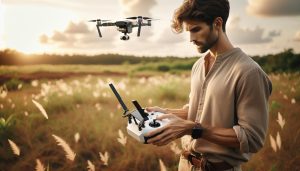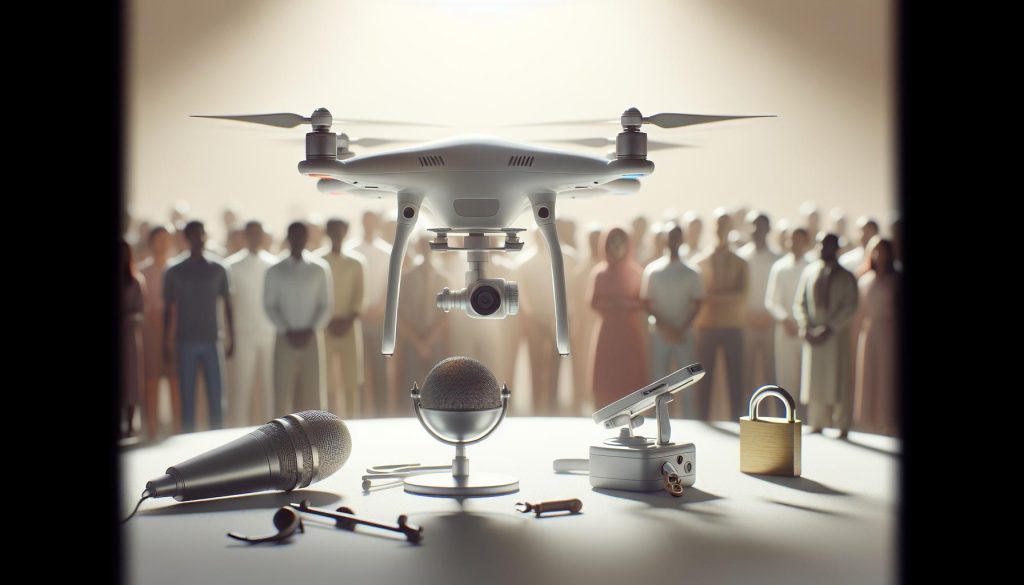
As drone technology continues to evolve, enthusiasts and professionals alike are increasingly curious about the multimedia capabilities of their devices. One pressing question many ask is, “Do DJI drones record audio?” Understanding the sound functionalities of these drones is crucial, not only for content creators looking to enhance their video quality, but also for those concerned about privacy implications during flight. While DJI drones are primarily built for capturing stunning aerial visuals, the nuances of sound recording can significantly impact the nature of drone usage in public spaces. This article delves into the sound capabilities of DJI drones, examining both their technical specifications and the potential privacy concerns they raise. By exploring these aspects, readers will gain valuable insights that inform their flying practices and creative endeavors with DJI technology.
Understanding DJI Drones: Do They Record Audio?
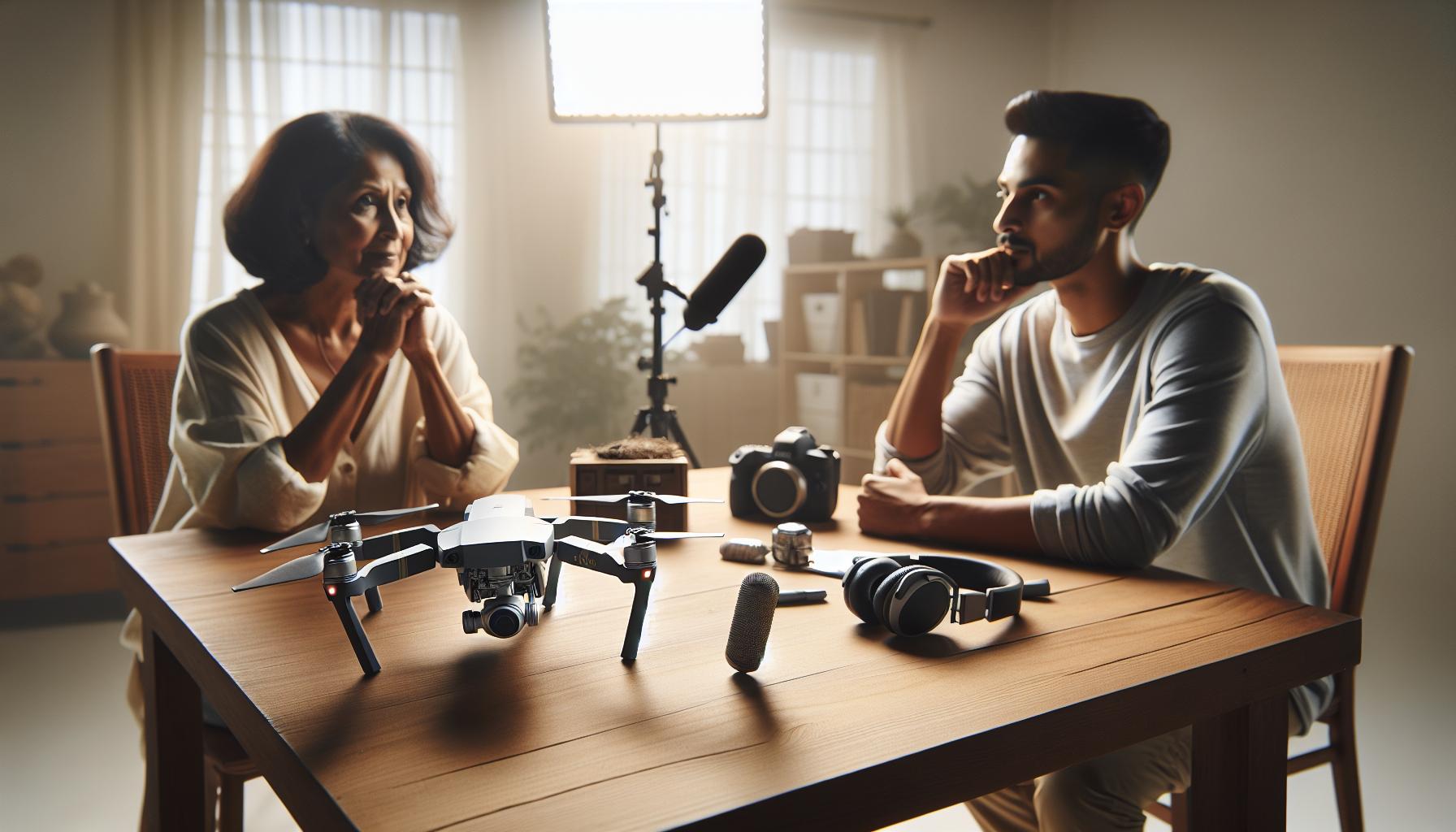
Many drone enthusiasts often wonder about the audio recording capabilities of DJI drones, as understanding these features can be crucial for both creative projects and privacy considerations. While DJI drones, particularly models like the Mavic Air 2 and Phantom 4 Pro, are equipped with top-notch camera systems for capturing high-resolution video and images, not all models come with integrated audio recording capabilities. For instance, most DJI drones focus primarily on visual data without onboard microphones. This design choice aligns with their usage for aerial photography and videography, where sound may not be a primary concern.
However, it’s important to note that some DJI drones, especially those used for specific commercial applications or integrations with third-party devices, may support external microphones or audio capturing through connected devices. This functionality allows operators to record audio in conjunction with their aerial footage, but it isn’t a standard feature across all models. For those looking into comprehensive sound recording, exploring drone models that allow for external audio sources or pairing a drone with compatible audio recording equipment becomes essential.
Before operating a DJI drone, users should familiarize themselves with their specific model’s capabilities regarding audio. This includes understanding whether additional accessories are required for audio integration if needed. Always check the manufacturer’s specifications and user manuals to ensure responsible and informed use while adhering to local regulations related to audio recording and privacy rights. By doing so, drone pilots can maximize their technological tools while maintaining ethical standards during their aerial projects.
Audio Recording Capabilities of DJI Drones Explained
While most DJI drones excel in capturing stunning aerial visuals, their audio recording capabilities can be a bit more nuanced. Generally, DJI drones such as the Mavic Air series and the Phantom line focus predominantly on visual data, and they do not integrate onboard microphones to capture audio during flight. This design choice can be attributed to the primary purpose of these drones-high-quality photography and videography-where sound recording is often considered secondary or even irrelevant.
For those seeking a complete audio-visual experience, the good news is that some DJI drones can support external microphones or other audio capture devices through third-party integrations. This feature is particularly beneficial for users involved in filmmaking or other commercial applications where sound is a key component. Options like the Osmo Portable series can also be used in conjunction with DJI drones to enhance audio collection. However, users must check compatibility with their specific drone model, as such integrations are not universally supported.
It’s vital for drone operators to be aware of the specific features and limitations of their drone concerning audio. Users should consult the manufacturer’s specifications and user manuals to determine if any additional accessories are necessary for audio capture. This knowledge not only ensures that operators can effectively utilize their equipment but also aligns with local regulations regarding audio recording, which can vary widely. By equipping themselves with the right tools and understanding the capabilities of their drones, pilots can enhance their projects while maintaining ethical standards in audio-visual production.
Privacy Concerns with DJI Drone Audio Recording
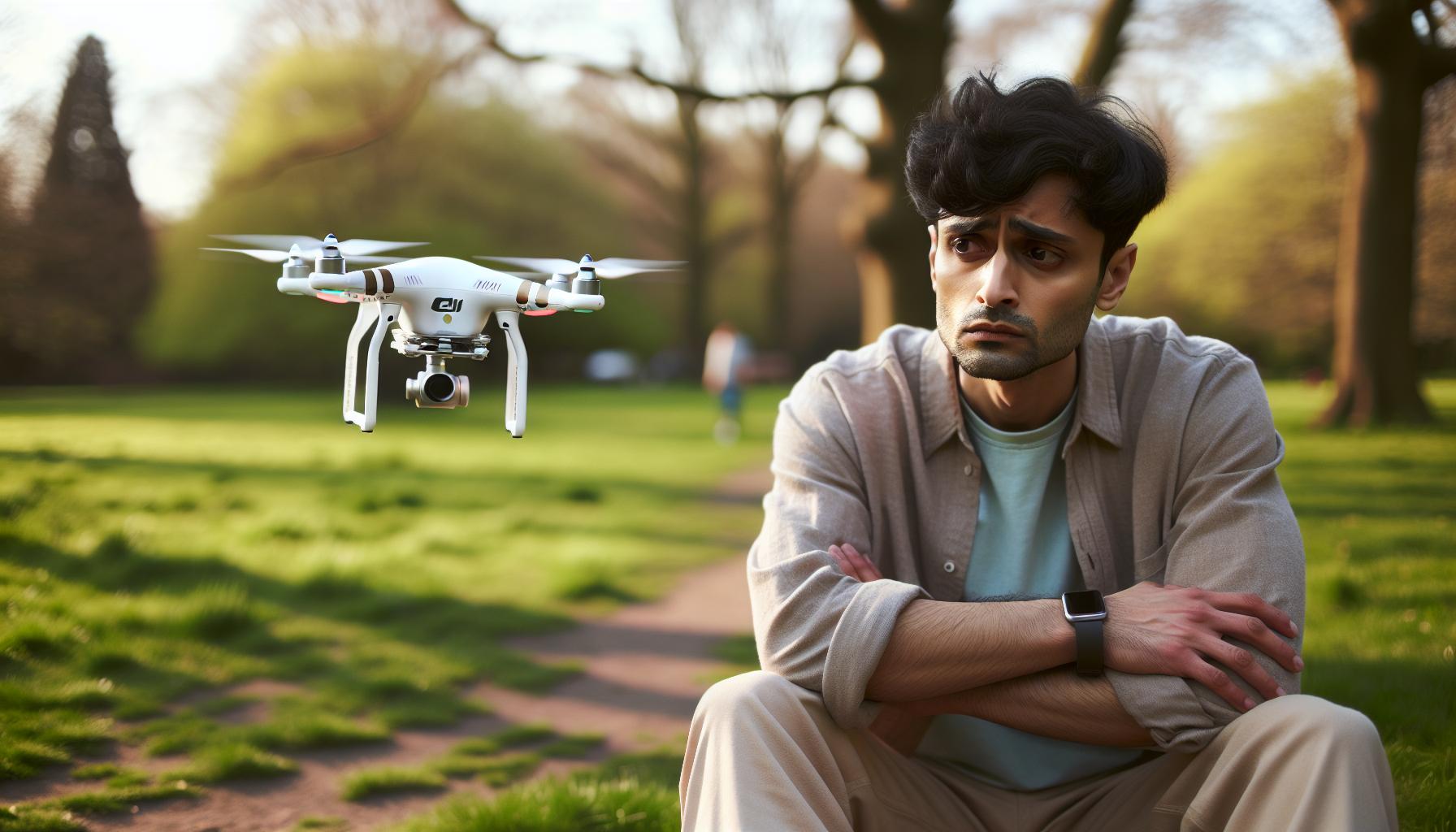
Despite their focus on capturing breathtaking aerial imagery, DJI drones often raise legitimate privacy concerns, particularly around audio recording capabilities. A significant argument against drones recording audio lies in the potential invasion of privacy for individuals unknowingly caught in the flight path of these devices. While most DJI models do not feature built-in microphones, any external audio capture integrations can heighten these concerns. Users operating in public spaces must consider the implications of their chosen equipment and the potential for inadvertently recording conversations or other private interactions.
To mitigate these privacy concerns, drone operators must stay informed about local laws and regulations regarding audio recording. In many jurisdictions, recording conversations without consent may violate privacy laws, leading to legal repercussions. Prospective drone pilots should familiarize themselves with legislation specific to their area. Engaging with stakeholders, such as property owners and local communities, can also foster goodwill and transparency, which are crucial when operating in populated regions.
Furthermore, establishing clear protocols for drone operation, including the use of warning signs or announcements before flying, can enhance public trust. By being upfront about the capabilities of their drones and deliberately choosing not to engage in unauthorized recording, operators can effectively navigate potential privacy issues. Maintaining ethical standards while flying, such as respecting personal space and avoiding sensitive locations, is not just good practice; it also reinforces a positive image for the drone community as a whole. Keeping these considerations in mind enables a responsible balance between enjoying drone technology and respecting individual privacy rights.
How to Disable Audio Recording on DJI Drones
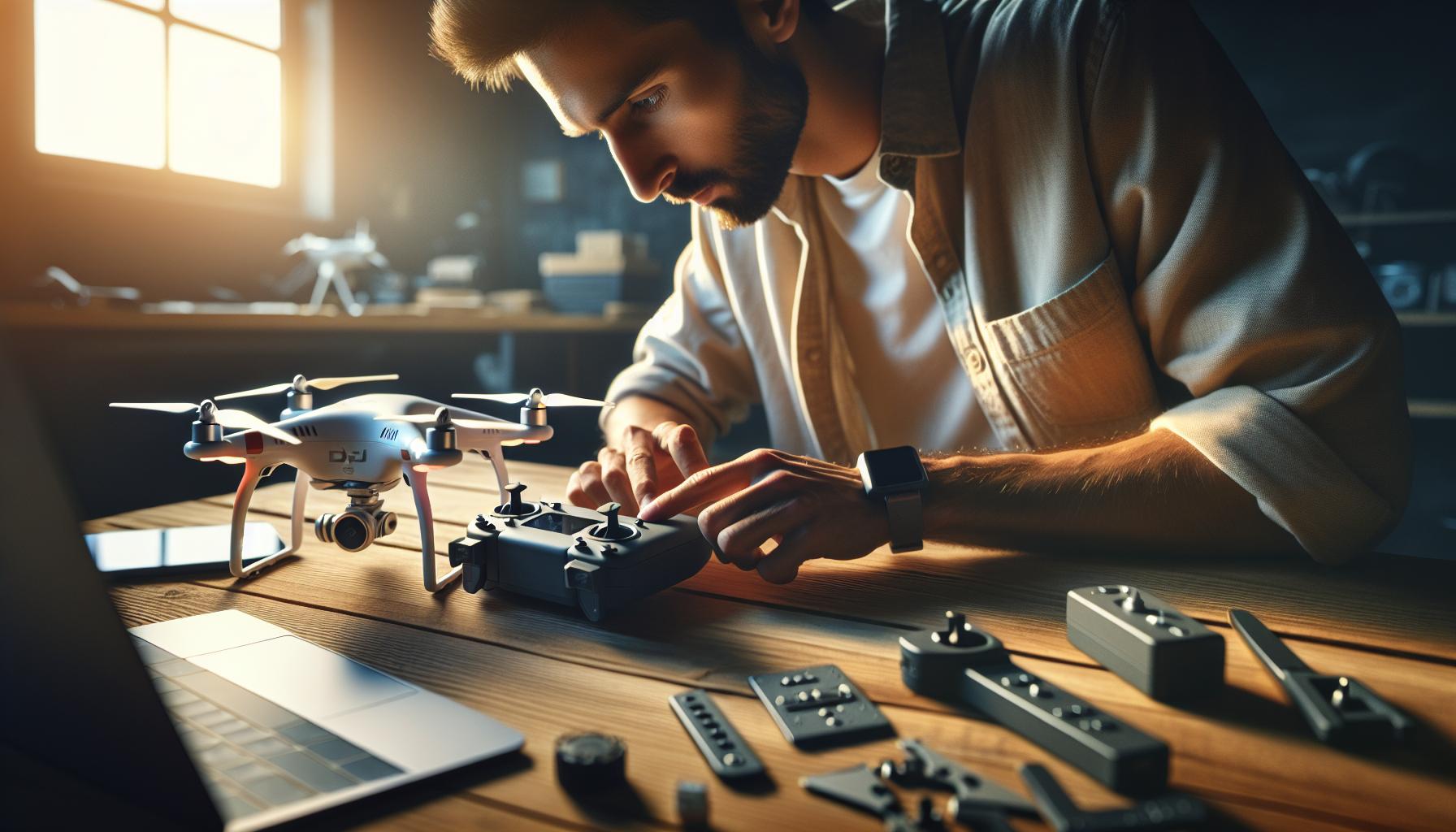
To ensure responsible operation of DJI drones and address the privacy concerns associated with audio recording, knowing how to disable any potential audio recording features is essential. While many DJI drones do not come equipped with built-in microphones, some models may have capabilities that allow for audio capture, especially if connected to external equipment. It’s important to take proactive measures to maintain privacy, particularly in areas where individuals may not expect to be recorded.
To turn off any accessible audio recording functionalities, follow these steps:
Step-by-Step Instructions
- Access the DJI Fly App: Power on your drone and remote controller and connect to the DJI Fly app, which is usually the interface for controlling DJI drone models.
- Navigate to Camera Settings: Once the app is open, navigate to the camera settings section. This may be indicated by a camera icon or settings gear, typically located on the right side of the screen.
- Locate Audio Options: Within the camera settings menu, look for audio options. Depending on your specific drone model, this could be labeled as “Audio Settings,” “Record Audio,” or similar terms.
- Disable Audio Recording: If an option for audio recording is present, toggle it off to deactivate the feature. Ensure any other related settings, like audio overlays for video recording, are also disabled.
- Save Settings: Always confirm that your changes are saved before exiting the settings menu. It may also be a good idea to run a quick test flight to ensure the settings are correctly applied.
In addition to these steps, staying updated with the latest firmware can help ensure that any audio functionalities, if available, are managed according to the manufacturer’s specifications. Firmware updates occasionally change or enhance features, including those related to audio, so regular checks are advisable.
Before operating, consider articulating your intentions transparently with those nearby. Using warning signs or announcements can foster trust and mitigate any concerns about privacy violations during your flights. By taking these steps, drone operators can enjoy their flying experience while being considerate of legal and ethical responsibilities related to audio recording.
Legal Implications of Drone Audio Recording

The advent of drone technology has revolutionized aerial photography and videography, but it has also sparked significant legal discussions surrounding audio recording practices. In many jurisdictions, the act of recording audio-especially without consent-can infringe upon privacy rights, leading to potential legal ramifications for drone operators. Understanding these implications is essential for responsible usage.
When a drone is capable of capturing audio, even indirectly through connected devices or external microphones, it raises concerns about violating local laws regarding privacy. For instance, in the United States, the Electronic Communications Privacy Act (ECPA) regulates the interception of audio communications and can impose penalties on those recording conversations without consent. The interpretation of privacy varies by state, but generally, obtaining affirmative consent from individuals within the recording vicinity is advisable.
Legal Framework Considerations
Operators must familiarize themselves with both federal and state laws concerning audio recording. Here are key factors to consider:
- Consent Laws: Many states adopt a “one-party consent” rule, where only one participant in a conversation needs to be aware of the recording. However, some states require “two-party consent,” meaning every individual involved must consent beforehand.
- Public vs. Private Spaces: Recording audio in public spaces may afford some legal protections, but capturing conversations in private settings without permission can lead to lawsuits.
- Intent and Use: The intention behind the recording-whether for personal use, commercial gain, or malicious activity-can influence legal outcomes and enforcement actions.
Establishing Best Practices
To navigate the complex landscape of audio recording laws, drone operators should adopt best practices that minimize legal risks and respect privacy. Here are suggestions to ensure compliance:
- Inform and Obtain Consent: Communicate your intentions clearly to individuals in proximity to your drone. Utilizing signage or verbal announcements may help mitigate concerns.
- Disable Audio Features: If your drone includes audio recording capabilities, disable these features unless recording audio is explicitly required and consensual.
- Stay Updated on Regulations: Laws regarding audio recording can evolve. Regularly review local regulations and consult legal counsel if uncertain.
Being proactive in understanding and adhering to legal requirements not only protects you as a drone operator but also fosters trust within the communities you wish to engage with. Taking these precautions demonstrates respect for privacy, allowing for a more enjoyable and responsible flying experience.
Best Practices for Maintaining Privacy While Flying
While flying a drone can be an exhilarating experience-offering stunning aerial views and creative opportunities-it also invites a responsibility to respect the privacy of those in proximity. With advancements in technology, including audio recording capabilities in many models, operators must exercise caution and best practices to ensure that they operate within ethical and legal boundaries. Here are several essential strategies to maintain privacy while flying your DJI drone.
One of the most effective ways to manage privacy concerns is to inform those nearby of your intentions. Prior to launching your drone, take a moment to communicate clearly to people in the vicinity. This can be done by use of signage or verbal notifications. Not only does this foster transparency, but it also helps establish goodwill and minimizes the likelihood of conflict or discomfort. People are generally more receptive when they understand your objectives, whether they involve recreational photography, commercial work, or film projects.
Additionally, if your DJI drone is equipped with audio recording features, it is advisable to consider disabling these capabilities unless recording audio is specifically required and you have obtained consent. Many drone models come with settings that allow you to turn off audio capture entirely, thus ensuring a more respectful approach toward privacy. This not only reduces legal risks but also conveys a responsible attitude toward drone usage.
Staying updated on local regulations regarding audio recording is paramount. Laws can differ greatly depending on your location, and remaining informed about these regulations can save you from potential legal issues. Consider maintaining a checklist of your local laws regarding audio and drone usage, and regularly review any amendments or updates. If you’re ever unsure, consulting with a legal expert can provide additional peace of mind.
Lastly, being proactive about privacy extends beyond compliance with the law; it reflects a commitment to respectful flying. By practicing thoughtful engagement with your community and fellow drone operators, you foster an environment of mutual respect. Establishing good relationships can lead to productive conversations about drone regulations and usage, enhancing both your experience and that of others in the airspace.
Incorporating these best practices into your flying routine not only mitigates risks associated with audio recording but also establishes you as a responsible drone operator. Engaging with your environment and community can transform the pursuit of aerial creativity into a more harmonious experience for everyone involved.
User Experiences: Audio Recording Features in Action
User experiences with the audio recording features of DJI drones often highlight a fascinating blend of innovation and responsibility. While most pilots appreciate the added dimension of sound that can enrich their aerial cinematography or surveillance footage, many also express concerns about privacy implications and legal compliance. For instance, a filmmaker using a DJI Mavic 3 for a documentary noted that capturing ambient sound-from bustling city scenes to tranquil natural settings-enhanced the viewer’s experience and connection to the narrative. However, they emphasized the importance of notifying individuals in the vicinity before recording, respecting their privacy rights while engaging in creative storytelling.
Conversely, some drone enthusiasts have reported unexpected challenges. One operator mentioned that during a community event, their DJI drone unintentionally recorded private conversations, leading to complaints from attendees. This situation serves as a critical reminder that, although audio capabilities can add significant value to recordings, operators must remain vigilant about the ethical and legal frameworks surrounding audio capture. Clear communication and a proactive approach to consent can mitigate potential backlash and foster a positive relationship between drone pilots and their communities.
Moreover, user feedback often points to the intuitive design of the DJI app, allowing pilots to easily toggle audio recording settings on or off. Several users highlighted how this feature enables them to adapt quickly to different environments, disabling audio capture when flying in crowded public spaces or heritage sites to maintain respect for privacy. Ultimately, striking a balance between creative ambition and ethical responsibility is essential for using audio recording features effectively, enhancing both the artistic quality of the footage and the trust shared with the surrounding community.
As drone technology continues to evolve, the dialogue around audio recording will undoubtedly grow richer, encouraging more operators to share their insights and experiences. Engaging with fellow pilots through forums and social media can provide valuable support and best practices for navigating the complexities of audio recording while flying DJI drones.
Comparing DJI Drones: Models That Record Audio
DJI’s innovative drone offerings range from consumer-friendly models to advanced professional aircraft, and many of them incorporate audio recording capabilities, making them a versatile tool for various applications. Understanding which DJI drones include this feature and how they can be effectively utilized is essential for anyone looking to enhance their aerial footage with sound.
One of the standout models that supports audio recording is the DJI Mavic 3, renowned for its high-quality imaging and sound capabilities. This drone allows users to capture ambient sounds that can elevate cinematographic storytelling, bridging the gap between visual and auditory experiences. In addition to its stunning 4/3 CMOS sensor, the Mavic 3 incorporates an advanced audio system that records sound from multiple channels, giving filmmakers the flexibility to mix audio in post-production to fit their narrative needs.
In contrast, the DJI Mini series, including the Mini 3 Pro, focuses on portability and user-friendliness. While these drones are primarily designed for straightforward operation and stunning visuals, they do not possess built-in microphones for audio capture. This makes them ideal for operators who prioritize easy aerial photography without the complexity of managing sound. However, users can still enhance their content with additional audio equipment if necessary, showcasing the versatility of DJI drones in meeting various user requirements.
The DJI Air 2S also stands out, featuring an ability to record audio during flight, making it a popular choice among enthusiasts and professionals alike. It combines a robust 1-inch CMOS sensor with intelligent flight modes, enabling pilots to capture breathtaking visuals alongside natural sounds. For videographers, this integration is particularly advantageous, as it allows for ambient audio to be recorded in dynamic environments, ensuring that the emotional depth of the footage is not lost.
When comparing DJI models for audio recording, it is essential to consider the intended application and how sound will play a role in the overall project. Whether you’re capturing a serene sunset or an energetic outdoor event, understanding the audio capabilities of each model can inform your purchasing decision and help craft a more engaging viewer experience. Here’s a quick comparison of notable models:
| Model | Audio Capability | Best For |
|---|---|---|
| DJI Mavic 3 | Multi-channel audio recording | Filmmakers |
| DJI Mini 3 Pro | No built-in audio recording | Portability-focused users |
| DJI Air 2S | Integrated audio recording | Content creators |
Ultimately, the choice of a DJI drone equipped with audio recording capabilities hinges on the user’s specific needs and how sound can enhance the captured footage. Understanding these distinctions allows operators to better navigate the exciting possibilities of aerial filming in a responsible manner, ensuring that they respect privacy while leveraging the audio features available in their chosen model.
Firmware Updates Affecting Audio Recording
The ability of DJI drones to capture audio during flight is significantly influenced by firmware updates. These updates can enhance or alter the audio recording features, thereby affecting how users experience audio integration in their aerial videography. Firmware updates often introduce improved algorithms for audio processing, optimize microphone sensitivity, and enhance compatibility with various post-production software. As a result, operators frequently report noticeable differences in audio quality and functionality after implementing the latest updates.
To ensure optimal audio performance, it’s crucial to stay informed about firmware updates specific to your drone model. For instance, the DJI Mavic 3, known for its advanced audio capabilities, may receive updates that refine its multi-channel audio recording or introduce new settings for audio capture. Regularly checking the DJI Go or DJI Fly app for notifications regarding available updates is a best practice. Updating not only keeps the drone’s systems functioning smoothly but may also unlock new features or improvements that enhance the overall audio experience.
Moreover, understanding how to update firmware effectively can enhance the user experience. To update your drone’s firmware, follow these steps:
- Connect your drone to the DJI app: Ensure that your drone is turned on and connected to your mobile device via the DJI app.
- Check for updates: In the app, navigate to the settings menu and select the firmware option.
- Follow the prompts: If an update is available, carefully follow the instructions to download and install it, ensuring that your drone remains powered during the process.
- Test the audio: After the update, conduct a test flight to assess any enhancements in audio recording capabilities.
By keeping firmware current, operators can maximize the functionality of their DJI drones, particularly concerning audio recording. This is especially important for professionals who rely on high-quality sound to complement their visuals. In summary, regular firmware updates are essential not only for maintaining general drone performance but also for ensuring that any developments in audio recording technology are leveraged to their full potential.
Guidelines for Responsible Drone Usage and Privacy
In an era where drones are integrated into everyday life for various uses ranging from aerial photography to surveillance, understanding the implications of their audio recording capabilities is essential. DJI drones, with their advanced technology, can capture high-quality audio during flights. However, responsible usage of these features is vital for ensuring privacy and compliance with legal standards.
When operating a drone equipped with audio recording capabilities, always prioritize the privacy of individuals in your vicinity. Before flying, consider the following guidelines:
- Awareness of Surroundings: Always be conscious of where you fly your drone. Avoid areas where people may expect privacy, such as backyards or secluded spaces.
- Seek Permission: If you plan to record audio in public areas that may include private conversations, consider notifying affected individuals or seeking their consent before capturing audio to respect their privacy.
- Know the Laws: Familiarize yourself with local regulations regarding drone usage and audio recording. Different regions have various laws governing how and where you can record audio, so ensure compliance with these rules to avoid legal issues.
- Utilize Features Wisely: If your drone allows for audio recording, use this feature wisely. For non-commercial pilots, consider disabling audio recording altogether if it is not necessary for your intended use, especially to avoid unintentional violations of privacy.
- Educate Yourself: Stay informed about guidelines and best practices issued by aviation authorities and community organizations that pertain to drone operation and audio recording.
Having an ethical approach not only preserves privacy but also enhances your reputation as a responsible drone operator. Engaging with local drone communities can provide valuable insights and foster discussions on maintaining privacy while utilizing advanced technology. By adhering to these guidelines, you can enjoy the capabilities of your DJI drone while upholding the trust and respect of your community.
Exploring Alternatives: Drones with Audio Features
In the rapidly evolving world of drone technology, audio recording capabilities have become a significant feature across various models, not just those manufactured by DJI. While DJI drones are widely recognized for their outstanding aerial photography and videography capabilities, alternatives are emerging that also offer integrated audio features. Exploring these options can provide users with a broader perspective on how audio can enhance their drone experience.
Several brands, such as Parrot and Yuneec, have developed drones that integrate audio capabilities into their design. For instance, the Parrot Anafi provides a user-friendly interface and allows for direct audio recording, which is particularly beneficial for filmmakers looking to add ambient sounds to their aerial shots. These features cater to creative professionals who need easily integrated audio within their visual content, making it easier to capture compelling narratives directly from the sky.
Considerations for Audio Recording in Drones
When evaluating alternatives, it’s essential to consider factors such as recording quality, battery life, and overall integration with the drone’s existing video capabilities. Some drones may record audio at a lower quality, which can detract from the overall production value. Therefore, researching user reviews and technical specifications is crucial for finding the right model that meets specific audio recording needs.
- Battery and Performance: Ensure the drone can handle the additional load from audio equipment if it is not built-in.
- Audio Quality: Look for drones with high-quality microphones or the option to connect external audio devices.
- Usability: Ensure the controls are intuitive, so you can easily manage both video and audio recording without distraction.
Moreover, while some drones allow audio recording, others focus on high-fidelity video capture without sound features. These models might appeal to users prioritizing visual quality but are less suitable for those who want a comprehensive audio-visual setup. Understanding the intended use of the drone will help determine whether audio features are a necessary addition or a nice-to-have.
In conclusion, as DJI continues to lead the market, it’s vital to explore alternatives that offer robust audio features. By doing so, users can find drones that align more closely with their individual requirements, whether capturing immersive storytelling moments or enhancing instructional content.
Future of Audio in Drone Technology
The integration of audio capabilities into drone technology is on the brink of a transformative shift, promising to enhance both creative possibilities and operational functionalities. As enthusiasts and professionals alike explore the realm of aerial storytelling, the demand for drones that can capture high-quality sound is increasing. Future advancements are likely to focus on the incorporation of sophisticated audio recording systems that can operate seamlessly with existing video technologies, allowing for richer audiovisual experiences.
One exciting development on the horizon is the emergence of drones equipped with advanced audio sensors and noise-cancellation algorithms. This technology could revolutionize the way filmmakers, journalists, and content creators capture scenes from the air by filtering out unwanted ambient noise while capturing clear and meaningful sounds. With the increasing prevalence of immersive media, drones might also evolve to include spatial audio capabilities, allowing users to record sound in a three-dimensional context, enhancing the viewer’s experience of the environment captured.
Another crucial aspect of the is the attention to legal and ethical considerations surrounding sound recording. As drone users become more aware of privacy issues, manufacturers may innovate by offering features that allow users to toggle audio recording on and off easily, along with clear indicators regarding when recording is active. These controls would not only serve practical purposes but could also help foster trust and transparency between drone operators and the public.
Furthermore, software advancements could play a vital role in post-production processes. The future may see drones equipped with AI-driven capabilities that assist in automatically syncing audio with video footage, enhancing the editing experience. This would not only save time for creators but also introduce features that optimize the audio environment, such as adjusting levels based on the type of content being produced.
In summary, as the drone industry continues to innovate, the enhancements in audio technology coupled with increased awareness of privacy concerns create a promising landscape. Engaging sound capabilities will not only enhance the quality of the content created but also ensure that these advancements align with ethical standards, allowing operators to capture the world from a new auditory perspective.
Faq
Q: Do DJI drones have built-in microphones for audio recording?
A: Most DJI drones do not have built-in microphones to record audio directly. They are primarily designed for capturing high-quality video and images. If you require audio, consider using external recording devices or drones that support audio features for enhanced capabilities.
Q: How can I check if my DJI drone records audio?
A: To check if your DJI drone records audio, consult the specific model’s user manual or DJI’s official website. Look for features related to audio recording in the specifications to confirm whether audio capture is supported for your drone.
Q: What should I know about privacy concerns with audio recording on DJI drones?
A: Privacy concerns arise if drones are used to record audio without consent. Be aware of local laws regarding audio recording and inform individuals present that you are operating a drone equipped with audio recording capabilities to avoid legal issues.
Q: Can I disable audio recording on my DJI drone?
A: Yes, you can disable audio recording on DJI drones through the settings in the DJI app. Navigate to the audio settings and toggle the option to off. This ensures your recordings do not capture sound if you prioritize privacy.
Q: What are the legal implications of recording audio with a DJI drone?
A: Legally, recording audio with a drone can differ by jurisdiction. Some areas require consent from individuals being recorded. Always familiarize yourself with local laws and regulations concerning audio recording to avoid fines or legal troubles.
Q: Are there DJI drone models that can record audio?
A: As of now, DJI drones do not typically include integrated audio recording capabilities. However, some models may support external microphones or accessories that allow for sound capture while flying, providing a workaround for audio needs.
Q: How does wind affect audio recording on DJI drones?
A: Wind can significantly impact audio quality when recording with external devices attached to DJI drones. It often creates background noise and distortion. To minimize this, consider windshields for microphones or position the recording device strategically to reduce wind interference.
Q: What are the best practices for drone audio recording?
A: Best practices include ensuring compliance with local privacy laws, obtaining necessary permissions for recording audio, and using external microphones with wind protection. Always prioritize transparency and respect for privacy while flying your drone. For more detailed advice, check the section on legal implications in the main article.
Insights and Conclusions
In summary, while DJI drones excel in aerial photography and videography, their audio recording capabilities-primarily non-existent-raise important privacy considerations. Understanding these features is crucial for responsible drone use. If you’re looking to enhance your flying experience, check out our guides on drone setup and firmware updates, or explore our in-depth reviews of the latest models like the Mavic and Mini series.
Don’t miss out-subscribe to our newsletter for updates on the latest drone technology and tips for both beginners and seasoned pilots. Your next adventure awaits, and we’re here to ensure you’re fully prepared. Feel free to leave a comment or share your thoughts on audio recording with drones; your insights can help create a vibrant community of enthusiasts. Keep flying and stay informed!