Drone enthusiasts rely on their DJI drones for breathtaking aerial photography and smooth videography, but accidents happen. Knowing where to turn when your drone needs repair is essential for keeping your passion in the sky alive. Whether you’re dealing with a minor issue or a more significant malfunction, finding the right repair center can save time and restore your drone to its prime condition. In this guide, we’ll explore the best options available for repairing your DJI drone, including authorized service centers, specialized repair shops, and comprehensive care plans. Let’s dive in and ensure your aerial adventures don’t have to come to an unexpected halt.
Where to Find Authorized DJI Repair Centers
Locating an authorized DJI repair center is crucial for ensuring your drone receives the best possible care and service, especially after experiencing issues that need expert attention. DJI has developed a network of authorized service centers worldwide, making it easier for drone operators to access professional repairs. To find a nearby center, start by visiting the official DJI website where they provide a dedicated section to assist users in locating authorized service providers based on their geographical location.
Usually, these centers will display a variety of services offered, which can range from lens adjustments and gimbal repairs to more extensive issues like flight control malfunctions. Some of these centers may also have advanced diagnostic tools that proprietary DJI software requires, ensuring that your drone is in the best hands possible. Be sure to check customer reviews and service ratings for an informed choice.
Here are practical steps to find an authorized DJI repair center:
- Visit the DJI Website: Navigate to the support or service section of the official DJI website.
- Use the Repair Center Locator: Input your location to find the nearest authorized repair facilities.
- Contact Support: If you’re unable to find a center online, reaching out to DJI customer support can provide additional guidance.
It’s also beneficial to inquire about the types of repairs they specialize in, potential wait times, and the costs associated with repairs. Taking the time to explore these options not only expedites the repair process but also boosts your confidence in the service your drone will receive.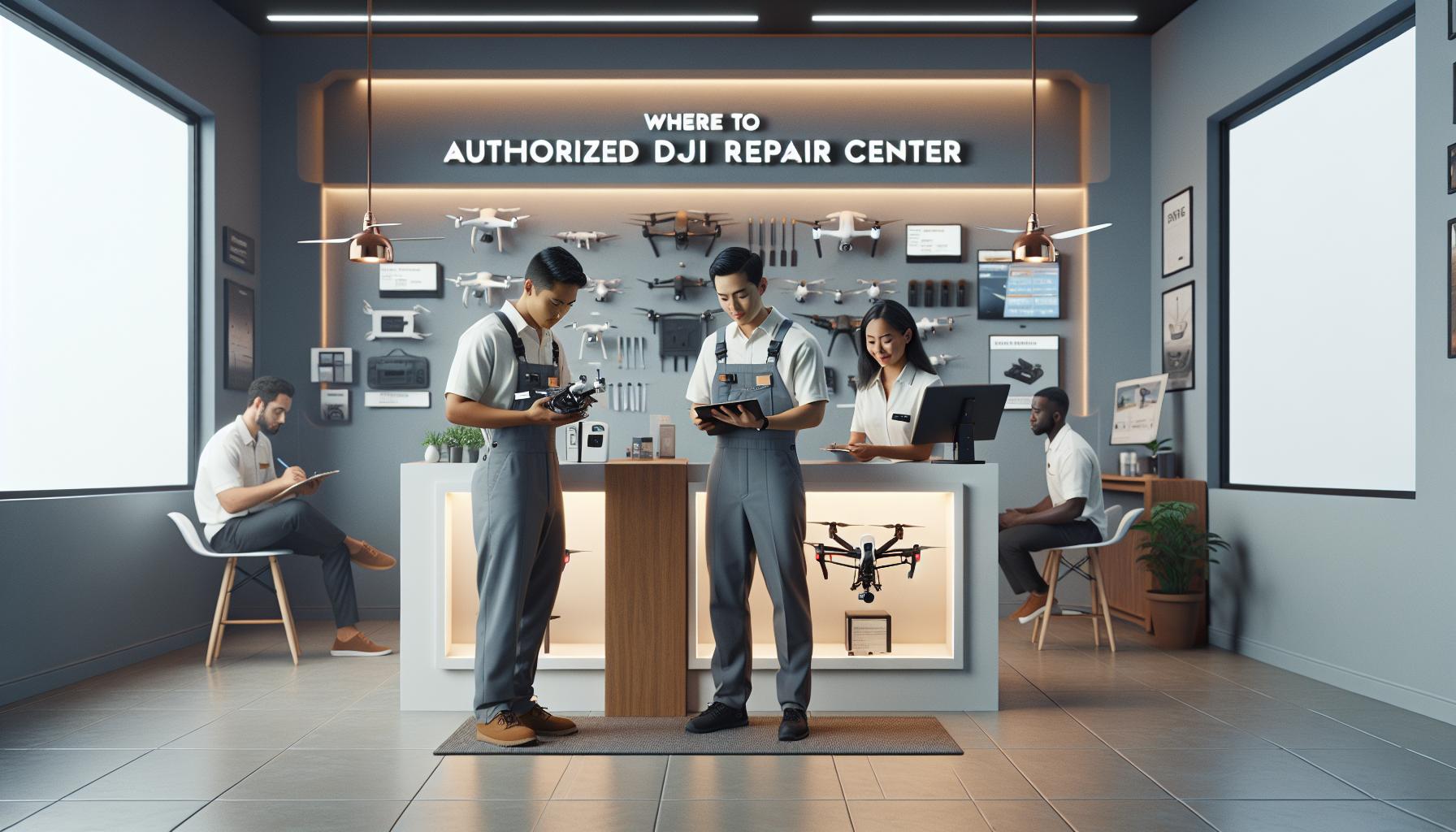
Understanding Common DJI Drone Issues
Many drone enthusiasts experience common issues that can hinder flight performance and overall functionality. Understanding these problems is essential for timely repairs and maintaining optimal operation. DJI drones, known for their advanced technology and user-friendly features, still encounter a range of challenges that users should be aware of.
One prevalent issue is battery performance. Over time, drone batteries may not hold a charge as well, leading to shorter flight times. This deterioration can be exacerbated by extreme temperatures or improper storage. If you notice a significant drop in flight duration, it may be time to investigate battery health or consider a replacement. Additionally, firmware updates often play a crucial role in maintaining drone efficiency. Failing to regularly update your drone’s firmware can lead to software conflicts, causing operational glitches or erratic behavior during flights.
Another common problem is connectivity loss, particularly with the remote controller. Factors such as interference from nearby devices or physical obstacles can disrupt the signal, leading to loss of control. Ensuring an unobstructed line of sight and minimizing environmental interferences can mitigate this issue. In some cases, recalibrating the controller or drone can restore stable communication.
Physical damage from accidental crashes is a more serious concern. Damage to components like the camera or gimbal may impair your ability to capture quality footage. Regular inspections after flights can identify wear and tear early, allowing for proactive repairs before the damage escalates. Keeping an eye on propellers is also crucial; they can chip or break easily, impacting flight stability.
Key Issues to Look Out For
- Battery Issues: Reduced flight times due to aging or misuse.
- Connectivity Problems: Signal loss caused by obstructions or interference.
- Physical Damage: Damage from crashes affecting key components like the camera.
- Firmware Glitches: Outdated software causing operational conflicts.
By recognizing these common issues early, drone operators can make informed decisions about repairs, minimizing downtime and maximizing enjoyment of their flying experience. Whether opting for DJI’s authorized repair centers or trusted third-party services, understanding these challenges is the first step in maintaining your drone’s performance and longevity.
Step-by-Step Guide to DJI Drone Repairs
When your DJI drone encounters issues, whether from a minor glitch or a significant malfunction, understanding the repair process can streamline getting your craft back in the air. Here’s a comprehensive guide to ensure your repairs are handled efficiently, whether you seek assistance from authorized DJI repair centers or trusted third-party services.
Start by diagnosing the issue with your drone. Common problems like battery failure, connectivity issues, or physical damage can usually be identified with a simple inspection. Document any error messages from the drone’s app or remote controller, and note any unusual sounds or performance discrepancies during flight. This comprehensive assessment will provide valuable information to technicians during repair consultations.
Once the issue is identified, research the appropriate repair options. If you decide to go through DJI’s authorized service centers, locating one is straightforward. Visit the official DJI website and use their service locator tool to find a nearby repair center. Prepare your drone for submission by backing up any important flight data and removing any accessories like propellers or memory cards. Ensure that the drone is clean and adequately packaged to avoid further damage during transport.
After you’ve selected a repair center, fill out any required paperwork. Depending on the service, you may need to provide information about your drone’s warranty status and a detailed description of the problem. If your drone is still under warranty, it’s crucial to mention this, as it can influence repair costs and turnaround time.
Once submitted, stay informed about the repair status. Most authorized centers provide updates via email or SMS, allowing you to track progress and estimated completion times. If opting for third-party repair services, inquire about their repair timelines and guarantees on services provided.
In the rare event of a more complex issue, being prepared for follow-up questions or the need for additional inspections can help expedite the repair process. Keeping communication open will facilitate a smoother experience and help you receive valuable feedback on maintaining your drone after repairs are complete.
By following these steps, you can maximize the likelihood of a swift and effective repair, ensuring minimal downtime and preparing you to take to the skies with confidence once more.
Comparing DJI Repair Services vs. Third-Party Options
When it comes to getting your DJI drone fixed, understanding the stark differences between authorized DJI repair services and third-party options can significantly impact your experience and the overall outcome. Authorized repair centers, typically managed by DJI or certified by them, utilize genuine parts, adhere to factory standards, and offer the peace of mind that comes with official service protocols. This often means faster access to the latest firmware updates and technical support directly from the manufacturer, ensuring your drone is restored to optimal condition. Moreover, repairs performed under warranty can often be completed at no charge, provided the issues fall within the coverage parameters.
On the other hand, third-party repair services can offer competitive pricing and potentially faster turnaround times, particularly for minor repairs. Many independent technicians have developed extensive expertise in working with DJI drones, capable of resolving common issues such as battery replacements, propeller repairs, and gimbal servicing. However, there can be significant risks involved when choosing these services. It’s essential to ensure that the third-party provider uses high-quality parts and maintains a reliable reputation. Unlike authorized centers, third-party services may void manufacturer warranties, and any repairs made might not adhere strictly to DJI’s quality standards.
To help you decide, it’s advisable to compare several factors:
Key Considerations for Comparison
- Warranty Impact: Repairs from authorized centers generally keep your warranty intact, while third-party repairs may void it.
- Quality of Parts: DJI centers use OEM parts, while third-party services may use after-market parts, which can vary in quality.
- Cost: Third-party repairs might be less expensive, but weigh this against the potential risks involved.
- Service Speed: Third-party options can sometimes offer quicker repairs, but ensure they are reliable.
- Technical Support: Going through DJI gives access to their comprehensive support system, whereas third-party services may lack extensive resources.
Ultimately, your choice should reflect the nature of the repair needed, your budget, and how critical maintaining warranties and reliable service quality is to your drone operation. Balancing these factors will help you make an informed decision and ensure your DJI drone gets the best possible care.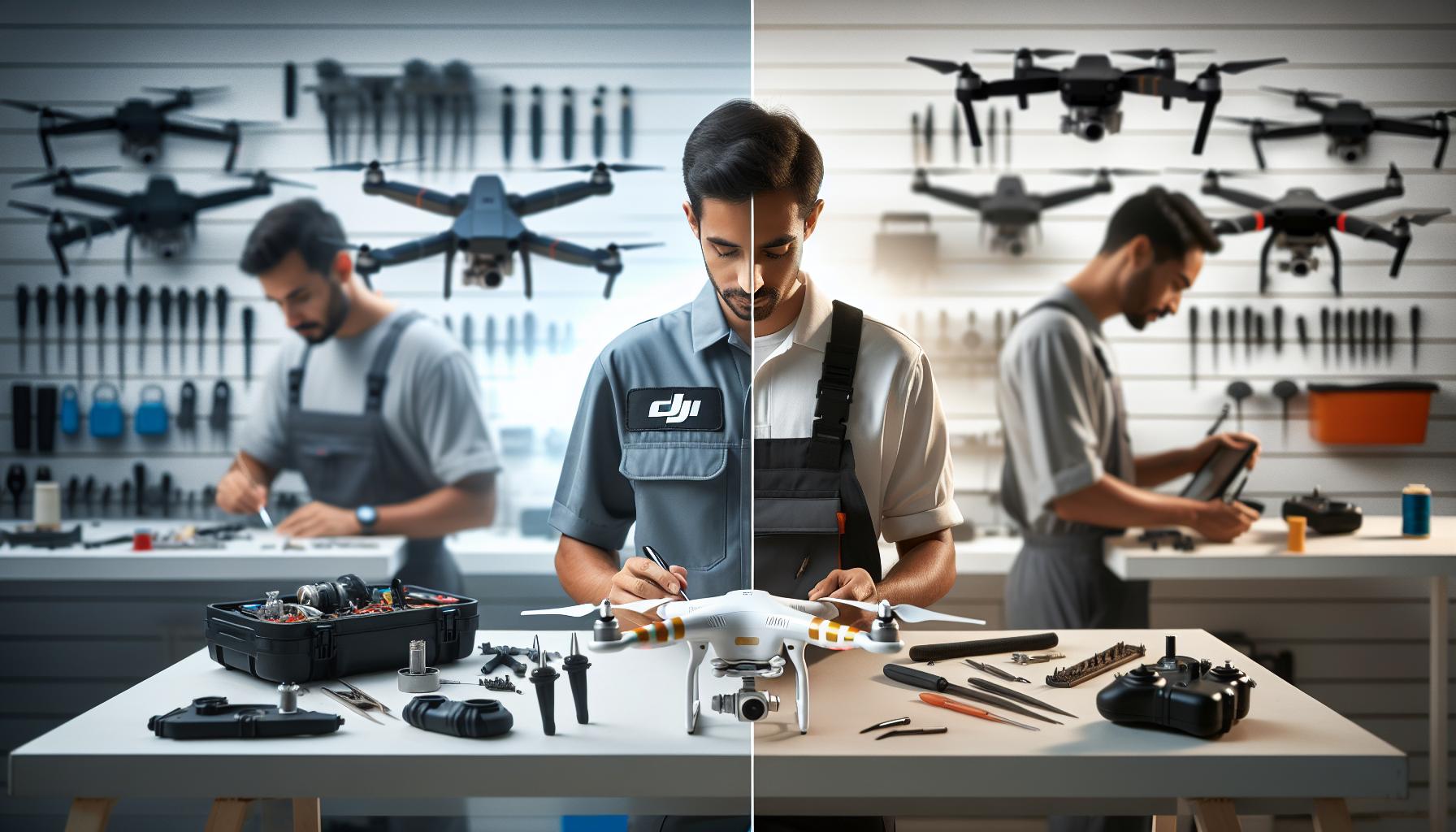
How to Prepare Your DJI Drone for Repair
Preparing your DJI drone for repair is an essential step to ensure a smooth and efficient repair process. A well-prepared drone helps technicians quickly diagnose and fix the issue while safeguarding your personal data and ensuring the repair service stays within warranty terms. When you send your drone in, taking the right steps can significantly reduce turnaround time and prevent any additional complications.
Start by removing all personal items, including memory cards and any attachments like propellers or additional sensors. Memory cards can contain sensitive data and footage that you don’t want to lose during the repair process. Additionally, check for any firmware updates that might need to be installed prior to shipping. Updating your drone to the latest firmware can be crucial, as it ensures the technicians can work with the most current software.
It’s also wise to document your drone’s current condition. Take clear, detailed photographs of your drone from multiple angles. This not only provides a point of reference for any pre-existing damages but also serves as a helpful step in the claims process if the drone sustains additional damage during repair. Before sending it off, securely package your drone in its original box or an appropriate padded container to prevent transit damage.
Should you be sending your drone to an authorized DJI repair center, ensure you include any required paperwork, such as proof of purchase and warranty information. This will facilitate a quicker assessment of your repair needs. If possible, include a brief description of the issue you’re experiencing, along with any troubleshooting steps you’ve already taken.
In summary, thorough preparation is key to streamlining your DJI drone’s repair process. By safeguarding your data, ensuring all components are accounted for, and providing essential information to the repair center, you can set the stage for a quick and hassle-free experience.
Costs Associated with DJI Drone Repairs
The cost of repairing a DJI drone can vary significantly based on several factors, including the model of the drone, the severity of the damage, and whether you opt for an authorized repair center or a third-party service. Understanding these costs can help you plan and budget appropriately for repairs, ensuring you are not caught off-guard when an unfortunate incident happens.
For DJI drones, typical repair costs at authorized service centers can range from $50 to over $500, depending on the specific repairs needed. Common repairs include drone body replacements, gimbal and camera repairs, and battery replacements. For instance, minor issues such as a damaged propeller or minor cosmetic repairs tend to be on the lower end of the spectrum, while significant damage to the internal components, such as the flight controller or motherboard, can incur much higher costs.
When seeking repair services, here are a few cost-related aspects to consider:
- Warranty Coverage: If your drone is still under warranty, some repairs may be covered at no additional cost. Always check your warranty terms to see if your specific issue is included.
- Diagnostic Fees: Some repair centers may charge a diagnostic fee before providing a repair estimate. Be sure to ask whether this fee will be waived if you proceed with the repair.
- Shipping Costs: If you need to send your drone to an authorized repair center, consider including shipping fees in your budget. These costs can vary based on your location.
- Replacement Parts: Cost for replacement components will add to your total repair bill. If specific parts are needed (e.g., cameras, gimbals), their availability can affect the overall cost and repair time.
Being prepared and informed about potential repair costs not only eases financial planning but also allows you to make quicker decisions about whether to repair or replace your drone. In many cases, understanding your repair options and their associated costs empowers you to maintain your drone’s longevity and performance, ensuring you’re ready to capture stunning aerial footage for years to come.
Tips for Quick Turnaround on Repairs
Efficient repairs can save time and get your drone back in the air faster. To achieve a quick turnaround, start by selecting authorized DJI repair centers, as they typically maintain a higher level of expertise and access to genuine parts. When necessary, prepare your drone for service by thoroughly cleaning it and removing any non-essential accessories. This not only helps the technicians evaluate the issue quicker but also minimizes the risk of additional damage during transit.
Another way to expedite the repair process is by gathering all relevant documentation before sending your drone for repairs. This includes proof of purchase, records of previous repairs, and clear descriptions of the issues you’ve experienced. By providing detailed information, you can reduce the time taken for diagnostics and eliminate unnecessary back-and-forth communication. If possible, communicate any troubleshooting steps you have attempted, as this can guide the technicians directly to the root of the problem.
Additionally, consider utilizing express shipping options when sending your drone for repair. While this may incur additional costs, prioritizing the shipping can significantly shorten the waiting period. Once you’ve dispatched the drone, keep a close eye on tracking information to ensure it reaches the repair center promptly. If you choose to go through a local authorized repair shop, you might benefit from on-the-spot repairs, which can keep downtime to a minimum.
Finally, maintain regular communication with the repair center. Establishing a rapport and inquiring about the status of the repairs can often help you gain insights into the estimated timeframes. Some centers offer expedited service for an added fee; if you’re in a hurry, don’t hesitate to ask about this option. By following these guidelines, you can maximize your chances of enjoying a quick turnaround on repairs and minimize interruptions to your aerial adventures.
DIY Solutions for Minor DJI Drone Problems
Even seasoned drone pilots occasionally face minor issues that don’t necessarily require professional repair. Understanding how to troubleshoot these problems can save time and money, keeping your DJI drone in optimal condition without the need to head to a repair center. Here are some common minor problems you may encounter and effective DIY solutions to address them.
1. Calibration Issues
If your drone seems to be drifting during flight or behaves erratically, it may need calibration. Follow these steps to recalibrate:
- Ensure your drone is on a flat, level surface away from any magnetic interference.
- Open the DJI Go app and navigate to the settings.
- Select “Sensors” and then choose “IMU Calibration.”
- Follow the on-screen prompts, which usually include rotating the drone in multiple axes.
This calibration process ensures that the drone’s sensors are properly aligned, which is crucial for stable flight.
2. Propeller Damage
Damaged propellers can significantly affect flight performance. Before flying, always inspect your propellers for any cracks, chips, or bends. If you notice any damage, follow these steps:
- Purchase replacements specifically compatible with your DJI model.
- To remove the propellers, press the propeller locking mechanism and twist gently to release.
- Attach the new propellers by aligning them with the motors and twisting to secure.
Regular maintenance of propellers not only ensures better performance but also increases safety during flight.
3. Battery Issues
Battery problems can arise from improper charging practices or simply from wear and tear. If you find your drone is not holding a charge or is discharging quickly, try these steps:
- Ensure you are using a genuine DJI charger and cable.
- Charge the battery fully, then perform a battery cycle by letting it discharge and recharge completely once.
- Check the battery health in the DJI Go app under “Battery Info.” If it shows a low cycle count or warnings, consider replacing it.
Maintaining optimal battery health ensures longer flight times and enhances your drone’s responsiveness.
4. Firmware Updates
Outdated firmware can lead to various operational issues, including connectivity problems and degraded performance. Updating firmware is straightforward:
- Connect your drone to the DJI Go app.
- Navigate to the “Firmware Update” section in the app.
- Follow the instructions to download and install the latest updates.
Keeping your firmware up to date is critical not only for performance improvements but also for safety enhancements that can be included in updates.
By addressing these common issues proactively, you can extend the life of your DJI drone and ensure a more enjoyable flying experience. While some problems may require professional service, many minor issues can be resolved quickly and easily with a little knowledge and the right tools. Always refer to your drone’s user manual for specific troubleshooting steps and safety protocols.
Choosing the Right Repair Center for Your Drone
When it comes to maintaining the performance and longevity of your DJI drone, selecting the right repair center is a critical decision. With the complexity of modern UAV technology, you want technicians who not only understand your specific drone model but also the intricacies of drone repair and service. An authorized repair center, such as those listed on DJI’s official website or dedicated repair services like Repair Sharks, often provides the best assurance for quality and reliability due to their trained technicians and genuine parts availability.
Research and Credentials
Start your search by investigating the repair center’s credentials. Look for authorized DJI service centers, which ensure that the technicians are well-trained and that they use genuine parts specific to DJI drones. This is particularly important as using inferior components can negatively impact the performance and safety of your UAV. Check the repair center’s website for certifications, testimonials, and the types of services offered. A well-established center will usually showcase customer reviews and case studies that can help you gauge their reliability.
Service Turnaround and Costs
Consider the repair center’s turnaround time and pricing structure. Compare different centers to find one that balances quality of service with reasonable costs. Some local shops may offer faster service at a competitive rate but may use third-party parts, which could complicate warranty issues. Transparency in pricing is also key-ensure you understand what is covered in the quoted price. Ask about diagnostic fees, part costs, and labor charges to avoid any surprises.
Customer Support and Warranty
Another critical factor is the level of customer service provided. A reputable repair center will be willing to explain the repair process, provide updates on the status of your drone, and offer a warranty on their repairs. Good customer service often reflects the quality of the work performed; if a center is unwilling or unable to communicate effectively, it may be a red flag.
By taking the time to choose an appropriate repair center, you ensure that your DJI drone receives the care it deserves, ultimately protecting your investment and enhancing your flying experience.
Customer Reviews: Evaluating Repair Centers
When searching for a reliable repair center for your DJI drone, customer reviews serve as an invaluable resource. They offer insights from fellow drone enthusiasts who have firsthand experiences with specific service centers. Understanding their experiences can thoroughly guide you in making an informed decision, ensuring that your drone receives quality repairs without unnecessary delays or inflated costs.
A well-rounded approach to evaluating reviews involves looking beyond just star ratings. Pay attention to detailed feedback that discusses aspects like turnaround time, communication, and quality of repairs. Strong positive feedback often highlights the repair center’s ability to fix issues promptly and with little hassle. For example, if multiple reviewers commend a service for being able to restore a drone after a severe crash within a week, it indicates reliability. Additionally, be cautious of any recurring themes in negative reviews, such as employees being unhelpful or repair times being excessively long. Consistency in reviews can reveal patterns that may be relevant to your decision-making process.
Here are some key factors to consider while evaluating customer reviews:
- Service Quality: Look for reviews that mention if the drone was repaired correctly the first time, minimizing the need for follow-up repairs.
- Customer Support: Positive experiences related to customer service can indicate a repair center that values its clients. Good centers will usually provide regular updates throughout the repair process.
- Pricing Transparency: Reviews that mention transparency regarding costs help you gauge if the repair center is upfront about diagnostic charges, labor rates, and parts pricing.
- Warranty and Follow-up: Customers who mention receiving a warranty on repairs or follow-up support have had positive assurances that their investment is protected.
Lastly, utilize online platforms such as Google, Yelp, and drone-specific forums to gather a wide array of opinions. Observing how repair centers respond to both positive and negative feedback can also give a glimpse into their customer service ethos. A center that actively engages with reviewers shows commitment to improving customer satisfaction and indicates reliability in the long run. With diligence in assessing reviews, you’ll set the stage for a smoother repair experience and ultimately prolong the life of your DJI drone.
Preventative Maintenance for Drone Longevity
Taking proper care of your DJI drone goes beyond occasional repairs; it necessitates a consistent preventative maintenance routine that can significantly enhance the longevity and performance of your equipment. Regular maintenance not only helps avoid costly repairs down the line but also ensures that your drone operates at its optimal level, providing you with the best flying experience. For instance, understanding that keeping firmware updated and checking for abnormal wear can prevent in-flight failures is crucial for both hobbyists and professionals alike.
To maintain your drone effectively, begin with frequent inspections. A thorough visual check before and after flights can reveal any potential issues, such as loose components, damaged propellers, or signs of moisture ingress. Regularly cleaning the drone, especially the sensors, camera lenses, and vents, can also prevent performance impairments caused by dust and debris. Furthermore, ensure that the battery terminals are clean and free of corrosion. Treat the batteries with care: always store them at the recommended charge levels and avoid exposing them to extreme temperatures, which can degrade battery life and overall drone performance.
Routine Maintenance Steps
Implement the following maintenance tasks regularly to prolong your drone’s life:
- Firmware Updates: Always check for and install firmware updates when they become available. These updates can fix bugs, improve performance, and even add features.
- Propeller Condition: Regularly inspect propellers for nicks, cracks, or significant wear. Replace damaged propellers promptly to avoid potential crashes.
- Motor Care: Check the motors for any foreign debris and ensure they spin freely. Implementing a gentle cleaning routine can help preserve motor integrity.
- Battery Management: Monitor battery health with appropriate tools, and store batteries properly to maintain their functionality and lifespan.
- Calibrate Sensors: Regularly recalibrate your drone’s sensors to ensure accurate readings and improve flight stability.
The effort you put into preventative maintenance pays dividends in reliability and flight safety. Establishing a routine will help you identify potential issues early, allowing for timely repairs-whether you choose to handle them yourself or seek assistance from professionals at an authorized repair center. This proactive approach not only minimizes downtime due to repairs but also preserves the integrity and value of your drone for years to come.
Navigating DJI’s Warranty and Support Options
Understanding the ins and outs of DJI’s warranty and support options can significantly enhance your repair experience and save you both time and money. When you purchase a DJI drone, it typically comes with a limited warranty that covers manufacturing defects for a specified period, often one year. This warranty does not cover damage caused by user error, accidents, or misuse, so it’s essential to understand what is included to avoid surprises.
To first navigate DJI’s warranty, verify the warranty coverage specific to your drone model. You can find warranty details and conditions in the product documentation or on DJI’s official website. In most cases, you’ll need to provide proof of purchase when making a warranty claim, so keep this document safe. If you encounter an issue that may fall under warranty provisions, contact DJI’s support team through their official channels, which can be accessed via the DJI website. Here, you can receive guidance on the next steps, and in some instances, they may request to troubleshoot the issue remotely, potentially resolving your problem without the need for a return.
Additionally, be note that DJI provides repair services through authorized service centers, which is the recommended route for warranty repairs. You can locate these centers using live chat or their online service center locator. Opting for an authorized service center is advantageous because your repairs will be handled by technicians trained to work specifically with DJI products; this can often facilitate a smoother repair process and ensure that any repairs fall within your warranty coverage. If your drone has sustained damage outside the scope of the warranty, you may still use these centers for repairs, although costs will apply based on the nature of the damage.
For extended situations, such as a malfunction after the warranty period, DJI offers a paid repair plan that may cover parts and labor. Always check the details of this plan as well, to see if it aligns with your long-term needs.
In summary, being proactive about understanding your warranty options, utilizing DJI’s customer support effectively, and choosing authorized repair centers can ensure your experience is seamless. Familiarize yourself with the repair policies and have your necessary documentation ready; these steps will help you make the most of the support services provided by DJI.
Faq
Q: Where can I find authorized DJI drone repair centers?
A: You can find authorized DJI repair centers through DJI’s official website. They offer a dedicated support page detailing service locations and options for repairs or inquiries, ensuring your drone is handled by certified professionals. Visit the DJI support page for more information [[1]].
Q: What should I do if my DJI drone is damaged?
A: If your DJI drone is damaged, first check if it’s covered under DJI Care, which provides repair and replacement services. Next, contact an authorized repair center for a quote and guidance on the repair process. For repair options, visit DJI’s service page [[2]].
Q: How long does it take to repair a DJI drone?
A: Repair times for DJI drones can vary, but many services aim for a turnaround of 7 days for standard repairs. Factors influencing the duration include the type of damage and parts availability. To expedite, prepare your drone properly before sending it for repair.
Q: Are third-party drone repair services reliable?
A: While many third-party repair services can be reliable and cost-effective, it’s essential to check their reviews and credentials. Unlike authorized centers, they may not use original parts, which could affect your drone’s performance. Always compare options before deciding.
Q: What information do I need to provide when requesting a DJI drone repair?
A: When requesting a DJI drone repair, you typically need to provide your drone’s model, a description of the issue, proof of purchase, and any warranty details. This information will help the service center assess the problem accurately.
Q: Can I repair my DJI drone myself?
A: DIY repairs on DJI drones are possible for minor issues, like firmware updates or small parts replacements. However, it’s crucial to follow manufacturer guidelines and have the right tools. For significant damage, professional repairs are recommended to avoid further issues.
Q: What are the costs associated with DJI drone repairs?
A: Repair costs for DJI drones vary widely based on the extent of the damage and the type of service provided. Minor repairs may range from $50 to $150, while significant repairs can exceed $300. Check with repair centers for accurate estimates.
Q: How can I prevent my DJI drone from needing repairs?
A: To prevent repairs, practice regular maintenance, including firmware updates, thorough pre-flight checks, and careful handling during flights. Additionally, consider using protective cases or storage to reduce the risk of damage when transporting your drone.
In Conclusion
As you navigate the best options for getting your DJI drone fixed, remember that prompt action can get you back in the air sooner. Whether you choose an experienced repair service like Drone Doctor LLC, which caters to all DJI models, or utilize DJI’s own comprehensive support plans, ensuring your equipment is in optimal condition is crucial for your aerial adventures. Don’t let a malfunction hold you back; explore your repair options today!
To dive deeper into drone care, check out our guides on essential drone maintenance tips or how to troubleshoot common issues effectively. If you have questions or need personalized advice, feel free to reach out or leave a comment below. Your journey in the skies awaits, and we’re here to support you at every turn!