Imagine capturing your adventures effortlessly while your drone follows you, framing the perfect shot without needing constant adjustments. The DJI Mini 3’s ActiveTrack feature empowers you to create stunning footage, whether you’re hiking, biking, or participating in sports. In this tutorial, you’ll discover how to set up and utilize ActiveTrack, addressing common concerns and enhancing your flying experience. Whether you’re a beginner aiming to impress friends or a seasoned pilot seeking to refine your skills, mastering this feature is essential for maximizing your drone’s potential. Get ready to elevate your aerial photography and ensure every moment is perfectly captured!
Understanding ActiveTrack: What You Need to Know
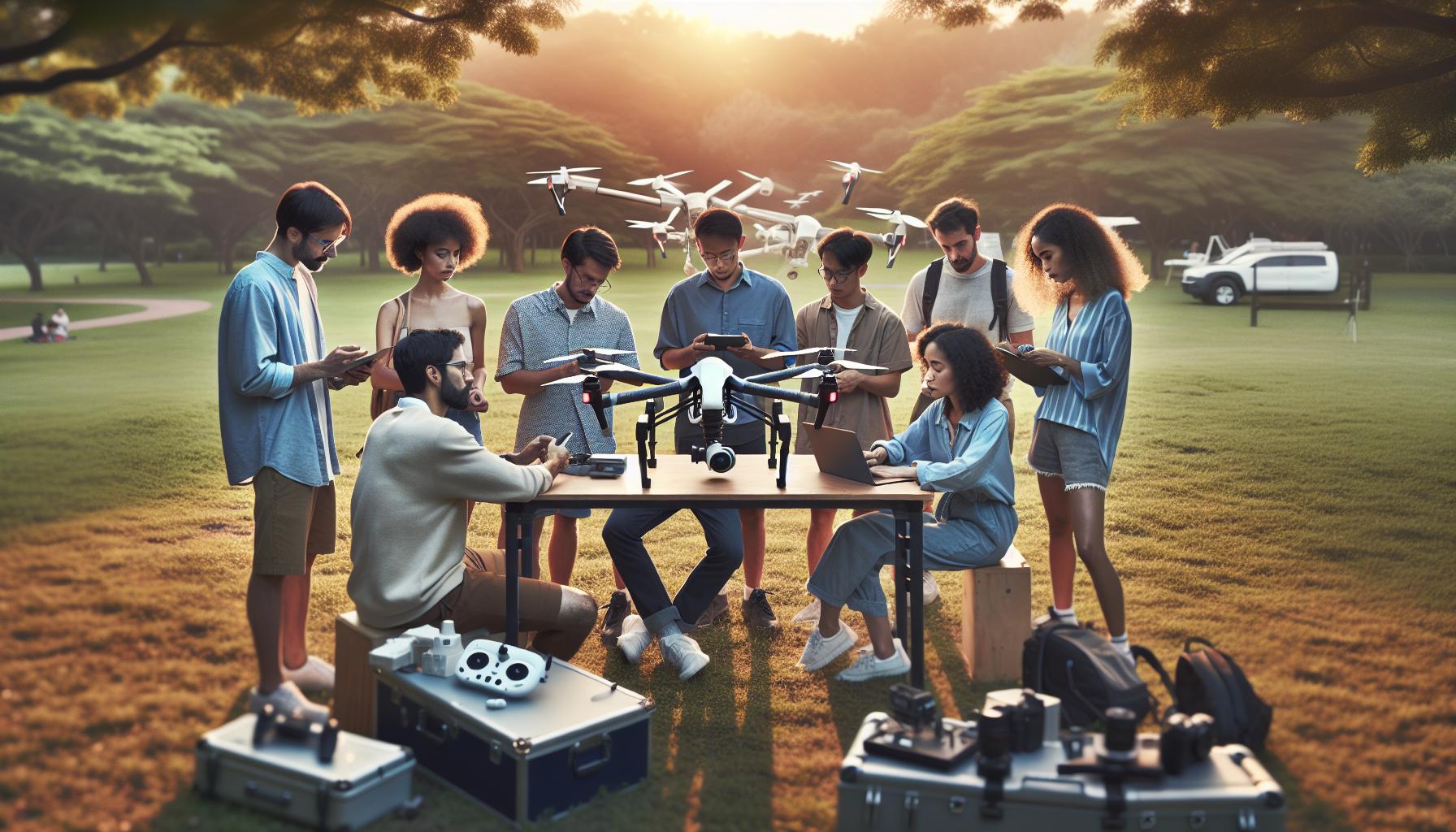
ActiveTrack is a revolutionary feature that elevates the drone flying experience, particularly for those using the DJI Mini 3. This intelligent tracking system allows the drone to follow a subject autonomously, freeing pilots to focus on capturing stunning aerial footage without the constant need to control the drone’s movements. Understanding how ActiveTrack works not only enhances your piloting skills but also opens up new creative possibilities in capturing dynamic shots.
ActiveTrack utilizes advanced computer vision algorithms to identify and track moving subjects. This system ensures that the drone maintains an ideal distance and perspective as it follows the user or any designated target. The DJI Mini 3, with its impressive sensors and processing power, can smoothly adjust its flight path even in complex environments, making it perfect for capturing activities like running, biking, or even skateboarding. To optimize your experience with ActiveTrack, it’s imperative to understand the various modes available, such as Trace, Profile, and Spotlight. Each mode serves different artistic purposes; for example, Trace allows the Mini 3 to follow directly behind or in front of you, while Profile captures a side view, perfect for showing off scenic backdrops.
Moreover, knowing the limitations of ActiveTrack, including the required minimum lighting conditions and unobstructed views, is crucial for effective usage. Strong lighting and clear lines of sight enable the drone to perform optimally, while obstacles can hinder its tracking capabilities. As you prepare for your flight, consider how you can best utilize ActiveTrack in diverse environments, whether it be on an open beach or in a wooded area, ensuring that you plan your route with these factors in mind.
By embracing the capabilities of ActiveTrack, you can significantly enhance your content creation, producing professional-quality videos that impress viewers and showcase your adventures with effortless style.
Setting Up Your DJI Mini 3 for ActiveTrack
The DJI Mini 3 is an incredible tool for capturing stunning footage with its ActiveTrack feature, which can autonomously follow you as you move. To maximize your experience, initiating a proper setup is crucial. Start by ensuring your drone is fully charged and that you have the necessary components ready, including the drone, remote controller, and your compatible mobile device with the DJI Fly app. Make sure that the firmware is up-to-date, as updates not only enhance performance but also improve the features and functionalities of systems like ActiveTrack.
Once your equipment is prepared, launch the DJI Fly app and power on your Mini 3. Connect your mobile device to the remote controller and ensure that you’re in an open area free from obstacles, as this will enhance the drone’s tracking capabilities. After initializing the drone, select the ActiveTrack mode from the available flight modes. You can choose between different tracking options such as “Trace,” which follows you from behind or in front, and “Profile,” which captures you from the side. Each mode serves distinct creative purposes, so select the one that suits your filming needs best.
To start tracking, you’ll need to draw a box around the subject you want the Mini 3 to follow on your mobile device’s screen. It’s vital to remain within the drone’s line of sight and ensure good lighting conditions for optimal performance. ActiveTrack works best when there are clear views of the subject and unobstructed paths, so avoid dense foliage or crowded areas where the drone might struggle to maintain focus.
Safety Checks are equally important during this setup. Inspect the drone to ensure that all propellers are intact and that there are no signs of damage. Familiarize yourself with the drone’s maximum tracking distance and adjust your flying patterns accordingly. Taking these precautions will help ensure you capture smooth and professional-quality footage while having fun exploring the capabilities of the DJI Mini 3’s ActiveTrack.
How to Use ActiveTrack: Step-by-Step Guide
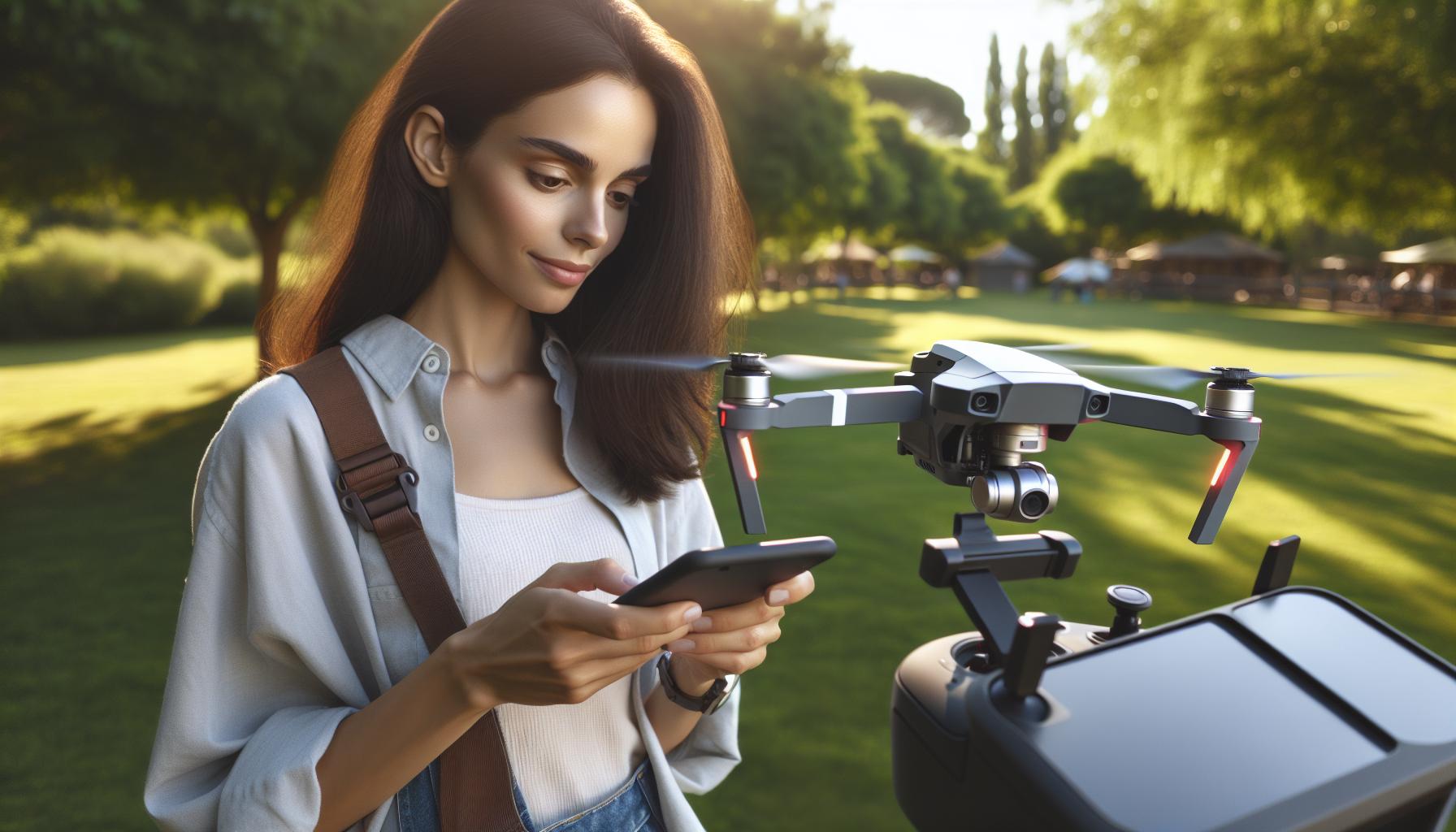
Using the ActiveTrack feature on your DJI Mini 3 can transform your aerial photography and videography, allowing the drone to autonomously follow a subject while you focus on your activities or capturing moments. To get started with this powerful tool, follow these step-by-step instructions that ensure you achieve the best results.
First, launch the DJI Fly app and power on your Mini 3. Connect your mobile device to the remote controller and verify that the drone is in an open area with minimal obstacles. This setting is key for maximizing tracking efficiency. Once everything is ready, pre-flight checks should be conducted. Confirm that your drone’s firmware is up to date and perform a visual inspection of the drone, ensuring that propellers are undamaged and securely attached.
To activate ActiveTrack, navigate to the flight modes within the app and select ActiveTrack from the options available. You will notice different tracking modes: Trace and Profile. In Trace mode, the drone follows from behind or in front, adapting to your movement. In Profile mode, it captures your side profile, perfect for dynamic shots. Depending on the shot you wish to achieve, choose the mode that aligns with your creative vision.
To initiate tracking, simply tap on the desired subject on your mobile device’s screen to draw a box around it. This action sets the drone’s focus on the subject, enabling it to maintain a stable distance while adjusting its position as you move. It’s crucial to keep the drone within your line of sight and ensure that the subject remains well-lit and unobstructed. ActiveTrack performs optimally in clear environments; avoid dense terrain that could interfere with tracking accuracy.
As you fly, monitor the drone’s status and maintain awareness of its surroundings. If you notice any issues or if the drone loses track of the subject, you can pause the ActiveTrack by pressing the pause button on your controller. Adjust your position, reinitiate tracking, or switch between modes as needed to capture the desired footage without interruption. This hands-on approach allows for greater creativity and flexibility, ensuring you make the most of your flying experience.
By following these guidelines, you can effectively utilize the ActiveTrack feature on your DJI Mini 3 to capture unique and engaging videos effortlessly. Make sure to practice in various environments to familiarize yourself with the drone’s capabilities, promoting confidence in your flying skills and your creative endeavors.
Choosing the Right ActiveTrack Mode for Your Flight

Selecting the appropriate ActiveTrack mode for your DJI Mini 3 can significantly enhance your aerial shooting experience, enabling you to capture engaging footage with precision and style. The Mini 3 offers versatile tracking options that cater to various shooting scenarios, allowing you to tailor your approach based on your creative intent and the environment.
One of the primary modes available is the Trace mode. This setting enables the Mini 3 to follow the subject from behind or in front, adjusting its positioning based on the subject’s movements. This is particularly useful for scenarios involving dynamic motion, like sports, where you want to capture the action from various angles. When using Trace, ensure you anticipate the movement of your subject, as the drone will adaptively maintain its distance, providing a fluid perspective that enlivens your footage.
On the other hand, Profile mode is designed to capture the side profile of your subject as it moves, offering a different aesthetic perspective that is excellent for lifestyle or artistic shots. It creates a compelling visual narrative, perfect for scenarios like running or cycling, where the motion dynamics are a central theme. When in this mode, the Mini 3 will maintain a consistent angle, allowing for beautifully framed shots that emphasize movement while delivering a cinematic quality.
Ultimately, choosing the right ActiveTrack mode hinges on your creative goals and the specific context of your shoot. To maximize the effectiveness of either mode, familiarize yourself with the various distances and angles each configuration can achieve. Experimentation is key; practice in different environments to understand how the Mini 3 responds to subjects under various conditions. This not only builds your skills but also enhances your confidence in manipulating the drone’s capabilities to achieve stunning results.
Tips for Best Performance with ActiveTrack
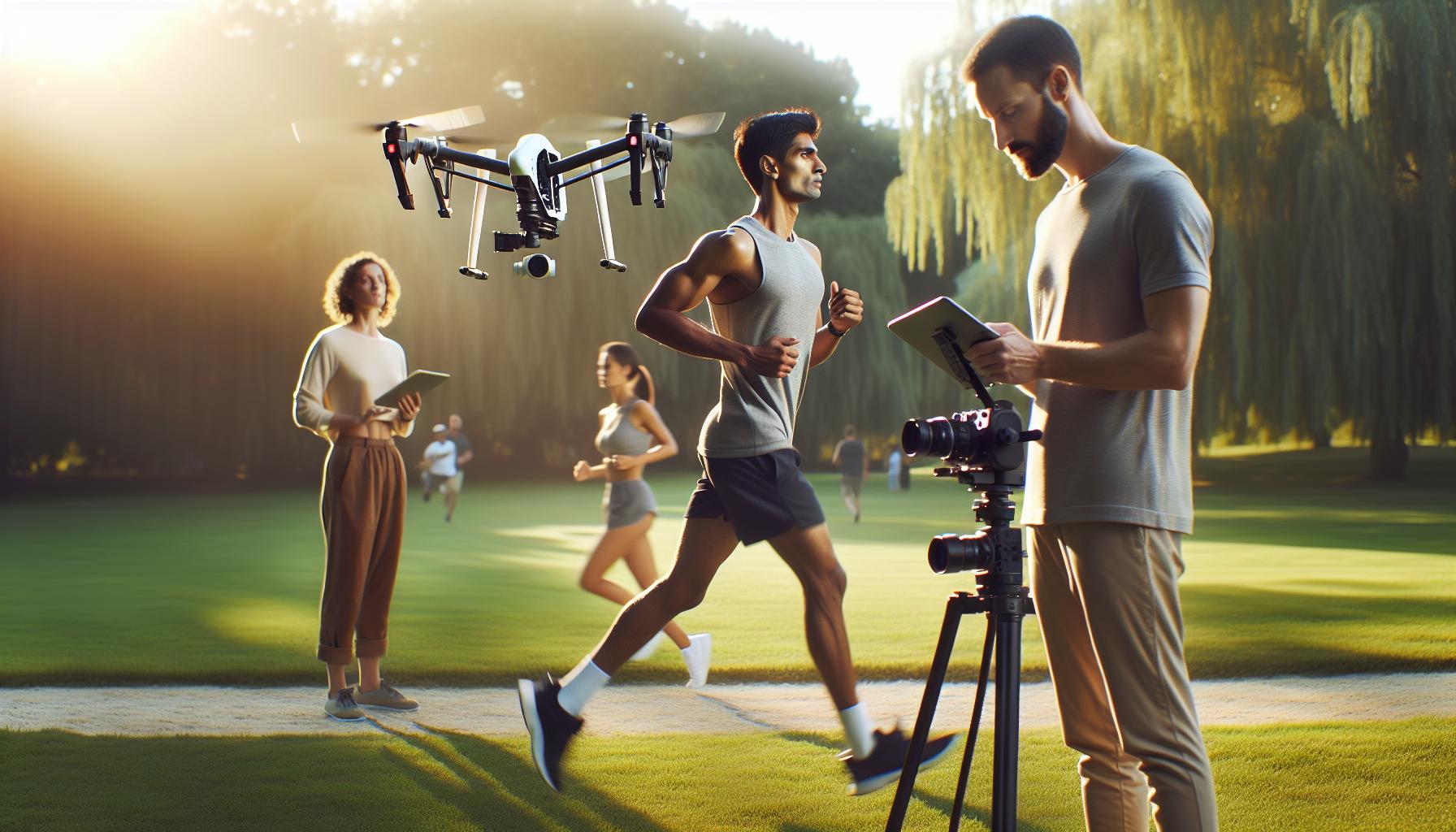
Capturing stunning aerial footage with your DJI Mini 3 using ActiveTrack is an exhilarating experience, but for the best results, a few essential tips can help elevate your performance. First, ensure that your environment is ideal for tracking. Open spaces with minimal obstacles provide the best results, allowing the drone to lock onto and follow your subject smoothly. Adjusting the altitude for clearer visibility and refining the distance between you and the drone during the flight can also prevent any potential obstructions that may interfere with the tracking process.
Another key aspect is subject speed. ActiveTrack performs optimally at moderate speeds; if your subject is moving too quickly, the drone may struggle to maintain a lock. For example, if you’re biking or running, try to maintain a consistent pace, which allows the Mini 3 to adjust its position and capture clean footage. Additionally, using carefully planned flight paths and consciously moving your body can guide the drone’s tracking-consider incorporating turns and changes in elevation to create dynamic shots.
H3: Optimize Settings for ActiveTrack
Before taking off, double-check your Mini 3’s camera settings. For Instance, enabling “Avoidance Sensors” can help prevent collisions as the drone autonomously navigates toward the subject. Furthermore, consider utilizing the “ActiveTrack” mode with default settings first, then experimenting with sensitivity adjustments as you become more familiar with the controls. Recording in a higher frame rate (e.g., 60 fps) can also produce smoother footage, enhancing the cinematic quality of your shots.
Finally, practice makes perfect. As you use ActiveTrack, take time to familiarize yourself with its quirks. Regularly review your footage not just to see the results, but to understand how the Mini 3 responded in varied conditions. Over time, this will translate to more effective maneuvers and improved shot composition, ensuring that your adventures in the air are not only successful but visually remarkable.
Troubleshooting Common ActiveTrack Issues
Despite the DJI Mini 3’s impressive ActiveTrack capabilities, pilots may encounter occasional challenges that affect performance. Understanding and troubleshooting these common issues can save you from missed opportunities during your aerial adventures. One prevalent problem is the drone’s inability to lock onto the subject. This can occur due to various factors, such as insufficient contrast in the environment or poor lighting conditions. To combat this, ensure your subject stands out against the background; for instance, vibrant clothing in natural settings can significantly enhance tracking effectiveness. Additionally, it’s wise to avoid overly cluttered backgrounds or reflective surfaces that might confuse the drone’s sensors.
Another frequent hiccup relates to the ActiveTrack mode itself. Different modes-such as ActiveTrack 2.0 or the more advanced features in newer models-can yield varying results based on the subject’s movement and the drone’s response time. Should you notice the Mini 3 lagging behind or struggling when the subject accelerates, consider switching to a mode that better accommodates faster speeds or tighter turns. Having a clear understanding of each ActiveTrack mode’s limitations can also enhance your overall filming experience.
The environment plays a crucial role in the performance of ActiveTrack. Obstacles like trees, buildings, or other drones can create disruptions. If you’re flying in a tightly packed area, maintaining a safe distance from potential obstructions may help in providing a clearer path for the drone to track the subject. Moreover, ensure your firmware is up-to-date, as manufacturers frequently release updates that enhance performance and address known issues. Regular checks on your drone and the DJI Fly app can preemptively resolve many common problems, keeping you ready to capture stunning footage at a moment’s notice.
Lastly, connectivity issues between your phone and the drone can result in performance glitches. If you experience lag or a dropped connection during flights, ensure your mobile device is compatible, and minimize potential interference from other devices. Restarting both the drone and your app can also resolve temporary glitches, improving your tracking experience. Taking these troubleshooting steps will not only enhance the effectiveness of ActiveTrack but also bolster your confidence as a pilot, allowing you to focus on capturing exceptional aerial footage.
Enhancing Your ActiveTrack Experience with Accessories
Enhanced performance and creativity in drone flying often come from utilizing the right accessories tailored to the DJI Mini 3’s ActiveTrack capabilities. With the right tools, you can significantly elevate your aerial photography and videography, making your flying experience more efficient and enjoyable. Understanding what accessories can complement your setup not only improves functionality but also helps ensure that your drone operates at its full potential.
Essential Accessories for ActiveTrack
To maximize the effectiveness of the Mini 3’s ActiveTrack, consider investing in the following accessories:
- ND Filters: Neutral Density (ND) filters can help manage exposure, allowing for smoother video captures even in bright conditions. By reducing light intake, these filters enable slower shutter speeds, leading to that cinematic motion blur that makes video footage more dynamic.
- Extended Battery Packs: ActiveTrack can consume more power, especially during complex maneuvers. Having additional batteries ensures longer flying sessions, giving you the freedom to capture more footage without frequent interruptions.
- Propeller Guards: When experimenting with indoor flying or crowded environments, propeller guards provide an additional layer of safety. They protect both your drone and surroundings, allowing you to focus on tracking moving subjects without worrying about accidental collisions.
- Tablet Mounts: A larger screen can enhance your control experience while using ActiveTrack, making it easier to see the subject and monitor flight data. Mounting a tablet to your remote can help improve visibility during flights.
Innovative Add-Ons to Explore
Beyond standard accessories, consider adding innovative tools designed to enhance tracking capabilities:
- GPS Tracking Devices: Utilizing a GPS tracker can provide additional tracking stability, ensuring that the drone holds its focus on you or your subject even in challenging environments.
- Camera Stabilizers: While the Mini 3 offers excellent stability, adding a camera stabilizer can further reduce any vibrations or jolts, leading to smoother footage that complements your Automatic tracking.
Finally, remember to regularly check for updates on your drone firmware and accessories. Accessories evolve and improve with technological advancements, so staying informed can help ensure that you’re making the most of the features available. By investing in the right accessories, you won’t just enhance your ActiveTrack experience; you’ll also empower your creative potential in capturing stunning aerial perspectives.
Real-World Applications of ActiveTrack in Drone Flying
The ActiveTrack feature on the DJI Mini 3 opens up a world of creative possibilities for aerial enthusiasts. Its ability to autonomously follow moving subjects transforms how we capture moments, making it an invaluable tool for various real-world applications. Whether you’re an athlete, filmmaker, or simply looking to document your adventures, this technology enhances your storytelling and showcases dynamic perspectives.
For athletes and outdoor enthusiasts, ActiveTrack serves as an ideal companion for capturing activities such as biking, running, or skateboarding. With the drone intelligently following the user, it can produce stunning footage that highlights the skill and excitement of the sport. Imagine a mountain biker navigating a rugged trail, with the drone soaring overhead, maintaining the perfect angle to showcase the action and scenery simultaneously. This feature can also be utilized for social media content, allowing creators to film compelling, high-energy clips effortlessly.
Filmmakers and videographers will find ActiveTrack particularly useful during shoots. The ability to automate the tracking of subjects allows for seamless filming of various scenes without requiring a dedicated camera operator. In narrative filmmaking, for example, it can follow actors as they move through a location, ensuring smooth transitions and dynamic shots. This functionality not only saves time during production but also opens new avenues for creativity-such as capturing drone shots that mimic traditional tracking shots while maintaining the flexibility of drone movement.
Moreover, real estate agents can leverage ActiveTrack to create immersive property tours. Instead of static shots or relying solely on ground-based cameras, using a drone to circle around a property while focusing on key features provides potential buyers with a complete perspective. This creates an engaging experience that can help showcase the unique attributes of a listing more effectively than traditional photography or video.
In summary, the real-world applications of ActiveTrack elevate the capabilities of the DJI Mini 3, making it a versatile tool suited for various scenarios. By harnessing the power of autonomous tracking, users can enhance their creative outputs, streamline filming processes, and offer unique perspectives that engage audiences in novel ways. As drone technology continues to evolve, mastering features like ActiveTrack will become integral for anyone aiming to utilize drones in creative or professional contexts.
Comparing ActiveTrack Features Across DJI Models
The evolution of ActiveTrack technology across various DJI drone models showcases significant advancements in autonomous tracking capabilities, catering to the diverse needs of both amateur and professional pilots. Understanding the differences in ActiveTrack features among models can help users select the right drone for their specific applications.
DJI’s Mini 3 stands out for its user-friendly interface and compact design, making it an excellent choice for those who prioritize portability. It features ActiveTrack 4.0, which allows seamless subject tracking, maintaining a steady focus on the user or other moving subjects while adjusting flight paths accordingly. This model is particularly appealing to vloggers and social media influencers who need a lightweight drone to follow them during outdoor adventures.
In contrast, the Mavic Air 2 and Mavic 3 models offer more robust ActiveTrack functionalities, including multiple tracking modes such as Trace, Profile, and Spotlight. These options allow users to track subjects from varying angles or maintain a fixed position while the drone circles. The Mavic 3 also incorporates enhanced obstacle avoidance, making it suitable for complex environments where safety is paramount. This makes it a preferred option for filmmakers looking to capture dynamic shots without interruptions or crashes.
When considering ActiveTrack capabilities, it’s also essential to note the Phantom 4 series, which introduced ActiveTrack 2.0. This model leverages advanced computer vision and sensor technologies to enhance tracking precision and ensure smooth flight paths even in challenging terrains. It’s ideal for professional use in industries like real estate and agriculture, where detailed aerial footage enhances presentations and inspections.
Overall, selecting the right DJI drone for ActiveTrack involves weighing factors such as tracking modes, ease of use, camera quality, and flight safety features. Understanding how these capabilities align with your creative goals will empower you to make informed decisions, ultimately enhancing your aerial photography and videography experience.
Legal Considerations When Using ActiveTrack
When using advanced drone features like ActiveTrack, it’s essential to understand the legal landscape surrounding drone operation. Regulations vary significantly between countries and even local jurisdictions, so ensuring compliance is paramount to avoid fines or restrictions. The Federal Aviation Administration (FAA) in the United States, for example, requires that drone pilots follow specific rules, even for recreational use. This includes height restrictions, visibility requirements, and the necessity of maintaining a safe distance from people and property.
Before you let your DJI Mini 3 autonomously follow you with ActiveTrack, check the following legal considerations:
- Registration: In many regions, drones over a certain weight must be registered with the aviation authority. Ensure your Mini 3 is appropriately registered to avoid penalties.
- Flight Permissions: If you’re flying in controlled airspace or near specific locations like airports, obtaining permission is critical. Always consult local regulations that might require a waiver for such operations.
- Privacy Laws: ActiveTrack can capture individuals or private properties. Familiarize yourself with local privacy laws to avoid infringing on someone’s rights, which can lead to legal action.
- Safety Measures: Always consider the safety of people and property when using ActiveTrack. Following and capturing footage in crowded areas can elevate risks; accidental collisions may lead to liability issues.
Additionally, some drone operators might consider commercial filming or photography with their ActiveTrack-equipped DJI Mini 3. If that’s the case, it introduces a layer of complexity regarding licensing, permits, and insurance requirements. Research any local laws that specifically regulate commercial drone use, as breaking these rules can incur serious legal ramifications.
Finally, community engagement is also a significant aspect of legality. While flying in public spaces, respect the norms and expectations of those around you. Informing individuals that you are filming can foster goodwill and avoid misunderstandings that might escalate into complaints or disputes. Being a responsible drone operator extends beyond technical expertise; it encompasses legal awareness and ethical considerations in your filming practices.
Community Insights: Tips from Experienced Pilots
Experienced pilots often emphasize the importance of practice and understanding your drone’s capabilities when using ActiveTrack. A common tip is to always start in a wide-open area, especially when you’re getting familiar with the DJI Mini 3’s tracking features. This not only allows for better tracking performance but also reduces the risk of obstacles that could interfere with your flight path.
Another insightful suggestion is to experiment with the different ActiveTrack modes during your practice sessions. Each mode-be it Trace, Profile, or Spotlight-serves specific purposes and is suited for various scenarios. For instance, if you are biking or running, the Trace mode can allow the drone to follow you from behind or in front, while Profile mode gives you a side view. Understanding how these modes function can significantly enhance your footage and diversify your cinematic perspectives.
- Know Your Environment: Before activating ActiveTrack, familiarize yourself with the area. Look for clear paths and avoid dense vegetation that could obstruct the drone’s sensors, ensuring a smoother tracking experience.
- Utilize Your Phone: Many pilots recommend using the DJI Fly app for real-time feedback on your drone’s position and active tracking status, allowing you to make quick adjustments while airborne.
- Stay Visible: While using ActiveTrack, wear bright or contrasting colors to make it easier for the drone to identify you, especially in environments where the background may blend in.
Additionally, community forums are filled with shared experiences recounting how weather conditions affect performance. Windy days might make tracking challenging, as sudden gusts can shift your movement, throwing off the drone’s calculations. Consequently, choosing optimal weather for flight can make all the difference in maximizing the ActiveTrack feature’s effectiveness.
Lastly, maintain a responsible flying ethic in public spaces. Engaging with individuals in your vicinity while filming promotes respect and encourages a more positive community experience, which seasoned pilots agree keeps the drone flying culture inclusive and fun. Being aware of and adapting to your environment, along with cultivating good practices, ensures not only successful flights but also builds a better reputation for drone operators everywhere.
Future Updates and Features for ActiveTrack
The evolution of ActiveTrack technology holds exciting possibilities for drone enthusiasts, especially with the DJI Mini 3 and its successors. As manufacturers continue to refine and innovate, the features of ActiveTrack are likely to become even more sophisticated, enhancing the overall flying experience. Future updates may introduce improvements such as enhanced object recognition algorithms, allowing drones to more accurately target and follow subjects, especially in complex environments.
An anticipated feature is the integration of artificial intelligence that can recognize different types of movement and adjust tracking accordingly. This might enable the drone to anticipate your next move, resulting in smoother, more dynamic footage. For example, if you switch from jogging to skateboarding, the AI could seamlessly adjust the tracking mode, ensuring the drone maintains the optimal distance and angle without prompting the pilot.
Moreover, there is the potential for improved flight path planning. Future iterations of ActiveTrack may allow users to set predefined routes for the drone to follow while maintaining focus on the subject. This feature would be particularly beneficial for capturing action sports or outdoor pursuits, where trajectories can be unpredictable. As these advancements develop, pilots should ensure their firmware is up-to-date to take full advantage of new capabilities.
Additionally, enhancing connectivity between the drone and mobile devices or smart glasses could lead to a more immersive flying experience. Features such as real-time feedback and gesture controls might become more prevalent, enabling more intuitive interactions during flight. As these innovations come to fruition, they will not only enhance usability but also expand the creative possibilities for content creation, empowering every pilot to capture breathtaking visuals with greater ease.
Q&A
Q: How does ActiveTrack work on the DJI Mini 3?
A: ActiveTrack on the DJI Mini 3 uses advanced computer vision algorithms to recognize and follow subjects. Once you select a subject, the drone automatically adjusts its position to keep the subject framed in the shot while avoiding obstacles, enabling smooth and dynamic filming.
Q: What are the different modes of ActiveTrack available on the DJI Mini 3?
A: The DJI Mini 3 offers several ActiveTrack modes, including Follow Mode, Parallel Mode, and Spotlight Mode. Each mode provides a unique tracking experience, allowing for versatile shooting options depending on your desired output and subject movement.
Q: Can the DJI Mini 3 track moving subjects effectively?
A: Yes, the DJI Mini 3 is designed to track moving subjects effectively. Its ActiveTrack feature adapts in real-time, adjusting the drone’s path based on your subject’s speed and direction, making it suitable for activities like sports or movement in dynamic environments.
Q: What obstacles should I be aware of while using ActiveTrack on the DJI Mini 3?
A: While using ActiveTrack, be mindful of obstacles in the drone’s flight path, as they can interfere with tracking. Ensure the area is clear of trees, buildings, or other structures, and check your surroundings to optimize performance, especially in complex environments.
Q: Is it safe to fly the DJI Mini 3 using ActiveTrack in crowded areas?
A: Flying the DJI Mini 3 using ActiveTrack in crowded areas requires caution. Always prioritize safety by keeping a safe distance from people, following local regulations, and ensuring the drone can maintain a clear line of sight to the subject it’s tracking.
Q: Can I use ActiveTrack indoors with the DJI Mini 3?
A: ActiveTrack on the DJI Mini 3 is primarily optimized for outdoor use where GPS and obstacle detection work best. Indoor environments may complicate tracking due to limited GPS and potential obstruction by furniture, reducing tracking effectiveness.
Q: How can I improve the performance of ActiveTrack on the DJI Mini 3?
A: To improve ActiveTrack performance, ensure optimal lighting conditions and select a well-defined subject. Maintain a clear line of sight, reduce clutter in the background, and practice in open spaces before tackling more complex tracking scenarios.
Q: What should I do if ActiveTrack is not working as expected on the DJI Mini 3?
A: If ActiveTrack is not operating correctly, check for firmware updates, reset the drone settings, and ensure there are no obstacles in the tracking path. Refer to the troubleshooting section in your DJI Mini 3 manual for further guidance and solutions.
Closing Remarks
Now that you’ve mastered the ActiveTrack feature with your DJI Mini 3, why not take your skills to the next level? Explore our comprehensive guides on optimizing your drone’s performance and safety, along with the essential tips for troubleshooting common issues. Don’t miss our detailed comparisons of the Mini, Mavic, and Phantom series to find the perfect drone that fits your needs.
Ready to elevate your drone flying experience? Subscribe to our newsletter for the latest updates and exclusive content that will keep you informed and inspired. If you have any questions or want to share your experiences, drop a comment below. Your insights could help fellow pilots! Remember, learning never stops, and every flight is an opportunity for growth. Happy flying!