
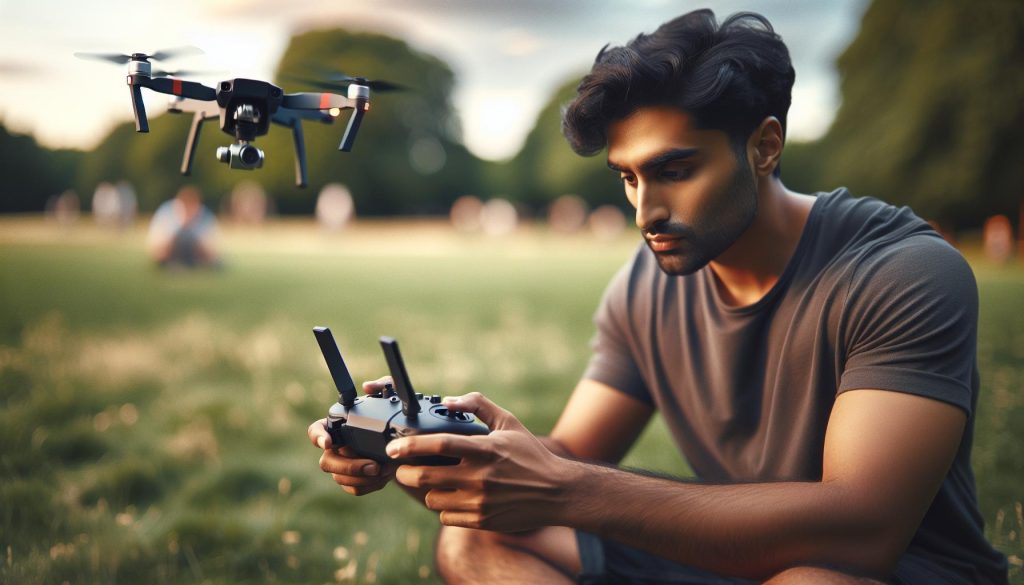
Imagine gearing up for an adventure, only to realize your phone has run out of battery or is malfunctioning. For DJI drone enthusiasts, this scenario raises an essential question: can you fly a DJI drone without your phone? Understanding the possibilities and limitations of controller-only operations can open up new avenues for your drone flying experience. Many DJI models allow for seamless flying solely via the remote controller, enabling you to capture stunning aerial footage and navigate scenic landscapes without the reliance on a smartphone. This capability not only enhances the convenience of outdoor exploration but also empowers pilots to streamline their setup for quick flights. As we delve deeper into this topic, we’ll examine the various models that support controller-only operations, share tips for maximizing your flying experience, and address any concerns you might have about operating your drone without a phone. Join us as we explore the freedom and flexibility of flying DJI drones independently from your mobile device!
Understanding DJI Drone Operation Without a Phone
Understanding how to operate a DJI drone without a phone expands your flying capabilities and gives you the freedom to take to the skies with just your controller. Many drone enthusiasts may not realize that several DJI models can be flown independently, making them suitable for scenarios where a mobile device isn’t available or practical. This may include outdoor settings with limited connectivity, during cold weather where using a phone is inconvenient, or simply when you want to minimize setup time.
When flying a DJI drone without a phone, your controller takes on the primary role of directing the flight and accessing essential features. Your controller can manage the drone’s altitude, direction, and camera functions directly, provided that the necessary settings have been configured prior to takeoff. This allows for a streamlined flying experience, especially for users familiar with the controls and functionalities of their drone model. For instance, many DJI controllers come equipped with integrated screens that display vital flight information, such as battery levels, GPS status, and altitude readings, allowing you to maintain situational awareness without needing a mobile device.
However, it’s crucial to note that operating a DJI drone in controller-only mode may limit access to certain advanced features that typically require an app. These features can include live streaming, accessing flight logs, or updating firmware. Therefore, it is advisable to perform tasks like firmware updates and feature configurations while connected to the DJI Fly app prior to your flight. By understanding the capabilities and limitations of controller-only operations, pilots can efficiently adapt their flying strategies to maximize their aerial adventures, ensuring they enjoy a seamless experience even in the absence of a mobile device.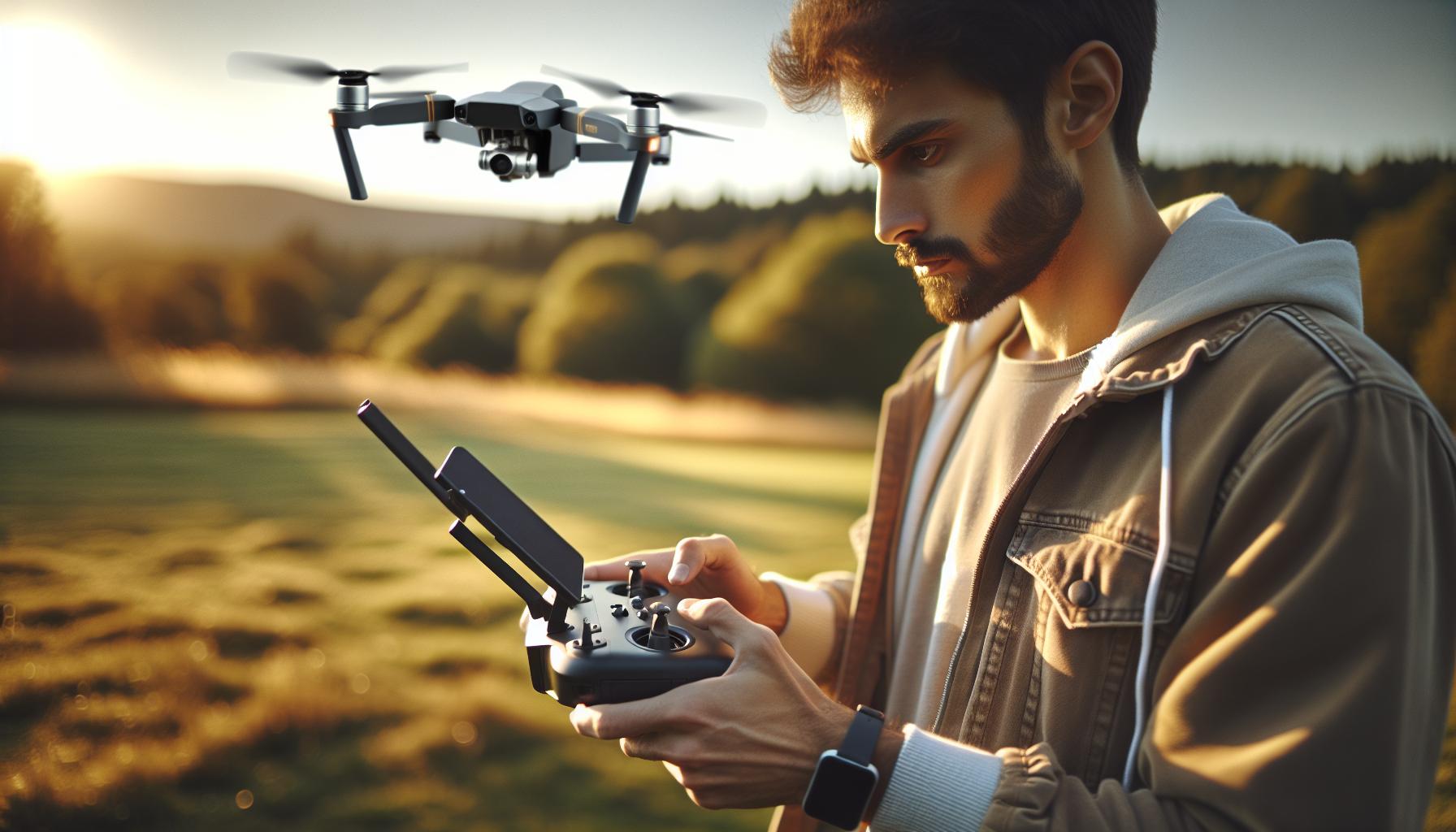
Key Advantages of Controller-Only Flying
Operating a DJI drone without the need for a phone presents a remarkable advantage for pilots seeking freedom and flexibility in their aerial adventures. With modern drone controllers equipped with intuitive interfaces and built-in displays, users can engage in controller-only flying while maintaining full control over their flight operations. This approach not only simplifies setup but also enhances the user experience in various conditions where connectivity might be unreliable or when quick launches are essential.
One of the most significant benefits of flying without a mobile device is the substantial reduction in the time required for pre-flight preparations. You can power up your drone, connect the controller, and take off within moments, making it ideal for spontaneous flying sessions. Moreover, the absence of a phone reduces the likelihood of distractions, allowing pilots to focus entirely on their flying technique and the enjoyment of the flight itself. Without notifications or other mobile enticements, your attention can remain fully on navigating the skies.
Furthermore, controller-only operations often enhance durability in challenging conditions. In colder climates, handling your phone may become cumbersome, as attempting to operate a touchscreen with gloves can be impractical. Using a controller allows for a more robust experience; many controllers are designed to withstand the rigors of outdoor flying, providing a more tactile and reliable means of control. This durability adds an extra layer of confidence, especially for users who frequently fly in rough terrains or varying weather conditions.
Lastly, the depth of functionality available on many DJI controllers, like those compatible with the Mavic and Mini series, allows for direct access to essential features without relying on a separate screen. This includes real-time telemetry, camera settings, and gimbal adjustments, making it easier to capture stunning footage while piloting. By prioritizing direct controller use, pilots can enhance their flying proficiency, ultimately leading to improved flight experiences and results in the air.
Essential Equipment for Controller-Only Operations
Having the right equipment is essential when flying a DJI drone without a mobile phone. The ability to operate solely from the controller offers convenience and expanded possibilities, making a correctly equipped setup vital. Your main tool in this scenario is, of course, the remote controller itself, which should feature a built-in display or adequate feedback systems to provide real-time data about your flight. Models such as the DJI RC or the RC Pro controller are designed with intuitive interfaces and built-in screens that facilitate full operational control without needing an external device.
Next, ensure that your drone is fully configured for independent operation. Conduct a thorough check of the drone’s firmware to verify that the latest updates have been installed, as these updates often enhance performance and add new features. To check and perform updates, you can use the controller’s own interface for real-time feedback on your system status.
Additionally, consider equipping yourself with extra accessories that complement controller-only flights. Investing in a dedicated set of propellers, a carrying case for portability, and spare batteries will enhance your flying experience. Each of these items contributes to safety and convenience during your operations, especially when flying in remote locations where battery life can be a limiting factor.
The final piece of is safety gear. This can include a pair of gloves that allow for better grip and control in colder temperatures, as well as portable chargers or power banks to keep your drone ready for action wherever you are. Proper safety protocols, such as pre-flight checks and maintaining line-of-sight, are equally crucial. By ensuring that you have the right tools and mindset, you can maximize your enjoyment and efficiency while flying your DJI drone without the need for a mobile phone.
Step-by-Step Setup for Controller-Only Flight
Flying your DJI drone without a mobile phone opens a world of possibilities, offering a streamlined flying experience with the controller as your primary interface. To ensure a successful flight, follow these detailed steps to set up your drone for controller-only operations.
Begin by fully charging your remote controller and drone batteries. This is crucial to avoid mid-flight interruptions. Once charged, power on the remote controller first. Most DJI controllers feature a straightforward power button. After the controller activates, power up the drone. Wait for both devices to connect, which usually indicates through a series of flashing lights or sounds.
Next, it’s essential to perform a pre-flight setup. Use the controller’s built-in screen to navigate settings. Here, check the following:
- Flight Mode: Select your preferred flight mode (e.g., P-Mode for general flying or S-Mode for sport-like responsiveness).
- GPS Signal: Ensure that the drone has acquired a strong GPS signal before takeoff for stable flight performance.
- Battery Status: Confirm that both the drone and controller batteries are sufficiently charged for the duration of your flight.
- Camera Settings: Adjust settings for ISO, white balance, and resolution as desired, using the controller’s display for a live feed preview.
Following these settings, initiate the gimbal calibration to ensure stable footage during your flight. This process typically requires you to select the gimbal option from the settings menu on the controller. Follow the on-screen instructions to complete the calibration, which usually involves rotating the gimbal through a series of predefined motions.
Once everything is set up and calibrated, choose your launch location wisely. Ensure it’s free of obstacles and adheres to any local regulations regarding drone operations. Before takeoff, perform a final check of your surroundings and maintain a clear line of sight to your drone throughout the flight. With these steps, you’re ready to experience the freedom of flying your DJI drone without the assistance of a mobile phone, gaining a hands-on feel for your aircraft while enjoying the simplicity of controller-only operation.
Firmware Updates: Ensuring Your Drone is Ready
Staying current with firmware updates is a crucial aspect of maintaining optimal performance for your DJI drone, even when flying without a phone. Firmware updates often enhance flight stability, add new features, and address any security vulnerabilities that could impact your flying experience. By ensuring that your drone operates on the latest firmware version, you not only improve functionality but also maximize safety and performance during your flights.
To update the firmware without a mobile device, utilize the controller’s built-in screen, which many DJI models offer. First, ensure your drone and controller are fully charged, as firmware updates can take time and require steady power. Once powered up, navigate to the settings menu on the controller. Here, you should find an option for firmware updates; if your drone is connected to the internet via Wi-Fi, the system will check for any available updates automatically. When an update is available, follow on-screen prompts to download and install the new firmware.
It’s advisable to regularly check for firmware updates before any significant flying sessions. This practice can prevent potential technical issues mid-flight and optimize the performance of advanced features like obstacle avoidance and battery management. Additionally, firmware release notes often highlight improvements or bugs that have been fixed, giving you clarity on what changes to expect. Keep in mind that skipping updates can lead to compatibility issues, especially if you eventually decide to fly with a mobile device or change accessories.
By consistently updating your firmware, you ensure that your DJI drone is not only ready for flight but also equipped to deliver the best possible performance, enhancing your flying experience even when relying solely on the controller.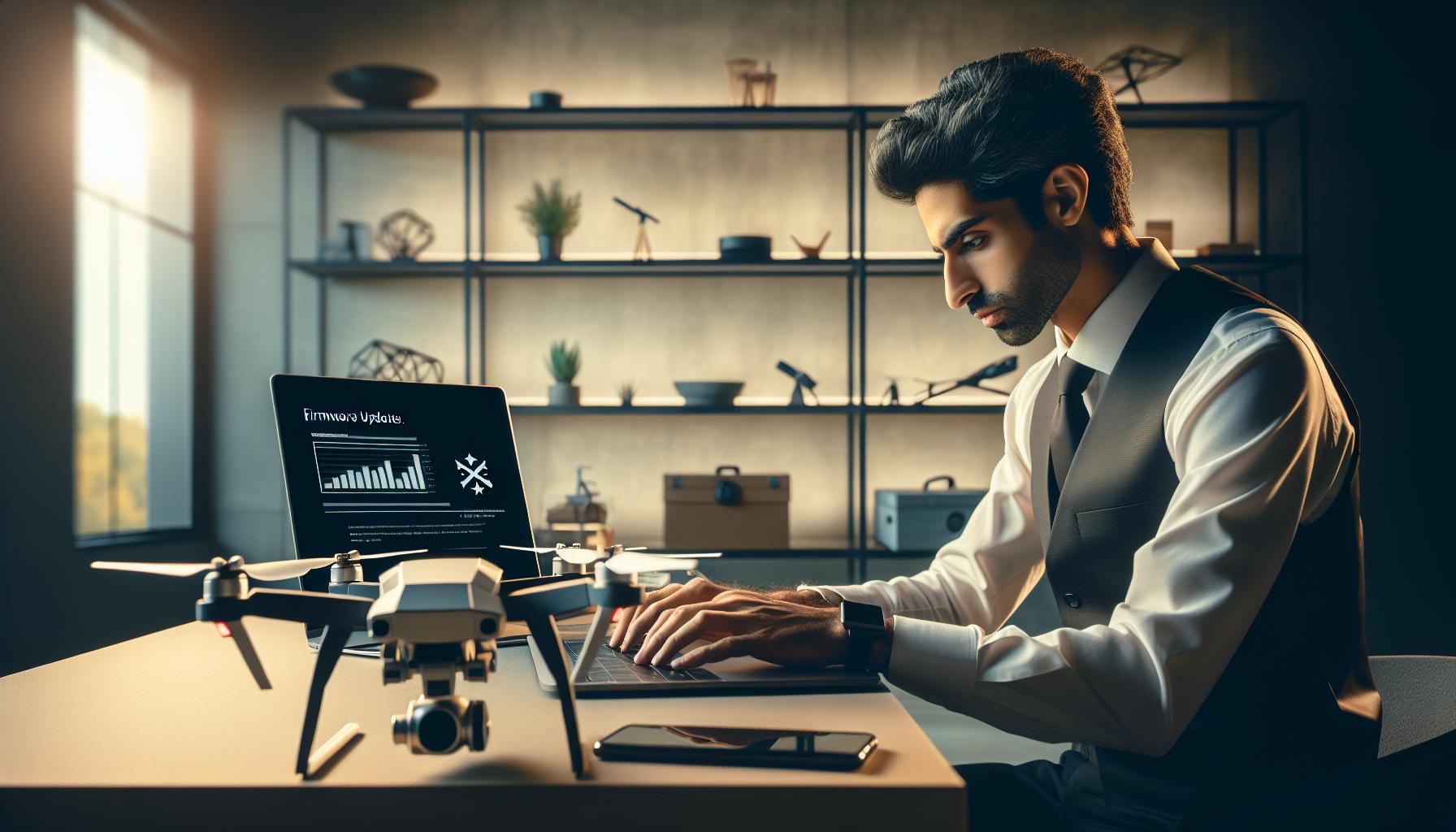
Gimbal Calibration Without a Phone
Calibrating the gimbal of your DJI drone is essential for ensuring stable and clear footage, especially if you’re operating without the aid of a mobile device. This critical process adjusts the camera’s orientation so that it can maintain a smooth, level horizon during flight, significantly improving your video and photo quality. Fortunately, many DJI controllers have built-in screens that allow you to perform gimbal calibration directly from the controller, simplifying the process for controller-only operations.
To begin the calibration process, ensure your drone is powered on and that the controller is connected. Access the settings menu on the controller’s screen; typically, this is found in the “Camera” section. Within this menu, look for the option labeled “Gimbal” or “Gimbal Calibration.” If your model supports it, there should be straightforward prompts guiding you through the calibration process. Follow these prompts, which usually involve moving the gimbal up, down, and side to side to ensure all axes are calibrated correctly.
It’s also beneficial to conduct this calibration process in a stable environment-preferably outdoors-free from heavy winds or vibrations to achieve the best results. Calibration may take only a few minutes, but you’ll want to observe the gimbal’s performance afterward. Ideally, upon completion, the gimbal should maintain a consistent level, even when the drone is repositioned or tilted. If you notice any inconsistencies, repeat the calibration procedure to ensure the desired outcome.
Lastly, while performing is entirely possible, it enhances your flying experience to familiarize yourself with the features your drone’s controller offers. Using the controller for such setups not only streamlines the process but also empowers you with greater control and understanding of your drone’s capabilities, paving the way for more professional-grade footage and navigational ease. Regularly recalibrating the gimbal-especially before significant flights or when the drone has been transported-will ensure top-notch performance in your aerial imaging endeavors.
Exploring Flight Modes for Controller Use
Flying your DJI drone without a smartphone opens up a new realm of convenience and flexibility, particularly in how you can manage various flight modes directly from your controller. Each flight mode is designed to cater to different scenarios, whether you are honing your skills or capturing awe-inspiring footage. Understanding these modes can significantly enhance your flying experience and ensure you make the most of your drone’s capabilities.
One of the primary modes available for controller-only operations is Tripod Mode. This setting restricts the drone’s speed and allows for ultra-smooth movements, making it perfect for capturing cinematic shots or performing detailed inspections. In this mode, the drone remains stable, allowing for precision tracking of subjects or landscapes without jerky movements that could compromise your footage quality.
Another crucial mode is Sport Mode, which unleashes the full potential of your drone’s performance capabilities. In this mode, the drone responds instantly to controls, offering faster speeds and agile maneuverability. It’s particularly useful for racing or capturing fast-moving subjects where swift responsiveness is essential. However, caution is advised, as the increased speed may make it challenging to maintain control, especially for inexperienced pilots.
Additionally, Waypoint Mode enables you to plan a predetermined flight path, which is particularly advantageous for survey work or repetitive filming tasks. By utilizing the controller’s built-in interface, you can program the drone to fly to specific GPS coordinates, height, and speed, allowing precise control over automated missions.
Key Flight Modes for Controller Use
- Tripod Mode: Slow and stable, ideal for cinematic shots.
- Sport Mode: High-speed flying for advanced maneuvers and racing.
- Waypoint Mode: Automated flight paths for surveying and repeated filming.
Understanding these flight modes is essential when operating your DJI drone without a phone. Each mode complements specific aerial tasks and enhances your ability to adapt to different situations while ensuring safety and efficiency. Empower yourself by frequently practicing in various modes to fully harness their potential and improve your piloting skills.
Safety Tips for Flying Without a Mobile Device
Flying a DJI drone without a mobile device can be an exhilarating experience, but it also demands a heightened awareness of safety protocols and best practices. Without the real-time analytics and flight data usually provided by a smartphone app, pilots must rely more heavily on their skills and situational awareness. To enhance safety during controller-only operations, consider the following critical tips.
First and foremost, familiarize yourself with the control layout and functions of your drone’s remote controller. Each model may have unique buttons or features that differ from what you’ve experienced through the app. Conduct a thorough check of all controls before takeoff, ensuring you are comfortable with emergency functions such as return-to-home (RTH) and the ability to stop or land the drone quickly. Practicing on the ground with your controller can build necessary muscle memory, preparing you for real-time adjustments during flight.
Maintaining line of sight with your drone is another essential safety practice. Without a mobile device providing additional visual data, it becomes crucial to keep the drone within your direct line of sight at all times. This will not only help in avoiding obstacles but also empower you to react promptly to any changes in conditions, such as sudden winds or interference from other aircraft. Even in open spaces, ensure you are constantly aware of your surroundings and potential hazards, which can affect your flying experience.
It is equally important to conduct a comprehensive pre-flight check. Examine your drone for any mechanical issues, ensure the battery is fully charged, and calibrate the gimbal to avoid unexpected behavior during flight. During this inspection, consider the weather conditions; avoid flying in strong winds, rain, or low visibility, as these factors can complicate flight operations without the aid of a mobile device.
Lastly, always be prepared for unexpected situations by having a solid emergency plan. Should you encounter a problem, such as losing control or your drone becoming unresponsive, knowing how to effectively execute the fail-safe measures like activating RTH or safely landing manually can prevent accidents. Staying calm and collected can make a significant difference in successfully managing these situations.
By adopting these safety tips and remaining mindful of your drone’s capabilities, you can enjoy an effective and safe flying experience without the reliance on a mobile device.
Troubleshooting Common Issues in Controller-Only Mode
Flying a DJI drone without a mobile device can open up new avenues of control and focus for pilots, but it can also present its own set of challenges. When operating solely through the remote controller, being aware of common issues and their respective fixes is essential for a smooth flying experience. Here are some potential problems you might encounter and how to solve them.
One of the most frequent issues is signal loss between the drone and the controller. This can happen if you fly out of range or encounter interference from other wireless devices. To mitigate this, always monitor the connectivity indicators on your controller. If you experience dropouts, adjust your position or altitude to re-establish a clear line of sight. In severe cases, the drone may initiate a return-to-home (RTH) procedure automatically, emphasizing the need for familiarity with emergency controls.
Another challenge is drone stability, particularly in windy conditions. Without the app’s real-time data and assistance, you may notice the drone struggling to maintain its hover. To remedy this, ensure you conduct a thorough pre-flight check of your drone’s propellers and calibration. If stability issues persist, try engaging the drone’s GPS mode, which can help it lock onto satellites for better positional accuracy and stability.
Battery performance is another critical aspect often overlooked when flying without a mobile device. Pilots may underestimate their remaining flight time as they lack the battery metrics provided in-app. Always fully charge your batteries before flying and track flight duration visually. It’s wise to plan your flight routes conservatively and monitor the drone’s altitude and speed to conserve battery life effectively.
Lastly, gimbal calibration can become tricky in controller-only mode. A poorly calibrated gimbal can result in unwanted camera angles or a shaky video feed. If you notice any strange behavior, reset the gimbal using the controller settings if available, or perform a manual recalibration before takeoff. Understand the specific calibration procedures for your DJI model by reviewing the user manual, even if you aren’t using the app.
By preparing for these potential issues and following the outlined solutions, you can enhance your flying experience while operating your DJI drone without a mobile device, affirming that control need not be sacrificed for simplicity. Always stay vigilant and adaptable, and enjoy the unique freedom that comes with mastering controller-only operations.
Comparing DJI Drone Models for Controller-Only Capability
When exploring the capability of DJI drones for controller-only operations, it’s essential to recognize that not all models are created equally. Many drone pilots have experienced the convenience and focus that comes with flying without a mobile device, but the ability to do so varies across the DJI lineup. For instance, models like the Mavic Air 2 and Mavic Mini 2 are particularly adept at supporting operations via the remote controller, offering a streamlined experience without sacrificing functionality. These drones allow pilots to access most essential flight controls directly through the controller, making them excellent choices for those who prefer to fly solo.
On the other hand, DJI’s more advanced models, such as the Mavic 3 and Phantom 4 Pro, provide enhanced capabilities but may lean more on mobile app integrations for optimal performance. While it’s possible to operate these drones without a phone, you’ll find that certain advanced features, like live telemetry data and customizable flight modes, are more accessible through the app interface. These models still support basic flying operations through the remote, but advanced functionalities may require additional steps or limitations during controller-only flights.
Key Features to Compare
When comparing DJI models for their controller-only capabilities, consider these features:
- Flight Modes: Examine the availability of various flight modes directly accessible from the controller.
- Camera Controls: Look for how much camera control you have without a phone, including gimbal adjustments and camera settings.
- Telemetry Information: Assess the display of flight data, such as battery life and GPS status, available directly on the controller.
- Ease of Use: For beginners, models with simplified controls may provide a better experience without needing an app.
Each of these factors plays a crucial role in determining how effective a drone will be for controller-only flying. For instance, the DJI Avata is known for its agility and direct control through the remote, making it suitable for immersive flying experiences, especially in tight spaces. Meanwhile, the Air 2S captures exceptional footage and allows significant control through its controller, appealing to those who prioritize aerial photography while flying with minimal distractions.
Ultimately, the choice of model for controller-only operations should align with your flying style and requirements. There’s a nuanced balance between performance and ease of access, and by carefully considering each drone’s capabilities, you can ensure a rewarding aerial experience without the need for a mobile app.
Advanced Features Accessible via Controller
When flying a DJI drone without a phone, understanding the advanced features accessible directly via the controller can significantly enhance your flying experience. Many modern DJI models, such as the Mavic Air 2 and Mavic Mini 2, are designed to enable users to unleash their drone’s capabilities without needing to rely on a mobile device. This design consideration allows for a more focused and streamlined operation, showcasing an array of functionalities right at your fingertips.
One of the standout features is the ability to control various flight modes directly through the controller. For example, you can easily switch between modes like Tripod and Sport, allowing for slower, smoother movements or faster, more agile flying, respectively. Access to these modes ensures that you can adapt your flying style to suit different environments or capturing needs without the distraction of a mobile interface.
Moreover, camera controls are typically accessible on the remote, enabling you to adjust settings such as exposure, ISO, and even initiate automatic shooting modes. Particularly impressive is the capability to tilt the gimbal via the scroll wheel, allowing for seamless transitions and framing as you capture footage. This feature is invaluable for aerial photographers and videographers seeking to maintain fluid control over their shots.
Additionally, telemetry information can be presented directly on the controller, providing real-time data on battery levels, GPS status, and altitude. This immediate access to critical information ensures that you can monitor your flight without glancing at a separate screen, enhancing both safety and convenience. Some models even allow for customizable buttons on the remote, tailoring the operation to the pilot’s preferences for quick access to frequently used functions.
In summary, while operating a DJI drone without a phone may initially seem limiting, there are significant advanced features available through the controller that can enhance your flying experience. By understanding and utilizing these capabilities, you can achieve remarkable results while enjoying the focused approach that controller-only operations provide.
Legal Considerations for Flying Drones Without a Phone
Flying a DJI drone without a phone can offer a more immediate, direct experience, but it also introduces several legal considerations that pilots must navigate. Understanding these regulations not only ensures compliance but also promotes safe and responsible drone operation, whether you’re a hobbyist or a professional.
Before you take to the skies, it’s crucial to familiarize yourself with local rules governing drone usage. In many countries, including the United States, the Federal Aviation Administration (FAA) sets regulations that dictate where and how drones can be flown. For instance, you need to register your drone if it weighs more than 0.55 pounds, and you must adhere to guidelines such as keeping the drone within your visual line of sight and avoiding restricted airspace. When flying without a phone, ensure your controller provides all necessary telemetry so you remain aware of your drone’s position.
Another important aspect is respect for privacy laws. While operating your drone, be mindful of the privacy of individuals and businesses. In some jurisdictions, capturing images or video of private property without permission can lead to legal consequences. It’s advisable to seek consent if you plan on flying over or capturing footage of private areas. Additionally, always avoid flying near sensitive locations, like schools and hospitals, as these areas may have stricter regulations.
Finally, consider liability insurance. Many drone operators are increasingly turning to insurance to cover potential damage or accidents. This can provide peace of mind while navigating the complexities of drone flight, especially when operating solely through the controller. By taking these legal precautions into account, you can ensure a more enjoyable and trouble-free flying experience while harnessing the full capabilities of your DJI drone.
FAQ
Q: Can you fly a DJI drone without a phone?
A: Yes, you can fly a DJI drone without a phone by using just the remote controller. Many DJI drones, such as the Mavic series, allow for full control through the controller, although some features may be limited without a mobile device.
Q: What are the benefits of controller-only operations for DJI drones?
A: Controller-only operations provide benefits such as increased simplicity, reduced dependency on a mobile device, and the ability to conserve battery life on your phone. It also allows for quicker flights since you don’t need to connect your phone each time.
Q: How do you set up a DJI drone for controller-only flying?
A: To set up for controller-only flying, ensure your drone’s firmware is updated, connect the controller to the drone, and calibrate the gimbal if necessary. You can control basic flight functions directly through the controller without a phone.
Q: Are there features inaccessible when flying without a mobile device?
A: Yes, some advanced features, such as live video streaming and accessing specific settings, may be unavailable without a mobile device. Certain flight modes and custom settings also typically require the app for adjustments.
Q: What should I do if I encounter issues while flying without a phone?
A: If you experience issues during controller-only flights, check the battery levels of both the drone and controller, perform a firmware update, and ensure proper calibration of the drone. Refer to the troubleshooting section in your manual for specific error codes.
Q: Why might someone choose not to use a mobile device while flying a DJI drone?
A: Users might choose not to use a mobile device to simplify their setup, reduce the weight of their flight kit, or to minimize distractions, allowing for a more focused flying experience.
Q: Can you perform firmware updates without a mobile device?
A: Firmware updates for DJI drones typically require a mobile device or a computer. However, if you have access to the DJI Assistant 2 software on a computer, you can update the firmware without needing a mobile device.
Q: Which DJI models support controller-only operation?
A: Many DJI models, including the Mavic Mini, Mavic Air 2, and Phantom 4 series, support controller-only operations. Each model may vary in the functionality available without a mobile device, so checking specific model features is advisable.
Future Outlook
Ready to take your drone flying skills to the next level? Now that you know how to operate your DJI drone using just the controller, consider exploring our comprehensive guides on drone setup and maintenance. Don’t miss our in-depth reviews of the Mini, Mavic, and Phantom series to find the right drone for your needs.
If you have any lingering questions about flying without a phone, drop a comment below-we’re here to help! And for more tips and tricks on mastering your drone, sign up for our newsletter to stay updated on the latest innovations and best practices. Your next aerial adventure awaits, so gear up and start flying today!









