

As the world of drone technology evolves, enthusiasts often wonder about the compatibility of accessories, especially when it comes to enhancing their flying experience. One of the most exciting questions is whether DJI Goggles, renowned for their immersive FPV experience, can be used with drones beyond the DJI lineup. Understanding this universal compatibility is crucial for pilots aiming to elevate their aerial adventures, save on investments, or simply explore new creative possibilities. In this article, we will delve into the nuances of using DJI Goggles across various drones, highlighting key features, potential limitations, and setups that can transform your drone flying experience. Whether you’re a hobbyist looking to maximize your gear or a professional integrating advanced tech into your workflow, the insights ahead will surely spark your curiosity and help you make informed decisions.
Understanding DJI Goggles and Their Compatibility
Using DJI Goggles enhances the immersive experience of flying drones, but many enthusiasts are often curious about their compatibility with various drone models. Understanding this compatibility is crucial, especially if you’re considering expanding your drone collection beyond DJI’s lineup. DJI Goggles, designed primarily for specific DJI drones, utilize proprietary technology for seamless connectivity, delivering advanced features like low-latency video feed and head tracking. However, the potential to use them with non-DJI drones exists, though it requires careful consideration of both hardware and software compatibility.
One key aspect to explore is which drones can integrate with DJI Goggles. Compatibility generally hinges on the drone’s video transmission capabilities and the available ports. While many DJI drones, such as the Mavic series and Phantom line, offer plug-and-play support, using DJI Goggles with other brands may necessitate additional components like video transmitters. Furthermore, firmware updates can play a decisive role in overcoming compatibility hurdles, as they may improve functionality or introduce new features that facilitate better integration with third-party devices.
In conclusion, while DJI Goggles pair exceptionally well with DJI drones, enthusiasts are finding ways to adapt this technology for broader use. Researching each drone’s specifications and understanding the necessary setups can lead to enjoyable and innovative ways to leverage these advanced FPV capabilities. Embracing this gear not only elevates the flying experience but also broadens your horizons in the drone hobby.
Which Drones Are Compatible with DJI Goggles?
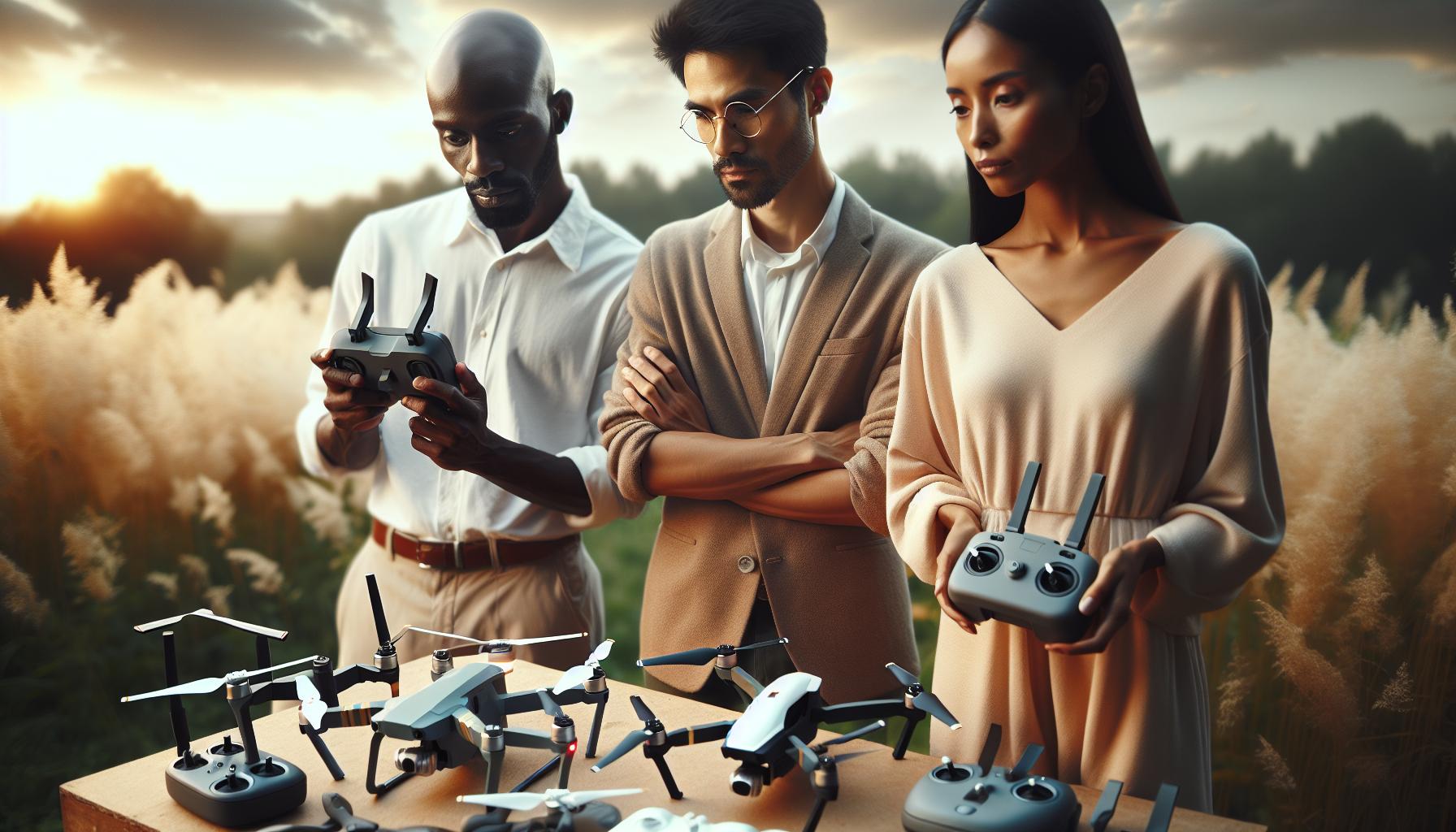
DJI Goggles have revolutionized the first-person view (FPV) experience, creating a level of immersion that transforms how pilots interact with their drones. The compatibility of DJI Goggles generally centers around DJI’s own drone models, such as the Mavic series, Phantom, and Air series, which provide seamless integration and advanced features like low-latency video feeds and head tracking capabilities. These drones are designed to connect directly to the goggles, ensuring an effortless setup and a top-notch flying experience.
For those pilots interested in using DJI Goggles with non-DJI drones, several key factors must be considered. Compatibility relies heavily on the video transmission technology of the drone in question. Many third-party FPV systems may not inherently support the same protocols as DJI’s offerings, prompting the need for additional components, such as a compatible video transmitter. Utilizing these transmitters allows for video feeds to be sent to the goggles, creating an opportunity for FPV flying. However, this often requires a deeper understanding of both the drone’s hardware and necessary software configurations.
Additionally, firmware updates can be critical for compatibility. Keeping both the drone and goggles updated ensures better performance and may introduce new features or settings that enhance connectivity and functionality. Some users have reported success integrating DJI Goggles with popular racing drones by utilizing adapters or additional receivers. Each non-DJI setup may vary greatly based on the specific components involved, so it’s essential to consult user manuals and engage with the drone community when exploring these options.
In summary, while DJI Goggles excel with DJI’s range of drones, expanding their use to other models is feasible, albeit with some caveats. Understanding the intricacies of video transmission, firmware interoperability, and potential additional gear can yield a gratifying experience for FPV enthusiasts ready to explore beyond the DJI ecosystem.
Setting Up DJI Goggles for Non-DJI Drones
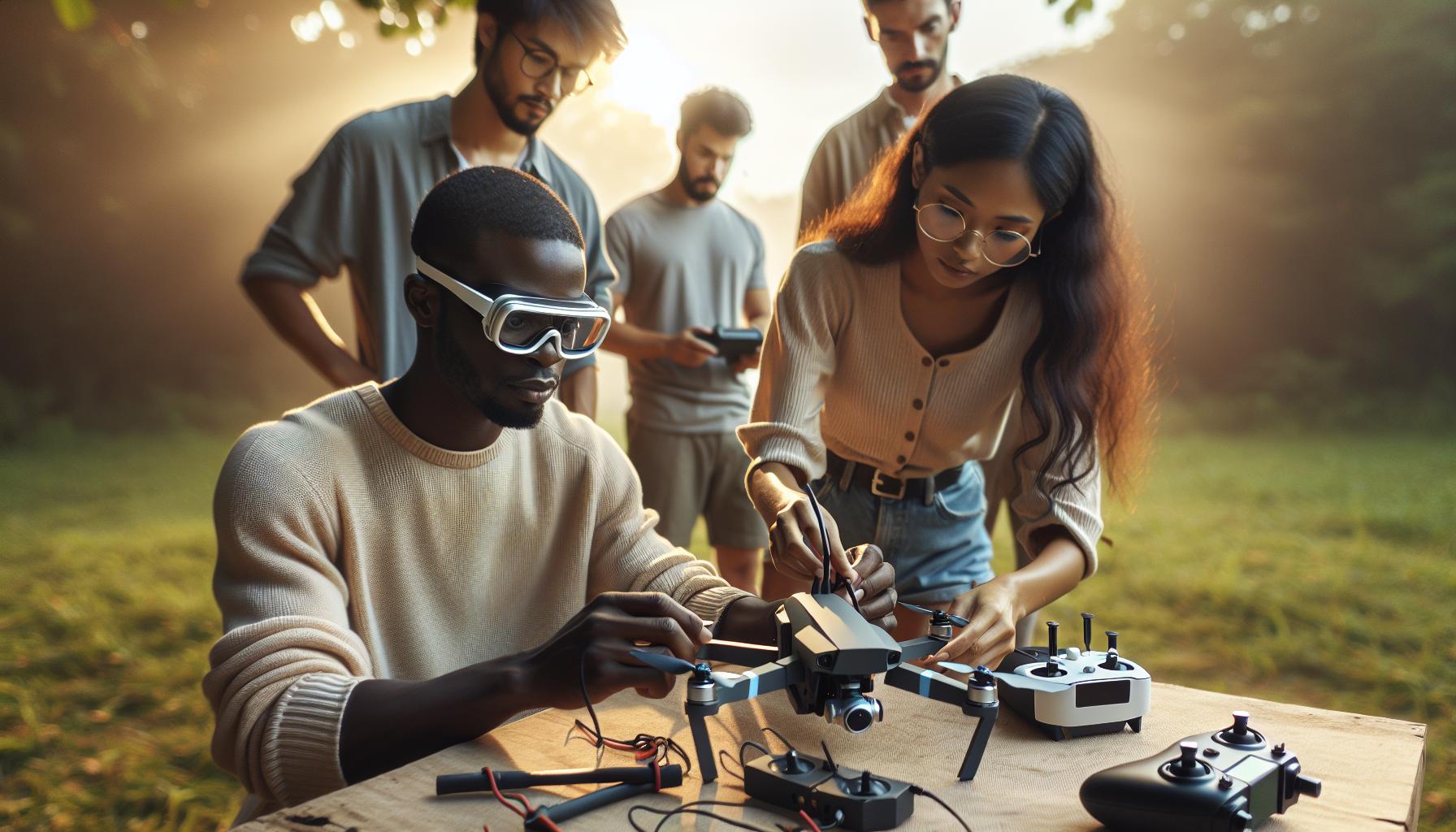
Utilizing DJI Goggles with non-DJI drones can open up exciting new possibilities for FPV flying, but it does require careful setup and an understanding of the unique requirements involved. A strong first step is to ensure that the drone is compatible with the video transmission protocols used by DJI. Most DJI Goggles rely on the OcuSync technology, which means you’ll likely need to introduce additional components into the setup. For instance, many users have had success using a compatible analog video transmitter paired with their non-DJI drone to bridge the gap.
Essential Components for Setup
Getting started with DJI Goggles on a non-DJI drone may involve several essential components:
- Compatible Video Transmitter: A video transmitter that can output signals compatible with the DJI Goggles.
- Additional Receiver: If using a racing drone or another model, a compatible receiver may be required to send signals effectively.
- Firmware Updates: Install the latest firmware on both the goggles and the drone to ensure compatibility and improved functionality.
Setup Steps
To set up your DJI Goggles with a non-DJI drone, follow these steps:
- Connect Video Transmitter: Securely attach the compatible video transmitter to your drone. Ensure that the wiring is correct and that power is adequately supplied.
- Pair with DJI Goggles: Power on the DJI Goggles and follow the user interface to search for available video feeds. Ensure that you have the right frequency settings based on your transmitter.
- Run a Test Flight: Before flying in challenging environments, conduct a test flight in open space to confirm that the video feed is stable and that the controls are responsive.
- Adjust Settings: Depending on your drone and video transmitter, you may need to adjust settings in the goggles for optimal performance, such as changing the frequency or bandwidth.
By carefully considering each of these steps, you can create a seamless experience that enhances your FPV flights with non-DJI drones. Each setup may vary based on the specific components involved, so leveraging resources from the drone community can provide additional support and insights. Engaging in forums and sharing experiences can significantly enhance your understanding and ease the process of setting up DJI Goggles for a non-DJI flight experience.
Overcoming Compatibility Issues with Firmware Updates
To ensure that DJI Goggles function seamlessly with a variety of drones, keeping firmware up-to-date is crucial. Firmware updates can address compatibility issues, enhance performance, and introduce new features that improve user experience. When connecting DJI Goggles to non-DJI drones, outdated firmware can create significant hurdles, including signal loss or inability to connect entirely. Therefore, regularly checking for updates on both the goggles and the drone is an essential practice for any pilot aiming to achieve optimal integration.
Confirming that both systems are updated with the latest firmware not only mitigates compatibility issues but also enhances overall functionality. For instance, when DJI releases updates, they may include expanded support for various video transmission protocols, bug fixes, and enhancements that allow better communication between devices. Before attempting to pair your DJI Goggles with a non-DJI drone, navigate to the official DJI website or app to download the most recent firmware available. This proactive approach ensures that you are leveraging the latest improvements and user feedback, which can make a substantial difference in how well the devices work together.
Here are steps to effectively handle firmware updates:
- Check Current Versions: Before installing updates, check the current firmware version on your drone and goggles. This helps to identify whether an update is necessary.
- Download Updates: Visit the DJI official support page or use the DJI app to download the latest available firmware for your specific models.
- Install Updates: Follow the installation instructions carefully. Ensure that your devices are charged and do not power off during updates, as this can lead to corruption.
- Restart Devices: After updates are completed, restart both the drone and the goggles to ensure the new firmware is correctly initialized.
By adhering to these practices, you’ll minimize the risk of encountering compatibility issues. Additionally, understanding that user forums and community boards can serve as excellent resources for shared experiences and solutions can help you navigate potential challenges. Engaging with other drone users not only elevates your knowledge but can also provide unique insights into how firmware changes affect compatibility with specific setups.
Essential Accessories for Enhanced Drone Experience
Using DJI Goggles can elevate your aerial experiences, especially when exploring their compatibility with various drone models. Enhancing your setup with the right accessories not only improves functionality but also optimizes your flying experience. From batteries to antennas, the right tools can unlock the full potential of your goggles.
Batteries and Power Solutions
The performance and duration of your flying sessions can be drastically improved with high-capacity batteries. Consider investing in extra batteries specifically designed for your DJI Goggles to ensure uninterrupted use during long flights. Power banks can also be a valuable accessory for extended shooting sessions; just ensure they are compatible with your goggles’ charging requirements. This could mean the difference between capturing that perfect shot or missing it due to low battery life.
Signal Enhancers
To tackle potential interference or range issues, antenna upgrades are a must. High-gain antennas can significantly extend the operational range of your drone and goggles, providing a clearer and more stable connection. Such enhancements are particularly useful when flying in urban environments where signals can be obstructed. Additionally, using a signal repeater can help maintain connectivity, especially over longer distances, ensuring that the live feed from your drone remains uninterrupted.
Comfort Accessories
Comfort is key during extended flying sessions, and adding accessories like foam padding, head straps, or balancers for your DJI Goggles can enhance your experience. Straps with extra padding help distribute weight more evenly, preventing fatigue, while absorbent materials can keep sweat at bay during summer flights. Polarizing filters for your drone camera can also enhance the image quality, giving you crisper visuals and better colors, which is particularly valuable during aerial photography.
Carrying Cases and Storage Solutions
Investing in a sturdy carrying case protects your goggles and other equipment from damage during transport. Look for cases with compartments that accommodate all your accessories, ensuring you have everything within reach when needed. This organized approach not only speeds up your setup time but also offers peace of mind knowing your gear is safe.
By focusing on these essential accessories, you can significantly enhance your drone and goggles integration, enabling a more effective and enjoyable flying experience. Whether you are capturing stunning landscapes or racing through intricate courses, these tools will help you make the most of your equipment.
Exploring the Unique Features of DJI Goggles
The advanced technology embedded in DJI Goggles allows drone enthusiasts to elevate their flying experiences significantly. With features like immersive head-tracking, high-resolution displays, and low-latency video transmission, these goggles are designed to provide a seamless integration with DJI drones, resulting in a truly captivating flying experience. The goggles offer pilots the ability to see the world from a bird’s-eye view, making it feel as if they’re flying alongside their drone. This unique perspective enhances situational awareness and navigational precision, which is crucial in both recreational and professional drone applications.
One of the standout features of DJI Goggles is their compatibility across different DJI drone models, including the Mavic, Phantom, and Air series. This universal compatibility means users can invest in a single set of goggles and enjoy them across multiple drones, provided those drones are compatible. Notably, while many users gravitate towards the DJI Goggles 2 for the Mavic series, it’s essential to note that some goggles are not compatible with the Mavic 3 Enterprise, as highlighted by user experiences in the community[1[1]. This emphasizes the importance of verifying compatibility to ensure a smooth flying experience.
The goggles also boast intuitive control systems that allow for effortless adjustments during flight. Features like customizable display settings and portability enhance the user experience, making them suitable for various filming styles-from casual photography to complex cinematography. The integration of built-in features such as a head-tracking system allows users to change camera angles or gimbal orientations simply by moving their heads, providing a level of control that significantly enhances creative possibilities.
Furthermore, DJI Goggles are equipped with advanced features like obstacle avoidance alerts and immersive viewing experiences that come from high-definition video feeds. The goggles support a clear video feed extending up to several kilometers, significantly improving the drone’s operational range while ensuring that pilots can maintain control and awareness of their surroundings. Whether you’re capturing cinematic landscapes or conducting aerial inspections, these features combine to create a comprehensive tool for any drone operator looking to push their capabilities to new heights.
Tips for Maximizing Your Drone and Goggles Experience
Maximizing your flying experience with DJI Goggles involves understanding their features and optimizing your setup. A crucial step is to familiarize yourself with the control settings and customize them to your liking. Make sure to explore the head-tracking capabilities that allow you to change your drone’s camera angles intuitively; this feature can greatly enhance your filming creativity, offering a more immersive and dynamic perspective.
When using your goggles with various drones, especially non-DJI models, pay close attention to the specific connections required. Always ensure your drone’s firmware is up-to-date, as compatibility can often hinge on software updates. Look into communities or forums where fellow pilots share their experiences; these can be invaluable for real-world insights regarding which drones pair best with the goggles and any tweaking necessary for smooth operation.
Additionally, investing in the right accessories can elevate your experience significantly. For example, consider using a comfortable head strap for longer flights, or additional storage for your goggles to protect them while on the go. Remember to practice in different environments, as flying in varied conditions can help you gain confidence and improve your skills.
As you become accustomed to operating both your drone and the goggles, leverage their combined features for enhanced safety. Utilize obstacle avoidance systems available in newer drones and maintain situational awareness, even when deeply engaged in the immersive feed. The fusion of these technologies is designed to not only beautify your aerial footage but also ensure a safer flying experience. With patience and practice, you will find the perfect balance that suits your flying style, pushing your capabilities further than ever before.
User Reviews: Real-World Compatibility Insights
User reports highlighting real-world experiences with DJI Goggles emphasize both the potential and limitations of their compatibility with various drone models. Many users have successfully paired DJI Goggles with not only the brand’s own drones but also with certain third-party FPV (First-Person View) drones. Reviews consistently note that while compatibility is achievable, it often depends on specific technical details, including the drone’s output and connection ports.
A common theme in user feedback underscores the importance of ensuring your drone’s firmware is current. Many pilots have shared experiences where outdated firmware resulted in connectivity issues with the goggles. In some cases, users had to perform manual configuration adjustments or even resort to using adapters to establish a successful connection. This trial-and-error approach can lead to frustration; however, many enthusiasts suggest joining online communities and forums where seasoned pilots share troubleshooting tips and compatibility insights. Such platforms not only provide technical support but also enrich the shared understanding of which setups yield the best performance.
Beyond compatibility, enthusiasts also provide insight into the immersive experience offered by DJI Goggles. Users rave about the head-tracking capabilities, which significantly enhance flight control and enable precise maneuvering during aerial photography sessions. These reviews highlight that the sense of immersion can transform how users perceive and interact with their environment while flying. For instance, some pilots reported discovering new filming angles and creative possibilities that they would have otherwise overlooked without the goggles.
In terms of accessories, many users recommend investing in aftermarket products that enhance the comfort and usability of the goggles, such as anti-fog lenses and custom head straps. Positive experiences with these modifications are frequently cited, showcasing how minor upgrades can lead to more enjoyable flying sessions. As pilots continue to share their stories and insights, it becomes increasingly clear that while challenges exist when using DJI Goggles with non-DJI drones, the potential rewards of immersive flying experiences and creative visual storytelling make it a pursuit worth exploring.
Troubleshooting Common Compatibility Challenges
Compatibility between DJI Goggles and various drone models can often present pilots with challenges that need to be navigated effectively. For enthusiasts looking to maximize their flying experience, addressing these compatibility issues is essential. Many users report that the initial setup often encounters roadblocks, such as signal disruptions or issues with image resolution. A crucial step to overcome these problems is to ensure that your goggles and the drone are configured correctly to communicate.
One of the most frequent issues arises from outdated firmware. Keeping both your drone and goggles updated is vital for optimal performance. If you’re experiencing connectivity problems, check the firmware versions and update them through their respective apps. Consider following these steps for a smoother integration:
- Verify connections: Ensure all cables are securely connected without any damage.
- Update firmware: Use the DJI Fly app to check for updates and install the latest software versions for both your drone and goggles.
- Consult user manuals: Familiarize yourself with the specific compatibility requirements outlined in the manuals for both devices.
- Utilize adapter options: For non-DJI drones, you may need specific adapters to establish a connection. Check compatibility lists provided by manufacturers or drone forums.
Engaging with online communities can also provide invaluable support. Many experienced pilots share their insights and solutions to common issues on forums, which can help you find quick fixes and innovative workarounds tailored to your specific drone model.
It’s also important to remember that not all drones will provide an optimal experience with DJI Goggles. If you encounter persistent issues, consider whether the drone’s output format is compatible with the Goggles’ capabilities. Understanding the technical specifications of your drone can guide your pursuit of a successful connection. For instance, if your drone outputs a 720p video feed but the goggles are geared towards 1080p, it may result in a subpar experience.
In summary, troubleshooting compatibility challenges between DJI Goggles and other drones involves a series of methodical checks and proactive measures, including firmware updates and community engagement. By approaching these challenges with a systematic mindset, pilots can unlock the full potential of their aerial experiences, transforming how they capture and interpret their surroundings.
Comparing DJI Goggles with Other FPV Options
When considering the world of FPV (first-person view) flying, DJI Goggles stand out for their user-friendly design and unique integration with DJI’s ecosystem. However, as enthusiasts venture beyond DJI drones, comparisons with other FPV options become essential in understanding what each technology offers. While DJI Goggles are optimized for seamless performance with their own drones, like the Mavic series and the Avata, their compatibility with non-DJI models can be variable and may require additional effort.
Many FPV enthusiasts often look toward traditional analog systems, which tend to be more universally compatible across various drone types. These systems-often characterized by lower latency and adjustable frequency bands-allow pilots to pair goggles with any drone outfitted for FPV flying. However, users might need to deal with additional technicalities such as customizing channels and fine-tuning settings for optimal performance, leading to a steeper learning curve. In contrast, DJI Goggles simplify setup through their automatic pairing features and better integration with DJI’s OcuSync technology, delivering high-definition video and advanced telemetry data.
Moreover, an important distinction lies in video quality and range. DJI Goggles provide superior video clarity and immersive experiences thanks to their digital transmission capabilities, giving users access to features like 1080p video feeds and minimal lag. Conversely, while analog setups can provide real-time feedback, they often come with the tradeoff of lower resolution and potential interference. This comparison highlights the trade-offs between convenience and performance, allowing pilots to choose based on their specific needs, whether they prioritize simplicity and ease of use or prefer the flexibility and customization of analog systems.
Ultimately, understanding these differences informs pilots on how to match their goggles with their drone of choice effectively. With the right knowledge and setup, integrating DJI Goggles with various FPV options can enhance the flying experience, opening up new horizons for creativity and exploration in aerial photography and racing.
Legal Considerations When Using Goggles with Drones
The integration of DJI Goggles with various drones raises important legal considerations that every pilot must be aware of. Drone enthusiasts who wish to use these headsets with non-DJI models should familiarize themselves with local regulations governing FPV (first-person view) flying. In many regions, the Federal Aviation Administration (FAA) in the United States, for example, mandates that pilots maintain a visual line of sight with their drones. This requirement can be challenging when using FPV goggles, necessitating careful planning and adherence to regulations to avoid inadvertent violations.
Compliance with Local Regulations
Before taking to the skies, check specific local laws regarding drone use and FPV flying. Some jurisdictions may allow FPV flying with a visual observer-someone who can keep the drone in sight while you fly with the goggles. It’s critical to communicate with this observer to ensure they notify you of any potential hazards. Additionally, regulations often vary significantly between countries; what is acceptable in one area may be prohibited in another. Therefore, always review the legal framework governing drone operations in your area before flying.
Respecting No-Fly Zones
When operating any drone, legality also involves respecting no-fly zones, which may include areas near airports, public gatherings, and other sensitive locations. DJIs drones, along with the goggles, come with built-in geofencing capabilities that notify users of restricted areas. Pilots need to remain cognizant of these limitations and ensure compliance, as violations can lead to significant penalties, including fines and the confiscation of equipment.
Insurance Considerations
Moreover, drone insurance can offer an added layer of protection, especially when engaging in FPV activities that introduce unique risks. Many drone operators opt for liability insurance to cover potential damages resulting from crashes or unanticipated incidents. This is particularly relevant when flying beyond line-of-sight with goggles, as the potential for accidents may increase. Choosing the right insurance policy becomes an essential component of responsible drone operation.
By understanding and adhering to these legal considerations, pilots can confidently enjoy the benefits of DJI Goggles while minimizing risks associated with drone operations. Investing the time to know the laws and maintaining safety practices ensures a better experience for both the operator and the community at large.
Future Trends in Drone and Goggles Integration
With the rapid evolution of drone technology, the integration of advanced FPV (first-person view) goggles presents an exciting frontier for drone enthusiasts. One of the most pressing concerns within the community is the compatibility of DJI Goggles with a variety of drones, especially non-DJI models. As drone manufacturers continue to innovate, we can expect future trends that will not only improve compatibility but also enhance the overall flying experience.
A significant trend is the emergence of universal protocols for FPV systems, enabling DJI Goggles to connect seamlessly with a broader range of drones. This could include standardized transmission protocols that allow for easier pairing and setup with non-DJI devices, eliminating many of the current compatibility challenges. Additionally, the potential for app-based configurations could provide users with detailed guidance on setup processes, making them accessible even to those new to drone flying.
Further advancements in firmware development are also on the horizon. As manufacturers release software updates, features such as better low-latency video transmission, augmented reality capabilities, and enhanced playback functions will likely be introduced. Imagine using DJI Goggles to access real-time telemetry data from any drone, providing a richer and more informed flying experience. This development could revolutionize how pilots interact with their drones, making each flight safer and more intuitive.
Moreover, the increasing popularity of drone racing and FPV competitions has driven demand for more versatile equipment. This demand is prompting manufacturers to focus not only on compatibility but also on creating goggles that feature advanced capabilities, such as higher refresh rates and improved field of view. This trend towards high-performance hardware will enhance the agility and responsiveness of users during intense flights.
As the ecosystem of drones and FPV goggles continues to evolve, participants in the drone community can look forward to innovations that increase universal compatibility, streamline user experiences, and enhance functionality across different platforms. Staying informed about these advancements is crucial as it allows for better preparation and understanding of how to leverage new technologies for a superior flying experience.
Q&A
Q: Can DJI Goggles be used with drones from other brands?
A: Yes, DJI Goggles can be used with some non-DJI drones, but compatibility depends on the specific model and its transmission system. Ensure the drone supports HDMI output or analog video transmission. Look into accessories like HDMI transmitters for better integration and performance.
Q: What are the steps to connect DJI Goggles to non-DJI drones?
A: To connect DJI Goggles to non-DJI drones, start by ensuring the drone has HD output capabilities. Use an HDMI cable to connect the goggles to the drone’s video port, or set up an analog connection. Refer to the drone’s manual for detailed instructions on video output settings.
Q: Do I need additional accessories to use DJI Goggles with other drones?
A: Yes, you may need additional accessories such as HDMI transmitters or receivers for optimal performance when connecting DJI Goggles to non-DJI drones. Check cable compatibility and transmission modes supported by your goggles and drone for a seamless setup.
Q: Are there limitations when using DJI Goggles with other drones?
A: Limitations include reduced functionality and lower video quality compared to DJI drones. Some features like head tracking or OSD may not work. Always test for compatibility and performance before critical flights to ensure a satisfactory experience.
Q: How can I troubleshoot compatibility issues between DJI Goggles and third-party drones?
A: If you experience compatibility issues, first check the connections and settings on both the goggles and drone. Ensure both devices are updated to the latest firmware. Consult the manufacturer’s documentation and consider reaching out to DJI support for assistance.
Q: What is the range of DJI Goggles when used with non-DJI drones?
A: The range of DJI Goggles when paired with non-DJI drones can vary significantly, often depending on the video transmission type (HDMI or analog) and the specific drone’s signal range. Direct HDMI connections generally provide better performance and reliability.
Q: Can I use DJI Goggles for FPV flying with other brands?
A: Yes, if your non-DJI drone supports FPV capabilities and allows external connections, you can use DJI Goggles for FPV flying. Ensure you have the right configuration and required accessories for optimal performance and viewing experience.
Q: What firmware updates should I consider for improved compatibility with DJI Goggles?
A: Regular firmware updates for both your DJI Goggles and non-DJI drone can enhance compatibility and performance. Always check both manufacturers’ websites before flying, and follow any specific update instructions for the best results.
Closing Remarks
In conclusion, while DJI Goggles are designed primarily for DJI drones, many users find ways to leverage their capabilities with compatible models. So whether you’re cruising through the skies with your Mini or Mavic series, or exploring the immersive experience offered by Avata, understanding your gear’s compatibility is essential for maximizing flight enjoyment. Don’t miss out on enhancing your drone flying with advanced features and visuals-consider joining our community for exclusive tips and tricks.
For more detailed comparisons of various DJI models, check out our consumer drone comparison page. If you’re ready to dive deeper into drone setup guides, visit our helpful tutorials section. Stay informed, engage with fellow drone enthusiasts in the comments below, and gear up for your next adventure by subscribing to our newsletter for updates on the latest trends and products. Your flying journey awaits-start exploring today!









