
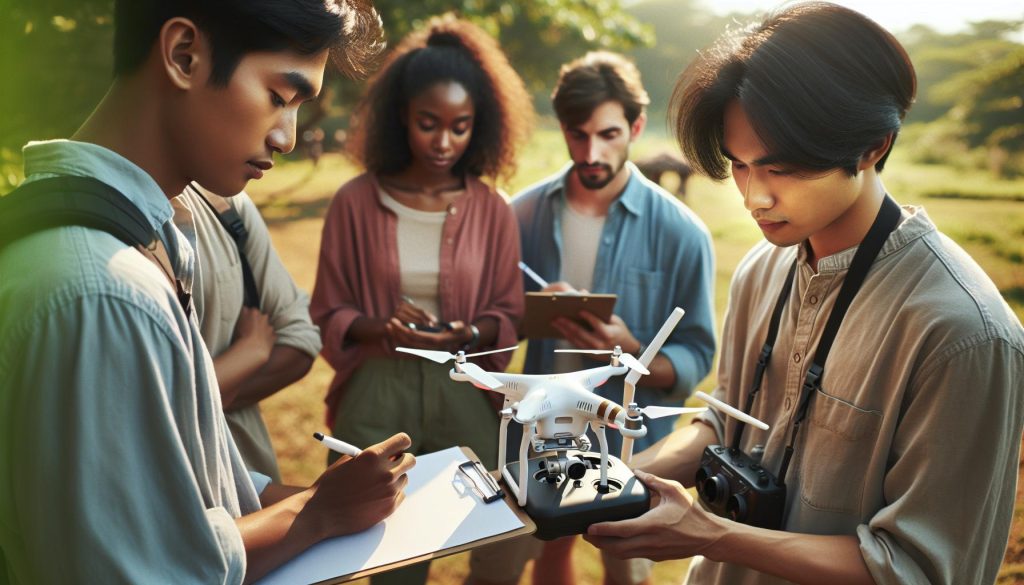
Activating your DJI FPV drone can seem daunting, but it’s an essential step to unlocking the full potential of your flying experience. Did you know that properly setting up your drone not only enhances your control but also improves safety during flights? In this comprehensive guide, we’ll walk you through the activation process, addressing common concerns and providing practical tips to empower both novice and experienced users. Whether you’re eager to capture stunning aerial footage or simply enjoy the thrill of flight, understanding how to activate your DJI FPV drone is crucial. Join us as we demystify the activation steps, ensuring you’re ready to take to the skies with confidence and skill.
Understanding DJI FPV Drone Features for Beginners
With the surge in popularity of FPV (first-person view) drones, understanding their features can vastly enhance your flying experience. The DJI FPV Combo offers an exceptional blend of technology and user-friendly design, making it an appealing choice for both beginners and seasoned pilots alike. Its standout feature is the 4K camera paired with a super-wide 150° field of view (FOV), allowing for breathtaking aerial footage that captures more detail than you might expect from traditional drones. Additionally, the HD low-latency transmission ensures that what you see in your goggles is almost real-time, letting you react quickly as you navigate through your environment.
One of the key aspects that make the DJI FPV incredibly user-friendly is its range of flight modes. New pilots can start with the S Mode (Sport Mode), which provides a blend of assistive features with manual controls, empowering you to learn the nuances of drone flying. As your confidence grows, switching to M Mode (Manual Mode) gives you complete control over the drone, allowing you to perform advanced maneuvers and aerial stunts. The N Mode (Normal Mode) offers a more stable flight experience, perfect for capturing stunning footage without complications. Each of these modes has been designed to gradually introduce you to more advanced flying techniques, making the learning curve manageable and exciting.
Navigating the complexities of drone flying is also made easier with its built-in safety features, including obstacle detection and automatic return-to-home functionality. These systems help reduce the risks associated with flying, especially for beginners who may be apprehensive about crashing their new investment. Furthermore, as you become more acquainted with your DJI FPV, exploring the potential of accessories-like additional batteries for extended flight time or propeller guards for added protection-can significantly enhance your flying experience while maintaining safety.
By familiarizing yourself with these fundamental features, you can set the stage for an enjoyable journey into the world of FPV drone flying. Embracing these tools not only boosts your confidence but also elevates your creativity and skill set in capturing stunning aerial vistas.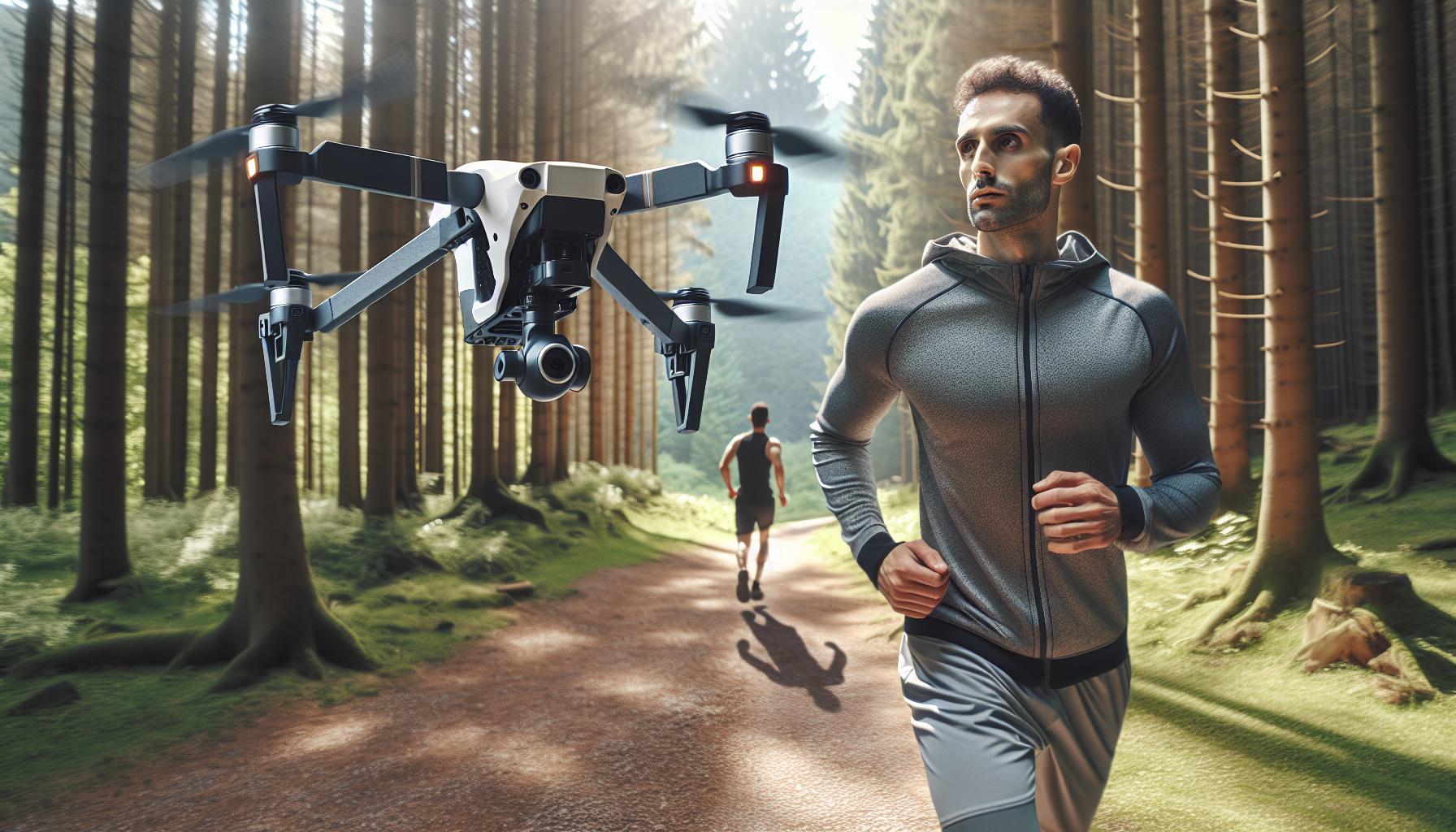
Unboxing Your DJI FPV Drone: What’s Inside?
Unboxing a DJI FPV drone is an exciting experience, as it opens the door to a world of immersive flight and stunning aerial imagery. As you lift the lid on the box, the first sight to greet you is the sleek and compact design of the drone itself, ready to take to the skies. Inside, you’ll find an organized layout that not only ensures the safety of your new investment but also enhances the unpacking experience.
Alongside the drone, the box typically contains several essential items that are crucial for your flying journey. These usually include:
- FPV Drone: The main event, featuring a high-definition camera and advanced flight features.
- Goggles: Provides the first-person view experience, immersing you in the flight.
- Controller: Equipped with intuitive controls for easy navigation and responsiveness.
- Battery: Most packages contain at least one flight battery, ensuring you’re ready to soar right away.
- Charger: A dedicated charger to keep your battery sustained and ready for your next flight.
- Propellers: Typically, additional propellers are included to prepare for any mishaps during your flying adventures.
- Quick Start Guide: An essential handbook that provides crucial information for getting started.
As you delve deeper into the box, take a moment to examine the various components. The build quality of the drone showcases DJI’s commitment to durability while maintaining a lightweight profile. Each accessory serves a distinct purpose, enhancing your flying experience and ensuring you have the tools necessary for smooth operation.
Equipped with these essentials, you are now ready to embark on your drone-flying journey. Familiarizing yourself with each component during unboxing not only eases the learning curve but also instills confidence as you prepare to activate your DJI FPV drone. Understanding what’s included sets the foundation for a seamless startup process, allowing you to maximize your enjoyment right from the moment you first take flight.
Step-by-Step Setup: Activating Your DJI FPV Drone
Activating your DJI FPV drone is an exciting step that brings you closer to experiencing the thrill of flight. With just a few simple steps, you can transform your drone from a shiny new device into an active flying machine. It’s important to follow the setup process carefully to ensure optimal performance and safety.
Begin by ensuring that you have all the components ready: the drone, goggles, controller, battery, and charger. First, fully charge your battery using the provided charger; this will typically take about 1-2 hours. While your battery charges, download the DJI Fly app from your device’s app store, as this will be essential for both setup and future firmware updates.
Next, connect your smartphone to the controller using the appropriate cable. Once connected, power on the controller and then the drone. The drone should automatically enter binding mode, which is indicated by rapid flashing lights. Your app will prompt you to complete the binding process; simply follow the on-screen instructions to sync everything together. After linking, you’ll be prompted to perform an account login or create a new account if you are a first-time user. Remember to accept all necessary permissions for the app to function properly.
After the successful binding, it’s time to conduct the initial firmware checks. In the DJI Fly app, navigate to the settings menu to see if any firmware updates are available for the drone and controller. Keeping your firmware up to date ensures you have the latest performance improvements and safety features. Once updates are installed, and the setup is complete, you can proceed to calibrate the drone and prepare for your first flight session. The DJI FPV drone offers an immersive flying experience when properly set up, laying a solid foundation for safe and enjoyable flying adventures.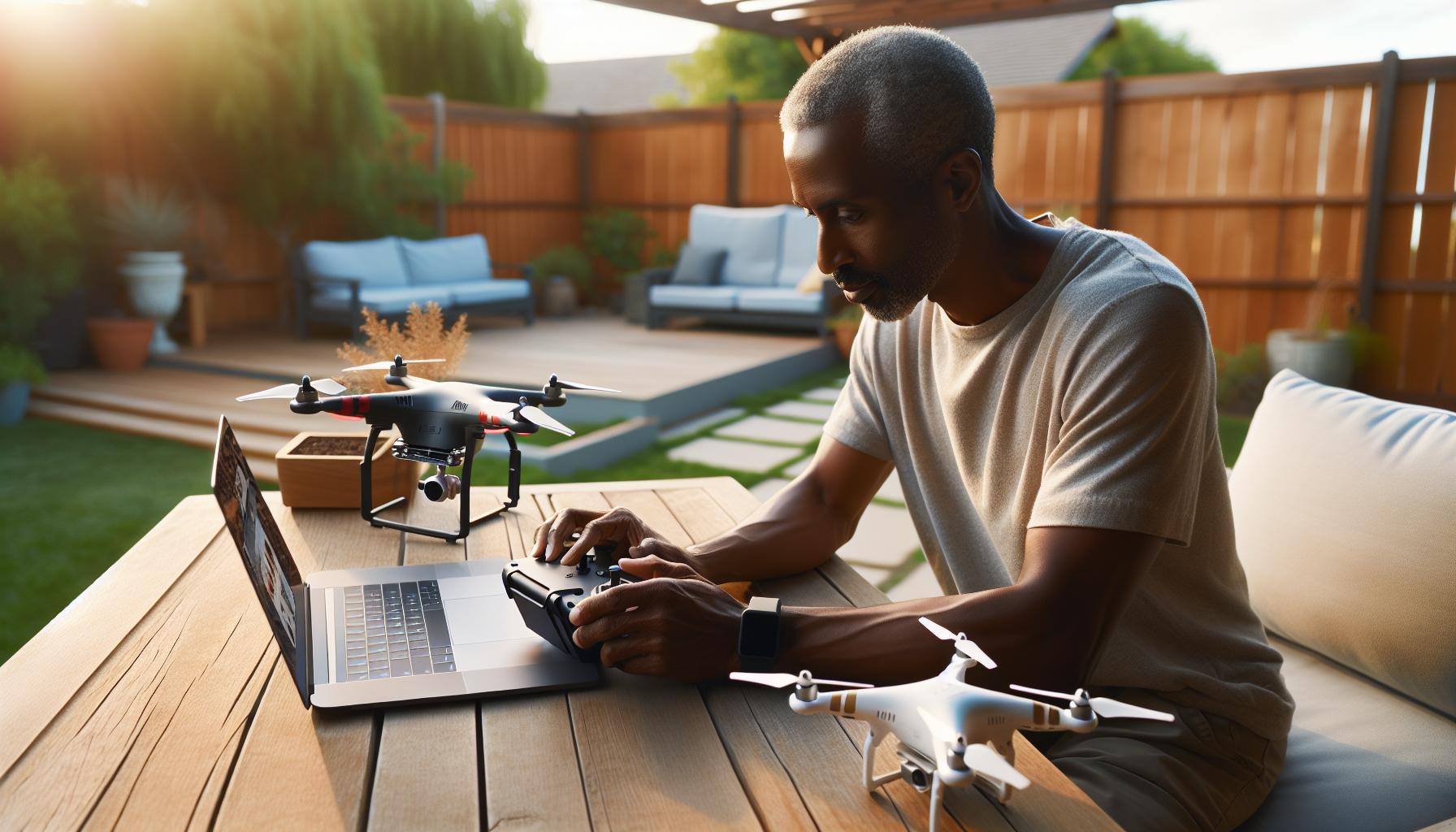
Firmware Updates: Keeping Your Drone Ready to Fly
Keeping your DJI FPV drone up to date is crucial for ensuring optimal performance, enhancing safety, and unlocking new features. Firmware updates are not just routine tasks; they can significantly affect flight stability, camera functionality, and overall user experience. Failing to keep your firmware current may lead to bugs or diminished performance as developers continuously work to improve technology and software functionalities.
To check for firmware updates, open the DJI Fly app on your smartphone after binding your drone and controller. Navigate to the settings menu, where you will find a firmware update section. Here, the app will automatically check for available updates for both the drone and controller. If updates are available, it’s essential to follow the prompts carefully to download and install them. Ensure that your drone has a full charge or is connected to a power source during the update process, as interruptions can corrupt the installation and affect the drone’s functionality.
Once updates are installed, be sure to perform a quick check of the drone’s settings to familiarize yourself with any new features or adjustments made during the update. Keeping a habit of regularly checking for updates will not only prepare your drone for a smooth flying experience but also enhance your overall piloting skills. For beginners, this redoubles the excitement as updated firmware often includes enhancements that benefit user experience, such as improved flight modes and camera enhancements.
In summary, consistently updating your DJI FPV drone firmware leads to a safer, more enjoyable flying experience. Following these steps will keep your drone ready to fly, allowing you to focus on mastering the skies with confidence and skill.
Calibrating Your Drone: Essential Gimbal Adjustments
Calibrating your drone’s gimbal is essential for achieving smooth, stable footage and precise control during flights. A properly calibrated gimbal compensates for any unintended movements and helps maintain a clear, focused image even in dynamic environments. This process is particularly important for beginners, as it sets the foundation for quality flying experiences and video capture.
To begin the calibration process, ensure that your DJI FPV drone is on a flat, level surface. Power on the drone and the remote controller. Access the DJI Fly app on your smartphone, which connects to the drone. Look for the “Gimbal” settings in the app. Here, you will find options for both auto and manual calibration. It is often advisable to start with automatic calibration, which allows the system to determine any offsets or misalignment.
During the automatic calibration, the gimbal will undergo a series of adjustments. You’ll want to ensure that the drone remains stationary, as any movement can lead to inaccurate calibration outcomes. After the calibration process is complete, the app will notify you of its success or if further adjustments are required. If the automatic method does not yield satisfactory results, you can opt for manual calibration, where you can fine-tune the gimbal settings according to your specific needs.
Tips for Successful Gimbal Calibration
- Stable Surface: Make sure the calibration area is as level as possible to avoid introducing errors.
- Regular Calibration: Calibrate the gimbal each time you change locations or if you notice any abnormal behavior.
- Check Firmware: Regularly update your drone’s firmware, as updates can provide enhancements that improve gimbal performance.
By incorporating these steps and tips into your pre-flight routine, you ensure that your DJI FPV drone’s gimbal operates at its peak efficiency, enhancing both your flight experience and the quality of your footage. Enjoy the skies, and let the gimbal do its job of keeping your visuals steady and captivating!
Safety First: Pre-flight Checklist for DJI FPV Drones
Ensuring a safe and enjoyable flying experience starts long before takeoff; it begins with a thorough pre-flight checklist. This essential step is not just a matter of checking boxes-it’s about cultivating good habits that keep you and your equipment safe. The DJI FPV drone, known for its speed and agility, requires particular attention to detail when preparing for flight.
Before anything else, always inspect your drone physically. Check for any visible damage on the frame, propellers, and gimbal. Cracks or bends can significantly affect flight stability and safety. Next, ensure that your propellers are secure and free from any obstructions. Propeller failure can lead to catastrophic results, so this is a non-negotiable item on your checklist.
Battery health is another critical element. Verify that your battery is charged, as low battery levels not only affect flight time but can also lead to sudden loss of control. Inspect the battery terminals for corrosion or debris, which could hinder proper connections. Ensure you have a fully charged spare battery, especially for extended flying sessions.
Environmental conditions also play a crucial role in safe flying. Check the weather forecast for wind speeds and possible precipitation; high winds or rain can compromise your drone’s capabilities. Additionally, take note of your surroundings; avoid flying in crowded areas, near airports, or in places where you might encounter obstacles. Each of these factors contributes to creating a secure flying environment, reducing the risk of accidents.
Remember to perform a quick software check as well: ensure that the firmware on your drone and controller is up to date. Outdated software can lead to performance issues or even malfunctions mid-flight. You can conveniently check for updates via the DJI Fly app on your smartphone.
By establishing and adhering to a pre-flight checklist, you not only enhance your own safety but also that of others. With careful preparation, you can focus entirely on capturing stunning aerial footage and enjoying the thrill of flight.
Mastering Flight Modes: Beginner to Advanced Techniques
The versatility of DJI FPV drones is showcased in their various flight modes, each catering to different skill levels and flying styles. Understanding these modes not only enhances the flying experience but also empowers users to utilize their drones to their fullest potential. Whether you’re new to aerial photography or a seasoned pilot, mastering these flight modes is essential for capturing stunning footage and executing complicated maneuvers.
Flight Modes Overview
DJI FPV drones typically offer several flight modes, including:
- Normal Mode (N Mode): This mode is ideal for beginners, providing stability and ease of control. It allows the drone to limit its speed and offers assistance features such as altitude hold and GPS positioning, making it perfect for getting accustomed to flying.
- Sport Mode (S Mode): Once you’re comfortable in Normal Mode, Sport Mode is the next step. It allows for greater speed and agility, perfect for more dynamic flying. However, the drone disables most of the autonomous features, giving you full control over its navigation and maneuvers.
- Manual Mode (M Mode): For experienced pilots, Manual Mode offers complete control without any assistance, allowing for advanced maneuvers and flight techniques. Understanding how to handle this mode is crucial as it requires a skilled operator to manage altitude and direction manually.
How to Transition Between Modes
Transitioning between flight modes should be approached with caution and practice. Start in Normal Mode to familiarize yourself with the drone’s response characteristics. As you become more comfortable, switch to Sport Mode to experience heightened responsiveness and speed-just remember that in this mode, the drone’s stability systems are reduced.
When ready to tackle Manual Mode, it’s advisable to practice in a safe, open area to avoid obstacles and to maintain a clear line of sight. Use visual cues to maintain orientation, and understand that this mode may result in a steeper learning curve. It is often helpful to practice in simulation software before attempting maneuvers in real-world conditions.
Advanced Techniques and Tips
As you gain proficiency, consider techniques such as aerobatics, flips, and rolls, which can typically be executed in Sport and Manual Modes. However, always prioritize safety by ensuring proper space and understanding risk factors involved with advanced maneuvers. Here are a few tips:
- Practice gradually: Increase the complexity of your maneuvers slowly and incrementally build your confidence and skill level.
- Use simulator tools: Many pilots benefit from simulator software that replicates FPV flying, offering a risk-free environment to practice.
- Analyze your flights: After flying, review your footage, focusing on how your maneuvers affected the stability and control of the drone to identify areas for improvement.
By mastering these flight modes, you’re equipping yourself to take full advantage of what DJI FPV drones offer, ensuring both enjoyable and safe flying experiences as you capture spectacular aerial footage.
Troubleshooting Common Issues: Tips for New Pilots
Navigating the skies with your DJI FPV drone can be exhilarating, but encountering issues can quickly dampen the experience. As a new pilot, knowing how to troubleshoot common problems can make the difference between frustration and successful flying. It’s essential to be prepared and informed about typical challenges you might face.
One of the most frequent issues is connectivity problems between your drone and the controller. If you find that you’re unable to establish a connection, begin by ensuring both devices are fully charged. Restarting both the drone and the controller can often resolve temporary glitches. Make sure your firmware is up to date, as outdated software can lead to compatibility issues. Check the DJI Go app to see if there are any alerts or updates required.
Another common concern is poor GPS signal or loss of signal during flight. Always check that you’re in an open area away from obstructions like tall buildings or trees that could interfere with the GPS. If you find your drone drifting or unable to hold its position, take it to a more open space and allow it to recalibrate its GPS. Ensuring your drone’s compass is calibrated correctly is also crucial; this can be done through the settings in the DJI app before each flight.
Battery concerns are also prevalent among newcomers. If you notice shorter flight times or unexpected warnings, check if your batteries are properly seated and fully charged. Avoid situations where you fly until the battery is completely depleted; instead, familiarize yourself with the battery management system and plan your flights accordingly to return home while there’s still ample power. Regularly inspect your batteries for signs of damage or swelling, and adhere to proper charging protocols to prolong their lifespan.
Lastly, many new pilots struggle with flight control and handling. If you find the drone is not responding as expected, it could be beneficial to practice in a simulation environment or use the drone’s beginner modes that limit speed and altitude. Build your confidence by starting with basic maneuvers before trying advanced techniques. Remember, safety and gradual progression are key; always be wary of your surroundings and potential obstacles as you elevate your skills.
By addressing these common issues wisely and meticulously, you’ll enhance your overall flying experience and confidence as a new pilot with your DJI FPV drone.
Regulations and Compliance: Flying Your Drone Legally
Flying a drone legally is not just a matter of following guidelines; it’s about being a responsible pilot while fully enjoying the capabilities of your DJI FPV drone. Before you take to the skies, familiarize yourself with the laws and regulations that govern drone usage in your area. These regulations are designed to ensure both your safety and the safety of those around you.
To start, you must obtain a Remote Pilot Certificate if you plan to fly commercially. This involves passing the FAA’s Part 107 test, which covers various topics such as airspace classifications, drone operations, and the regulations governing commercial flights. For recreational flyers, you must pass the FAA’s TRUST (The Recreational UAS Safety Test), which provides essential safety knowledge before you can fly your drone.
Key Legal Considerations
Here are essential regulations you should keep in mind when operating your DJI FPV drone:
- Altitude Limits: Generally, drones are required to fly below 400 feet above ground level to avoid manned aircraft traffic.
- Airspace Awareness: Use tools like the FAA’s B4UFLY app to check for no-fly zones and airspace restrictions before each flight.
- Line of Sight: Keep your drone within visual line of sight at all times during flight. This is critical for avoiding collisions and maintaining control.
- Privacy Considerations: Be mindful of privacy laws. Avoid capturing images or video of individuals without their consent, as this could lead to legal issues.
- Registration: If your drone weighs over 0.55 pounds (250 grams), you are required to register it with the FAA. Ensure that you display your registration number on your drone.
Staying Updated
Regulations around drone usage can change, so it’s vital to stay informed about local laws and federal regulations. Following organizations like the Drone Advisory Committee (DAC) or checking regularly with the FAA’s website can provide useful updates.
Understanding and adhering to these regulations not only keeps you in compliance but also enhances the safety and enjoyment of your flying experience. Responsible drone flying can foster goodwill with the community and promote the positive image of drone technology as it continues to evolve.
Essential Accessories for Your DJI FPV Experience
When it comes to maximizing your DJI FPV drone experience, equipping yourself with essential accessories can significantly enhance both functionality and enjoyment. Whether you’re a complete novice or an aspiring aerial cinematographer, the right gear ensures you fly with confidence, capturing stunning visuals while extending your drone’s capabilities.
One of the most vital accessories is the DJI FPV Fly More Kit, which includes additional batteries, propellers, and a charging hub. Extra batteries are crucial as they extend your flight time, allowing you to capture more footage without the need for frequent landings to recharge. The charging hub is particularly useful for organizing your gear, ensuring your batteries are always ready for action. Additionally, purchasing spare propellers guarantees that you’re prepared for any mishaps during your flights.
Investing in a high-quality carrying case is also imperative. A dedicated carrying case provides protection against impacts and makes it easier to transport your drone and accessories. With options available featuring custom compartments for your goggles, controllers, and spare parts, you can keep everything organized and secure. For those planning to take their drone on adventures, a case is not just an accessory; it’s an essential part of your drone kit.
Another accessory worth considering is the DJI Goggles V2. These goggles dramatically enhance the immersive experience of flying, presenting a first-person view that makes it feel as though you are soaring through the sky. They provide low-latency video transmission and high-definition visuals, essential for drone racing and cinematic flying. Pairing the goggles with a motion controller allows for intuitive control, making it easier to navigate tight spaces and perform daring maneuvers.
Finally, don’t overlook the importance of protective gear such as propeller guards. These can help protect your drone from accidental collisions, particularly while flying indoors or in cluttered environments. Investing in these accessories ensures you and your drone can safely navigate various flying scenarios, ultimately extending the life of your equipment while enhancing your overall flying experience.
By equipping your DJI FPV drone with these essential accessories, you not only improve its performance and safety but also enrich your flying experiences-transforming rookie pilots into adept operators, capable of capturing breathtaking aerial footage.
Tips for Indoor Flying: Enhance Your Skills
Flying a DJI FPV drone indoors can be both exhilarating and challenging, especially for beginners. The limited space demands precision and control, making it essential to adapt your flying techniques while enhancing your skills in this environment. One key strategy is to familiarize yourself with the drone’s flight modes. Start with the Stability Mode, which provides smoother movements and limits the drone’s speed, allowing you to gain confidence without overwhelming responses. As you become more comfortable, you can experiment with Manual Mode for greater agility and responsiveness, though this requires more finesse and practice.
Another crucial aspect to consider is your surroundings. Before taking to the air, conduct a thorough assessment of the indoor space. Identify any potential obstacles such as furniture, light fixtures, and other items that could impede your flight path. It’s wise to clear a spacious area to practice maneuvers, ensuring that you have ample room to move and avoid collisions. If possible, use a more open indoor environment, such as a gymnasium or large warehouse, where the risk of damaging your drone is minimized.
To further enhance your indoor flying experience, you might want to incorporate some tools or accessories. Utilizing propeller guards is highly recommended, especially as a precaution against unforeseen crashes. These guards will help protect not only your drone but also your surroundings, which is essential when flying in tighter spaces. Additionally, flying with DJI Goggles V2 can significantly enhance your control and immersion. The first-person view they provide makes navigating through obstacles more intuitive, and the low-latency video feed allows for real-time adjustments to your flying techniques.
Lastly, developing a routine for your indoor flying practice is critical for skill enhancement. Set specific goals each session, such as practicing particular maneuvers, improving your precision through obstacle courses, or simply becoming more familiar with the drone’s responses. Consistent practice will build your confidence and help transition your skills from indoor flying to outdoor adventures, where you can truly take advantage of the DJI FPV drone’s full capabilities. Engage in this practice regularly, and you will notice substantial progress in your flying proficiency.
Comparing DJI FPV vs. Other Models: Which Is Right for You?
When considering a DJI FPV drone, it’s essential to evaluate how it stacks up against other popular models such as the DJI Mavic, Mini, and Air Series drones. Each drone has unique features tailored to different flying needs, making it crucial for potential users to understand which model aligns best with their specific requirements and experience levels.
One of the most significant differences lies in the intended use and flying experience. The DJI FPV is designed for immersive first-person flying, allowing users to experience flight as if they were seated in the cockpit, thanks to DJI Goggles. This model focuses on offering dynamic racing capabilities and complex maneuvers, making it appealing to thrill-seekers and those interested in drone racing. In contrast, the Mavic series is renowned for its portability, excellent camera quality, and automated flight modes, making it an ideal choice for travelers and photographers who prioritize image quality and ease of use over high-speed agility.
Another consideration is flight performance in challenging conditions. The DJI FPV excels in wind handling compared to others like the Avata 2, which may struggle due to its lightweight design. However, the Avata 2 is built with durability in mind, making it suitable for those who are more cautious or are just starting. This drone can absorb some impacts better than the FPV, which, while rugged, is still considered more fragile. Therefore, if you plan to fly in bustling environments or want a robust platform for casual flying, the Avata 2 or even the Mini series might be more appropriate.
Moreover, switching between flight modes can significantly affect your flying experience. While the FPV offers different modes tailored for thrill-seeking maneuvers and acrobatic performance, the Mavic and Mini series provide modes focused on photography, such as Point of Interest and Follow Me, which are appealing to content creators looking to optimize their footage easily. Understanding these modes can help you make an informed decision based on whether you’d like to focus on aerial photography or adventurous flying.
Ultimately, choosing the right DJI drone depends on your intended usage, flying environment, and personal preferences. Take time to assess the features provided by each model and how they align with your goals. Engaging in drone communities or reviewing comparative guides can also provide valuable insights to help make a well-informed choice.
FAQ
Q: How do I connect my DJI FPV drone to the remote controller?
A: To connect your DJI FPV drone to the remote controller, power on both devices, then open the DJI Fly app. When prompted, follow the on-screen instructions to establish a connection. Ensure the drone and controller are within range and that firmware is updated for a smooth pairing process.
Q: What should I do if my DJI FPV drone won’t activate?
A: If your DJI FPV drone won’t activate, check the battery levels of both the drone and remote controller. Ensure the firmware is up to date and that you have followed the activation steps correctly in the DJI Fly app. Restart both devices if activation fails.
Q: Why is my DJI FPV drone showing a “Failed to activate” message?
A: A “Failed to activate” message usually indicates issues with your internet connection or that your DJI account isn’t properly linked. Ensure you are connected to Wi-Fi and logged into your DJI account in the app, then retry the activation process.
Q: Can I activate my DJI FPV drone without the app?
A: No, you cannot fully activate your DJI FPV drone without the DJI Fly app. The app is essential for setup, firmware updates, and activation. Ensure you download the app on your smartphone for an optimized experience.
Q: What are the common troubleshooting steps for DJI FPV drone activation issues?
A: Common troubleshooting steps include ensuring that the drone and remote controller have sufficient battery, restarting both devices, checking for app updates, and confirming a stable internet connection. Consult your user manual for detailed instructions if issues persist.
Q: How do I ensure my DJI FPV drone is updated?
A: To ensure your DJI FPV drone is updated, open the DJI Fly app and connect your drone. Navigate to the firmware update section; if an update is available, follow the on-screen prompts to install it. Regular updates enhance performance and add new features.
Q: What safety precautions should I take before activating my DJI FPV drone?
A: Before activating your DJI FPV drone, perform a pre-flight checklist. Ensure your surroundings are clear of obstacles, the fly area is safe, batteries are charged, and all firmware is updated. Familiarize yourself with the basic controls to ensure a safe first flight.
Q: How long does it take to activate a DJI FPV drone?
A: Activating a DJI FPV drone typically takes 5-10 minutes, depending on your internet connection speed and whether any firmware updates are required. Ensure you have a stable connection for a smoother activation process.
Final Thoughts
Congratulations on mastering the activation process for your DJI FPV Drone! Now that you’re equipped with the essential steps, it’s time to explore the exhilarating world of FPV flying. Don’t forget to check out our guides on firmware updates and gimbal calibration to ensure your drone performs at its best. Remember, the more informed you are, the better your flying experience will be.
If you have any questions or need further assistance, drop a comment below or visit our resources page for troubleshooting tips and advanced tutorials. Stay connected with us for more insights, and make sure to subscribe to our newsletter for the latest news in drone technology. Your next adventure awaits-get out there and fly!









