
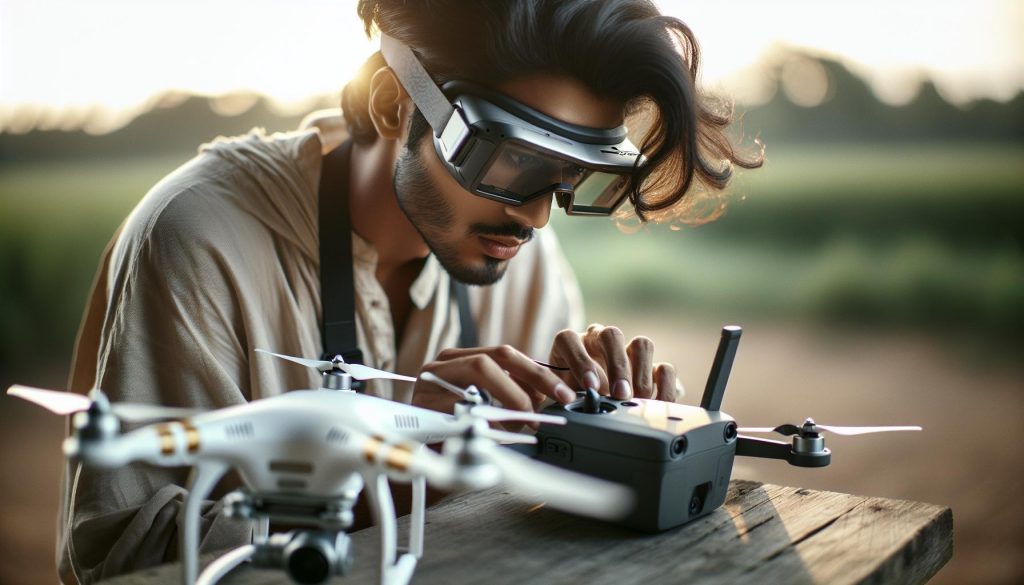
Imagine soaring through the skies with the immersive experience of first-person view (FPV) flying. Connecting your DJI FPV Goggles to your drone is essential for unlocking this adrenaline-pumping adventure, allowing you to see the world from a breathtaking aerial perspective. Whether you’re a seasoned pilot aiming for precision or a beginner eager to explore, mastering this connection enhances your flying experience and opens up a realm of possibilities. In this guide, we’ll walk you through the straightforward process of connecting your DJI FPV Goggles to your drone, ensuring you’re equipped to maximize both safety and enjoyment. Get ready to elevate your flight with every step you take!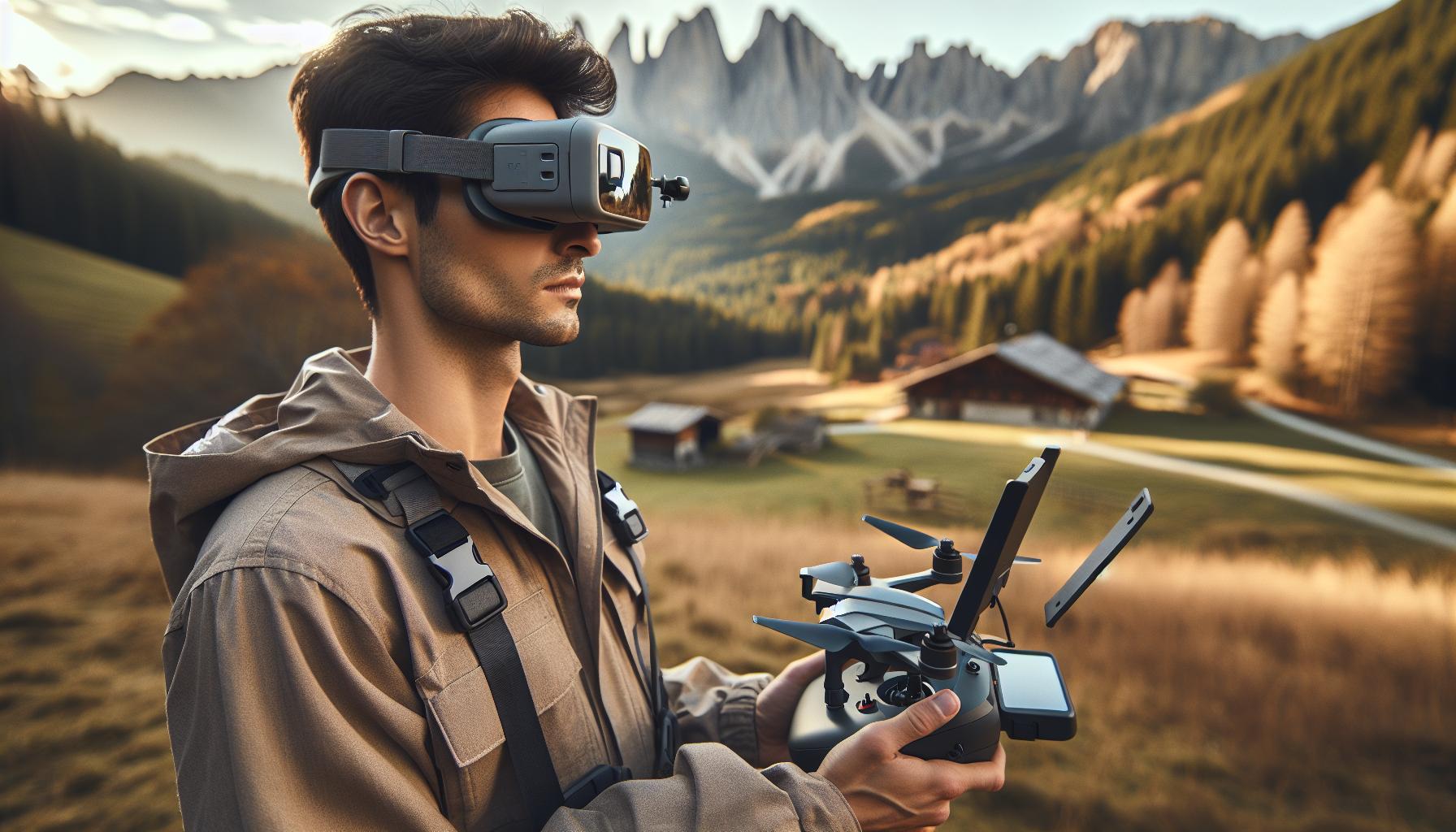
How DJI FPV Goggles Enhance Your Drone Experience
The advent of DJI FPV goggles has transformed the way drone enthusiasts experience flight, ushering in an era of immersive aerial exploration that was previously unimaginable. With these advanced headsets, pilots can immerse themselves in a first-person view (FPV) that offers a direct line of sight from their drone’s perspective. This not only enhances situational awareness but also allows for a more intuitive flying experience, where movements are mirrored in real-time through high-definition visuals and responsive headset controls.
One of the most compelling aspects of DJI FPV goggles is their advanced technology, which significantly reduces latency and increases the quality of the video feed. With features such as 120fps video playback and a crystal-clear 720p display, pilots can navigate through complex environments with precision and ease. Coupled with head-tracking capabilities, these goggles enable users to control their drone’s camera simply by moving their head, making for a seamless integration of pilot and machine.
Moreover, the versatility of DJI FPV goggles caters not only to hobbyists but also to professional pilots who require reliable equipment for cinematic purposes. The ability to view vibrant images in challenging environments, combined with low latency signal transmission, drastically improves creative freedom. Whether capturing sweeping landscapes or navigating through tight spaces, the goggles enhance the ability to execute complex maneuvers and achieve stunning aerial shots. This level of immersion and control elevates the entire flying experience, transforming ordinary flights into extraordinary adventures.
In addition to the enhanced visuals and controls, the goggles provide essential data overlays, such as altitude, speed, and battery life, directly in the pilot’s line of sight. This information allows for informed decision-making while flying, making it easier to manage resources and navigate safely. With all these features combined, DJI FPV goggles serve not just as a tool, but as a key component in reimagining what is possible in drone flying. For any pilot looking to take their drone experience to the next level, these goggles are an invaluable asset that can inspire greater confidence and creativity in the skies.
Understanding the Connection Process: Step-by-Step
To fully immerse yourself in the world of FPV flying with DJI goggles, understanding the connection process between your goggles and drone is essential. This process is straightforward but requires attention to detail to ensure a seamless experience during flight. Let’s delve into the step-by-step connection procedure that will have you soaring through the skies in no time.
First, ensure your DJI goggles are fully charged and updated to the latest firmware. You can do this by connecting them to the DJI Assistant 2 application on your computer, which allows you to check for updates and install them if needed. Once your goggles are up to date, turn them on by pressing and holding the power button until the LED indicator lights up.
Next, put your drone into its binding mode. Depending on your model, this can typically be done through the drone’s settings or by pressing a specific button. Once the drone is in binding mode, the goggles will automatically detect it. Inside the goggles’ menu, navigate to the “Settings” section and select “Bind.” Confirm that you wish to bind the goggles to your drone. This action establishes a secure connection, allowing for optimal video transmission and control response.
Once binding is complete, exit the Settings menu and allow the goggles to search for the video feed. You should see a live feed from your drone’s camera shortly after. It’s important to adjust the antenna on the goggles for the best signal reception, ensuring you are positioned in a location with minimal interference. If the video feed is not appearing, double-check that both devices are powered on and properly set to the same frequency.
Final Steps and Tips
Before heading into the field, run a quick check on all your settings to ensure everything is configured correctly. Here are some quick tips to enhance your connection experience:
- Minimize Interference: Avoid flying near large metal structures or high-voltage lines, as these can disrupt the signal.
- Check for Obstructions: Ensure there’s a clear line of sight between the goggles and the drone to improve video quality and reduce latency.
- Practice in Safe Environments: Start by flying in open spaces to get used to the controls and the immersive experience without obstacles.
This knowledge will not only help you connect your DJI goggles to your drone efficiently but also set the stage for an exhilarating FPV flying experience. With practice, you’ll find that the connection process becomes second nature, allowing you to focus on the thrill of the flight.
Compatible Drones: Which Models Work with DJI Goggles?
DJI FPV goggles elevate any drone experience by providing immersive, high-definition live feeds, offering users an unparalleled view of their flying adventures. However, not all drones are compatible with these advanced goggles. Understanding which models work seamlessly with DJI goggles is crucial for an optimal experience on your flight.
Most DJI models are designed to integrate perfectly with the FPV system. The primary lineup includes the Mavic series, Phantom series, and the latest Avata and Air series. For example, the Mavic 2 Pro and Mavic Air 2 can connect to the DJI FPV goggles, allowing pilots to experience the thrilling perspective of first-person flight. The Phantom 4 series is another strong contender, offering robust camera capabilities alongside FPV support for immersive photography and videography.
In addition to these popular models, the DJI FPV drone is specifically engineered for use with the goggles, featuring a streamlined setup process and superior video capabilities for FPV enthusiasts. The tight integration means not only compatibility but also advanced functionalities like low-latency video transmission, which is essential for fast-paced flying.
When selecting a drone for FPV flying, also consider checking firmware compatibility on DJI’s official website or in the user manual, as updates can enhance functionality and improve performance with the goggles. Ensuring your gear is fully compatible will pave the way for an enjoyable and engaging flying experience.
Key Compatible Models
- Mavic Series: Mavic 2 Pro, Mavic Air 2
- Phantom Series: Phantom 4, Phantom 4 Pro
- Air Series: Air 2S
- Avata: Designed specifically for FPV experience
Selecting the right drone compatible with DJI goggles not only unlocks the immersive capabilities they offer but also enhances your overall flight experience, making every flight a thrilling adventure into the skies.
Preparing Your Drone for Enhanced FPV Flight
To fully experience the immersive world of First-Person View (FPV) flying, preparing your drone is essential. Proper preparation not only enhances performance but also ensures a seamless connection with your DJI FPV goggles, allowing you to soar through the skies with clarity and responsiveness. Here are crucial steps to ensure your drone and goggles work together flawlessly.
First, ensure that your drone’s firmware is updated. Regular firmware updates provide essential performance enhancements and bug fixes that improve compatibility with your FPV goggles. Visit the DJI Go or DJI Fly app, which allows you to check for updates easily. Keeping both your drone and goggles on the latest firmware version will minimize issues during flight and enhance features like low-latency video transmission, critical for fast-paced FPV scenarios.
Next, calibrate your drone’s gimbal before heading out. A well-calibrated gimbal ensures that your footage is stable, allowing for an immersive and enjoyable FPV experience. To calibrate your gimbal, place your drone on a flat surface, access the settings menu via your app, and follow the prompts for gimbal calibration. This step is often overlooked but is vital, especially if changing environments or altitude affects the balance.
Additionally, perform a thorough pre-flight check. This includes inspecting the propellers for any damage, ensuring the battery is fully charged, and confirming that your FPV goggles are also at optimal battery levels. It’s also a good practice to verify that any necessary accessories, such as antennas or lenses, are securely in place. These checks enhance the reliability and safety of your flight.
Lastly, familiarize yourself with the FPV settings on your drone and goggles. Adjust settings like video resolution and frame rates to achieve the best visual experience. Many pilots prefer a higher frame rate for racing scenarios. If available, utilize features like Head Tracking, which allows you to control your drone’s camera view simply by moving your head, truly enhancing the immersive experience.
By following these preparatory steps, you will not only elevate your FPV flight experience but also ensure safer, more enjoyable adventures with your DJI equipment. Whether you’re capturing breathtaking landscapes or racing through immersive courses, thorough preparation is key to unlocking the full potential of your drone and goggles.
Essential Settings for Optimal Immersive Experience
To truly immerse yourself in the experience of First-Person View (FPV) flying with DJI goggles, adjusting the settings to perfectly match your flight environment is crucial. The right configurations can make the difference between a standard flight and an unforgettable adventure that feels like you’re soaring through the skies. Here’s how to optimize your settings for an enhanced experience.
One of the first adjustments to consider is the video transmission settings. Depending on your drone model and the environment, selecting the highest video quality can significantly impact your visual clarity. Most users find 1080p at a consistent 60fps ideal for smooth movements and realism. For racing scenarios, however, switching to a higher frame rate, such as 120fps, can improve responsiveness and deliver a competitive edge. Ensure that the low-latency setting is enabled to minimize lag between the drone’s camera feed and the goggles, ensuring sharp visuals as you navigate.
Next, dive into the goggles’ brightness and contrast settings. With varying light conditions during flight, especially between indoor and outdoor flying, adjusting these settings will ensure the best visibility. A good starting point is to set brightness to around 70% during sunlight and reduce it in low-light situations, enhancing your ability to see through shadowy areas. Utilizing the goggles’ real-time adjustment features can also aid in achieving the perfect balance.
Despite how immersive it can be, don’t forget about head tracking capabilities. Enabling this feature on your goggles allows more natural motion control. As you turn your head, you can easily shift the drone’s camera view, mirroring your gaze in real-time. This setup not only enhances immersive experiences but also improves situational awareness.
Finally, engage in a pre-flight checklist concerning your settings. Before takeoff, confirm that your wireless connections are stable and that any necessary updates are completed, preventing interruptions in signal during flight. Make sure your drone’s and goggles’ battery levels are optimal, as high performance requires ample power. These adjustments will heighten not just the enjoyment of your flight, but also your overall operational success in the exhilarating world of FPV flying.
Troubleshooting Connection Issues with DJI Goggles
Connection problems can significantly disrupt your immersive FPV flying experience, but with a few troubleshooting techniques, you can quickly resolve most issues. Common connectivity problems often stem from simple factors like firmware updates, interference, or incorrect settings. Understanding these and leveraging practical solutions empowers your flight experience, ensuring you remain in control and enjoy smooth, high-definition visuals.
Start by ensuring that both the DJI FPV Goggles and your drone have the latest firmware versions installed. Incompatibility due to outdated software can lead to syncing issues. Connect your goggles to your smartphone via the DJI Fly app or DJI Assistant 2 to check for updates. Keeping everything updated not only enhances connectivity but also optimizes performance with new features provided by DJI.
Interference from other devices is another frequent culprit. Make sure to fly in environments with minimal electronic interference. Objects such as metal structures, other drones, or even Wi-Fi signals can disrupt the connection. If you’re in a crowded area, try moving to a more open space. Moreover, ensure your drone’s antenna is properly positioned to maintain a strong signal.
If the goggles are having difficulty binding to your drone, try performing a factory reset. This option is often overlooked but can resolve persistent issues resulting from configuration errors. To reset, navigate through the goggles’ menu to find the reset option, but remember to document your preferred settings beforehand, as they will revert to default.
Lastly, always conduct a pre-flight checks including a connection test before takeoff. Turn on both the goggles and the drone, then confirm that the video feed displays correctly. If you still face issues, power cycle both devices-turn them off, wait for a few moments, and then turn them back on. This simple step often resolves minor technical glitches and reestablishes the connection effectively.
By being proactive and employing these troubleshooting steps, you’ll minimize potential disruptions, ensuring your FPV flights are as exhilarating as they are immersive.
Maximizing Battery Life: Tips for Long Flights
To extend your flight duration while using DJI FPV Goggles, employing effective battery management techniques is crucial. Every FPV pilot desires longer flying sessions, and understanding how to maximize battery life not only enhances your experience but also reduces the frequency of recharging. Here are several strategies to help you extend the operational time of your DJI Goggles and drone.
First, consider the power settings on your goggles. Utilizing features such as automatic brightness adjustment can make a significant difference. Lowering the screen brightness to a comfortable yet less demanding level can conserve battery power. Furthermore, disabling unnecessary features-such as Head Tracking or Real View PiP-when not needed can help improve runtime. It’s important to assess how you engage with these features during different flight conditions to optimize energy usage.
Utilize Battery-Saving Accessories
In addition to managing settings, invest in high-capacity battery packs or external battery solutions specifically designed for your goggles. Some models allow you to connect larger batteries, which can drastically increase your flight time. Additionally, having spare batteries on hand ensures you can swap them out during your sessions, minimizing downtime between flights.
Finally, planning your flights can also contribute to better battery management. Prioritize shorter, more focused sessions that maximize your aerial maneuvers and minimize idle time. Consider your flight patterns carefully-smooth and steady control can lead to more efficient use of battery compared to aggressive maneuvers. By honing your flying skills and being deliberate in your movements, you can stretch out the battery life and enjoy those breathtaking views for longer.
By combining smart settings adjustments, utilizing better battery solutions, and optimizing flight techniques, you can significantly enhance your overall FPV experience and ensure more time in the air.
Mixing and Matching: Using Different DJI Goggles with Drones
Engaging in the world of FPV flying often leads enthusiasts to explore the capabilities of different DJI goggles, opening up a realm of possibilities in drone operation. Using various models of DJI goggles with different drones can significantly enhance your immersion and overall flying experience, provided that you understand compatibility and functionality across the DJI lineup.
When considering mixing and matching goggles with your drone, it’s essential to recognize that not all models communicate seamlessly. For instance, the DJI FPV Goggles V2 are specifically tailored for enhanced racing experiences and work exceptionally well with the DJI FPV drone. However, they can also connect to the Mavic Air 2 and other compatible models through the appropriate connection settings. It’s crucial to check the compatibility list provided by DJI to ensure that both your drone and goggles support the necessary protocols, like OcuSync or Lightbridge, for optimal performance.
Understanding Compatibility
To facilitate a smooth connection, refer to your goggles’ user manual or the DJI support page. Most current goggles, such as the Goggles V2, are designed to be backward compatible with earlier models, allowing for versatility. Despite this, certain features like enhanced resolution or latency benefits may only be supported when paired with newer drones, like the Avata. Always ensure that both your goggles and drone have the latest firmware updates installed to guarantee the best performance and functionality.
However, the versatility doesn’t stop there. Pilots can also explore various accessories and adapters to improve connectivity and experience when mixing goggles across models. For example, using an HDMI output from specific DJI drones can enable real-time video feed to external monitors while using compatible goggles simultaneously. Additionally, if your goggles support various transmission modes, such as Wi-Fi or custom channels, experimenting with those settings can yield unique flying experiences across different drone models.
In summary, the ability to mix and match different DJI goggles with drones not only fosters creativity in piloting but also allows pilots to tailor their experience to specific flying environments and use cases. By understanding compatibility, utilizing firmware updates, and exploring accessory options, drone operators can maximize their immersive technology for a truly exhilarating flight experience. Leveraging these insights will help you navigate the diverse landscape of DJI products with confidence and skill.
Integrating Accessories for Improved FPV Performance
To take your FPV experience to new heights, integrating accessories with your DJI FPV goggles is a game-changer. These enhancements not only improve your visual immersion but also broaden your operational capabilities, making each flight more versatile and enjoyable. From external antennas to video transmitters, the right accessories can significantly enhance your setup.
One of the most effective ways to boost performance is by using upgraded antennas. High-gain antennas can enhance signal strength and transmission range, providing a clearer video feed and reducing latency. Look for options specifically designed for the DJI system that allow for directional transmission, ensuring you maintain a strong connection even at great distances. Additionally, using a diversity receiver setup can ensure that your goggles choose the best signal automatically, improving your overall flight stability and experience.
- HDMI Output Adapters: If you’re looking to share your immersive experience, consider using HDMI output adapters. This allows you to stream a live video feed to an external monitor or recording device while still wearing your goggles. Perfect for group flying events or tutorials, this setup enhances collaborative FPV experiences.
- Battery Extenders: Long flights require reliable power sources. Battery extenders not only prolong the life of your goggles but also ensure that you minimize downtime between flights. Choose products specifically designed for your goggle model to guarantee safe operation.
- Comfort Accessories: Enhancing comfort may not directly improve performance but can significantly affect how long you can stay airborne. Look into padded straps, foam eye cups, and even custom-fit accessories that cater to your unique facial structure. A comfortable fit allows you to focus on flying without distractions.
- Advanced Controllers: If you’re ready to step up your game, consider integrating compatibility with advanced controller systems that enhance your precision and responsiveness in FPV flying. Some controllers offer customizable switches and knobs that can be fine-tuned to your flying style.
Integrating these accessories not only elevates your FPV performance but also fosters a more personalized flying experience. Each accessory plays a role in optimizing your system, whether that’s through improved signal transmission, enhanced comfort, or extended functionality. Experimenting with different combinations can lead to discoveries that not only enhance your personal flying style but also align with the evolving nature of drone technology. Keep the focus on safety and compliance as you explore these enhancements, ensuring a thrilling yet responsible FPV experience.
Safety Precautions for Immersive FPV Flying
When diving into the thrilling world of FPV flying, safety should always be your top priority. The immersive experience provided by DJI FPV goggles can transport you right into the heart of your drone’s flight, making it easy to become engrossed in the view. However, this heightened engagement can sometimes cloud your awareness of your surroundings, leading to potential hazards. Understanding and practicing essential safety precautions can dramatically enhance your flying enjoyment while ensuring a secure environment for both you and those around you.
To start, always maintain a clear line of sight with your drone, even if you’re using FPV goggles. This means you should never rely solely on the video feed for navigation. Your physical connection to the drone is critical; thus, consider pairing your goggles with an alert system to notify you of any changes in your drone’s status or environment. Simple modifications, such as using a secondary screen for observers, can keep your focus on flying while ensuring others are aware of your drone’s movements, fostering a safer environment.
Additionally, familiarize yourself with local laws and regulations regarding drone flying. In many areas, flying in restricted zones, such as near airports or crowded public places, can lead to legal consequences. Always check no-fly maps and regulations specific to your location. Pilots should also perform pre-flight checks, ensuring that both the goggles and the drone are operating correctly. Simple checks can include verifying battery life, confirming that the firmware is up to date, and ensuring the drone’s sensors are functioning properly.
When flying outdoors, pay careful attention to the weather conditions. High winds, rain, or poor visibility can adversely affect your flight and make it difficult to maintain control. On the ground, establish a clear takeoff and landing area away from people and obstacles, creating a buffer zone that improves safety during operation. Consider using spotters-experienced individuals who can keep track of the drone’s location while you are immersed in the FPV experience.
Incorporating these safety measures not only elevates your FPV flying experience but also contributes significantly to responsible drone operation. The exhilaration of flying should never compromise safety, and by staying aware of your surroundings, adhering to regulations, and preparing diligently for each flight, you can achieve both enjoyment and peace of mind in your UAV adventures.
Exploring Advanced Features of DJI FPV Goggles
The DJI FPV Goggles bring an exhilarating touch to the already thrilling experience of drone flying, offering features that significantly enhance the immersive flight experience. Advanced capabilities such as ultra-low latency, high-definition video transmission, and customizable settings enable users to engage more deeply with their drone’s movements and environment. With these goggles, even novice pilots can experience the sensation of flight like never before.
One of the standout features of the DJI FPV Goggles is their real-time transmission technology. Operating with a latency of as low as 28 milliseconds, these goggles provide an exceptionally responsive video feed that allows for smoother maneuvering, especially during high-speed racing or complex aerial maneuvers. The goggles utilize a dual-band transmission system, switching between 2.4 GHz and 5.8 GHz frequencies to maintain a stable connection, which is crucial in dynamic environments where interference might occur.
Customizable Display Settings
With the DJI FPV Goggles, pilots have significant control over their viewing experience. Users can alter settings such as brightness, contrast, and display modes, optimizing the visual experience for various lighting conditions. For example, the ‘Head-Up Display’ (HUD) mode overlays critical flight data such as altitude, speed, and battery level directly onto the video feed, allowing pilots to stay informed without diverting attention from the flight path.
Advanced Flight Modes
Moreover, these goggles are designed to work seamlessly with DJI’s intelligent flight modes. Whether utilizing ‘Return to Home’ or ‘Follow Me’ features, the goggles not only stream real-time video but also integrate with the drone’s navigation system, providing a fully synchronized experience. This combination enables users to capture stunning aerial footage effortlessly while remaining aware of their surroundings and the drone’s status.
In summary, the DJI FPV Goggles are not just an accessory; they are a powerful tool for enhancing your flying experience. By leveraging advanced technologies and customizable settings, these goggles provide drone operators the chance to experience flights from a truly immersive perspective, pushing the boundaries of creativity and exploration in aerial videography and racing.
Community Insights: Tips from Experienced Pilots
When it comes to enhancing your flying experience with DJI FPV Goggles, seasoned pilots often emphasize the importance of proper setup and connection to your drone. One of the most valuable tips shared by experienced operators is to always check for firmware updates for both the goggles and the drone before every flight. This ensures compatibility and access to the latest features. Utilizing the DJI Assistant software on your computer simplifies this process, allowing you to update your firmware easily, which is critical when you haven’t flown in a while.
Furthermore, many pilots highlight the significance of understanding your environment. Before taking off, scout the area for potential interference sources, particularly in urban settings or around Wi-Fi networks. This is where the dual-band transmission of the DJI FPV Goggles shines. Switching between 2.4 GHz and 5.8 GHz would enable a more stable connection, which is particularly crucial during fast maneuvers and aerial racing. It’s advisable to conduct a short test flight first, as this helps verify how well the signal holds up in the intended flight zone.
Another frequent suggestion revolves around customizing the goggles to suit your individual preferences. Adjusting settings like brightness and contrast based on lighting conditions can significantly enhance your visual experience. For instance, many pilots prefer to use the ‘Head-Up Display’ (HUD) mode, which overlays essential flight information seamlessly on your video feed, reducing the need to glance at other monitors.
Lastly, engaging with the community can lead to discovering helpful hacks and personal anecdotes. From ideal head strap adjustments to the best carrying cases for transporting gear safely, the insights shared among fellow drone enthusiasts can foster a deeper understanding and improve your operational skills. Be open to experimentation and learning from both successes and failures; every flight offers a unique lesson that can enhance your future endeavors.
Comparing DJI Goggles: Which Model is Right for You?
Selecting the right DJI goggles can significantly impact your flying experience, offering varying features that cater to different types of drone pilots. DJI’s lineup includes multiple models such as the original DJI FPV Goggles, the DJI FPV Goggles V2, and the DJI Goggles 2. Each of these provides distinct advantages, making them suitable for specific flying styles and user preferences.
To determine which model fits your needs, consider the following aspects:
Key Features
- DJI FPV Goggles: This model features a comfortable design with a wide field of view, ideal for immersive flights, especially with the DJI FPV drone. It supports both 720p and 1080p video streams, catering well to both enthusiasts and competitive flyers.
- DJI FPV Goggles V2: An upgrade over the original, these goggles enhance low-latency video transmission, making them perfect for racing and high-speed maneuvers. They also offer improved screen resolution and an extended range, ensuring clearer visuals even at a distance.
- DJI Goggles 2: These goggles prioritize versatility, supporting various drone models and including features like 4K video playback. Ideal for recreational pilots, they ensure smooth compatibility with the Mavic series and other drones, enhancing video quality and user experience.
Usage Scenarios
If you are primarily focused on racing or freestyle flying, the FPV Goggles V2 provide the low-latency needed for quick responsiveness and better control. Conversely, for cinematic flying or capturing high-quality footage, the DJI Goggles 2 might be your best option due to their superior resolution and broader compatibility with a range of drones.
Comfort and Fit
Another crucial factor is comfort, particularly for longer flights. The FPV Goggles are designed to be snug, reducing weight and allowing for extended use without fatigue. On the other hand, the design of the Goggles 2 includes a more user-friendly interface and adjustable strap for a perfect fit, enhancing comfort for various head sizes.
Ultimately, your choice should align with your specific flying style, the types of drones you own, and personal comfort preferences. Evaluating these aspects will ensure that you select the right pair of DJI goggles to enrich your drone flying experience, leading to more enjoyable and successful flights.
Faq
Q: How do I pair my DJI FPV Goggles with my drone?
A: To pair your DJI FPV Goggles with your drone, turn on both the goggles and the drone. In the goggles, navigate to the settings menu and select the “Link” option. Follow the prompts to complete the pairing process, ensuring both devices are within close range.
Q: What should I do if my DJI Goggles won’t connect to the drone?
A: If your DJI Goggles won’t connect to the drone, check that both devices are powered on and in pairing mode. Restart both devices and ensure they are updated to the latest firmware. If issues persist, try resetting the goggles and attempting the connection again.
Q: Can I use DJI FPV Goggles with any drone model?
A: No, DJI FPV Goggles are compatible only with specific DJI drone models. Always refer to the manufacturer’s guidelines to confirm compatibility, as models that support the DJI Goggles include the DJI FPV and some Mavic series drones.
Q: How far can I fly the drone while using DJI FPV Goggles?
A: The maximum flight range while using DJI FPV Goggles depends on the drone model and environment. Generally, you can expect ranges up to 10 kilometers (approximately 6.2 miles), but obstacles and interference can significantly reduce this distance.
Q: What settings should I adjust for optimal performance with DJI FPV Goggles?
A: For optimal performance, set the video transmission settings in the goggles to match the drone’s capabilities. Adjust the resolution to 720p for clear visuals, and ensure the latency settings are minimized for a smoother flight experience.
Q: Is there a way to increase the battery life of DJI FPV Goggles during flights?
A: Yes, to maximize battery life, reduce the screen brightness, disable Wi-Fi and unnecessary features, and use power-saving mode if available. Regularly charging the goggles before flights is also crucial for extended use.
Q: What kind of accessories enhance the experience with DJI FPV Goggles?
A: Accessories that enhance the DJI FPV experience include head trackers for improved head movement control, additional battery packs for longer sessions, and upgraded antennas for better signal reception. Check the official DJI accessories list for compatible upgrades.
Q: Can I connect my DJI FPV Goggles to other FPV systems?
A: Connecting DJI FPV Goggles to other FPV systems is generally not recommended, as they are optimized for DJI drones and specific video transmission protocols. For the best experience, stick to official DJI products.
Key Takeaways
Now that you know how to connect your DJI FPV Goggles to your drone, you’re one step closer to experiencing the thrill of immersive flight. Remember, this setup opens the door to a new dimension in aerial photography and racing! Don’t let the excitement stop here-explore our guides on drone safety procedures and advanced flight modes to enhance your flying skills even further.
As you prepare for your next adventure, consider subscribing to our newsletter for exclusive tips and the latest drone updates. If you have questions or want to share your flying experiences, drop a comment below or check out our detailed review of the DJI Mavic series. Your feedback reaffirms our community and helps us continue providing valuable insights. Get ready to soar, and take action now to elevate your drone experience!









