
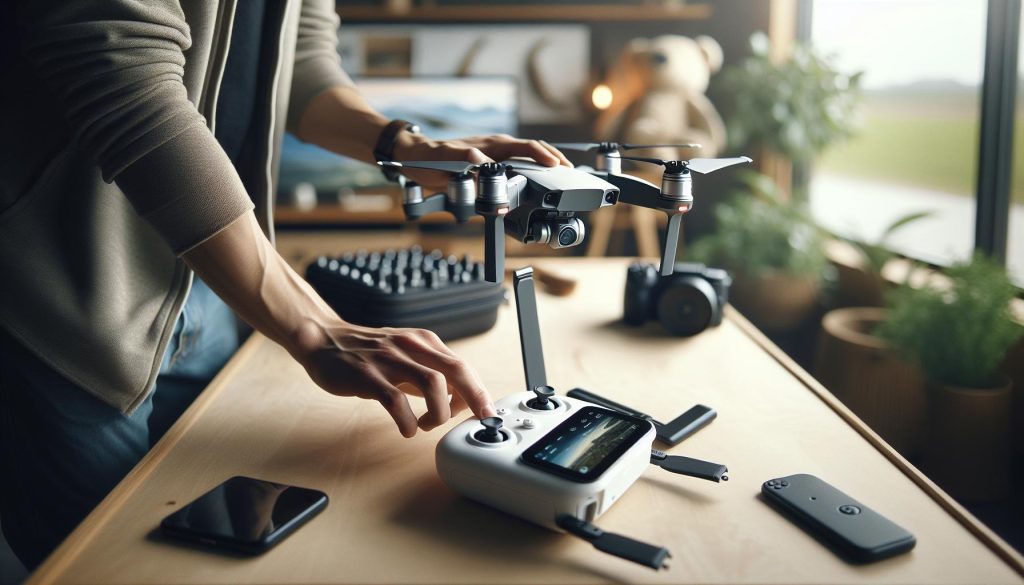
Connecting your DJI Mini 4 Pro to its controller is crucial for unlocking its full potential and ensuring a smooth flying experience. Did you know that proper pairing not only enhances the drone’s responsiveness but also ensures seamless access to advanced features? For both beginners and seasoned pilots, knowing how to efficiently connect your devices is essential for safe and effective flight operations. In this guide, we’ll walk you through the step-by-step process of pairing your DJI Mini 4 Pro with its controller, addressing common concerns and providing helpful tips along the way. By the end, you’ll have the confidence to take to the skies and capture stunning aerial footage with ease.
Choosing the Right Controller for DJI Mini 4 Pro
Choosing the right controller for your DJI Mini 4 Pro is a pivotal step in maximizing the drone’s performance and ensuring a seamless flying experience. The Mini 4 Pro supports multiple controllers, each designed to cater to different flying styles and user preferences. Understanding the options available can enhance your flight experience, whether you are an enthusiastic beginner or an experienced pilot.
Here’s a quick overview of the compatible controllers for the DJI Mini 4 Pro:
- DJI RC Pro 2: A high-end controller featuring advanced functionalities and a larger display for better visibility.
- DJI RC 2: Offers a balance of performance and price, making it a popular choice for many drone users.
- DJI RC-N3: A versatile option that supports a broad range of DJI drones, appealing for multi-drone operators.
- DJI RC-N2: A compact and lightweight controller ideal for travel and ease of use.
- DJI Motion 3: Great for immersive flying experiences with easy motion control.
- DJI Motion 2: Similar to Motion 3 but with fewer features, catering to casual users.
When choosing a controller, consider factors such as display quality, mobility, battery life, and any specific features that might enhance your flying experience. For instance, if you prioritize a vibrant display and longer battery, the DJI RC Pro 2 could be your best bet. For casual or occasional flights, the more straightforward options like the DJI RC 2 or Motion controllers might suffice. It’s essential to select a controller that aligns not only with your flying needs but also enhances your overall enjoyment and control during flights.
Taking the time to understand your options will make a significant difference in how effectively you can navigate your Mini 4 Pro, leading to improved aerial photography, better obstacle navigation, and an overall more enjoyable flying session.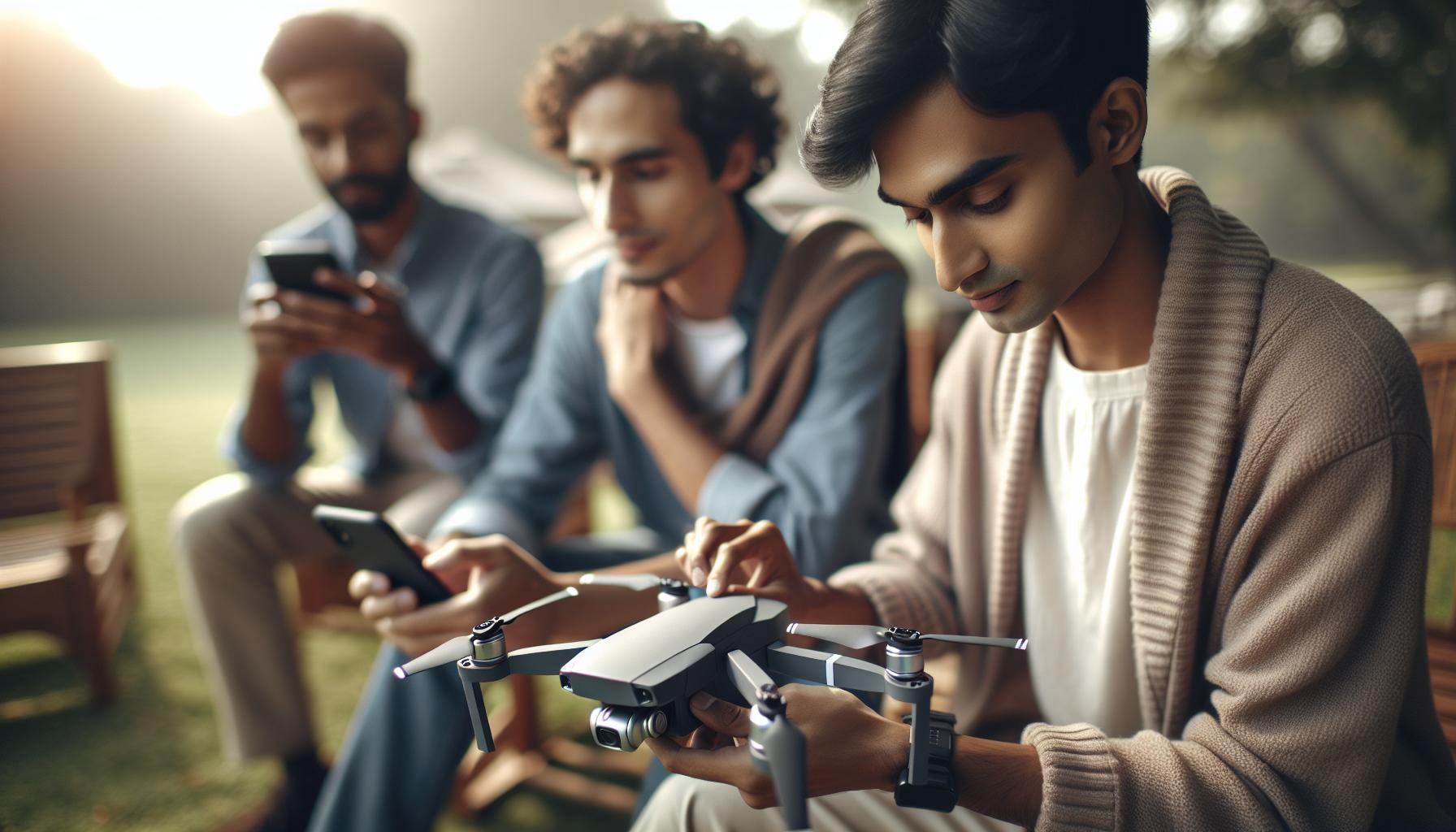
Understanding the Pairing Process: A Step-by-Step Guide
Connecting your DJI Mini 4 Pro to its controller is a straightforward but crucial step in preparing for an enjoyable flight experience. Understanding the pairing process is essential for ensuring that your drone responds accurately to your commands, offering you seamless control while flying. Here’s a comprehensive, step-by-step guide to get you set up effortlessly.
Begin by ensuring both your controller and drone are powered off. This prevents any accidental operations during the setup. Next, power on your DJI Mini 4 Pro by pressing the battery button once, followed by a long press until you hear the startup sound. Once it’s powered up, select your controller based on your preferences, such as the DJI RC 2 or the more advanced DJI RC Pro 2.
Step-by-Step Pairing Process
- Access the Pairing Interface:
– For the DJI Mini 4 Pro, locate the small pairing button on the drone and press it. The LED indicator should flash to indicate it’s in pairing mode.
- Activate the Controller:
– Turn on your controller by pressing the power button. Wait for it to boot up completely, then navigate to the settings menu or the ‘Go Fly’ screen as per your controller model. Look for the option that allows you to connect or pair with a drone.
- Initiate the Pairing:
– On most DJI controllers, you will find a similar pairing button. When you press this button, it will search for devices needing to be connected. Ensure that the controller is in “Linking” mode, which should be indicated on the screen.
- Confirm Pairing:
– When your controller detects the Mini 4 Pro, it will prompt you to confirm the pairing. Accept the prompt, and if successful, the LED on the drone should turn solid, signifying a successful connection.
- Final Checks:
– After pairing, check for any software prompts indicating the need for firmware updates. Keeping your firmware updated optimizes performance and unlocks new features.
Troubleshooting Tips
If the pairing fails, ensure both devices have sufficient battery life. Power cycling both the drone and the controller can also resolve connection issues. Also, make sure that you are within a reasonable range and that no other electronic devices are interfering with the signal.
By following these steps, you will establish a solid connection between your DJI Mini 4 Pro and its controller, empowering you to take full control of your flying experience. Understanding the intricacies of this pairing process can transform your flying sessions, allowing for smoother and more responsive operation while capturing stunning aerial footage.
Preparing Your DJI Mini 4 Pro for Connection
Preparing your drone for an enjoyable flying experience starts long before it takes to the skies. To ensure your DJI Mini 4 Pro connects smoothly with its controller, there are essential steps to follow. Attention to detail during this preparation phase can significantly reduce the chances of encountering issues later, allowing you to focus on capturing stunning aerial footage.
Before you begin, make sure you have a suitable environment for the pairing process. Select a spacious area free from obstacles, electrical interference, and other potential distractions. This will enhance signal strength and minimize connectivity issues. Gather the necessary components: your DJI Mini 4 Pro, the controller (DJI RC 2 or RC Pro 2), and fully charged batteries to ensure optimal performance during the setup.
Next, check for any initial updates or necessary downloads for the controller through the DJI Fly app. Keeping your firmware updated is vital, as manufacturers often release patches that improve functionality and connectivity. Once confirmed, power on the Mini 4 Pro. Begin by pressing the battery button once and then holding it down to activate the startup sequence. While it’s booting up, take a moment to familiarize yourself with the controls of your chosen controller model, ensuring you know how to access the pairing options.
As you stand ready, your focus should also be on the drone’s indicators. Understanding the LED signals on your Mini 4 Pro will guide you through the pairing phase. A flashing light indicates that the drone is in pairing mode and ready to connect. This observation, coupled with the organized approach to power management and firmware readiness, lays a solid groundwork for a successful pairing experience.
Lastly, remember that patience is key. If at first, the connection does not establish, simple troubleshooting steps-like restarting both devices and ensuring they are within a reasonable operating range-can often clear up any residual connection issues, setting you up for flight success. With these preparations in place, you will be ready to embark on your aerial adventures empowered by a well-connected and operational setup.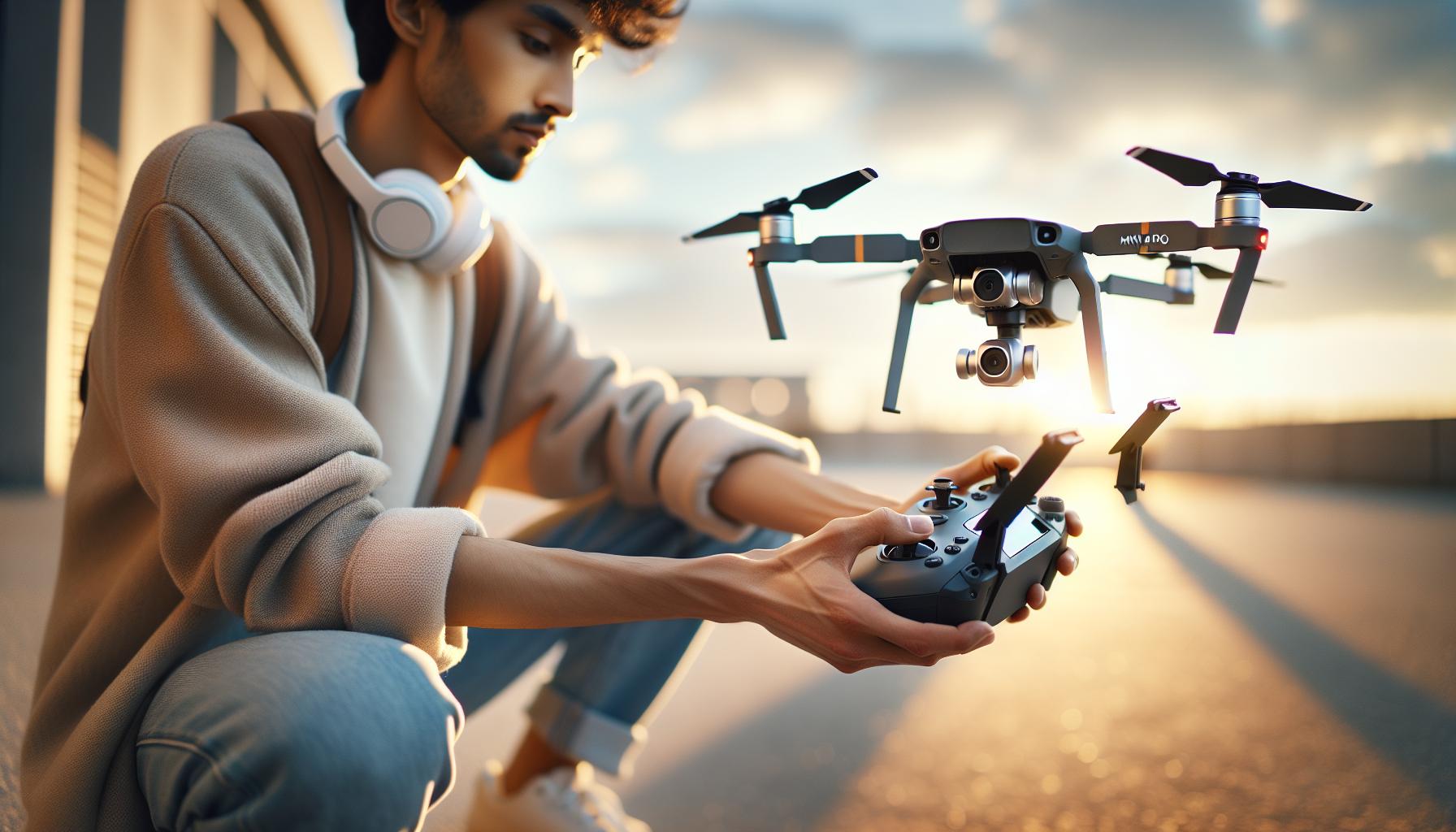
Pairing Your DJI Mini 4 Pro with the Controller
To establish a seamless connection between your DJI Mini 4 Pro and its controller, it’s essential to follow a straightforward pairing process. This crucial step not only ensures that your drone responds promptly to your commands but also maximizes the overall flying experience.
Start by making sure your Mini 4 Pro is powered off. This is important as you want to begin the pairing process from a clean slate. Next, power on the controller-press the power button once and then hold it down until you see it activate. Once the controller is powered on, locate the controller’s pairing function. Typically, this can be found by pressing a dedicated pairing button or through the settings menu in the DJI Fly app.
With the controller ready, turn on your Mini 4 Pro by holding down the battery button until the drone powers up. Wait for the LED lights on the drone to start flashing, indicating that it is in pairing mode. At this point, return to your controller and initiate the pairing sequence. This step may involve pressing the pairing button on the controller again. Make sure both devices are within a reasonable distance-ideally, just a few feet apart.
As they attempt to connect, keep an eye on the indicators. A solid green light on both the Mini 4 Pro and the controller signifies a successful pairing. Should the connection fail, don’t worry. It’s helpful to restart both devices and repeat the steps, ensuring there are no obstructions or interference in the environment, such as Wi-Fi signals or metal structures. This methodical approach will pave the way for a stable and reliable connection, allowing you to take to the skies with confidence.
In situations where connection issues persist, always consult the DJI Fly app or the user manual for troubleshooting steps. Regular updates to both the drone and controller firmware may also resolve connectivity challenges, enhancing compatibility and functionality. Following these best practices not only streamlines your setup but also prepares you for an enjoyable and successful flight experience.
Troubleshooting Common Pairing Issues
No matter how advanced the technology, pairing your DJI Mini 4 Pro with its controller can sometimes pose challenges, but with the right strategies, these issues can often be resolved swiftly. Many users experience difficulties during the pairing process, ranging from failure to connect to devices not recognizing each other. Creating a calm and interference-free environment can significantly improve your chances of successful pairing.
One of the most common issues arises from physical obstructions or electronic interference in the area. Ensure you’re in an open space, away from Wi-Fi signals, large metal objects, or other drones, which can disrupt communication between the drone and controller. Additionally, ensure that both devices are adequately charged before beginning the pairing process. Low battery levels can hamper performance and connectivity.
If you encounter persistent pairing failures, consider restarting both the Mini 4 Pro and the controller. This simple action resets their connection attempts, often resolving minor glitches. After restarting, follow the pairing steps carefully, noting the LED indicators on both devices. The blinking patterns are essential; solid green indicators generally signal a successful connection. If the LED lights remain red or continue to blink unsuccessfully, it may indicate that you need to ensure your firmware is updated on both the drone and controller, as compatibility can often be a source of issues.
Lastly, if you’re experiencing repeated failures even after following these steps, consult the DJI Fly app for additional troubleshooting tips or consider checking user forums for specific issues related to your model. Many users have shared strategies and insights that can help alleviate pairing problems. With patience and attention to detail, you can reliably connect your Mini 4 Pro and controller, leading to an enjoyable and error-free flight experience.
Updating Firmware for Optimal Performance
Keeping your DJI Mini 4 Pro performing at its best hinges significantly on maintaining updated firmware. Regular updates not only refine existing functionality but often introduce exciting new features, optimization for better flight stability, and essential security patches. However, undertaking this task might seem daunting for some pilots; understanding the process makes it simpler and enhances your flying experience.
To begin, ensure that your drone and controller have sufficient battery life. A reliable power source is crucial to avoid interruptions during the update process. Connect your DJI Mini 4 Pro to the DJI Fly app via your smartphone or tablet, as this application is your primary means of managing firmware updates. Upon launching the app, it will automatically check for any available updates. If new firmware is detected, follow the on-screen prompts, which typically involve accepting the terms and initiating the download. The app will guide you through each step, ensuring you don’t miss anything critical.
Once the update has been downloaded, the app will prompt you to install it. This part may require your drone to restart, so make sure it is in a safe, stable position before initiating the installation. During this phase, do not disconnect or turn off your devices, as doing so might corrupt the firmware, leading to potential malfunctions. After completion, you will receive a confirmation that your firmware has been successfully updated. It’s advisable to carefully check the release notes of each update, which can be found in the app or on the DJI website, to understand what changes have been made and how they may affect your drone’s performance.
Regularly updating your Mini 4 Pro also serves as a preventive measure against potential flying issues. For instance, users have reported improved GPS accuracy and response time after installing the latest firmware, leading to overall enhanced flight safety. Staying current with firmware updates reflects a commitment to maximizing your drone’s capabilities, ultimately leading to a better and more enjoyable flying experience. Always consult the DJI Forum or community discussions for insights from other pilots who may share their experiences with specific updates, ensuring you have well-rounded perspectives on how updates have impacted performance.
Exploring Advanced Controller Features
The DJI Mini 4 Pro isn’t just an incredible drone; it’s equipped with a range of advanced controller features that can significantly enhance your flying experience. Understanding these features is essential for any pilot looking to maximize the capabilities of their equipment and take their aerial photography or videography to the next level.
One of the standout features of the controller is Customizable Control Settings. The DJI Fly app allows you to tailor the joystick responses to your preference, letting you choose between different sensitivities and control configurations. This adaptability is crucial for achieving precision in various flying conditions, whether you’re navigating tight spaces or capturing sweeping landscapes. For those who enjoy more technical flying maneuvers, experimenting with these settings can lead to improved performance and stability during flight.
Another impressive aspect is the Intelligent Flight Modes built into the controller. Options like ActiveTrack, QuickShot, and Point of Interest enable pilots to let the drone autonomously follow a subject, capture cinematic footage quickly, or maintain focus on a specific point of interest, respectively. These modes are designed to simplify complex shooting scenarios, allowing both amateurs and professionals to create stunning imagery with minimal effort. For example, using ActiveTrack, you can focus on the subject while the drone handles the flight path, giving you the freedom to concentrate on framing your shots.
Enhanced Safety Features
The controller also integrates safety features such as Obstacle Detection and Return-to-Home (RTH) functions. The Mini 4 Pro utilizes advanced sensors to sense and avoid obstacles during flight, which is vital for minimizing accidents and damages. Moreover, the RTH feature ensures that in case of low battery or loss of signal, the drone will autonomously return to its takeoff point, providing peace of mind for all pilots. Understanding how to effectively engage these features will empower you to fly more confidently and safely.
Finally, frequent Firmware Updates keep the controller’s features up-to-date. These updates not only improve existing functionalities but often introduce new ones, making your flying experience richer and more enjoyable. Keeping an eye on what each update brings can help you leverage new capabilities that enhance both navigation ease and photo/video quality-crucial for modern drone operators focusing on professional-grade outputs.
By tapping into these advanced controller features, you can elevate your DJI Mini 4 Pro experience, gaining the skills necessary to navigate the skies like a pro. Whether you’re flying for leisure or work, understanding and utilizing these functionalities can lead to a more fulfilling and successful drone journey.
Safety Tips for Flying After Pairing
Flying a drone isn’t just about the thrill of aerial views; it’s also about safety. Once your DJI Mini 4 Pro is paired with the controller, it’s crucial to prioritize safe flying practices to ensure both the functionality of your drone and the safety of those around you. Adhering to specific protocols can significantly minimize risks while maximizing your flying experience.
Before takeoff, always conduct a thorough pre-flight check. This includes inspecting the drone for physical damage, ensuring that the cameras and propellers are intact, and verifying that all sensors are functioning properly. It’s wise to perform a battery check. Make sure your drone and controller batteries are fully charged to avoid any mid-flight failures. Also, consider calibrating the compass when flying in a new area to ensure accurate navigation. These precautions help mitigate the chances of mishap caused by equipment failure.
Stay informed about local regulations governing drone flights. Familiarizing yourself with the No Fly Zones and height restrictions in your area not only promotes responsible flying but also prevents potential legal issues. Utilize applications like AirMap or the DJI Fly app’s built-in features to check airspace restrictions before taking to the skies. Understanding the rules ensures you fly within legal boundaries and maintains safety for other aviators and the public.
While flying, always maintain visual line of sight with your Mini 4 Pro. This practice is not just a best practice; it’s also a legal requirement in many regions. Staying vigilant allows you to react quickly to unexpected obstacles, whether they are trees, power lines, or other aircraft. Additionally, utilize the drone’s intelligent flight modes judiciously. While features like ActiveTrack and Point of Interest can enhance your aerial photography, they should not replace your attentiveness to the drone’s surroundings.
Lastly, be prepared for emergency situations. Familiarize yourself with features such as Return-to-Home (RTH), which will help your drone return safely to its takeoff point in the event of a signal loss or low battery. Practicing these steps can dramatically reduce the likelihood of accidents and give you the confidence to handle your drone effectively, ensuring a safe and enjoyable flying experience. By integrating these safety practices into your routine, you can focus on exploring the capabilities of your DJI Mini 4 Pro while keeping safety as your top priority.
Maximizing Your Mini 4 Pro Flight Experience
Maximizing the performance of your DJI Mini 4 Pro during flights involves a blend of understanding the drone’s capabilities, leveraging advanced features, and ensuring optimal conditions for flying. From weather checks to utilizing intelligent flight modes, there are several strategies you can apply to ensure a rewarding aerial experience.
One of the foremost steps in maximizing your flight experience is to familiarize yourself with the various intelligent flight modes available. Modes such as QuickShots, ActiveTrack, and Point of Interest not only enhance your creative options but also allow you to capture dynamic footage easily. For instance, using ActiveTrack lets the Mini 4 Pro autonomously follow a subject, freeing you to focus on framing the shot rather than controlling the drone’s navigation. Before utilizing these modes, practice manually flying in less complex situations to build confidence and an understanding of the drone’s responsiveness.
Another crucial aspect is maintaining awareness of weather conditions and how they impact flight performance. The Mini 4 Pro is not designed for extreme weather; therefore, checking wind speeds, precipitation, and temperature is vital before takeoff. Aim for clear skies and moderate temperatures for the best battery performance and signal strength. Wind can significantly affect stability and battery life, so flying on calmer days can enhance your overall experience.
Regular updates to your drone’s firmware and the DJI Fly app cannot be overlooked. These updates often include enhancements in camera capabilities and efficiency improvements that can directly influence your flight experience. For example, updated firmware might improve GPS accuracy or drone responsiveness, crucial factors for capturing stable, high-quality footage.
Lastly, practicing before big events or projects can boost your confidence and skill level. Spend time learning the nuances of the Mini 4 Pro’s controls and functionalities in various environments. This practice will prepare you for any unforeseen challenges during an important shoot or adventurous exploration. Engaging with the drone community online can also provide insights; sharing experiences and tips with other enthusiasts can lead to valuable learning opportunities, further enhancing your flights.
Comparison of DJI Controllers for Mini 4 Pro
When considering the various controllers available for the DJI Mini 4 Pro, it’s crucial to recognize that the right controller can significantly enhance your flying experience and capabilities. DJI offers a range of controllers, including the standard remote controller and advanced options like the DJI RC and RC Pro. Each brings distinct advantages that cater to different flying styles and needs.
The standard controller provides essential functions and is ideal for beginners or casual flyers. It features a straightforward layout with joystick controls, making it accessible for new users while offering reliable connectivity and responsiveness. Its compact design and ease of use ensure that you can quickly adapt to the flying experience without feeling overwhelmed.
For those seeking more advanced functionality, the DJI RC is an excellent choice. It features a built-in display that showcases real-time flight data, video feed, and access to various flight modes, eliminating the need for a separate mobile device. This all-in-one design is not only user-friendly but also enhances viewing clarity in diverse lighting conditions, allowing you to focus more on flying and less on managing devices.
The RC Pro takes this experience a step further with higher transmission power, allowing for extended control distances and improved response times. It also supports advanced features like customizable touchscreen interfaces, making it a favorite among professional users who require precision and flexibility during flights. The improved range and reduced latency make it easier to capture complex shots and navigate challenging environments.
In summary, choosing the right controller for your DJI Mini 4 Pro should align with your flying goals and level of experience. Whether you prioritize simplicity, advanced features, or extended control ranges, understanding the differences among the available controllers can help you elevate your aerial photography or videography efforts while ensuring an enjoyable flight experience.
User Reviews: Real-life Pairing Experiences
User experiences with pairing the DJI Mini 4 Pro often reveal insightful tips and common pitfalls that can enhance the understanding of the pairing process. Many users commend the intuitive design of DJI’s controllers, noting that the pairing process is generally straightforward, especially for those using the DJI RC or RC Pro. One pilot shared that having the app open on their phone before starting the connection made a noticeable difference, ensuring a smoother link between the drone and controller.
Real-Life Tips from Users
- Check Firmware Versions: Several users emphasized the importance of keeping the drone and controller’s firmware updated. One review highlighted how a previous firmware lag caused connectivity issues, which were resolved with a simple update.
- Use the Right Sequence: Consistency in the pairing sequence can make a significant impact. For example, powering on the controller first and then the drone helped many avoid frustration during initial setups.
- Location Matters: Some pilots noted the environment’s influence on pairing success. Pairing indoors proved problematic due to potential interference, while open spaces provided a reliable connection.
Many new users expressed surprise at how quickly they could establish a connection after following community advice. They reported that ensuring both the drone and the controller were adequately charged prior to pairing eliminated a lot of preliminary hurdles. Additionally, community forums often point out that patience is key-waiting a moment after initiating pairing can allow both devices to sync properly, rather than rushing through the process.
Another perspective from seasoned drone operators highlights the importance of familiarizing oneself with both the controller and app functionalities. Users reported that spending a few minutes exploring the interface prior to flights enhanced their confidence and ultimately translated to improved flying experiences. Insights collected from these experiences show that peer advice is invaluable, aiding in smoother operations, fewer frustrations, and ultimately more enjoyable flights with the DJI Mini 4 Pro.
Frequently Asked Questions About DJI Mini 4 Pro Pairing
When it comes to pairing the DJI Mini 4 Pro with its controller, several frequently asked questions arise, reflecting the common challenges and concerns of both new and experienced drone pilots. Understanding these queries can make the process smoother and more enjoyable, ensuring you’re ready to take to the skies without unnecessary frustrations.
One common question is about the sequence of powering on the devices. Users often wonder if it matters whether the controller or the drone is turned on first. The general consensus among experienced pilots is to turn on the controller first. This sets a primary connection point, making it easier for the drone to find and establish a link. Additionally, ensuring that both devices are adequately charged before attempting to pair is crucial, as low battery levels can disrupt the process.
Another area of confusion involves firmware updates. Many users ask: How important is it to keep the firmware updated? The answer is a resounding yes. Keeping both the drone and controller updated can mitigate many issues related to connectivity and operational stability. Some users have reported successful pairing after performing firmware updates that had previously been causing connectivity problems. It’s advisable to frequently check for updates through the DJI Fly app or the DJI website.
Lastly, environmental factors can significantly influence the pairing experience. Pilots often inquire about the best locations for pairing the Mini 4 Pro with its controller. Open, unobstructed spaces are preferable, as indoor areas may introduce interference from electronic devices or physical obstacles. If you’re struggling to connect, consider relocating to a more spacious area before attempting to pair again.
By addressing these frequently asked questions, pilots can enhance their understanding and efficiency in pairing their DJI Mini 4 Pro with its controller, setting the stage for a successful flying experience.
Q&A
Q: How do I reset my DJI Mini 4 Pro controller?
A: To reset your DJI Mini 4 Pro controller, power it on and then press and hold the C1 and C2 buttons simultaneously until the lights blink red. This clears previous connections, allowing you to pair with a new drone. For detailed pairing instructions, refer to the pairing section in your guide.
Q: What to do if the DJI Mini 4 Pro won’t connect to the controller?
A: If your DJI Mini 4 Pro won’t connect to the controller, first ensure both devices have sufficient battery. Then restart both the drone and the controller. Ensure they are paired correctly and check for any firmware updates that may affect connectivity.
Q: Can I connect my DJI Mini 4 Pro to multiple controllers?
A: Yes, you can connect your DJI Mini 4 Pro to multiple controllers, but you’ll need to reset the previous controller to establish a new connection. This ensures that the drone recognizes and pairs with the desired controller.
Q: When should I update the firmware for my DJI Mini 4 Pro?
A: It’s advisable to update the firmware for your DJI Mini 4 Pro whenever a new version is available, especially before pairing with a controller. This enhances performance, fixes bugs, and improves connectivity. Check the firmware update section of your user guide for detailed steps.
Q: Can the DJI Mini 4 Pro fly without a connected controller?
A: No, the DJI Mini 4 Pro cannot fly without a connected controller. The controller is essential for operating the drone’s functions, managing flight paths, and ensuring safety during flight.
Q: Why is my DJI Mini 4 Pro controller’s light red?
A: A red light on your DJI Mini 4 Pro controller typically indicates a connection error or low battery. Check that your controller is charged and within range of the drone, and ensure that the drone is powered on and in pairing mode.
Q: How far can the DJI Mini 4 Pro fly from its controller?
A: The DJI Mini 4 Pro has a maximum transmission range of up to 10 kilometers (about 6.2 miles) under optimal conditions. However, this may vary depending on environmental factors and local regulations.
Q: What accessories can enhance my DJI Mini 4 Pro flying experience?
A: Accessories like ND filters for better image quality, extra batteries for extended flight time, and carrying cases for protection can enhance your DJI Mini 4 Pro experience. For more detailed recommendations, refer to the accessories section in the main article.
The Way Forward
Now that you know how to connect your DJI Mini 4 Pro to its controller, you’re ready to unlock its full potential and elevate your aerial photography skills. Remember, seamless control is just the first step; exploring features like obstacle avoidance and intelligent flight modes will take your creativity even further. If you encounter any issues during setup, refer back to our detailed troubleshooting tips or check out our guide on firmware updates to ensure optimal performance.
Don’t miss out on enhancing your drone experience; explore more about the Mini 4 Pro’s advanced capabilities and best flying practices in our comprehensive resources. Interested in staying updated with the latest tips and drone news? Sign up for our newsletter today! Your next great adventure awaits, and we’re here to support you every step of the way.









