Imagine effortlessly capturing stunning aerial footage of your adventures without needing a camera operator. With DJI’s ActiveTrack technology, your drone can follow you like a loyal companion, adjusting flight paths in real-time as you explore. This powerful feature is not just about convenience; it enables you to focus on your activities while your drone ensures every moment is documented beautifully. Whether you’re a hiking enthusiast, a cyclist, or simply love outdoor activities, mastering ActiveTrack can elevate your content creation and provide an edge in storytelling. In this guide, you’ll learn how to optimize your DJI drone to seamlessly follow your every move, enhancing your flying skills and creativity. Get ready to take your aerial photography to thrilling new heights!
How ActiveTrack Works: A Beginner’s Guide
ActiveTrack is a powerful feature found in DJI drones that allows them to autonomously follow and capture footage of moving subjects. This capability is particularly useful for action sports enthusiasts, outdoor adventurers, and filmmakers looking to capture dynamic shots without the complexities of manual piloting. Utilizing advanced computer vision algorithms, ActiveTrack identifies and locks onto the selected subject, ensuring that it remains in the frame while navigating around obstacles.
To initiate ActiveTrack, you simply select a subject on your device’s screen-this could be a person, vehicle, or any moving object. The drone will then automatically adjust its position and camera angle to keep the subject in focus. It can intelligently respond to changes in speed and direction, making it an ideal companion for outdoor activities like biking, running, or even wildlife photography.
One of the key features of ActiveTrack is its ability to switch between different modes, such as Trace, Profile, and Spotlight. This flexibility allows users to customize how the drone follows the subject. For instance, in Trace mode, the drone will follow behind or in front, while Profile mode captures side angles, creating varied and dynamic footage. By understanding how these modes work, you can enhance your filming capabilities significantly.
However, while ActiveTrack simplifies the process of capturing moving subjects, some best practices should be followed. Always ensure that you have a clear line of sight and avoid flying in crowded areas to maintain safety. Understanding your drone’s limits, including battery life and camera settings, will also contribute to a more satisfying and successful filming experience. With a little practice, you can master ActiveTrack and unlock the full potential of your DJI drone, capturing stunning visuals that reflect the excitement of your adventures.
Setting Up Your DJI Drone for ActiveTrack
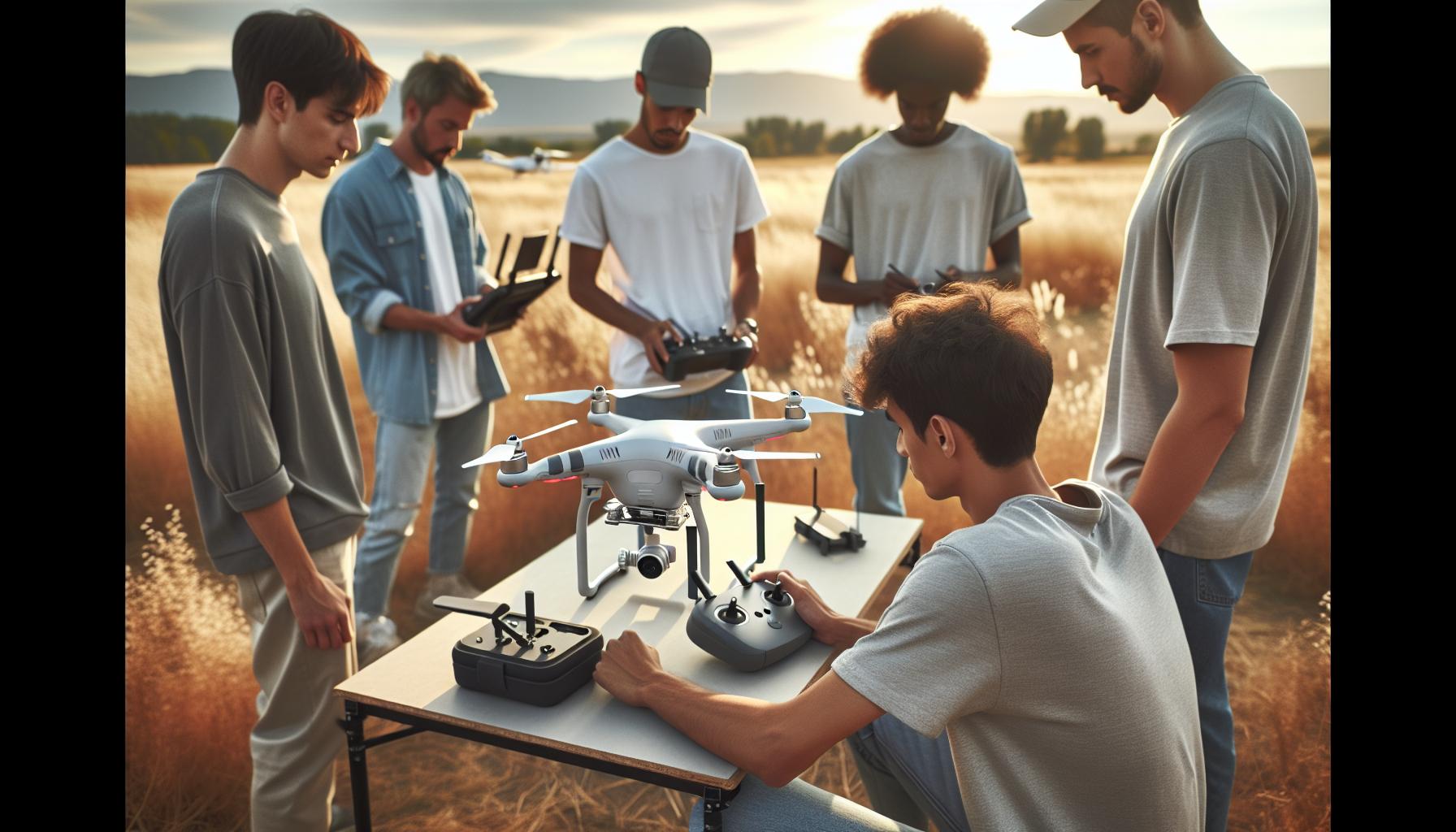
To fully leverage the capabilities of ActiveTrack, an essential first step is ensuring your DJI drone is properly set up. A correctly configured drone maximizes the effectiveness of this autonomous tracking feature, allowing it to seamlessly follow you or any other moving subject with ease. Here’s how you can get your drone ready for this exciting functionality.
Start by performing a thorough pre-flight checklist which includes checking the firmware. Update your drone’s software through the DJI Fly app or DJI Assistant 2. Keeping the firmware current not only optimizes performance but also incorporates the latest features and bug fixes critical for smooth operations. Additionally, ensure that your drone’s battery is fully charged and that your remote controller is functioning correctly. A strong battery helps prevent mid-flight failures, which can be particularly disastrous while using ActiveTrack.
Next, calibrate your drone’s IMU (Inertial Measurement Unit) and compass. This step is crucial, especially if you’ve flown in a different location or if there have been significant temperature changes. To calibrate, find the calibration option in your drone’s settings, and follow the prompted instructions, which generally involve moving the drone in specific orientations. This ensures that your drone maintains stability and accurate positioning capabilities during flight.
Once the technical aspects are addressed, switch on your drone and connect it to the DJI App on your smart device. Here you can set parameters such as the maximum altitude and distance for ActiveTrack-ensuring you have a safe, defined area for the feature to function effectively. When setting these parameters, consider the environment where you’ll be flying; a cluttered area with potential obstacles may require tighter controls compared to open, natural spaces.
In addition, make use of the drone’s gimbal settings to ensure it is correctly calibrated to capture smooth video footage. A well-calibrated gimbal provides stability, allowing for stunning shots while the drone tracks your movements. Moreover, remember to always practice in a safe environment until you become familiar with how ActiveTrack interacts with your chosen subject under various conditions. This preparation lays the groundwork for an exciting filming experience, allowing you to focus on creativity while the drone handles the tracking.
Step-by-Step: Activating ActiveTrack Mode
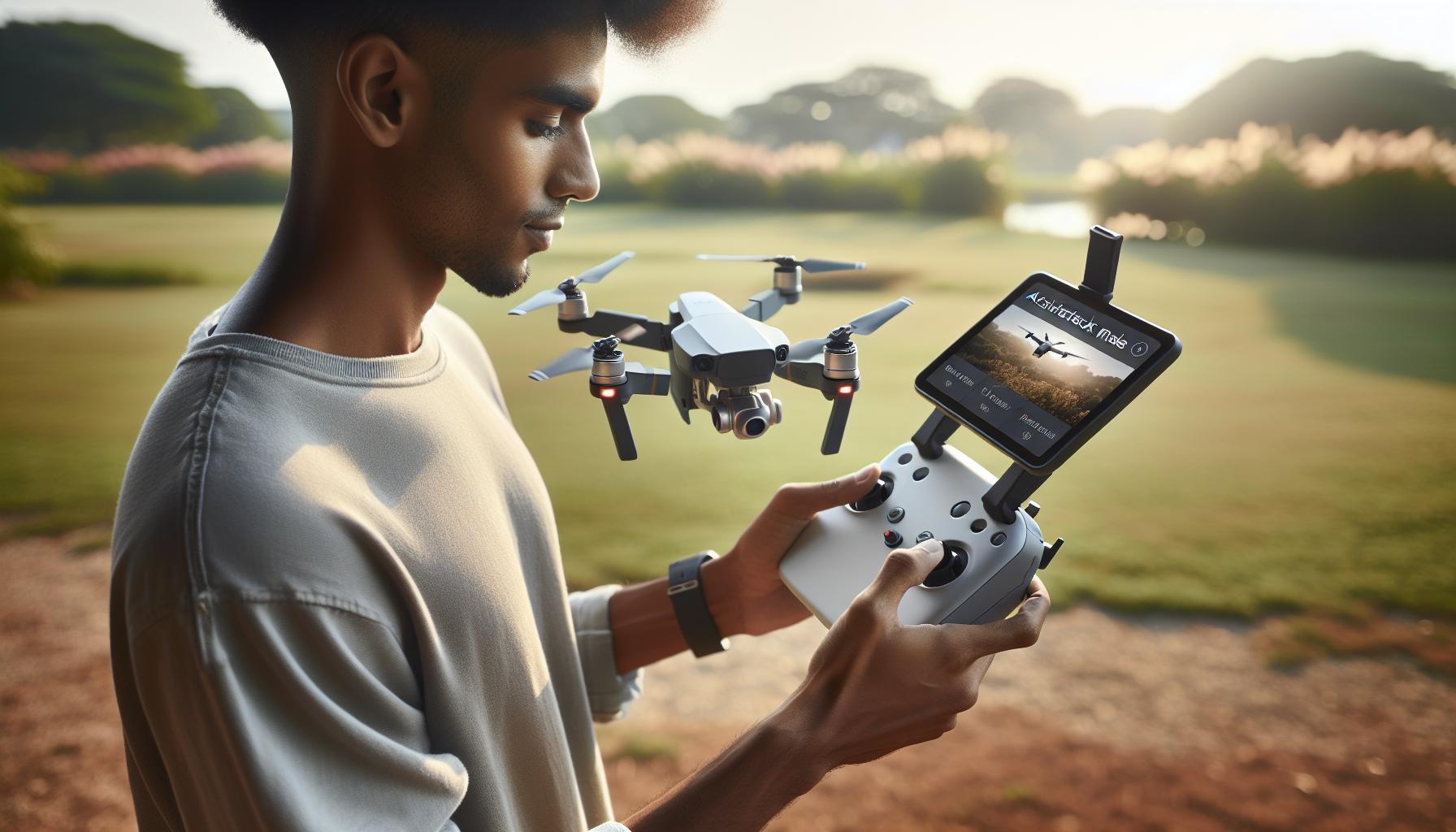
To activate ActiveTrack mode on your DJI drone, start by ensuring that your drone is powered on and connected to the DJI Fly app on your smartphone or tablet. Once you’re in the app, navigate to the flight control screen where you can see the live video feed from your drone’s camera. This real-time view is crucial for successful tracking.
Next, locate the ActiveTrack icon, typically represented by a figure of a person or a camera icon, on the app interface. Tap this icon to enter ActiveTrack mode. After that, you will need to draw a box around the subject you want the drone to follow using your finger on the screen. The drone will quickly recognize the subject and, once identified, a yellow box will appear around it, confirming that the tracking is active.
After effectively selecting your subject, choose from the different follow modes available-ActiveTrack supports options like Trace, Profile, and Spotlight. Trace allows the drone to follow behind or in front of the subject, maintaining a steady view; Profile captures the subject from the side, adding a dynamic feel to your footage; while Spotlight holds the camera on the subject while you maneuver the drone freely. The choice of mode depends on the type of shots you want to achieve.
Before starting your tracking flight, ensure that you are aware of your surroundings. Take a moment to assess your flying environment for obstacles such as trees, buildings, or people. Ensure the area is clear to avoid any collision risks. Now, you’re ready to take off and let the ActiveTrack feature bring your filming to life, allowing you to focus on your actions while the drone captures the moment flawlessly.
Choosing the Right Follow Mode for Your Needs

The ability to choose the right follow mode for your drone is crucial for capturing dynamic and engaging footage. DJI’s ActiveTrack feature offers three distinct modes-Trace, Profile, and Spotlight-each tailored to different filming needs and creative goals. Understanding these options not only enhances your artistic expression but also ensures that your drone operates optimally in various environments.
In Trace mode, the drone positions itself behind or in front of the subject, maintaining a steady perspective as you move. This is particularly useful for capturing action shots, such as a cyclist riding down a trail or a runner on a beach. The drone automatically adjusts its speed and angle to keep the subject in frame, allowing for smooth, cinematic video. To maximize its effectiveness in Trace mode, select a flat, obstacle-free area where the drone can maintain a clear line of sight to your subject.
Profile mode allows the drone to capture your subject from the side, offering a more dynamic perspective that adds depth and interest to your footage. This mode is great for events like sports matches or dance performances, where side views can highlight movement and energy. When using Profile mode, consider the direction of your movement and aim to keep good lighting conditions to enhance video quality.
In Spotlight mode, the drone focuses on a single subject while you have the freedom to maneuver it anywhere around that subject. This mode is excellent for creative filming, such as in film production or for capturing stills of a subject amidst a stunning landscape. By keeping the subject centered, you can create captivating shots without the distraction of tracking movement. This mode excels in complex environments where you want to maintain a focused view but need the flexibility to explore different angles.
Choosing the appropriate follow mode involves assessing your shooting environment and the type of story you want to tell. Whether you’re filming sports, scenic landscapes, or artistic performances, each mode serves a unique purpose. Experimenting with these different options will not only improve your skill set but enhance the storytelling aspect of your footage.
Advanced Techniques for Smooth Tracking
To achieve stunning and dynamic footage with DJI’s ActiveTrack feature, mastering a few advanced techniques can make all the difference. Smooth tracking isn’t just about keeping the subject in frame; it involves understanding your drone’s capabilities, as well as the shooting environment. By implementing these strategies, you can enhance both the quality of your footage and the efficiency of your drone operation.
One effective method to ensure smooth tracking is to maintain consistent movement and speed while your drone follows you. Sudden starts, stops, or changes in direction can confuse the tracking algorithm, leading to jerky footage. When using Trace mode, for example, establish a steady pace and anticipate any changes in your movement ahead of time. This helps the drone compute its path effectively, maintaining optimal distance and angle. Always know your surroundings; practicing in open, obstacle-free spaces can build your confidence and improve your skills.
Another key technique involves height and angle adjustments. Elevating your drone a few feet can provide a better vantage point, minimizing obstructions between the drone and the subject. Adjusting the angle of your drone to face slightly downward can also help, as this allows it to capture more of the environment and the subject in a creative manner. Experiment with different Profile and Spotlight settings to find the angle that best suits your desired shot.
Additionally, real-time monitoring and responsiveness play a crucial role in achieving smooth tracking. Utilize the live video feed on your remote controller to make quick adjustments while filming. If you notice your subject is drifting out of frame, gently adjust the drone’s position without abrupt movements. Being adaptable and aware of your shooting conditions will help maintain the quality of your production, especially in unpredictable environments.
By integrating these advanced techniques into your ActiveTrack sessions, you’ll not only improve the visual appeal of your footage but also gain a deeper understanding of your drone’s tracking capabilities. Embrace the nuances of your DJI drone to elevate your filming experience to the next level.
Troubleshooting Common ActiveTrack Issues
ActiveTrack is a powerful feature on DJI drones that allows them to autonomously follow and film subjects, whether you’re biking down a path or skiing down a slope. However, like any technology, issues can arise during use. Identifying and troubleshooting common problems is crucial for ensuring a seamless experience.
One prevalent issue users face involves the drone losing track of the subject. Several factors can contribute to this problem. First, ensure that the subject is clearly visible and distinguishable from the background. Wearing clothing that contrasts with the environment can significantly enhance tracking effectiveness. Moreover, the drone should have an unobstructed view of the subject; obstacles like trees, buildings, or even low-hanging branches can interfere with the signal. If the drone is continually losing track, it’s wise to switch to a more open space where the tracking algorithm can function optimally.
Another common challenge is unexpected jerky movements during tracking, which can spoil your footage. This can arise from either the drone or the subject moving erratically. To mitigate this, maintain a steady pace and ensure that your movements are smooth and predictable. Practicing in quiet, flat areas can help you develop the finesse needed to achieve stable tracking. If you’re experiencing persistent issues, consider recalibrating the gimbal and ensuring your drone’s firmware is up to date, as software improvements often enhance performance.
Moreover, environmental conditions can drastically affect ActiveTrack’s efficacy. Strong winds, reflections from water, or low-light settings can lead to poor tracking results. Always check the weather before heading out and try to fly in conditions where the drone’s sensors will perform best. If you find yourself in less-than-ideal conditions, temporarily switching to manual control may help until conditions improve.
Lastly, don’t overlook the importance of regular maintenance and updates. Check for firmware updates for your drone frequently, as DJI regularly releases patches that can enhance functionality, including ActiveTrack performance. Keeping your drone in top condition ensures that you spend more time capturing stunning shots and less time troubleshooting issues.
Enhancing Your ActiveTrack Experience with Accessories
Incorporating the right accessories into your drone setup can significantly enhance your ActiveTrack experience, ensuring smoother operations and more impressive footage. From specialized carrying cases to smart controllers and enhanced batteries, the right gear not only improves the functionality of your DJI drone but also complements the ActiveTrack feature to help you capture stunning videos and images effortlessly.
Essential Accessories for ActiveTrack
- Extra Batteries: Longer filming sessions require longer flight times. Bringing extra batteries will allow you to extend your shooting days without the worry of downtime for recharging. DJI drones often support various battery options that can enhance your flight duration, enabling you to experiment with different scenes and subjects for ActiveTrack.
- Carrying Cases: A sturdy carrying case protects your drone during transport, especially when trekking to remote locations. Consider cases with added compartments for accessories, ensuring you have everything you need at your fingertips.
- ND Filters: Neutral Density filters can help manage light intake during bright conditions, allowing you to achieve smoother motion and cinematic effects in your footage. This is particularly useful during fast-paced actions where you want to maintain a specific shutter speed.
- Smart Controllers: Upgrading to smart controllers, like the DJI RC-N2, improves responsiveness and provides a better user interface for managing your tracking settings. These controllers often come with built-in displays, making it easier to see your drone’s live feed while in ActiveTrack mode.
Technology Upgrades
Keeping your drone’s firmware updated is crucial for optimal performance, especially regarding ActiveTrack features. New firmware often introduces functionality enhancements and bug fixes that can improve tracking accuracy and response times. Additionally, investing in the latest DJI software or applications helps you utilize new features and tools designed to optimize your flying capabilities. From updated mapping technologies to advanced obstacle avoidance systems, staying current will significantly enhance your experience.
With the right accessories and technology in place, your potential for capturing incredible footage soars. By ensuring your gear is robust, and your drone is up-to-date, you’ll not only master the ActiveTrack feature but also enjoy the thrill of flying with confidence and creativity. This preparation allows for fluid, dynamic shots that tell a story, whether you’re capturing the energy of a sports event or the tranquility of nature.
Understanding DJI Drones with ActiveTrack Features
Understanding how DJI drones utilize ActiveTrack technology is crucial for anyone looking to capture dynamic footage effortlessly. ActiveTrack is a sophisticated feature that leverages advanced computer vision and GPS technologies, allowing your drone to autonomously follow and film a subject while maintaining optimal framing and stability. This innovation is not only a game-changer for recreational pilots but also offers immense value for professionals needing reliable tracking options during shoots.
DJI offers several models equipped with ActiveTrack, including the Mavic, Phantom, and Air series. These drones utilize sophisticated algorithms to recognize and predict a subject’s movement. By identifying shapes and colors, the drone can dynamically adjust its flight path, keeping the subject centered in the frame. Drones like the DJI Air 2S offer different modes under ActiveTrack, such as “Trace,” which follows from behind, and “Profile,” which allows for side tracking. Selecting the right drone and familiarizing yourself with its various ActiveTrack capabilities can significantly enhance your filming experience.
When setting up your DJI drone for ActiveTrack, understanding the environmental context is equally important. Features such as obstacle detection and avoidance become crucial. For instance, while Air models offer robust obstacle avoidance systems, the Mini series, while compact and user-friendly, may not have the same level of detection capabilities. Knowing the strengths and weaknesses of your chosen model aids in planning your shots, ensuring both effective tracking and safety during flights.
Lastly, an essential aspect of mastering ActiveTrack lies in the integration of accessories and software updates. Utilizing upgraded batteries and intelligent controllers can enhance tracking stability and responsiveness, while regular firmware updates ensure that you have the latest features and improvements. By combining a solid understanding of your drone’s capabilities with the right tools and preparations, you can create stunning, engaging footage that highlights the best of ActiveTrack technology.
Comparing ActiveTrack Technology in Different DJI Models
ActiveTrack technology has transformed the way drone enthusiasts and professionals capture dynamic footage, each DJI model offering distinct features tailored to different aerial filming needs. Understanding these differences not only enhances your flying experience but also empowers you to choose the right model for your specific requirements. This comparison focuses on key ActiveTrack capabilities across popular DJI series including the Air, Mavic, and Mini, helping you grasp what sets them apart.
ActiveTrack Modes Across Models
Each DJI model incorporates unique ActiveTrack modes, enhancing usability based on the pilot’s needs. The Mavic Air 2 and DJI Mini 2 feature ActiveTrack 3.0, which allows for precise tracking of subjects in various scenarios. The Mavic Air 2 supports modes like Trace, Profile, and Spotlight, enabling it to follow from different angles and maintain focus on moving subjects. In contrast, the Mini 2, while lightweight and compact, has limitations with more advanced features like obstacle avoidance and tracking capabilities due to its design, making it more suited for casual users rather than professional filmmakers.
Meanwhile, the Mavic 3 offers a more advanced ActiveTrack version, boasting additional safeguards to prevent obstacles during tracking, with enhanced subject recognition through its dual camera system that can accurately identify subjects even in complex environments. This ability makes the Mavic 3 particularly valuable for professionals working in diverse settings, whether in bustling urban areas or sprawling landscapes.
Obstacle Avoidance Capabilities
Another critical aspect to consider when comparing models is the obstacle avoidance system. The Mavic 2 Pro, for instance, comes equipped with omnidirectional obstacle sensing, allowing it to navigate complex environments while keeping the subject in focus. This feature is especially beneficial for those engaging in fast-paced activities such as sports photography or event coverage, where quick maneuvers are often necessary. On the other hand, the Mini series offers basic downward sensors, providing a simpler solution that may not be sufficient for intricate tracking scenarios.
Battery Life and Stability
Battery life also plays a significant role in extending flying time during shoots, particularly for models using ActiveTrack. The Mavic 3 leads with an impressive flight time of around 46 minutes, significantly longer than the Mini SE, which barely reaches 30 minutes. This extended duration allows for a more extensive range of filming without frequent interruptions for battery changes, ensuring that you can capture all the critical moments without the anxiety of running low on power.
Ultimately, selecting the right DJI drone for ActiveTrack will depend on balancing these factors-tracking modes, obstacle avoidance capabilities, and battery performance-with your personal requirements. By critically analyzing these features, you’ll be better equipped to choose a drone that not only meets your goals but also maximizes your creative potential in aerial imaging.
Safety Tips for Using ActiveTrack Effectively
When utilizing ActiveTrack technology, ensuring the safety of both the drone and your surroundings is paramount. While this powerful feature can create awe-inspiring footage, it requires careful handling to avoid potential mishaps. Before activating ActiveTrack, scan the environment for obstacles such as trees, buildings, and power lines. Always operate in open spaces, ideally with clear, unobstructed views to reduce risks associated with collision. Remember, your drone’s sensors can help, but they are not infallible. Therefore, maintaining a line of sight with your drone is crucial, allowing for timely manual intervention if necessary.
Another essential aspect of safe ActiveTrack usage is understanding the limitations of your specific drone model. For instance, while the Mavic 3 offers advanced obstacle avoidance features, other models like the DJI Mini may lack sophisticated sensors, making them more prone to crashes during automated tracking. When using ActiveTrack modes, particularly in more challenging environments, it’s wise to start with slow and steady movements to see how well the drone follows and reacts to obstacles. Gradually increase the complexity of your shots as you gain more confidence in the system’s responsiveness.
Additionally, be mindful of the flying altitude. Adhering to local regulations regarding drone heights is vital, especially in populated areas. A good practice is to keep your drone at a safe distance above ground level while still within the functional range of ActiveTrack. This maximizes your drone’s ability to maintain the subject in focus while minimizing disruptions to the local environment and ensuring compliance with flight regulations. Furthermore, using the geo-fencing feature available on most DJI drones can help you stay within designated airspaces and avoid restricted zones, thus enhancing safety.
Finally, always prepare for unexpected changes. Weather conditions, sudden movements from the subject, or interference from other aircraft can disrupt the ActiveTrack functionality. It’s advisable to conduct pre-flight checks and monitor weather updates before any filming session. By adhering to these safety tips, you can effectively harness the power of ActiveTrack while ensuring a smooth, safe flying experience that results in stunning aerial footage.
Legal Considerations When Using Drones in ActiveTrack Mode
When flying a drone equipped with ActiveTrack technology, understanding the legal landscape is as critical as mastering the flying techniques. Each country has its regulations concerning drone usage that can impact your ability to use features like ActiveTrack effectively. In the United States, for instance, the Federal Aviation Administration (FAA) dictates that all drone operators must adhere to Part 107 regulations if flying for commercial purposes, including proper registration of the drone, maintenance of visual line of sight, and compliance with altitude restrictions. Failing to follow these regulations can result in hefty fines and other penalties.
Key Legal Considerations
Navigating the legal environment requires attention to several key considerations:
- Flight Altitude: Most regulations stipulate that drones should fly below 400 feet unless within a controlled airspace with clearance. ActiveTrack features may lead to increased altitude behavior if not monitored closely.
- Privacy Concerns: ActiveTrack can inadvertently invade someone’s privacy if the drone captures footage of individuals without consent. It’s important to understand local privacy laws, as flying near residential areas can lead to complaints or legal action.
- Airspace Restrictions: Drones should avoid restricted zones, including near airports and sensitive facilities. Utilize geo-fencing technologies inherent in many DJI drones to prevent accidental breaches.
- Insurance: Consider obtaining liability insurance to cover potential damages or injuries resulting from your drone usage. Some regions may mandate insurance for commercial operations, but it’s wise to protect yourself regardless of legal requirements.
Local Regulations
Legal obligations vary widely depending on geographic location. Countries like Canada and Australia have harmonized drone regulations that might differ from the FAA’s in the U.S. For example, Canada’s Canadian Aviation Regulations (CARs) set specific rules for flying drones based on their weight class and operational category. Always check local laws to ensure compliance, and consider consulting legal experts when in doubt.
Understanding and adhering to these legal parameters will not only keep you compliant but also help you use ActiveTrack more effectively. A well-informed drone operator can focus on capturing stunning footage without the worry of legal repercussions. Familiarity with these guidelines cultivates a responsible flying culture that benefits the entire drone community.
Best Practices for Capturing Stunning Footage with ActiveTrack
Capturing stunning footage with a DJI drone using ActiveTrack can elevate your videos, providing cinematic quality and a professional touch. To make the most out of this powerful tracking feature, it’s crucial to consider several best practices. A little preparation can go a long way in ensuring your drone follows you effortlessly while delivering smooth and visually appealing footage.
First, ensure that your drone’s firmware is up to date. Regular updates can enhance performance and fix bugs, ensuring that all features, including ActiveTrack, function optimally. Before takeoff, select the right follow mode that best suits your activity-whether you’re cycling, jogging, or engaging in extreme sports. The various modes, such as Trace, Profile, and Spotlight, cater to different scenarios, allowing you to capture specific angles and perspectives effectively.
Lighting plays a significant role in video quality. Aim to fly when natural light is abundant, such as during the golden hours of sunrise or sunset, to achieve captivating visuals. Additionally, consider your background; open spaces without distractions will allow the drone to focus more seamlessly on the subject. Also, utilize the gimbal settings to adjust camera angles for dynamic shots.
When capturing footage with ActiveTrack, maintaining a steady pace is vital. Abrupt movements can confuse the drone’s tracking system, resulting in shaky or less impressive video. Plan your route and maintain a consistent speed to allow the drone to adjust smoothly. Another important tip is to periodically glance at the drone’s live feed, ensuring that obstacles or changes in the environment do not interfere with your shot.
For those who are more experienced, experimenting with advanced techniques can amplify your content. Utilize manual adjustments in altitude and gimbal settings during flight to create more engaging shots, such as sweeping views or dramatic ascents. Lastly, remember to review your footage afterward. Taking time to analyze what worked well can help refine your technique for future sessions, making every flight a step towards mastering the art of drone videography.
Faq
Q: How does ActiveTrack work on DJI drones?
A: ActiveTrack utilizes advanced computer vision technology to identify and follow subjects while autonomously adjusting the drone’s flight path. This allows the drone to maintain an optimal distance and framing, making it ideal for capturing dynamic movements.
Q: What are the different follow modes in ActiveTrack?
A: ActiveTrack offers various modes, including “Follow,” where the drone maintains a constant distance behind you, and “Parallel,” which allows the drone to move alongside you. Choosing the right mode depends on your activity and the desired footage.
Q: Can I use ActiveTrack indoors with my DJI drone?
A: While ActiveTrack is primarily designed for outdoor use, some DJI models with advanced sensors can function indoors. Ensure the space is open and well-lit to facilitate tracking, and remain aware of obstacles to maintain safety.
Q: What should I do if ActiveTrack is losing track of me?
A: If ActiveTrack loses tracking, try to remain visible and avoid rapid movements. Ensure the camera has a clear line of sight. If issues persist, recalibrate your drone and check for software updates.
Q: How can I improve the performance of ActiveTrack?
A: To enhance ActiveTrack performance, use good lighting conditions, minimize clutter in your surroundings, and choose a suitable follow mode. Regularly update your drone’s firmware for optimal functionality.
Q: Is there a limit to how far my DJI drone can follow me using ActiveTrack?
A: Yes, DJI drones have a maximum distance limit for ActiveTrack, typically around 30 meters. Always check your drone’s specifications and ensure it remains within operational limits to maintain effective tracking.
Q: How can I troubleshoot ActiveTrack if it’s not functioning correctly?
A: For ActiveTrack troubleshooting, ensure that your drone is adequately calibrated, check for firmware updates, and examine the environment for obstacles. Refer to the “Troubleshooting Common ActiveTrack Issues” section of our article for specifics.
Q: Are there any accessories that enhance ActiveTrack functionality?
A: Certain accessories, like ND filters for better lighting and additional battery packs for extended use, can enhance your ActiveTrack experience. Consider exploring these options to improve your overall footage quality and session length.
In Retrospect
Now that you have mastered the ActiveTrack feature, you’re set to elevate your aerial photography game with your DJI drone! Whether capturing stunning landscapes or following your adventures, this powerful tool allows you to focus on your creativity while your drone handles the tracking. Don’t forget to experiment with different settings and flight modes to discover what works best for you.
Ready to take the next step? Explore our guides on drone maintenance and advanced flight techniques to ensure you’re fully equipped for your aerial journeys. Check out our post on troubleshooting common issues or dive deeper with our comprehensive reviews of the latest DJI models. Be sure to subscribe to our newsletter for updates on expert tips and exclusive deals! Your adventure is just beginning-let your DJI drone guide you to new heights!