
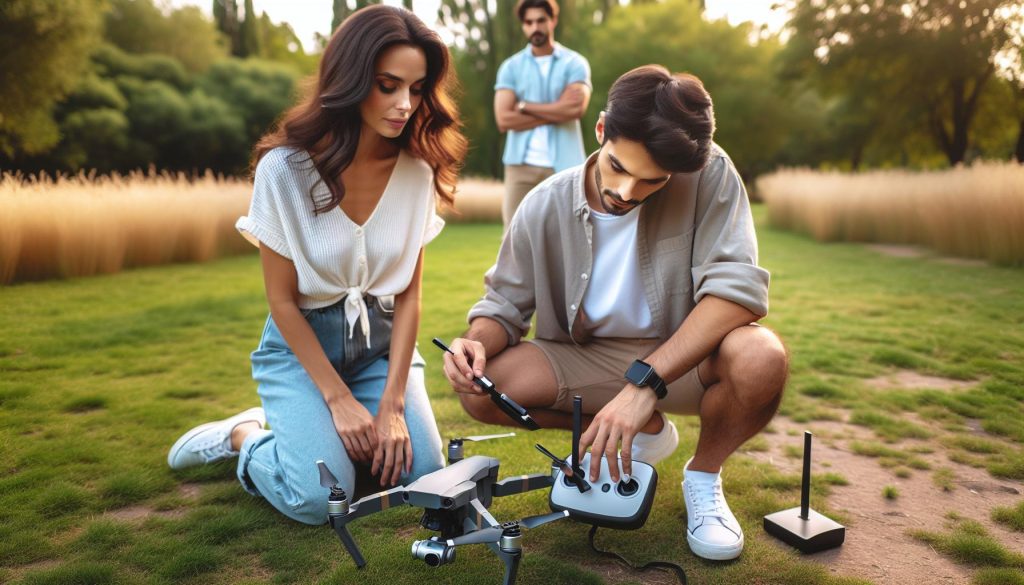
Unlocking the potential of your DJI drone begins with understanding the startup sequence and preparing for your first flight. Did you know that a smooth launch not only enhances flight performance but also ensures the longevity of your drone? Properly powering on and calibrating your drone is crucial for both amateur and seasoned pilots alike. It sets the foundation for safe and exhilarating aerial adventures. Whether you’re itching to capture breathtaking landscapes or simply experience the thrill of flight, mastering the startup process directly impacts your ability to achieve these goals. In this guide, we’ll walk you through each essential step, ensuring you’re equipped with the knowledge to confidently take to the skies. Prepare to elevate your drone experience while avoiding common pitfalls and maximizing your flight enjoyment!
How to Safely Prepare Your DJI Drone for First Flight

Preparing your DJI drone for its first flight is an exhilarating experience, one that combines the thrill of flight with the precision of technology. Before you venture into the skies, ensuring that your drone is correctly set up and that you have a clear understanding of its features is critical for a safe and enjoyable experience.
Begin by inspecting the drone thoroughly. Check for any physical damage to the body, propellers, or camera. Ensure that all components, including the battery, memory card, and any additional accessories, are properly secured. It’s also imperative to charge the battery fully and familiarize yourself with the controller. The DJI GO app or its successors will serve as your command center; download and install it on your smartphone or tablet and ensure it’s updated for optimal functionality.
Once everything is in place, take a moment to calibrate your drone. Many DJI models require compass calibration before the first flight, which can be accomplished by performing a series of rotations both horizontally and vertically. This step is essential as it enables the drone’s GPS to function correctly, helping maintain stability during flight. Follow your specific model’s calibration instructions closely, as each may have slight variations.
Lastly, familiarize yourself with the regulations and guidelines governing drone flight in your area. Check local laws to ensure you’re compliant, particularly if you plan on flying in urban settings or near restricted airspace. Knowing these regulations not only keeps you legal but also enhances the safety of your flight, allowing you to enjoy the experience while respecting the rights and safety of those around you. With these fundamental steps, you’re well on your way to a successful first flight with your DJI drone.
Understanding the DJI Drone Startup Sequence
Operating a DJI drone for the first time is an exciting yet delicate endeavor that relies heavily on understanding its startup sequence. The process involves several systematic steps designed to ensure the drone is ready for safe flight and operates correctly. Each model has specific startup indicators and procedures, but there are universal principles that every new pilot should know.
When you first power on your DJI drone, it will typically go through a boot-up sequence. This begins with the battery, which must be securely locked into place. Once the drone is powered on, the internal systems initialize, during which you’ll observe LED lights cycling through various colors indicating different statuses. Pay attention to these light signals; green lights often suggest that the drone is ready, while red might indicate a critical issue that needs addressing.
Once the drone is powered up, connect the controller by using the designated method-this might involve pressing a link button or confirming connections through the app. It’s essential to check that the controller and drone are synchronized before taking off. If the DJI GO app (or similar app for newer models) is installed and connected, the app will provide valuable information about the drone’s status, including GPS lock and battery life, further ensuring readiness for flight.
Before taking off, a thorough pre-flight check is vital. Make sure to perform necessary calibrations, such as compass and IMU calibration if indicated by the app. Failing to do so can lead to flight issues later, including losing GPS stability. By following these critical steps in the startup process, pilots will not only safeguard their equipment but also set themselves up for a successful and enjoyable flying experience.
Configuring Your DJI Drone Settings for Optimal Performance
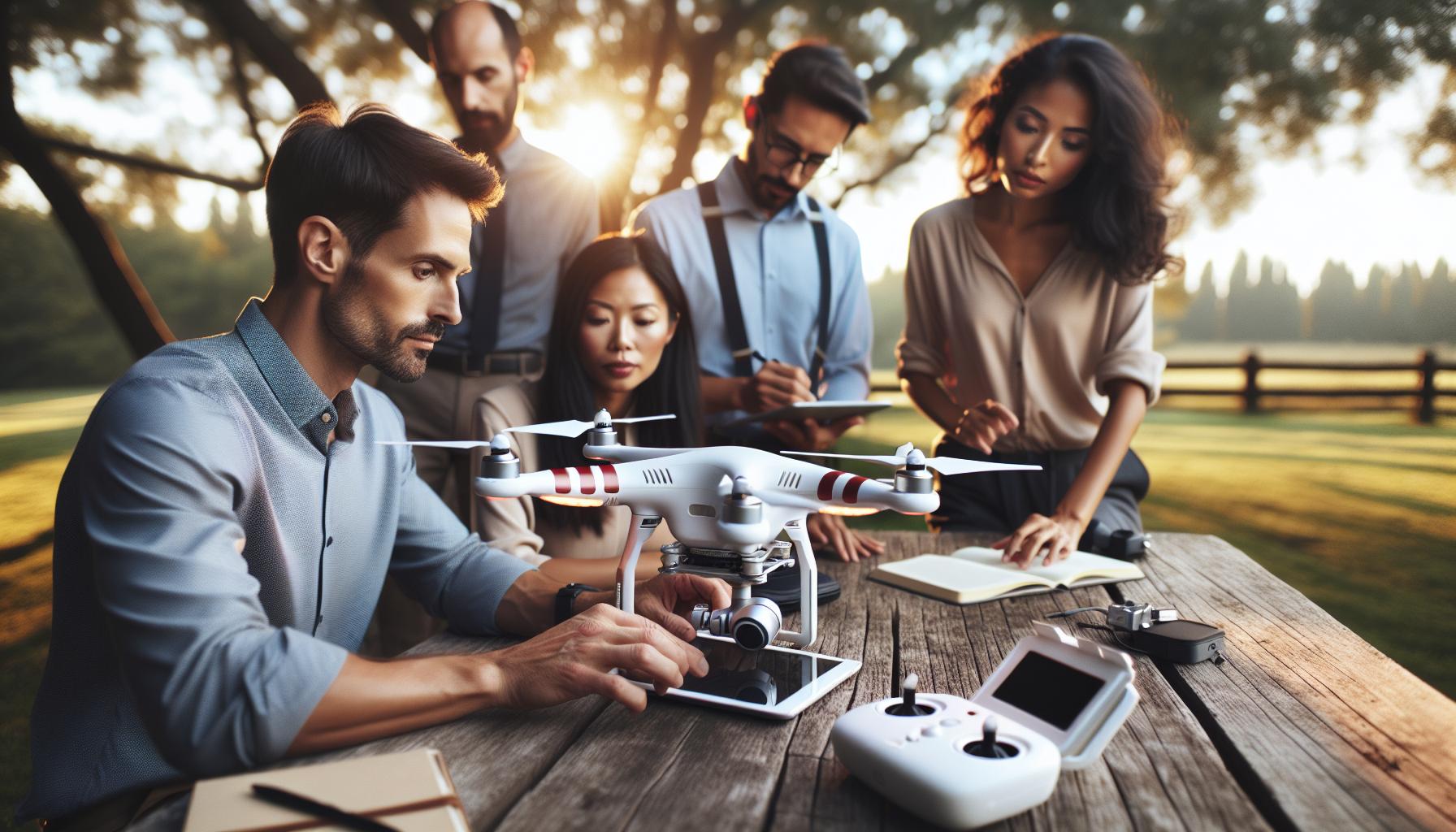
Configuring your drone settings for optimal performance can significantly enhance your flight experience and outcomes. The moment you power on your DJI drone, it’s essential to dive into the settings menu, ensuring everything is tailored to your flight needs and conditions. Proper configuration not only optimizes performance but also enhances safety, making your flying adventures more enjoyable and successful.
One of the first steps to consider is adjusting the flight mode. DJI drones typically offer several modes, including GPS, ATTI, and Sport. Each mode serves different purposes; for instance, GPS mode is ideal for beginners as it provides stability and holds the position even with wind interference, while Sport mode allows experienced pilots to fly faster and respond more nimbly to controls. Always set the flight mode that aligns with your skill level and flying environment.
Next, focus on the camera settings. Depending on your model, DJI drones come equipped with advanced camera capabilities. Adjust settings such as ISO, shutter speed, and resolution to align with your filming goals. If you’re shooting in varying light conditions, switch to automatic adjustments or set your ISO low for better image clarity. Additionally, it’s advisable to select a frame rate that matches your intended playback speed; for instance, a higher frame rate is perfect for capturing smooth, high-speed action.
Another critical aspect is the return-to-home (RTH) setting. Always ensure that your drone knows a safe height to ascend to if it needs to return home. Set the RTH altitude higher than any surrounding obstacles. This function serves as a safety net, protecting your drone from accidental hard landings or collisions. Moreover, regularly check your GPS status before takeoff. A strong GPS signal is crucial for accurate positioning and smooth operation.
Lastly, ensure that your drone’s firmware is updated. Firmware updates often include important improvements or fixes that enhance drone stability, flight performance, and overall functionality. Regularly check through the DJI app for updates to keep your equipment running its best. By taking these steps during your initial setup and configuration, you’ll set your DJI drone up for a successful flight, whether you are a novice or a seasoned pilot.
Step-by-Step Guide to Calibrating Your Drone
Calibrating your DJI drone is an essential step in ensuring optimal flight performance and safety. Before taking to the skies, proper calibration helps the drone’s sensors accurately interpret its orientation and surrounding environment. This process is particularly crucial the first time you fly your drone, or if you notice irregular behavior during flights, such as drifting or unresponsiveness.
To begin, ensure that your drone is on a level surface, free from obstructions. Start the DJI app on your device to connect to the drone. Once the drone is powered on, and you’ve successfully linked it to the app, navigate to the settings menu. Look for the calibration options under the drone settings, typically labeled as “IMU Calibration” (Inertial Measurement Unit) and “Compass Calibration.”
Calibrating the IMU
- Select “IMU Calibration” from the settings menu.
- Follow the on-screen prompts, which will typically ask you to place the drone on a flat surface.
- Once you initiate the calibration, the drone will signal when it’s ready for the next orientation change-this may involve placing it in different positions (horizontal and vertical).
- Wait for the calibration process to complete, as the drone will confirm once it has been successfully calibrated.
Calibrating the Compass
- After IMU calibration, proceed to “Compass Calibration.” This process usually requires you to move the drone in a horizontal circle.
- Once prompted, hold the drone in front of you, pointing it away from any metal objects.
- Rotate the drone horizontally until the app indicates a completed status, and then hold it vertically and rotate again.
- Ensure that the compass is calibrated in an open area to avoid interference from magnetic fields.
Once the calibrations are complete, it’s wise to perform a test flight at low altitude to verify that the drone responds accurately to your commands. Watch for any signs of instability, which might indicate the need for recalibration. Following these steps not only enhances flight stability but also provides peace of mind as you embark on your aerial adventures. Regular calibration, before significant changes in location or following firmware updates, will maintain the reliability of your drone.
Essential Pre-Flight Checks for DJI Drones
Before embarking on your first flight with a DJI drone, conducting essential pre-flight checks can dramatically enhance safety, efficiency, and overall performance. Establishing a thorough routine helps you identify any potential issues before takeoff, ensuring not just the drone’s functionality but also your security and that of those around you.
Start with a thorough visual inspection of the drone. Check for physical damage like cracks, loose components, or dirt in the camera lens. Pay extra attention to the propellers; they should be free of chips or warping. Ensure that they are securely attached and, if necessary, replace any that show signs of wear.
Next, confirm that the battery is fully charged and properly installed. A common oversight is neglecting to check battery levels or ensuring it connects snugly within its compartment. After addressing the battery, inspect all wires and connections for any signs of damage or loose fittings. It’s crucial that the drone can receive power without interruptions.
Don’t forget to enable the GPS and other communication settings. A strong signal is essential for precise navigation and return-to-home functions. Make sure the drone’s software is updated; this can optimize performance and compatibility with the controller. Utilize the DJI app to confirm that firmware updates are current, as newer software often provides enhancements to flight stability and safety features.
Finally, establish a safe flight area. Check that you’re operating in legal zones and review local regulations regarding drone flight. Ensure the area is clear of obstacles and that weather conditions are favorable-strong winds and rain can drastically affect performance and safety. Taking these steps will set the stage for a successful and enjoyable first flight with your DJI drone.
Navigating DJI Drone Flight Modes and Features
When flying a DJI drone for the first time, understanding its flight modes and features is crucial for a successful and enjoyable experience. DJI drones come equipped with several intelligent flight modes, each designed to enhance your flying experience while ensuring safety and ease of use. Whether you’re a novice or an experienced pilot, these modes provide various options to explore, allowing you to focus on capturing stunning aerial footage or honing your piloting skills.
Common Flight Modes
Drones like the DJI Mini series, Mavic series, and Phantom series feature modes such as:
- P Mode (Positioning Mode): This is the default mode for most flights, utilizing GPS and visual sensors for precise hovering and positioning. It is ideal for beginners who are still learning to control their drone.
- S Mode (Sport Mode): Designed for experienced pilots, S Mode offers faster speeds and more responsive controls for agile flying. This mode is excellent for those looking to push the drone’s limits and is best suited for aerial photography in dynamic situations.
- A Mode (Attitude Mode): In A Mode, the drone relies solely on the inertial measurement unit (IMU) for stability, disregarding GPS signals. This mode is used mainly for flying in areas with weak GPS reception, such as indoors.
Intelligent Flight Features
In addition to its core flight modes, DJI drones boast several intelligent features that simplify content capture and enhance flying safety:
- ActiveTrack: This feature allows your drone to autonomously track subjects while maintaining the desired framing. It’s perfect for capturing moving subjects, such as during sports or nature shoots.
- TapFly: With TapFly, you can simply tap on your desired point on the screen, and the drone will fly there autonomously, allowing you to focus on maneuvering the camera.
- Return to Home (RTH): This critical safety feature allows the drone to return to its takeoff point automatically. It activates when the battery is low, GPS signal is lost, or you manually trigger it, ensuring a safe landing.
As you prepare for your first flight, familiarize yourself with these modes and features through your drone’s companion app or user manual. Practicing in a safe environment will help you gain confidence in using these capabilities. By mastering the flight modes and utilizing intelligent features, you can elevate your drone flying experience and capture breathtaking aerial footage with ease.
Tips for Successful Indoor Drone Flights
Indoor flying with a DJI drone can be an exhilarating experience, but it also presents unique challenges that require careful planning and technique. Unlike outdoor environments, where you have open spaces and clearer visibility, indoor settings often feature confined spaces, obstacles, and varying light conditions that can impact your drone’s performance. By equipping yourself with the right knowledge and strategies, you can enhance your flying experience and safety indoors.
To begin with, always choose a spacious area with minimal obstacles. Avoid tight spaces filled with furniture, tall plants, or hanging decor. Utilizing a gymnasium or a large empty room provides ample space for maneuvering and helps prevent collisions. Before lifting off, familiarize yourself with the indoor environment and note any potential hazards.
It’s essential to switch your DJI drone into A Mode (Attitude Mode) when flying indoors. This mode disables GPS and relies on the drone’s inertial measurement unit (IMU) for stabilization, making it more responsive in fluctuating indoor conditions. In addition, ensure your drone’s barriers are activated to prevent it from flying too close to walls or objects. Many DJI models come with obstacle avoidance sensors that can help, but relying solely on technology might lead to mishaps if the sensors cannot detect all obstacles accurately.
When it comes to piloting, maintain a slow and steady pace. Rapid movements can lead to loss of control, particularly in a confined space. Use gentle controls and make gradual adjustments to altitude and direction. Consider practicing basic maneuvers such as hovering, slow ascents, and controlled descents to build your confidence and skill in indoor conditions. Lastly, keep your batteries charged and your drone’s firmware updated, as this ensures optimal performance and safety features are active during your flight.
By preparing adequately and adhering to these tips, you’ll not only fly safely but also enjoy the thrill of capturing stunning indoor footage with your DJI drone.
Troubleshooting Common DJI Drone Startup Issues
When you’re ready to take your DJI drone on its first flight, experiencing startup issues can be frustrating. Understanding how to troubleshoot these common problems will help ensure a smooth transition from ground to air. One of the most often encountered issues is the drone failing to power on. Before assuming that your device is faulty, check that the battery is fully charged, properly seated, and that there is no dust or debris in the battery compartment. A loose or dirty connection can easily prevent the drone from starting.
Another frequent problem is related to the remote controller. Make sure that the controller is paired correctly with the drone and that it has sufficient battery life. If the controller and drone fail to connect, try resetting the connection by turning both devices off and back on again, or consult your drone’s manual to follow the specific pairing procedure. If the drone still isn’t turning on or responding, consider performing a firmware update, as outdated software can often lead to startup complications. This process not only adds new functionalities but can also fix bugs that could be affecting your drone’s performance.
Diagnosing Error Messages
If your drone does power on but displays error messages or warning lights, take time to interpret these signals. Each DJI drone is equipped with diagnostic systems that communicate the status of crucial components such as battery health, GPS connection, and sensor functionality. For example, blinking lights or beeping sounds may indicate that the drone needs a calibration check or that certain sensors are obstructed. Reviewing user manuals or online forums can provide insights into specific error codes and recommended actions to take.
Common Resolutions to Startup Issues:
- Ensure the battery is charged and correctly installed.
- Check the remote control’s battery and connectivity.
- Update the firmware on both drone and controller.
- Consult the user manual for error codes and troubleshooting steps.
Understanding the common pitfalls of drone startup will empower you as a pilot, outfitting you with skills to rapidly diagnose issues and get airborne swiftly. By maintaining vigilance over your equipment and taking decisive steps during troubleshooting, you can enhance your flying experience and safeguard your investment in DJI technology.
The Importance of Firmware Updates for Your Drone
A critical aspect of maintaining the performance and safety of your DJI drone is ensuring that its firmware is regularly updated. Firmware, the software embedded in your drone’s hardware, controls essential functions and features, and its updates can significantly enhance your flying experience. Notably, these updates often include improvements related to flight stability, new features, and crucial bug fixes that could otherwise lead to unexpected issues during flight.
Performing a firmware update can rectify known problems such as connectivity glitches between the drone and the remote controller, GPS inaccuracies, or even battery performance inconsistencies. For instance, if you find your drone struggling with a weak signal or erratic behavior in flight, checking for the latest firmware can be a straightforward and effective solution. Manufacturers frequently release updates in response to user feedback, ensuring that pilots benefit from a constantly evolving flight experience.
To update the firmware, start by connecting your drone to the DJI Fly app or the DJI Assistant 2 software on your computer. Follow the provided prompts to download and install the latest firmware version. It’s advisable to ensure that both your drone and remote controller are fully charged before beginning the update process to prevent any power loss. Additionally, make sure the drone is in a safe, open area during the update to facilitate any necessary GPS calibration post-update.
In summary, keeping your DJI drone’s firmware up to date is more than a routine task; it’s an investment in the longevity and reliability of your drone operations. Regular updates not only help optimize performance but also connect you with the latest functionalities, elevating your flight experience to new heights. Embrace these updates as a vital part of your drone’s lifecycle to ensure your adventures are as smooth and enjoyable as possible.
Comparing DJI Drone Models: Mavic, Mini, Phantom, and More
Selecting the right DJI drone is crucial for maximizing your flying experience, whether you’re a hobbyist capturing stunning landscapes or a professional needing precise aerial footage. Each DJI series-Mavic, Mini, Phantom, and Air-offers unique features tailored to different needs and skill levels, making the comparison essential for informed decisions.
Mavic Series
The Mavic series is renowned for its portability and advanced capabilities. Drones like the Mavic Air 2 and Mavic 3 exemplify this blend, offering impressive flight times, exceptional camera quality, and intelligent flight modes. With features like obstacle avoidance and automated shooting options, Mavic drones are perfect for both beginners and seasoned pilots. They’re lightweight and foldable, making them easy to transport to remote locations, which is ideal for outdoor enthusiasts.
Mini Series
For those just starting out, the Mini series provides an excellent entry point into drone flying. Models like the DJI Mini 2 are compact yet powerful, offering 4K video recording and robust flight performance in a drone that weighs less than 250 grams. This makes them easier to register and fly without extensive legal hurdles. Despite their size, they come equipped with impressive flight times and stable GPS capability, ensuring smooth operation even for less experienced users.
Phantom Series
In contrast to Mavic and Mini, the Phantom series is revered for its robust built and superior filming capabilities. The DJI Phantom 4 Pro, for instance, boasts a 1-inch 20MP sensor capable of capturing breathtaking 4K video at 60fps. This series is well-suited for serious filmmakers and drone inspectors, providing reliability and professional-grade results, albeit at the cost of mobility due to their larger size.
Air Series
The Air series strikes a balance between power and portability. Drones like the DJI Air 2S offer high-end features such as a large sensor, advanced obstacle sensing, and various intelligent shooting modes, making it a versatile option for casual videos or professional projects. Their sleek design is coupled with a user-friendly interface, making them approachable for new users while still catering to the demands of experienced pilots.
When choosing a DJI drone, consider your specific needs such as intended use, portability, camera quality, and your level of flying experience. Each series offers unique advantages, so understanding these differences can help you make the most out of your first flight and subsequent adventures.
Understanding Legal Requirements for Drone Operation
Understanding the legal landscape before you power up your DJI drone is crucial to ensure a smooth and trouble-free flying experience. With the growing popularity of drones, governments worldwide have implemented specific regulations that vary by region but generally focus on safety, privacy, and airspace management. Familiarizing yourself with these rules not only keeps you compliant but also enhances the respect and acceptance of drone technology in your community.
In most countries, including the United States and those within the European Union, drone operators need to abide by particular guidelines set forth by their respective aviation authorities. Typically, these include obtaining a remote pilot’s license if your drone exceeds a certain weight, typically around 250 grams, or if you intend to use it for commercial purposes. This ensures that you are equipped with knowledge about air traffic rules and safe flying practices. Additionally, drones may be required to be registered before their first flight. This straightforward process usually involves submitting details about your drone, including model and serial number, to a national registry.
Key Legal Requirements to Consider:
- Registration: Drones over the specified weight limit must be registered.
- Equipment Limitations: Ensure your drone adheres to local restrictions regarding maximum altitude (often capped at 400 feet) and distance from airports.
- Flight Restrictions: Be aware of no-fly zones, such as near airports, military bases, and crowded areas.
- Insurance: Consider obtaining liability insurance, especially for commercial operations, to cover damages or injuries.
- Privacy Regulations: Be mindful of privacy laws when capturing images or videos to avoid infringing on others’ rights.
As a drone pilot, it’s critical to continually educate yourself about evolving regulations, especially since drone laws can change and vary greatly depending on your location. Implementing these considerations into your flight planning allows you to enjoy your drone safely, responsibly, and without legal repercussions. Furthermore, staying compliant not only protects you legally but also fosters a positive relationship between drone operators and the general public, ensuring the future of this remarkable technology is bright.
Choosing the Right Accessories for Your DJI Drone
To fully unlock the capabilities of your DJI drone and enhance your flying experience, selecting the right accessories is essential. Accessories can significantly impact not only the quality of your aerial shots but also the overall safety and efficiency of your flights. As you prepare for your first flight, consider the various tools and add-ons that can help you navigate the skies with confidence.
One of the most significant accessories to invest in is extra batteries. Having multiple batteries on hand allows for extended flight time and reduces downtime between flights. Most DJI drones, such as the Mavic and Mini series, support easy battery swaps, making it practical to carry extras in your flight bag. Coupled with a battery charging hub, you can ensure your batteries are always ready for action, allowing for longer sessions without the stress of low battery alerts.
Camera Filters are another essential accessory, particularly if your drone captures high-quality images and video. ND filters, for example, help manage exposure during bright daylight, preventing overexposed shots and enabling smoother video in motion. These filters can significantly enhance the visual quality of your footage, giving you professional results right from the sky.
For those flying in dynamic environments or planning on capturing complex aerial shots, a set of spare propellers can be a lifesaver. Drones are precision instruments, and even a minor mishap can lead to a damaged propeller that grounds your flying plans. Having replacements on hand ensures you can quickly get back in the air after any mishap or wear and tear.
Protective Cases and Landing Gear
Another accessory that can enhance both the longevity and functionality of your drone is a protective carrying case. A sturdy case safeguards your drone and its accessories during transport, preventing damage from impacts or adverse weather conditions. Additionally, consider investing in landing gear extensions, which help protect the drone’s camera and body from ground debris during takeoff and landing, particularly in unpaved areas.
The right accessories amplify your drone’s performance and ensure a smoother, safer, and more enjoyable flying experience. Ensure you evaluate your needs based on your flying style, objectives, and the environments you intend to fly in, and equip your DJI drone with the tools that suit your specific requirements. This thoughtful approach not only safeguards your investment but also boosts your confidence as you take to the skies for your first flight.
Frequently Asked Questions
Q: How do I turn on my DJI drone for the first time?
A: To turn on your DJI drone for the first time, press and hold the power button until the drone beeps and the lights flash. Ensure the battery is charged and properly installed. Refer to the “Understanding the DJI Drone Startup Sequence” section for more details.
Q: What should I do before turning on my DJI drone?
A: Before turning on your DJI drone, perform essential pre-flight checks. Ensure the battery is fully charged, the propellers are securely attached, and the flight area is clear of obstacles. Visit the “Essential Pre-Flight Checks for DJI Drones” section for a comprehensive list.
Q: How can I calibrate my DJI drone before the first flight?
A: To calibrate your DJI drone, power it on and follow the prompts in the DJI app or remote controller. Typically, this involves rotating the drone in specific axes. For step-by-step guidance, see the “Step-by-Step Guide to Calibrating Your Drone” section.
Q: What to check after starting my DJI drone?
A: After starting your DJI drone, check for firmware updates and GPS signal strength. Ensure the remote controller connects properly and perform a quick systems check to confirm that all indicators are normal. Visit the “Troubleshooting Common DJI Drone Startup Issues” for additional advice.
Q: Can I fly my DJI drone indoors for the first flight?
A: It’s typically not recommended to fly your DJI drone indoors, especially for the first flight. Outdoor areas offer more space and fewer obstacles. For tips on successful indoor flights, refer to the “Tips for Successful Indoor Drone Flights” section.
Q: How do I reset my DJI drone if it doesn’t start?
A: If your DJI drone doesn’t start, you can reset it by powering it off and then holding the power button for about 10 seconds. For persistent issues, consult the “Troubleshooting Common DJI Drone Startup Issues” section.
Q: Why does my DJI drone not connect to the remote controller?
A: If your DJI drone is not connecting to the remote controller, check that both devices are powered on and within range. Make sure the firmware is up to date. Further troubleshooting steps can be found in the “Troubleshooting Common DJI Drone Startup Issues” section.
Q: What are the first steps for using the DJI app with my drone?
A: To use the DJI app with your drone, download it from the app store, create an account, and connect your smartphone to the remote controller. Ensure your drone is powered on and follow the app’s instructions for initial setup. More details can be found in the “Configuring Your DJI Drone Settings for Optimal Performance” section.
Closing Remarks
Congratulations on mastering the startup sequence for your DJI drone! Now that you’re ready for your first flight, consider exploring other essential topics like gimbal calibration and firmware updates to enhance your flying experience. Don’t forget to check out our guide on best practices for safe indoor flying to keep your drone and surroundings secure.
Your journey into drone piloting is just beginning! If you have any questions or want to share your first flight experience, leave a comment below. For more in-depth tutorials and expert advice, subscribe to our newsletter or dive into our advanced features section to unlock your drone’s full potential.
Remember, the sky’s the limit! Equip yourself with knowledge, and explore our resources to ensure every flight is as smooth and enjoyable as possible. Happy flying!









