
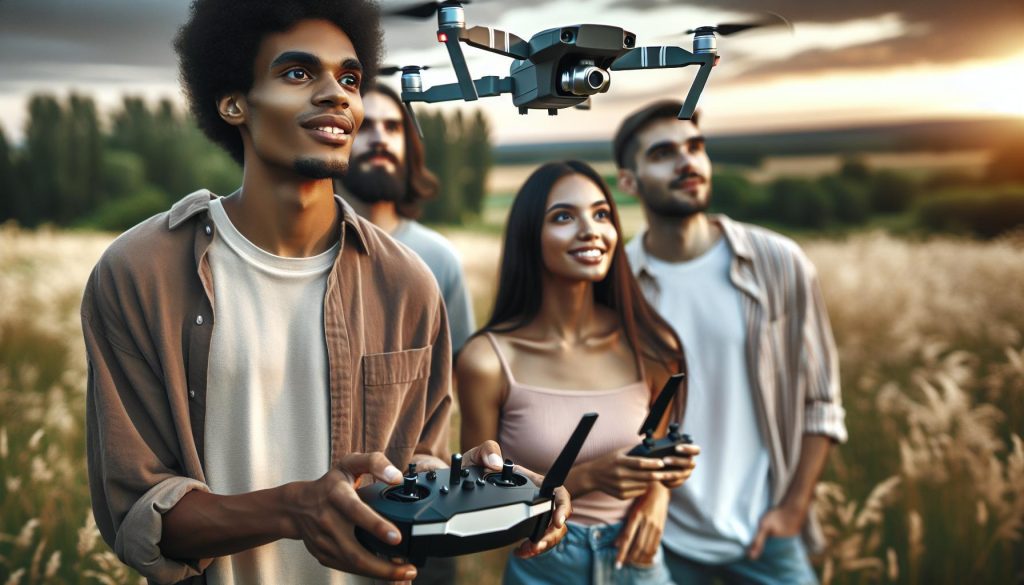
In recent years, DJI drones have revolutionized aerial photography and videography, making it accessible to everyone from hobbyists to professionals. But what exactly is a DJI drone? These versatile flying machines not only capture stunning images but also offer advanced features like obstacle avoidance and intelligent flight modes that simplify operation.
Whether you’re aiming to document an event, explore nature from a new perspective, or simply enjoy the thrill of flying, understanding the fundamentals of DJI drones is crucial. This guide will demystify the essentials of flying and caring for your drone, empowering you to take to the skies confidently. Dive into the world of DJI drones to unlock your creativity and elevate your experiences, ensuring you make the most of your aerial adventures.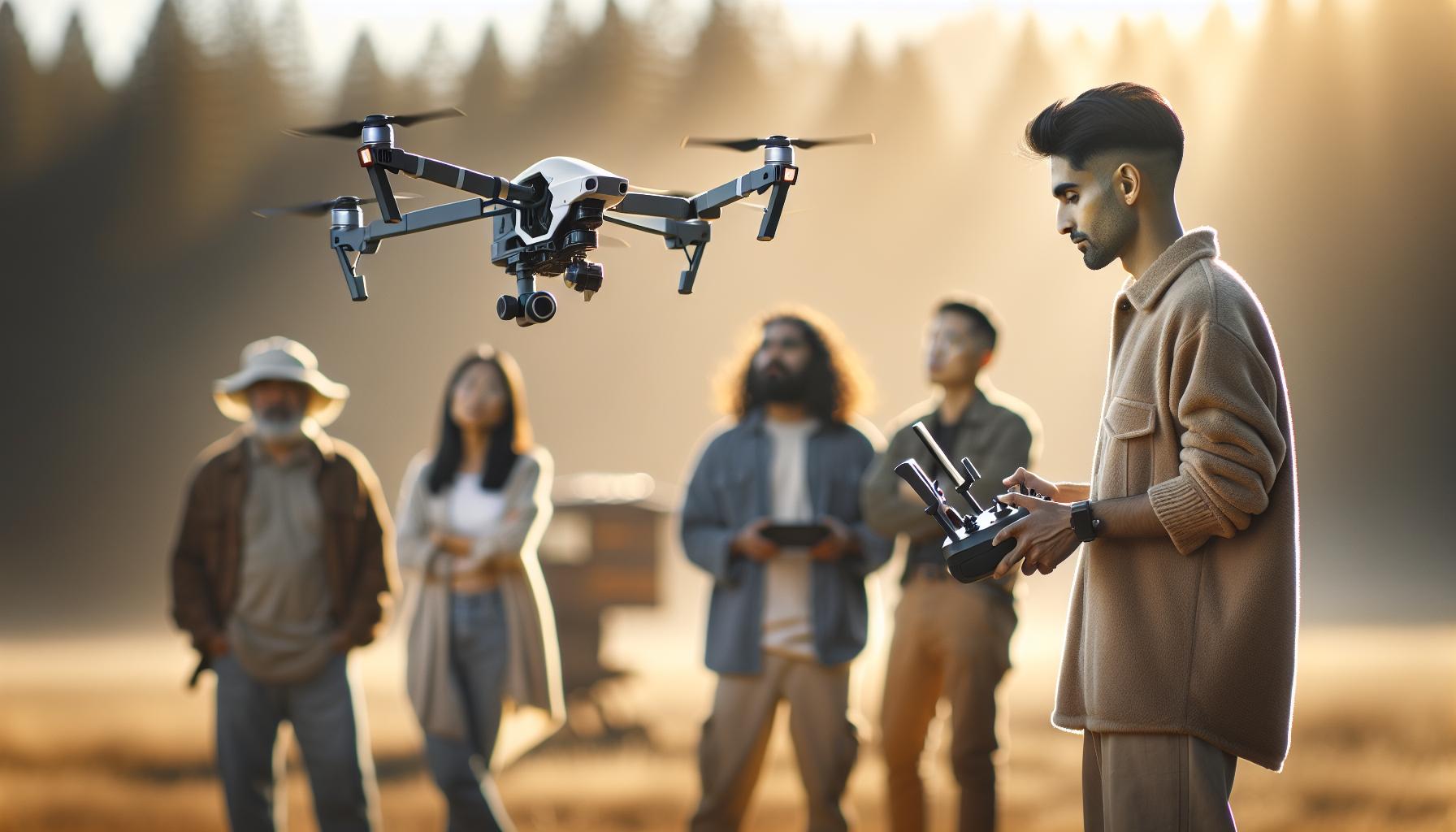
What is DJI Drone Technology and Its Benefits
DJI drones have revolutionized the aerial photography and videography landscape, providing both hobbyists and professionals with cutting-edge technology and user-friendly features. At the heart of DJI drone technology is a sophisticated combination of hardware and software that ensures stable flight, superior image quality, and advanced functionality. For instance, the innovative flight control systems integrate GPS and inertial measurement units, resulting in precise navigation and hover stability, even in challenging wind conditions. This reliability translates to high-quality outputs, making DJI drones a preferred choice for capturing stunning aerial footage.
One of the most significant benefits of DJI drones is their user-friendly design, which caters to a wide range of skill levels. With features like automated takeoff and landing, intelligent flight modes, and obstacle avoidance systems, users can focus more on creativity rather than wrestling with complicated controls. The QuickShot modes, for example, allow one-button activation for complex flight patterns, making professional-grade shots accessible to the novice operator. Moreover, the companion app provides real-time telemetry and remote control options, further enhancing the flying experience.
Safety and regulatory compliance are also integral to DJI’s design philosophy. Many models come equipped with geofencing capabilities to prevent flight in restricted areas, and automatic return-to-home functions that activate when battery levels are low or signal is lost. This emphasis on safety not only protects the drone but also aids users in adhering to legal frameworks governing drone operations. By investing in DJI technology, users benefit from not just powerful flying machines but also tools that prioritize safety and ease of use.
In conclusion, DJI drones combine advanced engineering, user-centric features, and robust safety measures, making them a top choice for aerial enthusiasts and professionals alike. Their ability to capture breathtaking visuals, paired with ease of operation, sets the stage for endless creative possibilities, while also navigating the complexities of modern-day drone regulations.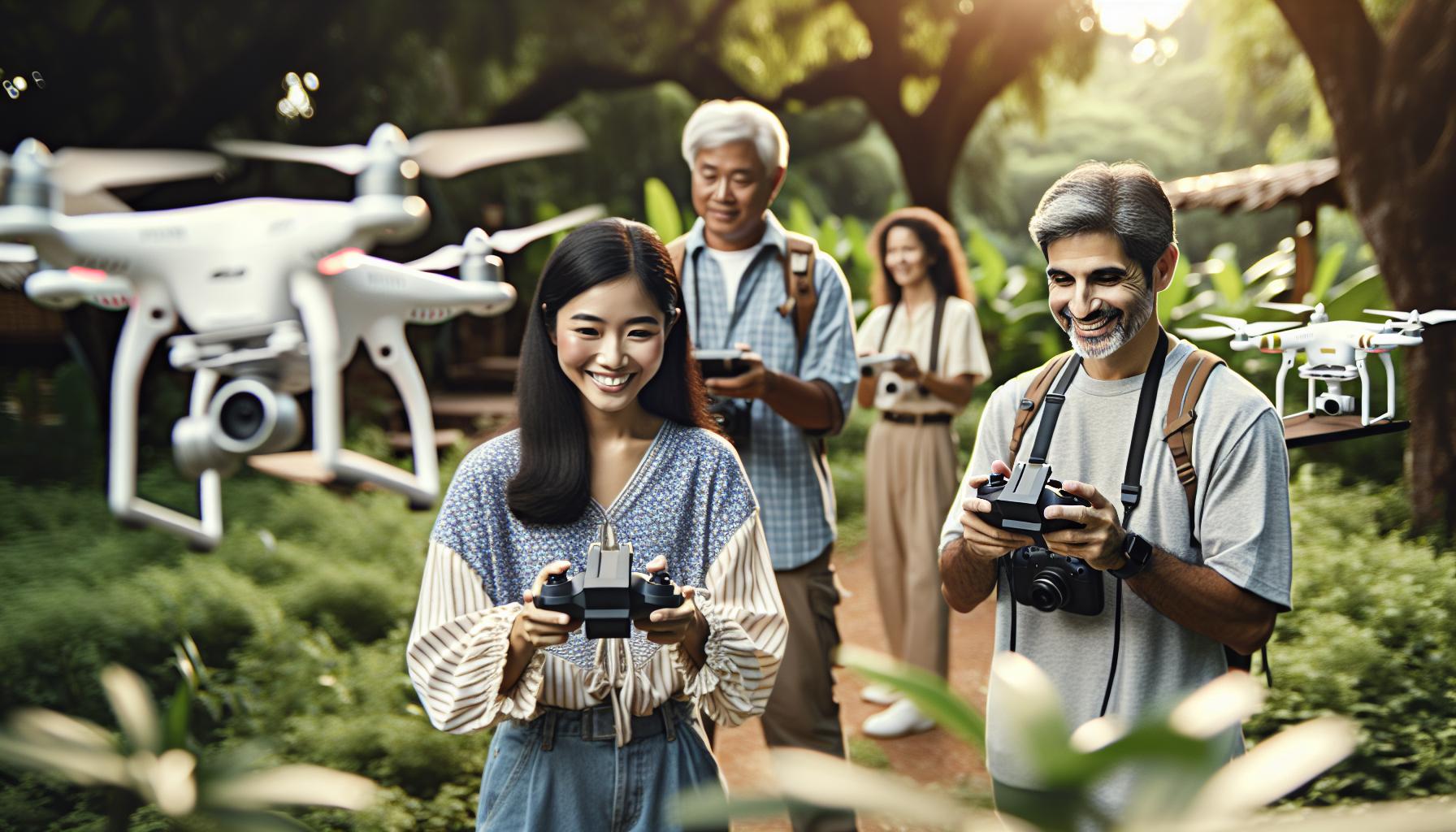
A Beginner’s Guide to DJI Drone Models
Every aspiring drone pilot’s journey often begins with the excitement of exploring DJI’s vast array of drone models, each designed to cater to specific needs and preferences. DJI has established a reputation for offering advanced technology wrapped in user-friendly packages, making it easy for newcomers to dive into the world of aerial photography and videography. Understanding the different models available empowers you to choose the right drone that aligns with your flying goals, whether you aim for breathtaking landscapes or creative film production.
Overview of Popular DJI Models
DJI drones are categorized into several series, each tailored to different users, from hobbyists to professional filmmakers. Here’s a brief overview:
- Mini Series: Perfect for beginners, these lightweight drones are easy to handle, require no FAA registration, and are packed with impressive features. The DJI Mini 3 Pro, for example, offers advanced shooting modes and excellent battery life, making it ideal for casual flying and capturing stunning footage on the go.
- Mavic Series: Known for their compact design and versatility, Mavic drones like the Mavic Air 2 provide robust camera capabilities and intelligent flying features. They strike a balance between portability and performance, catering to travelers who want to captureprofessional-qualityimageswithoutthebulk
- Phantom Series: As a more traditional and established line, the Phantom drones, particularly the Phantom 4 Pro, are favored by professionals for their stability and superior camera technology, making them a staple in aerial photography and surveying.
- Avata Series: Designed for FPV (first-person view) flying, the DJI Avata brings an exhilarating experience with immersive flight capabilities, allowing users to navigate through environments as if they were onboard.
- Air Series: The Air series combines high-end features with a lightweight profile. Drones like the Air 2S excel in imaging capabilities, great for those wanting superior image quality and advanced autonomous features.
Choosing the Right DJI Drone
To make an informed decision on which DJI drone to purchase, consider the following factors:
- Purpose: Are you flying for fun, or do you need a drone for professional photography? Understanding your needs will guide you toward the appropriate model.
- Budget: DJI drones range from affordable options in the Mini series to more expensive professional models in the Phantom series. Establish your budget to narrow down your choices.
- Features: Look for essential features such as camera quality, flight time, and special modes. For instance, if ease of use is a top priority, consider models with automated features like QuickShots.
- Portability: If you plan on traveling, lightweight and compact models, such as those in the Mini or Mavic series, are ideal for easy transport.
Ultimately, starting your drone journey with the right model ensures a smoother learning curve and maximizes the enjoyment of your flights, fostering a deeper engagement with this fascinating hobby. Each DJI drone presents unique advantages, and exploring these options opens up a world of creative possibilities, empowering you to capture stunning aerial perspectives with confidence.
Essential Features of DJI Drones Explained
The impressive capabilities of DJI drones stem from an array of advanced features that enhance both user experience and aerial performance. Whether you’re a beginner or a seasoned pilot, understanding these essential characteristics can significantly improve your flying experience and the quality of your footage, making it imperative to familiarize yourself with what sets DJI apart in the drone market.
One standout feature across many DJI models is the superior camera technology that delivers stunning high-resolution images and smooth video footage. Most DJI drones are equipped with 4K video recording capabilities and advanced stabilization systems, ensuring that your shots remain clear and steady even in dynamic conditions. For example, the latest releases like the DJI Mini 3 Pro and Air 2S offer exceptional low-light performance and intelligent shooting modes, making them ideal for various filming scenarios, from bright daylight to dusk.
Safety is another cornerstone of DJI’s design philosophy. Many models include built-in obstacle avoidance sensors that help prevent collisions, giving pilots the confidence to explore challenging environments. This feature utilizes multi-directional sensors and advanced algorithms to detect obstacles in the path of the drone, allowing it to autonomously navigate around them. Furthermore, DJI drones are equipped with GPS-based positioning systems that enhance stability during flight and provide reliable return-to-home functionality, crucial for novice pilots still mastering their controls.
Another critical aspect to consider is the drone’s battery life and range. Depending on the model, DJI drones can achieve flight times of up to 30 minutes or more, allowing users to embark on extended shooting sessions without the constant worry of recharging. Additionally, many models support impressive transmission ranges, often exceeding several kilometers, enabling pilots to explore vast landscapes while maintaining a stable connection to their drone.
Lastly, the user-friendly aspect of DJI drones cannot be overstated. The intuitive mobile app accompanying each drone simplifies tasks such as pre-flight checks, camera adjustments, and real-time telemetry monitoring. This seamless integration of technology allows drone enthusiasts to focus on creativity and exploration rather than getting bogged down by technical details, which is especially beneficial for novices venturing into the world of aerial photography.
In summary, the combination of high-quality imaging, built-in safety features, impressive battery life, and ease of use solidifies DJI drones’ status as a leader in the industry, making them an exceptional choice for anyone looking to explore the skies.
Step-by-Step Setup for Your DJI Drone
With the rapid advancement in drone technology, setting up your DJI drone for the first time can feel overwhelming. However, the setup process is straightforward and designed with users in mind, paving the way for an enjoyable flying experience. Following these steps will ensure your DJI drone is ready for flight, maximizing both performance and safety.
Begin by unboxing your drone and ensuring all parts are present. Familiarize yourself with the components: the drone, remote controller, battery, propellers, and charging equipment. Next, charge the battery and remote controller completely; this typically takes about an hour. Once charged, install the propellers by aligning them correctly – each propeller has a designated motor, usually marked with a colored ring for easy identification. Secure them firmly, ensuring they clip into place to prevent them from detaching during flight.
After the physical setup, it’s essential to prepare your drone for operation through the DJI Fly or DJI GO app. Begin by downloading the app from your device’s app store and creating an account if you don’t have one. Open the app and power on your drone and remote controller. Follow the prompts in the app to connect the devices via Wi-Fi. This setup will also prompt you to update the firmware if needed, a crucial step to ensure your drone operates with the latest features and bug fixes. Always perform firmware updates on your drone and remote controller before flying, as this can enhance flight stability and add new functionalities.
Once your drone is updated, calibrate the compass to ensure accurate navigation. To do this, follow the in-app instructions, which typically involve rotating the drone horizontally and vertically until the calibration completes successfully. This procedure helps prevent disorientation during flight, especially when flying outdoors in varying environments.
Finally, conduct a pre-flight checklist to verify everything is in order:
- Ensure the battery level is sufficient for flight.
- Check the camera settings and gimbal calibration.
- Confirm GPS signals are strong (ideal is at least 6 satellites).
- Inspect the surrounding area for obstacles and the integrity of the flying space.
With everything prepared, you are ready to embark on your flying journey. Remember to start in a wide-open area and practice taking off and landing, familiarizing yourself with the drone’s controls. With practice, you’ll soon master the art of flying your DJI drone smoothly and confidently.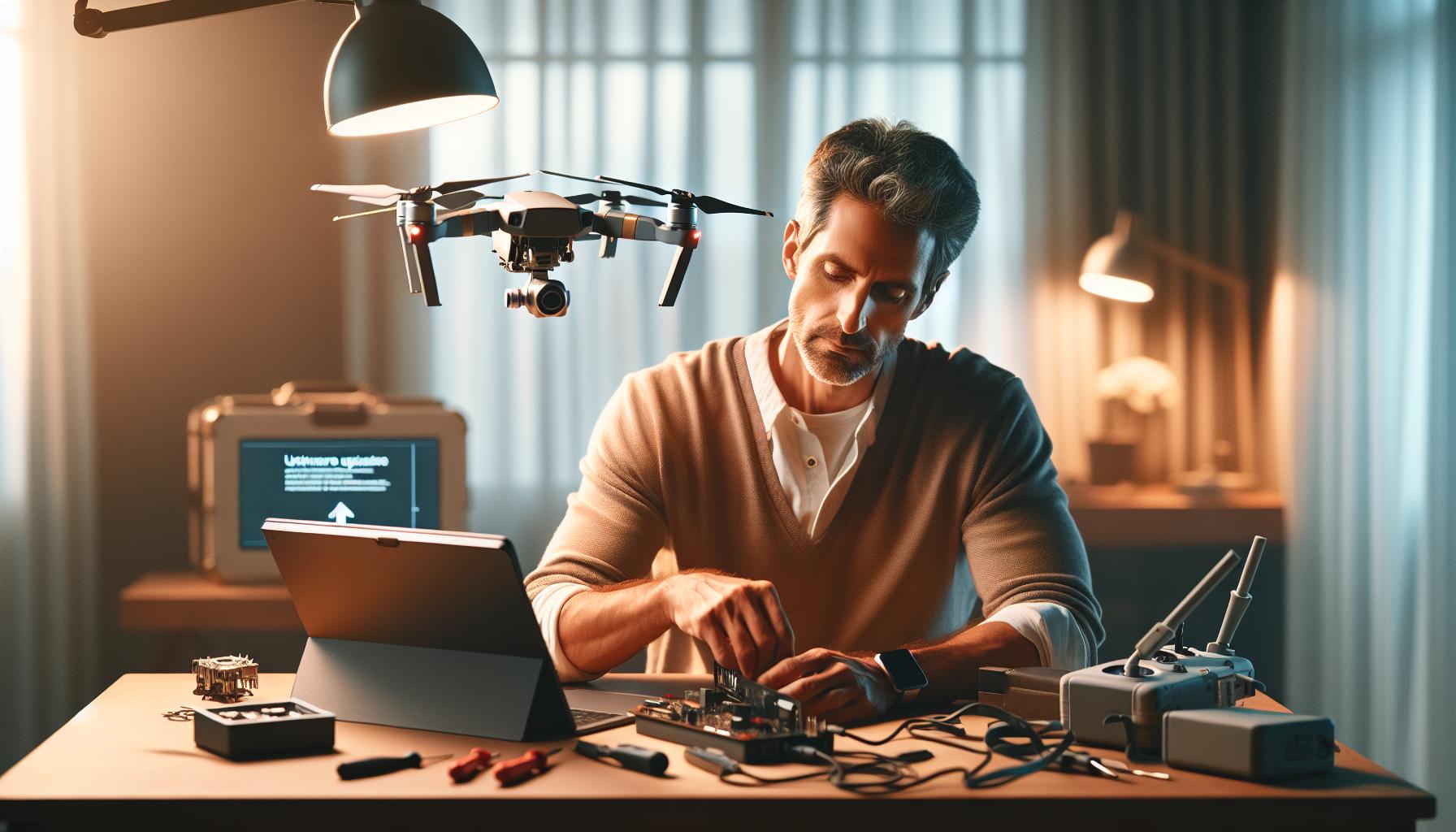
Understanding DJI Firmware Updates and Maintenance
Keeping your DJI drone updated is essential for ensuring optimal performance, safety, and access to the latest features. Firmware updates not only enhance the functionality of your drone but can also fix issues and improve stability, which is crucial for a smooth flying experience. Failing to maintain your drone’s software may lead to complications during flight or even render the drone inoperable. Therefore, understanding how to effectively manage these updates is key to becoming a confident and responsible drone pilot.
To begin, check for firmware updates regularly through the DJI Fly or DJI GO app, as these platforms typically notify users when a new update is available. Before initiating an update, ensure you have a reliable internet connection and sufficient battery life in both the drone and the remote controller. It’s also a good practice to review the update release notes, which outline what changes the update will bring. This step helps pilots understand potential effects on their drone’s performance and any new features they can explore.
Once you’re prepared, connecting to the app will lead you to the firmware update section. Follow the prompted instructions to begin the update process, which generally involves downloading the firmware and transferring it to the drone. After the upload, the drone will perform the update automatically. Once complete, conduct a quick pre-flight check to confirm that the updated status is reflected in the app. This includes verifying connection stability, recalibrating any necessary sensors, and ensuring that all systems are fully operational.
In addition to maintaining updated firmware, regular maintenance of your drone includes keeping the propellers clean, checking battery health, and inspecting connectors and ports for any debris or damage. These practices contribute greatly to your drone’s longevity and performance. If you encounter any issues post-update, utilize forums or communities, such as those found at MavicPilots, where seasoned users share troubleshooting insights and solutions to common problems. This collaborative approach can speed up your learning curve, allowing for a more productive and enjoyable flying experience.
By integrating these practices into your routine, you not only enhance your understanding of your drone but also ensure that your flying experience is safe, enjoyable, and at the forefront of technological advancements.
Mastering Gimbal Calibration for Stable Footage
Achieving steady, professional-quality footage from your DJI drone is no small feat, and much of that quality hinges on the gimbal’s calibration. A gimbal stabilizes the camera, allowing for smooth shots even in windy conditions or while the drone is in motion. However, like any precision equipment, it requires proper calibration to function optimally. Whether you’re capturing breathtaking landscapes or following fast-paced action, mastering gimbal calibration is essential for a polished final product.
Understanding Gimbal Calibration
Gimbal calibration ensures that your drone’s stabilization system is accurately aligned and functioning. Over time or after certain events, like crashes or significant temperature changes, the gimbal may become misaligned, which can lead to shaky footage. Regular calibration helps to restore balance and ensures that your camera remains steady, thereby capturing clearer and more professional-looking video.
Step-by-Step Gimbal Calibration Process
Here’s how to calibrate the gimbal on most DJI drones:
- Prepare Your Drone: Ensure your drone is on a stable surface, away from any potential obstructions. Power on your drone and remote controller, and establish a connection.
- Access the Calibration Settings:
– Open the DJI Fly or DJI GO app on your mobile device.
– Navigate to the camera settings menu. You might see an option labeled “Gimbal” or “Gimbal Calibration.”
- Follow the Prompts:
– Select the “Start Calibration” option. The app will guide you through the process, which often involves moving the gimbal through various positions.
– Follow the on-screen instructions carefully. Ensure the drone does not move during this process.
- Completion and Testing:
– Once calibration is complete, the app will notify you. It’s a good practice to perform a quick test flight, capturing some sample footage to ensure that stabilization feels correct.
– Pay attention to how the gimbal responds during flight; if any issues are observed, repeat the calibration process.
Best Practices for Gimbal Maintenance
To ensure your gimbal remains properly calibrated, consider these best practices:
- Frequent Calibration: Regularly calibrate your gimbal, especially after firmware updates or post-flight experiences involving rough landings.
- Keep Clean: Make sure that the camera lens and gimbal motors are free from dust and debris, which can affect performance.
- Avoid Sudden Impacts: Handle your drone carefully, avoiding any sudden impacts or drops that could unbalance the gimbal mechanism.
By mastering gimbal calibration, you take charge of your drone’s video quality, transforming the way you capture and share your aerial adventures. Understanding this crucial aspect will elevate your piloting skills, enabling smoother, visually stunning footage that truly showcases the capabilities of your DJI drone.
Tips for Flying Your DJI Drone Safely
Flying a drone can be an exhilarating experience, but it also carries responsibilities essential to ensure both safety and compliance with regulations. Before taking to the skies, familiarize yourself with the area you’ll be flying in, noting any potential hazards or no-fly zones. For instance, it’s crucial to avoid flying near airports, crowded places, or private property without permission. Always check local regulations, as they can vary significantly by location, and adhere to any altitude limits or other restrictions.
One of the best practices for safe flying is to always keep a clear line of sight with your drone. This ensures you maintain control and can react quickly if any unforeseen obstacles arise. Many DJI drones come equipped with intelligent flight features, such as obstacle avoidance, but no technology can fully replace the need for vigilance. Furthermore, consider using a spotter-someone who can help monitor your drone’s flight while you focus on piloting. This partnership can be particularly beneficial in complex environments.
Weather conditions also play a critical role in safe drone operations. Always check the forecast before flying; wind, rain, or extreme temperatures can affect your drone’s performance. For instance, flying in strong winds can lead to loss of control or unexpected behavior, while cold temperatures can reduce battery life significantly. Additionally, avoid flying during low light conditions or at night unless your drone is specifically equipped and certified for such operations.
Finally, regularly inspect your drone before flying. Ensure that the propellers are in good condition, the battery is fully charged, and that all firmware updates have been applied. This pre-flight checklist helps mitigate technical failures mid-flight. Should an unexpected situation arise, having a responsive strategy-like using the “Return to Home” function-can save your drone from potential hazards. Adopting these measures not only enhances your safety but also contributes to the overall responsible use of drone technology.
Exploring Flight Modes and Their Uses
Understanding the flight modes available on DJI drones is vital for both novice pilots and seasoned operators. These modes are designed to enhance the flying experience, making it safer and more intuitive while enabling a range of creative possibilities. DJI drones come equipped with several flight modes that cater to different skill levels and flying scenarios. Familiarizing yourself with these modes can dramatically improve your flying skills and the quality of the footage you capture.
One of the primary modes is Positioning Mode (P-Mode), which is ideal for most flying situations. In this mode, the drone utilizes GPS and vision positioning to maintain a stable hover, making it great for capturing clear and steady footage. The P-Mode also incorporates intelligent features like obstacle avoidance, so you can fly with confidence knowing your drone is equipped to handle minor obstacles in your path.
For those looking to enhance their aerial shots, Sport Mode (S-Mode) is a must-try. This mode allows for faster speeds and more responsive controls, making it perfect for dynamic activities such as racing or capturing fast-moving subjects. However, the trade-off is that the obstacle avoidance features are disabled, so pilots must exercise heightened vigilance and control when using this mode.
Tripod Mode (T-Mode), on the other hand, is ideal for beginners or when precision is required. It reduces the drone’s speed significantly, allowing for gentle movements that make it easier to frame shots accurately. This mode is particularly beneficial for shooting in tight spaces or for capturing detailed video without rapid camera movements.
Lastly, ActiveTrack feature is an incredible tool that allows the drone to autonomously follow a subject, whether it’s a person or a moving vehicle. This feature is particularly advantageous for filmmakers or outdoor enthusiasts wanting to capture dynamic footage without needing to manually pilot the drone at all times.
Understanding these flight modes not only enhances the piloting experience but also ensures better safety and more stunning footage. By experimenting with different modes, you can discover which best suits your style and needs, ultimately leading to more successful flights and impressive aerial photography. Whether you’re capturing breathtaking landscapes or engaging in action-packed adventures, each flight mode opens up new opportunities to elevate your drone flying skills.
Indoor Flying Strategies and Best Practices
Flying a drone indoors can be a thrilling yet challenging endeavor, especially with the compact design and agile capabilities of DJI models. The enclosed space presents unique obstacles and limitations that require careful consideration and preparation. Effective indoor flying hinges on understanding your environment and using the drone’s features to navigate safely through obstacles while achieving creative results.
Before you take flight, ensure that you choose a suitable location with ample space to maneuver. Large, open areas free from clutter-such as gyms or spacious living rooms-are ideal for practice. Flying amidst furniture or decorations can lead to collisions and possible damage. Additionally, consider using a drone with advanced sensors designed for indoor navigation as these features greatly enhance stability and obstacle detection, allowing you to focus on capturing stunning footage rather than worrying about crashes.
Utilizing the Tripod Mode (T-Mode) is particularly advantageous indoors. This mode significantly restricts the drone’s speed, giving you the precision necessary for careful navigation through tight spaces. The reduced responsiveness means you can make small adjustments without fear of the drone veering off course, making it easier to focus on framing your shots. Moreover, keep the drone’s sensors clean to ensure that it registers the environment accurately, reducing the chance of incorrect readings that could lead to mishaps.
The use of a soft fail-safe is also crucial when flying indoors. Many DJI drones feature this capability, allowing them to hover in place if they lose GPS signal, typically a common occurrence in enclosed spaces. This feature can provide peace of mind, allowing you to experiment with flying techniques without the constant fear of losing control. Remember, indoor flying not only requires a focus on handling skills but also consideration of the noise level; quieter models are preferable to avoid disturbing those around you.
Consider practicing simple maneuvers, such as hovering, ascending, and descending, to build your confidence in indoor flying. As you become skilled, gradually incorporate more complex movements like sideways flight or turning corners. By mastering these fundamental techniques, you’ll be well on your way to producing impressive indoor aerial footage, all while ensuring a safe and enjoyable flying experience.
Troubleshooting Common DJI Drone Issues
Navigating the skies with a DJI drone can be an exhilarating experience, but even the best technology can run into hiccups. Being equipped with troubleshooting skills is essential for every pilot, whether you’re a budding hobbyist or an experienced operator. Understanding common issues ahead of time can save you valuable flight time and provide peace of mind when it comes to maintaining your device.
One of the most frequent issues encountered is battery-related problems. If your drone fails to power on or performs poorly during flight, double-check that the battery is fully charged and correctly seated in its compartment. In the case of a battery that won’t charge, it might need replacing, which is often necessary after a certain number of charge cycles. Also, ensure that the battery contacts are clean and free of debris to maintain good connectivity.
Additionally, software glitches can lead to unexpected drone behavior. Always keep your firmware updated to the latest version, as manufacturers regularly release patches that enhance performance and fix bugs. If your drone appears unresponsive or the remote control has connectivity issues, try re-pairing the devices or performing a factory reset on the drone. These tools are useful for clearing many minor issues that might arise during operation.
Moreover, camera and gimbal malfunctions are other areas that may require troubleshooting. If you notice that your gimbal is not stabilizing effectively or the camera feed is unclear, conduct a thorough cleaning of the lens and ensure the gimbal is calibrated correctly. DJI drones often feature straightforward calibration sequences that can restore functionality with minimal fuss. A proficient operator should be comfortable navigating these settings.
In the event of a more severe issue, such as erratic flight behavior or a drone that unexpectedly drifts, it may be beneficial to conduct a pre-flight check of all systems. This includes verifying sensor and GPS functionality, as well as checking for any firmware warnings that may appear. A common practice is to conduct a test flight in a safe, open area to diagnose potential issues away from obstacles.
By actively engaging with the troubleshooting process and understanding the common challenges associated with DJI drones, you can enhance your flying experience and ensure that your equipment operates efficiently and effectively. With practice, you’ll not only enjoy the thrill of flying but also become adept at managing and resolving issues that may arise in your aerial adventures.
Legal Considerations for Drone Pilots
Navigating the legal landscape of drone flying is crucial for both amateur enthusiasts and seasoned pilots. With advancements in technology and increasing drone usage, regulations have become more robust to ensure that safety and privacy are prioritized. As a DJI drone operator, understanding these guidelines is key to enjoying your aerial experience without facing legal repercussions.
First and foremost, familiarize yourself with the Federal Aviation Administration (FAA) regulations if you’re in the United States. You are required to register your drone if it weighs more than 0.55 pounds. The registration process is straightforward and can be completed online for a modest fee. Keep in mind that operating a drone without proper registration can lead to fines and legal action. According to FAA rules, always fly your drone below 400 feet, remain within visual line-of-sight, and avoid flying over people or moving vehicles.
Local Regulations and No-Fly Zones
In addition to federal regulations, local laws may impose specific restrictions that you should be aware of. Various jurisdictions might have rules about where drones can be flown-near schools, hospitals, and other critical infrastructure. It is imperative to check your local government or aviation authority for any additional regulations. Applications like B4UFLY can help keep you informed about temporary flight restrictions or no-fly zones, which are crucial for maintaining safe operation and compliance.
Privacy Considerations
Moreover, respecting the privacy of others is an essential legal consideration. Drone pilots must avoid capturing images or videos where people have a reasonable expectation of privacy, such as in their backyards or private properties without their consent. Not only is this a matter of legal compliance, but being a considerate drone pilot also fosters goodwill within your community.
If you’re flying for commercial purposes, such as photography or surveying, obtaining a Part 107 Remote Pilot Certificate from the FAA is required. This involves passing a knowledge test that covers regulations, airspace classifications, weather effects, and emergency procedures. Lastly, consider public liability insurance to protect yourself against potential claims; while not legally mandatory, it is a wise precaution for anyone operating a drone, especially in commercial applications.
Understanding and adhering to these legal considerations will enhance your flying experience while ensuring that you responsibly enjoy the capabilities of your DJI drone. As laws continue to evolve, staying informed and proactive will empower you to be both a knowledgeable and law-abiding operator.
Accessories to Enhance Your DJI Drone Experience
To elevate your experience as a DJI drone pilot, consider incorporating various accessories designed to enhance functionality, improve safety, and facilitate creativity during flights. From essential carrying cases to advanced filters, these accessories not only protect your equipment but also help you maximize your drone’s potential.
Top Accessories for Your DJI Drone
A few must-have accessories can significantly enhance your flying experience:
- Extra Batteries: One of the simplest ways to prolong your flying time is by investing in additional batteries. DJI drones typically offer short flight durations, so having extra power on hand allows for extended sessions without constant recharging.
- ND Filters: Neutral Density (ND) filters are essential for achieving cinematic quality in your aerial footage. They reduce the amount of light entering the camera, allowing for slower shutter speeds and better control over motion blur. This is particularly beneficial in bright conditions and when filming videos.
- Carrying Cases: A good quality carrying case protects your drone and accessories during transport. Look for options with foam inserts that securely hold the drone, remote controller, batteries, and other accessories to prevent damage during travel.
- Propeller Guards: For beginners, propeller guards can be a smart investment. These guards protect the drone’s propellers and prevent damage during minor crashes, making it safer to fly in crowded or confined spaces.
- Screen Protectors: Protect your controller screen from scratches and damage with quality screen protectors. This simple accessory can prolong the life of your equipment, ensuring you always have a clear view of your flight data.
Advanced Accessories for Professional Use
For those looking to take their drone flying to a professional level, several advanced accessories can greatly improve your capabilities:
- GPS Repeaters: If you’re flying in areas with weak GPS signals, a GPS repeater can enhance connectivity, resulting in steadier flight conditions and reducing the risk of losing your drone.
- Thermal Imaging Cameras: For industrial applications, like surveying or inspections, thermal imaging cameras can be mounted on compatible DJI drones to gather data not visible to the naked eye, making them invaluable for professionals in fields like construction and safety.
- Gimbal and Camera Upgrades: While DJI drones come equipped with decent cameras, upgrading to higher-end gimbals or camera systems can substantially improve image quality and stabilization, resulting in professional-grade footage.
By investing in the right accessories, you can elevate your drone flying experience, enhance your aerial photography, and ensure safety and convenience on every flight. Whether you are a casual pilot enjoying scenic views or a professional capturing stunning visuals, equipping your DJI drone with the proper tools can make all the difference.
FAQ
Q: What are the main features of DJI drones?
A: DJI drones typically include features like high-resolution cameras, GPS-assisted flight, obstacle avoidance systems, and intelligent flight modes. These features enhance usability for both beginners and experienced pilots, making it easier to capture stunning aerial footage and ensuring safe operation. Explore essential features for more details.
Q: How do I choose the right DJI drone model for beginners?
A: When selecting a DJI drone as a beginner, consider factors such as flight time, camera quality, ease of use, and price. Models like the DJI Mini SE or Mini 2 are great for beginners due to their lightweight design, affordability, and user-friendly features. Review your options in the beginner’s guide section for tailored recommendations.
Q: What should I do if my DJI drone won’t connect to my mobile device?
A: If your DJI drone won’t connect to your mobile device, ensure that both devices have the latest firmware updates. Restart both the drone and app, and check your Wi-Fi settings to ensure the drone’s network is selected. For more troubleshooting tips, visit the common issues section.
Q: Can DJI drones be flown indoors?
A: Yes, DJI drones can be flown indoors, but it’s essential to use appropriate safety measures. Make sure there’s enough space, avoid obstacles, and consider using propeller guards. Review indoor flying strategies for tips on safely navigating limited spaces.
Q: How do I maintain my DJI drone for optimal performance?
A: To maintain your DJI drone, regularly check and update firmware, clean the propellers, and inspect the drone for damage after each flight. Following these maintenance practices will help ensure longevity and reliable performance. For detailed maintenance guidelines, refer to the firmware updates section.
Q: What are the legal requirements for flying a DJI drone?
A: Legal requirements for flying a DJI drone vary by country but generally include registering your drone, flying below a certain altitude, and avoiding restricted airspace. Always consult local regulations and obtain necessary permits to ensure compliance with laws. Check the legal considerations section for specific regulations in your area.
Q: How can I improve my drone flying skills?
A: To improve your drone flying skills, practice regularly in open areas, familiarize yourself with different flight modes, and take advantage of online tutorials and community forums for tips. Engaging with experienced pilots can additionally provide valuable insights. Refer to the tips for safe flying for further learning.
Q: What accessories can enhance the DJI drone experience?
A: Accessories such as extra batteries, carrying cases, ND filters, and propeller guards can significantly enhance your DJI drone experience. These items improve flight duration, safety, and image quality. For a complete list of suggested accessories, visit the accessories section.
The Conclusion
Now that you’ve been introduced to the exciting world of DJI drones, you have the tools to elevate your flying experience. From understanding the essential features to mastering flying techniques, you’re well on your way to becoming a confident pilot. Remember, practice makes perfect, so don’t hesitate to get out there and explore the skies.
For deeper insights, check out our detailed tutorials on drone setup and firmware updates to enhance your flying skills further. If you’re curious about specific models, our comparisons of the Mavic and Mini series can help inform your purchasing decisions.
Don’t forget to subscribe to our newsletter for the latest updates and tips, and join our community by sharing your flying experiences in the comments below! As you embark on your DJI journey, embrace the joy of flying, capture stunning visuals, and keep pushing your boundaries. Your adventure starts now!









