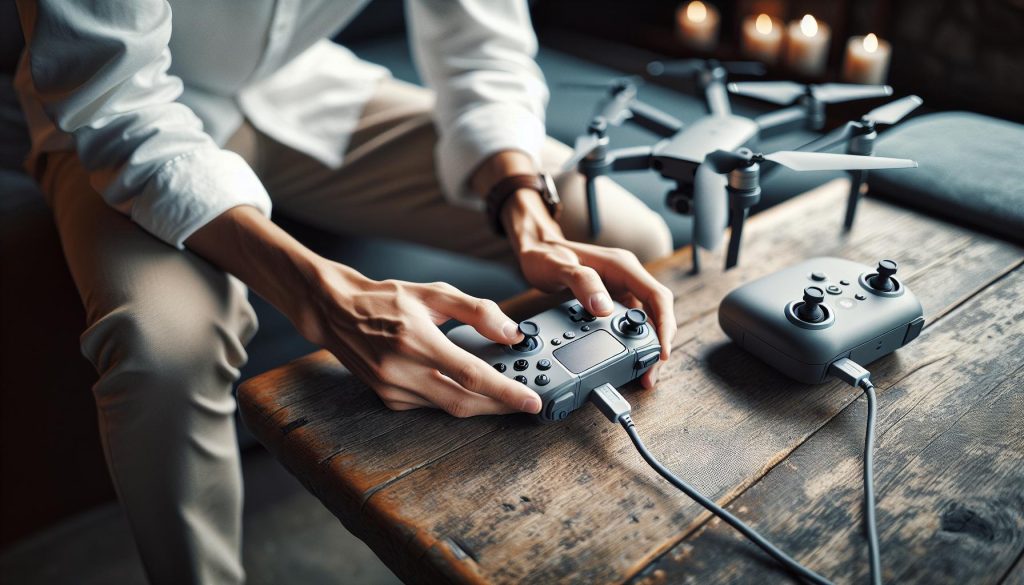
Charging the DJI Mini SE drone controller is crucial for ensuring your flying experience is seamless and enjoyable. Did you know that understanding how to properly charge your drone’s controller can significantly extend its lifespan and enhance your flight sessions? As a drone enthusiast, maintaining optimal battery health can prevent unexpected power outages during your flights, allowing you to capture stunning aerial footage without interruption. In this guide, we’ll walk you through a simple, step-by-step process to efficiently charge your DJI Mini SE controller. Whether you’re a beginner or an experienced pilot, this essential knowledge will empower you to maximize your drone’s potential and keep your flights exhilarating and worry-free. Let’s dive in and make sure your gear is ready for your next adventure!
Understanding Your DJI Mini SE Controller Battery
Understanding the battery of your DJI Mini SE controller is essential for maximizing flight time and ensuring reliable performance during your drone operations. The Mini SE controller is powered by a rechargeable battery that not only influences how long you can operate your drone but also determines the responsiveness of your controls during flight. A well-maintained battery allows pilots to enjoy extended sessions without disruptions, making it a crucial component of the flying experience.
The controller battery is typically a lithium-polymer (LiPo) type, known for its lightweight and high energy density characteristics. This design enables the DJI Mini SE controller to remain compact yet powerful. With the appropriate care, these batteries can sustain numerous charging cycles without significant degradation. It’s vital to manage the battery’s charge levels and avoid complete discharges, as doing so can lead to reduced performance or even permanent damage.
Moreover, understanding the indicators and status LED lights on your controller can provide valuable insights into battery health. Regularly checking these indicators not only helps you gauge when it’s time to recharge but can also alert you to potential issues, such as erratic behavior or reduced response time. Familiarizing yourself with the battery’s performance patterns can enhance your flying confidence and preparedness, even in more complex flight scenarios.
In summary, your DJI Mini SE controller’s battery is more than just a power source; it’s an integral part of your flying toolkit. By taking a proactive approach to monitoring and maintaining it, you ensure a smoother and more enjoyable flight experience, whether you’re a hobbyist or a seasoned professional.
Choosing the Right Charger for Your DJI Mini SE

is crucial not only for ensuring the longevity of your controller’s battery but also for guaranteeing that your drone operations remain uninterrupted. The Mini SE controller typically uses a standard charging mechanism, which can be optimized by using the recommended accessories. Utilizing chargers that meet the DJI specifications can mitigate risks of overheating, overcharging, and potential battery damage, all of which can detract from the performance you rely on.
When selecting a charger, it’s essential to consider the specifications. Ideally, you should use the official DJI charger or any compatible model that provides adequate voltage and amperage. For the DJI Mini SE controller, look for a charger that outputs 5V at 2A or higher. While many generic USB chargers may meet these criteria, only the ones specifically designed for DJI products are guaranteed to provide the necessary safety features. Using the wrong charger can lead to insufficient charge or, worse, battery degradation over time.
Another aspect to keep in mind is the type of charging cable used. Always opt for high-quality USB cables that can handle the required current; this not only ensures efficient charging but also reduces the risk of damage to the battery and the controller. In addition to the standard charger, consider investing in a charging hub that allows multiple batteries to charge simultaneously if you plan to fly frequently. This will enhance your flight readiness and minimize downtime.
Lastly, regular updates and firmware checks can ensure the charging system works optimally. Staying informed about the latest manufacturer guidelines regarding charger use can help avoid potential issues and keep your flying experience as smooth as possible. By making informed choices about your charging equipment, you help safeguard the longevity and reliability of your DJI Mini SE controller.
Step-by-Step Charging Process for the Controller
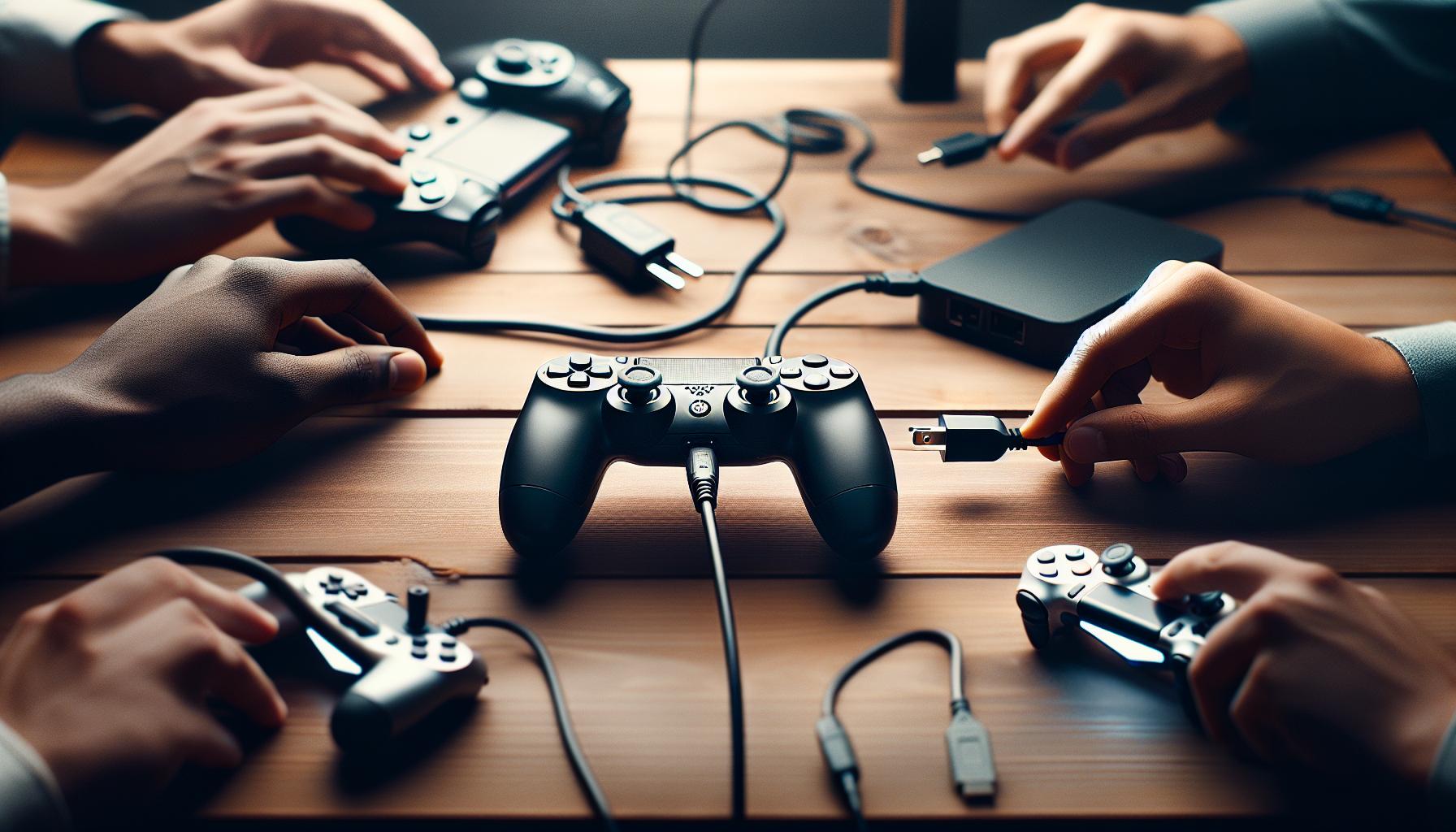
To ensure your DJI Mini SE controller is fully charged and ready for action, follow these simple yet effective steps. A well-maintained charge is crucial for optimal performance during your flights, preventing interruptions caused by low battery levels.
Begin by selecting the appropriate charger. It’s recommended to use the official DJI charger that comes with your controller, as it typically provides 5V at 2A output, ensuring efficient charging without risking damage to the battery. If you’re using a third-party charger, verify that it meets these specifications. Avoid using chargers that have a lower amperage, as they may not deliver sufficient power.
Once you’ve chosen the right charger:
- Connect the Charger: Plug the charger into a wall outlet, then connect the charging cable to the charging port located on the controller. Be sure the connection is secure to avoid interruptions during the charging process.
- Indicator Lights: After connecting, observe the LED indicator lights on the controller. Initially, the lights may blink indicating charging is in progress. When fully charged, the lights will stop blinking and remain lit, usually showing a solid green or blue status depending on the charge level.
- Charging Duration: Charging your controller should take around 2 to 3 hours, depending on the remaining battery level. Avoid keeping it connected for longer than necessary, as this can lead to battery wear over time.
- Unplug and Store: Once fully charged, unplug the charger. It’s best practice to disconnect the charger from the outlet as well. Store your controller in a cool, dry place to preserve battery life.
By following these steps, you ensure that your DJI Mini SE controller is ready for use whenever you are. Regular charging practices will enhance the longevity of your battery and overall controller performance, allowing you to focus on capturing stunning aerial shots without worry.
Signs Your Controller is Charging Properly

A reliable indicator that your DJI Mini SE controller is charging properly lies primarily in the behavior of its LED indicator lights. Once you connect your controller to the charger, pay close attention to these lights. Initially, you should see a blinking pattern-this means the charging process is actively taking place. These lights serve as a straightforward communication system between the controller and the user. It’s essential to note that if the lights remain off after connection, this could indicate an issue with the power source, the charging cable, or the controller itself.
After some time, these blinking lights will transition into a steady glow, signaling that charging is still in progress. When the battery reaches its full capacity, the lights will typically change to a solid green or blue, depending on the specific model and its firmware settings. This shift from blinking to a constant light is a clear sign that your controller has completed its charge cycle, allowing you to unplug with confidence.
Occasionally, it may happen that the LED lights exhibit unexpected behavior. For example, continuous blinking or flashing red lights might indicate a fault in the battery or the charging circuit. If you encounter such issues, it’s critical to troubleshoot promptly to avoid potential damage. Make sure to inspect your charging cable for frays or breaks, verify that the charger is plugged into a working outlet, and assess whether the battery needs replacement. Ensuring that these signs are monitored closely can lead to a longer-lasting battery and an optimal flying experience.
Maximizing Battery Lifespan for the Controller
Maximizing the lifespan of your DJI Mini SE controller battery is crucial for ensuring optimal performance and longevity. The most effective way to extend battery life begins with understanding the charging cycle and how usage patterns affect overall battery health. Lithium polymer (LiPo) batteries, like those used in the Mini SE, have specific characteristics that can lead to seemingly short lifespans if not managed properly.
One of the key strategies to maximize battery longevity is to avoid deep discharges. Try to land your drone and recharge the controller when the battery level drops to around 20-30%. Regularly allowing the battery to reach 0% can lead to irreversible damage and significantly shorten its lifespan. Additionally, when charging, aim for a rate that matches the manufacturer’s recommendations. Overcharging can also be detrimental; it’s best to disconnect the charger once the battery is fully charged to prevent stress on the cell.
Another important factor is temperature management. Lithium batteries are sensitive to temperature extremes. Storing your controller in a cool, dry place and avoiding temperature ranges below 0°C (32°F) or above 40°C (104°F) will help maintain battery health. When flying and charging, ensure the battery does not overheat, as excessive heat can cause internal damage and reduce capacity. Always monitor the battery temperature after intensive flights.
Routine maintenance is another perfect way to prolong your battery life. Regularly inspect the battery for signs of wear, such as swelling or discoloration, and replace it as needed. Use a quality charger specifically designed for your DJI Mini SE to guarantee safe and efficient charging cycles. Proper storage of your battery when not in use-ideally at around 40-60% charge-can significantly enhance its overall cycle life.
By implementing these practices, you can ensure that your DJI Mini SE controller battery remains healthy and provides dependable performance throughout your flying experiences.
Troubleshooting Charging Issues with Your Controller
Charging your DJI Mini SE controller should be a straightforward process, but issues can occasionally arise, leading to frustration. Understanding how to troubleshoot these problems is essential for maintaining your device and ensuring you’re ready for your next flight. One of the first steps when addressing charging issues is to verify your power source. Make sure that the outlet or USB port you are using to charge is functioning correctly. If you’re using a wall adapter, consider testing it with another device to confirm it’s operational; similarly, if you’re using a computer USB port, make sure it’s powered on.
Another common issue can stem from the charging cable. Inspect it for any visible signs of wear or damage. A frayed or broken cable can prevent proper charging. If possible, try using a different charging cable or adapter that meets DJI’s specifications. Using third-party accessories, while sometimes tempting, may not deliver the required voltage or current, potentially leading to charging failures.
Temperature can also play a critical role in charging problems. If your controller is too hot or too cold, it may not charge properly. The DJI Mini SE controller operates optimally within a temperature range of 0°C to 40°C (32°F to 104°F). If your device has experienced extreme temperatures, allow it to acclimate to a more suitable environment before attempting to charge it again. Additionally, if your controller appears to be charging unusually slow, consider whether it is in a high-power mode (like firmware updates) which might limit charging efficiency while performing background tasks.
Sometimes, a simple reset can solve inexplicable charging issues. Turn off the controller, disconnect it from the charger, and then reconnect after a few moments. This reset can help reinitialize the battery management system, allowing for a more effective charge. If you’ve gone through these troubleshooting steps and the controller still fails to charge, it may indicate a deeper issue within the battery or charging circuitry. In this case, contact DJI support or consider visiting a certified repair center for an in-depth diagnosis.
By understanding these common troubleshooting techniques, you can address most charging issues efficiently and keep your DJI Mini SE controller performing at its best.
Important Safety Tips While Charging
Charging your DJI Mini SE controller might seem simple, but adhering to safety protocols is crucial to ensure both functionality and longevity of your device. One of the most fundamental safety tips is to always use the original charging accessories provided by DJI. This ensures that the charger delivers the correct voltage and current, preventing potential damage or inefficient charging. Using third-party chargers may save money upfront but can lead to overheating or battery degradation over time.
When it comes to the charging environment, keep your controller in a clean, dry place during the charging process. Avoid areas with high humidity or direct sunlight, as both can affect battery performance and safety. Additionally, be vigilant about the controller’s temperature while charging. It’s essential to charge the controller between 0°C and 40°C (32°F to 104°F)-charging outside this range can pose risks, including swelling or leakage of the battery.
As you charge, regularly inspect the charging setup. Look out for signs of wear or damage on the charging cable and connectors. If you notice any fraying, exposed wires, or bent plugs, discontinuing use immediately is the best practice to avoid electrical hazards. Moreover, stay nearby while the controller is charging, especially during the first few uses after purchasing the device. This way, you can quickly address any issues if they arise, such as overheating or unusual noises coming from the charger.
Lastly, after charging, allow the controller to sit for a short period before your next flight. This ensures the device adjusts to any temperature changes caused by the charging process, which can further sustain battery health. Following these safety tips will not only enhance your charging experience but will also contribute to optimizing the lifespan of your DJI Mini SE controller, ensuring you enjoy many successful flights ahead.
Comparing DJI Mini SE with Other Drone Controllers
The DJI Mini SE stands out in the crowded market of drone controllers, primarily due to its user-friendly design and compatibility with an extensive range of DJI drones. When comparing it to other controllers from the DJI lineup, such as the more advanced Mavic Air 2 or the Phantom 4, several distinctions become apparent that may influence a pilot’s choice, particularly regarding charging processes and overall usability.
One of the most significant aspects is the charging efficiency of the Mini SE’s controller. Unlike the Mavic Air 2, which features rapid charging capabilities and additional functionalities tied to advanced sensors, the Mini SE focuses on delivering a straightforward and effective charging experience. The Mini SE controller uses a USB-C port for charging, which is highly versatile and compatible with many common chargers and power banks. In comparison, the Phantom 4 controller requires a dedicated charging hub that may complicate user experience, especially for beginners looking for simplicity and accessibility.
Additionally, the Mini SE’s controller is generally lighter and more compact than its counterparts. This portability not only makes it easier to transport but also reduces the strain during long flying sessions. While the Mavic series offers features like customizable buttons and retractable joysticks for a more premium feel, the Mini SE’s controller provides a balance of essential features without unnecessary bulk, appealing to casual flyers and novice pilots.
Charging indicators on the Mini SE controller feature a straightforward design-four LED lights to signal battery status-compared to some other models that use more complex displays or app integrations for status updates. This simplicity can be advantageous in the field, allowing for quick checks on charging status without diving into a mobile app or detailed manuals.
Overall, while the advanced features of other controllers may be appealing to experienced drone pilots, the DJI Mini SE’s controller resonates with users who prioritize ease of use, straightforward charging processes, and portability. This makes it an excellent choice for those new to drone flying or for hobbyists looking for a reliable, no-frills experience.
Essential Accessories for Better Charging Solutions
To enhance your charging experience for the DJI Mini SE controller, investing in the right accessories can make a significant difference in efficiency and convenience. With the controller’s reliance on a USB-C charging port, the compatibility with various accessories opens up a world of options to ensure you’re always ready for flight.
High-Quality USB-C Charger
A reliable USB-C wall charger is essential for optimal charging. Look for chargers with high power output, ideally 18W or more, to reduce charging times. Many modern smartphones and devices come with robust USB-C chargers that can safely charge the Mini SE controller quickly. Brands like Anker and Belkin offer versatile options that ensure safety without compromising on speed.
Portable Power Banks
When you’re out in the field, having a portable power bank can be a game changer. Choose one with a high-capacity battery (at least 10,000mAh) and USB-C output compatibility. This allows you to charge your Mini SE controller on the go, especially during long shooting sessions or trips. Additionally, some power banks come with quick charge technology that significantly reduces the charging time, which can help maximize your flying opportunities.
Charging Hub
Although the Mini SE controller doesn’t require a proprietary charging hub like the Phantom 4, utilizing a multi-port USB charging hub could be beneficial, especially if you own multiple USB-C devices. A charging hub with multiple ports allows you to charge several devices simultaneously, making it easier to keep everything powered up when you’re heading out for a day of flying.
USB-C to USB Adapter
Having a USB-C to USB adapter can add versatility to your charging setup. This accessory allows you to connect your Mini SE controller to a wider range of charging sources, including older chargers that may not have USB-C ports. It’s a practical solution to ensure you’re always equipped to recharge your controller, no matter where you are.
By integrating these essential accessories into your charging routine, you can streamline the process, reduce downtime, and maximize your flying enjoyment with the DJI Mini SE. Whether you opt for a fast wall charger, an efficient power bank, or a versatile charging hub, making these investments ensures that you’re always ready for your next aerial adventure.
Battery Management: Before and After Flights
Before taking to the skies with your DJI Mini SE, effective battery management is crucial for achieving optimal performance and longevity. Proper handling of your controller’s battery not only enhances your flying experience but also ensures safety and reliability during your flights. Understanding the routine to follow before and after each flight can significantly extend the lifespan of your controller’s battery while keeping it ready for action.
Before each flight, check the controller’s battery level through the on-screen display or LED indicators. Aim to fly only when the battery level is at least 30%-40% to avoid unexpected shutdowns mid-flight. If the battery is low, ensure you charge it with a reliable USB-C charger that delivers adequate power, ideally 18W or more, to expedite the charging process. Utilizing a high-quality charger prevents overheating and maximizes efficiency. It’s also beneficial to turn off any unnecessary features or connections on the controller, such as GPS or Wi-Fi, prior to takeoff; this can help preserve battery life during your flight.
After your aerial adventure, it’s important to adopt a systematic approach to battery management. First, power down the controller completely to prevent any background processes from draining the battery. Next, consider the current ambient temperature. Lithium batteries perform best when kept at room temperature; avoid storing the controller in extreme temperatures which can lead to battery degradation. If you’re not planning to fly for an extended period, store the controller with a battery level between 40%-60%. This practice helps to maintain battery health and mitigates the risk of over-discharge.
Lastly, it’s wise to monitor your controller’s battery status regularly via the DJI app. The app can provide insights not only on the charge level but also on the overall health of the battery, allowing you to anticipate when it’s time for a replacement. By implementing these essential battery management practices before and after flights, you’ll ensure a seamless and enjoyable flying experience with your DJI Mini SE, while also safeguarding the integrity of your equipment for the future.
When to Replace Your Controller’s Battery
It’s crucial to recognize when your DJI Mini SE controller’s battery might need replacement to maintain optimal performance and flying reliability. Batteries, like any other component, have a finite lifespan and exhibit signs that indicate they may not be functioning at their best. Understanding these signs can prevent you from being caught off guard during a flight, helping ensure your flying experience remains safe and enjoyable.
One of the most noticeable signs that it’s time to consider a battery replacement is a notable decrease in battery life. If you find that your controller is not holding a charge as long as it used to, such as requiring more frequent charges or seeing rapid drops in battery percentage during use, it’s an indication of wear. Specifically, if you notice that the battery charge drops significantly within a short time-even when you’re not using high-demand functions-this can signal the battery’s diminished capacity.
Additionally, physical signs can also indicate the need for a new controller battery. If the battery appears swollen or if there is any leakage, it is essential to replace it immediately, as this can create safety risks. Another factor to keep an eye on is the age of your battery. Typically, lithium-ion batteries, like those in your controller, have a lifespan of about 300 to 500 charge cycles. If your battery is nearing this range, proactive replacement can prevent any performance hiccups.
Lastly, regular monitoring via the DJI app can provide insights into battery health, allowing you to keep track of its status over time. If the app alerts you to any degradation in battery health or if the charging cycles become erratic, it’s time to take action. By being vigilant and responsive to these indicators, you can ensure that your DJI Mini SE controller remains ready for action, allowing you to focus on capturing stunning aerial footage without the worry of unexpected shutdowns.
Frequently asked questions
Q: How long does it take to fully charge the DJI Mini SE controller?
A: It typically takes about 2 to 3 hours to fully charge the DJI Mini SE controller using the standard charger. Ensuring you use the recommended charger will help maintain battery health and efficiency.
Q: Can I use a third-party charger for my DJI Mini SE controller?
A: While it is possible to use a third-party charger, it is not recommended as it could potentially damage the battery or the controller. It’s best to use the official DJI charger to ensure safe and efficient charging.
Q: What should I do if my DJI Mini SE controller won’t charge?
A: If your controller isn’t charging, first check your charging cable for damage. Try using a different outlet or charger. If issues persist, consult the troubleshooting section of your manual or contact DJI support for further assistance.
Q: Is it safe to charge the DJI Mini SE controller overnight?
A: Yes, it is generally safe to charge the DJI Mini SE controller overnight, as it has built-in protections to prevent overcharging. However, it’s best practice to monitor the charging session if possible.
Q: How can I extend the battery life of my DJI Mini SE controller?
A: To extend your controller’s battery life, avoid extreme temperatures and store it in a cool, dry place. Regularly check for firmware updates to ensure optimal performance, and avoid letting the battery fully discharge before charging.
Q: What is the best temperature range for charging the DJI Mini SE controller?
A: The ideal temperature range for charging your DJI Mini SE controller is between 5°C to 40°C (41°F to 104°F). Charging outside this range can affect battery performance and lifespan.
Q: How can I check the battery level of my DJI Mini SE controller?
A: You can check the battery level of your DJI Mini SE controller via the LED indicators on the device. Each light represents a quarter of the battery life. Alternatively, you can check battery status through the DJI app while connected.
Q: Can I charge the DJI Mini SE controller using a USB port?
A: Yes, you can charge the DJI Mini SE controller using a USB port provided it delivers adequate power. However, using the dedicated charger is recommended for optimal charging speed and battery health.
Concluding Remarks
Now that you know how to effectively charge your DJI Mini SE drone controller, you’re one step closer to capturing stunning aerial footage. Remember, a fully charged controller is essential for optimal flight experiences, so don’t wait-charge it up before your next adventure! If you’re eager to dive deeper into drone technology or improve your piloting skills, check out our related guides on troubleshooting common controller issues and optimizing battery life.
Have questions or want to share your charging experiences? Leave a comment below, and don’t forget to subscribe to our newsletter for the latest tips and updates on DJI drones. Together, we can enhance your drone flying journey! Keep exploring our site for more valuable resources; your next great flight awaits!