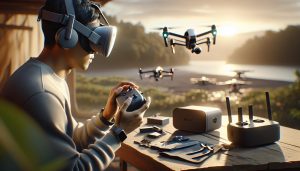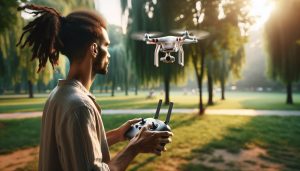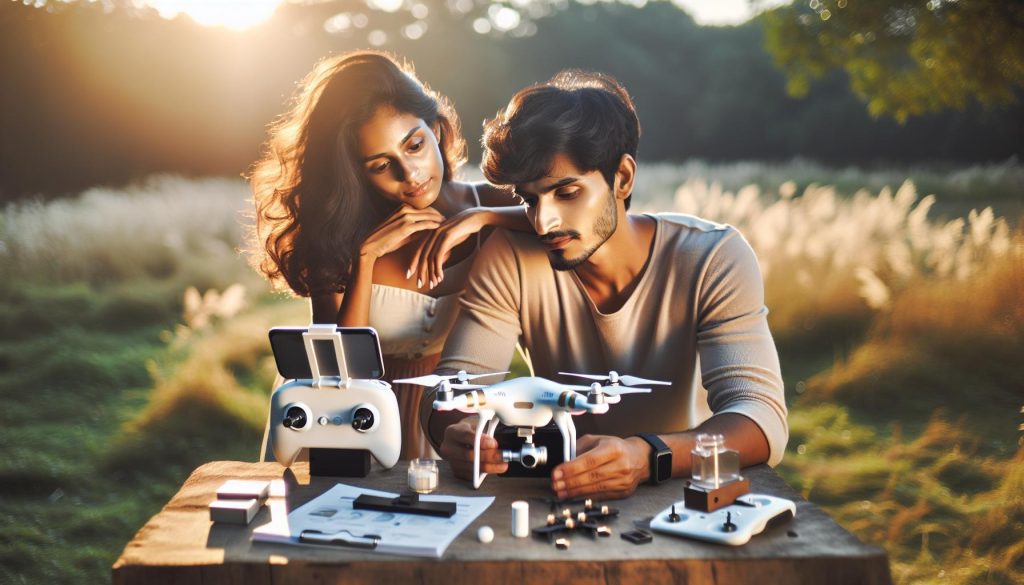
Many drone enthusiasts are excited about the independence and immersive experiences offered by the DJI Avata, but can you enjoy its capabilities without the goggles? This topic is crucial for both new and seasoned pilots, as it explores alternatives that allow you to harness the Avata’s impressive features without being tethered to FPV goggles. Imagine capturing breathtaking aerial shots or exploring tight spaces with your drone, all while having the flexibility of a traditional camera setup. Whether you’re concerned about comfort, budget, or simply prefer not to use goggles, understanding your options will enhance your flying experience. This guide will delve into the available alternatives, giving you the knowledge needed to elevate your drone adventures while ensuring you operate safely and effectively. Keep reading to discover how to unlock the full potential of your DJI Avata without the need for goggles!
Can You Pilot DJI Avata: Operating Without Goggles
Operating the DJI Avata without goggles may seem unconventional, but it’s entirely possible and can be quite advantageous, especially for beginners or those using the drone for specific scenarios. The Avata, designed primarily as an FPV drone, excels in providing immersive flight experiences through its compatible goggles; however, pilots can utilize the drone using remote controls and smartphones. This functionality allows for more accessibility and a different style of piloting that can be more intuitive for novice users looking to familiarize themselves with the drone’s capabilities.
One effective method for piloting the DJI Avata without goggles is through the use of the DJI Fly app, which connects your smartphone directly to the drone. This app serves as a comprehensive control interface, providing access to essential flight information, camera settings, and easy navigation. To begin, download the DJI Fly app, ensure your smartphone is compatible, and connect it to the remote controller. Once established, the app allows you to manage flight modes, adjust camera settings, and view the live feed from your drone’s camera, enabling a clear visual of your surroundings and enhancing situational awareness.
When operating without goggles, it’s crucial to maintain visual line of sight with the drone. This is not only a best practice for safety but often a legal requirement, depending on your region’s regulations. Many pilots find that flying without goggles offers a more relaxed experience, making it easier to gauge altitude and distance from obstacles. Additionally, flights without goggles can help you practice essential piloting skills such as hovering, basic maneuvers, and adjusting flight paths without the intense immersion that goggles provide. As you become more comfortable with the controls and the drone’s behavior, you may opt to transition to goggles for an enriched experience.
In conclusion, while goggles significantly enhance the flying experience of the DJI Avata, operating the drone without them opens up new avenues for practice and application. Whether you’re a beginner trying to gain confidence or a seasoned pilot looking to control the drone from a different perspective, utilizing a smartphone and the DJI Fly app can be an incredibly effective way to engage with your drone.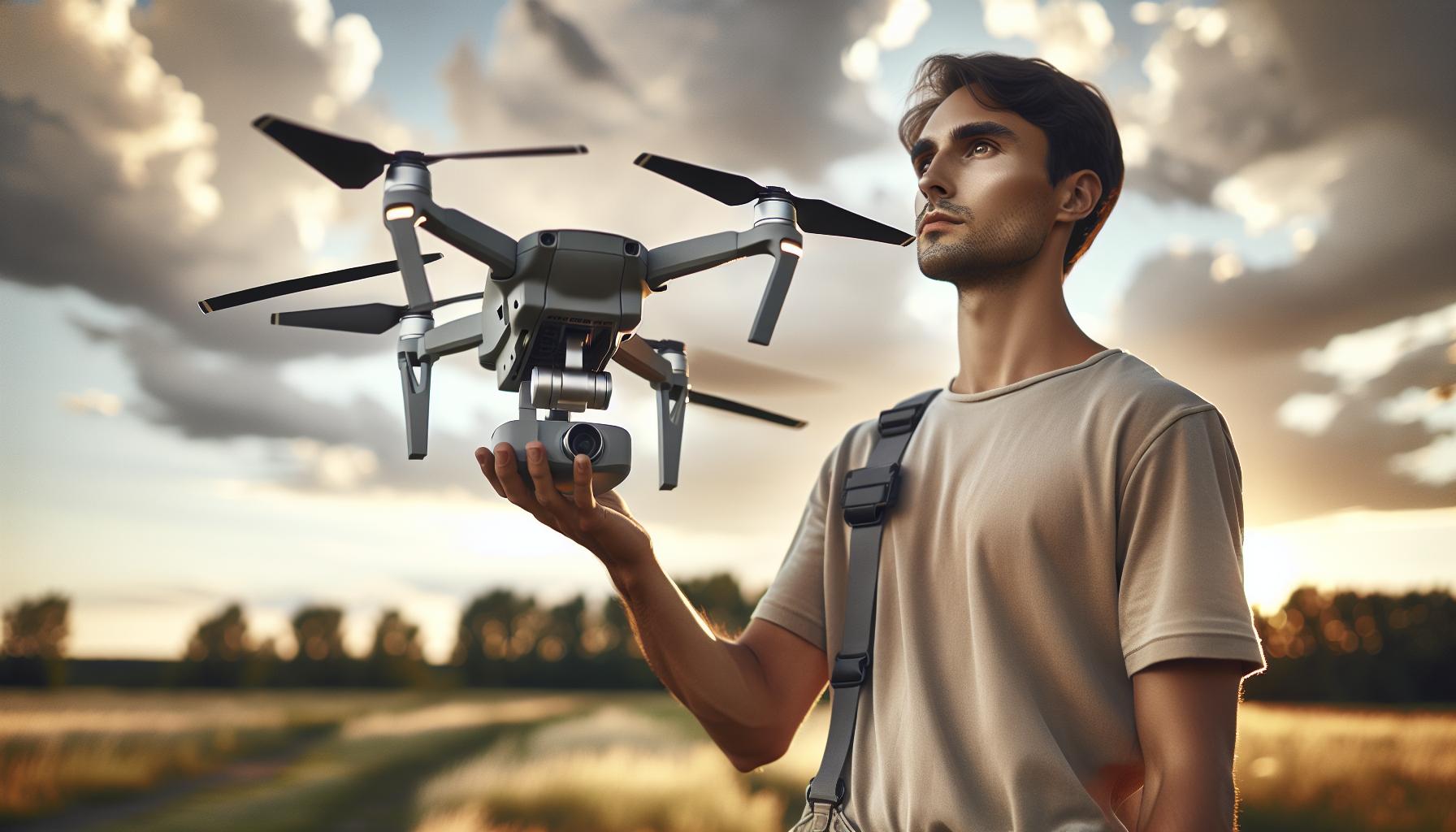
Understanding the DJI Avata: Key Features and Capabilities
The DJI Avata stands out as a premier choice in the realm of FPV (First-Person View) drones, offering an array of advanced features that combine both functionality and ease of use. Designed specifically for immersive flight experiences, the Avata equips pilots with remarkable maneuverability and sharp aerial imaging capabilities. One of its defining characteristics is the ability to capture stunning 4K resolution video at 60 frames per second, ensuring that every flight is not only a visual adventure but also an opportunity to document breathtaking landscapes from unique perspectives.
Key Features of the DJI Avata:
- Stabilization Technology: The Avata incorporates DJI’s RockSteady technology, which provides electric stabilization features essential for smooth video footage, even in dynamic flying conditions. This is particularly beneficial for users who may be operating without goggles and rely on smartphone displays for navigation.
- Compact and Durable Design: The lightweight construction and built-in propeller guards enhance the drone’s resilience, making it well-suited for indoor and outdoor flights alike. Its solid frame allows for more confidence when flying close to obstacles, which can be especially helpful for beginners.
- User-Friendly Controls: The Avata’s intuitive control layout caters to all pilot skill levels. Even without goggles, you can effectively maneuver the drone using the DJI Fly app, which affords pilots direct access to a range of settings including flight modes, response sensitivity, and camera controls.
As one delves deeper into the capabilities of the DJI Avata, it becomes clear that its versatility makes it suitable not just for seasoned drone operators but also for newcomers to the hobby. With features like automated flight modes – including waypoint navigation and quick shots – users can easily explore and experiment with aerial photography.
Furthermore, the drone’s advanced obstacle avoidance system adds an extra layer of safety that is particularly reassuring for novice pilots operating without a first-person view. By understanding these features and capabilities, users can maximize their flying experience whether they choose to utilize FPV goggles or prefer to fly using their smartphone for a different perspective. Whether capturing cinematic footage or learning the intricacies of drone piloting, the DJI Avata excels in empowering enthusiasts to realize their aerial ambitions.
Exploring Remote Control Options: Using Your Smartphone
Using your smartphone to control the DJI Avata provides an accessible alternative to traditional FPV (First-Person View) goggles, allowing pilots to navigate and operate the drone seamlessly. The DJI Fly app, essential for this experience, transforms your smartphone into a robust command center. With just a few steps, you can engage with your drone’s capabilities in real-time, enhancing both the flight experience and capturing stunning aerial views.
To get started, download the DJI Fly app on your compatible smartphone. Ensure your device is connected to the Avata via a USB-C cable to establish a connection. Once connected, open the app and follow the prompts to link with the drone. This easy setup allows you to access vital flight information, camera settings, and visual feedback directly on your screen. Moreover, utilizing the app means you can adjust parameters such as flight modes, response sensitivity, and even camera tilt, affording you complete control without needing FPV goggles.
While flying without goggles can seem daunting, it’s a straightforward experience that many find liberating. Acquainted with the view on your smartphone, you can smoothly adapt to navigating the drone’s path through open spaces or tighter indoor environments. This setup also enables instant video feed viewing, which can be especially helpful as you learn to pilot the drone. Even users exploring the drone’s capabilities for the first time can benefit from the assistance provided by the app’s intuitive interface, making remote control a practical and user-friendly option.
Here are a few practical tips for maximizing your smartphone control experience with the DJI Avata:
- Ensure Battery Life: Always check that both your smartphone and the drone are charged to avoid interruptions mid-flight.
- Practice in Safe Areas: Start flying in open areas free of obstacles to gain confidence navigating before trying more complex maneuvers.
- Utilize Virtual Flight: The DJI Fly app includes a Virtual Flight mode, allowing you to practice controls and maneuvers without risk before actual flights.
- Monitor Signal Strength: Keep an eye on your smartphone’s connection to the drone to prevent disconnection during flight.
By harnessing the DJI Fly app on a smartphone, users gain an efficient and engaging way to pilot the DJI Avata, encouraging exploration, creativity, and skill development in drone operation. Whether you are a beginner or have prior drone experience, this method of control opens up a world of possibilities, ensuring that captivating aerial perspectives are always within reach.
Setting Up Your DJI Avata Without Goggles
To experience the full capabilities of the DJI Avata without using FPV goggles, you need to follow a few straightforward steps that emphasize the app-based control method. The main tool for managing your flight and accessing drone features is the DJI Fly app, which turns your smartphone into a comprehensive control interface. Setting this up is simple and allows for a dynamic flying experience, making it particularly appealing for beginners or those wanting a more comfortable alternative.
Start by ensuring you have the DJI Fly app downloaded on your compatible smartphone. The app is available for both iOS and Android devices. Once installed, connect your smartphone to the Avata using a USB-C cable. This connection is vital as it establishes a direct link between your device and the drone. After connecting, launch the app and follow the on-screen prompts to complete the syncing process. You’ll gain access to real-time flight data, camera controls, and even a live video feed right on your smartphone screen, enhancing your situational awareness as you navigate your surrounds.
When setting up, it’s crucial to perform regular maintenance checks to ensure optimal performance. Before each flight, make sure to calibrate the drone’s sensors if prompted by the app. This step can help avoid potential navigation issues. In addition, familiarizing yourself with the app’s interface allows for quick adjustments to camera settings, flight modes, and other parameters on the go. For instance, you can adjust the drone’s response sensitivity or switch between different flight modes, such as Normal or Sport, providing versatile flying experiences tailored to your skill level.
Lastly, to maximize your flying experience without goggles, consider practicing in wide-open spaces and gradually building your confidence. Use the integrated Virtual Flight mode within the DJI Fly app, enabling a risk-free environment to master controls and maneuvers before taking to the skies. This approach helps you learn the intricacies of piloting the Avata, ensuring that when you do take flight, you can do so with confidence and creativity, ready to capture breathtaking aerial imagery all while enjoying the freedom of flying without goggles.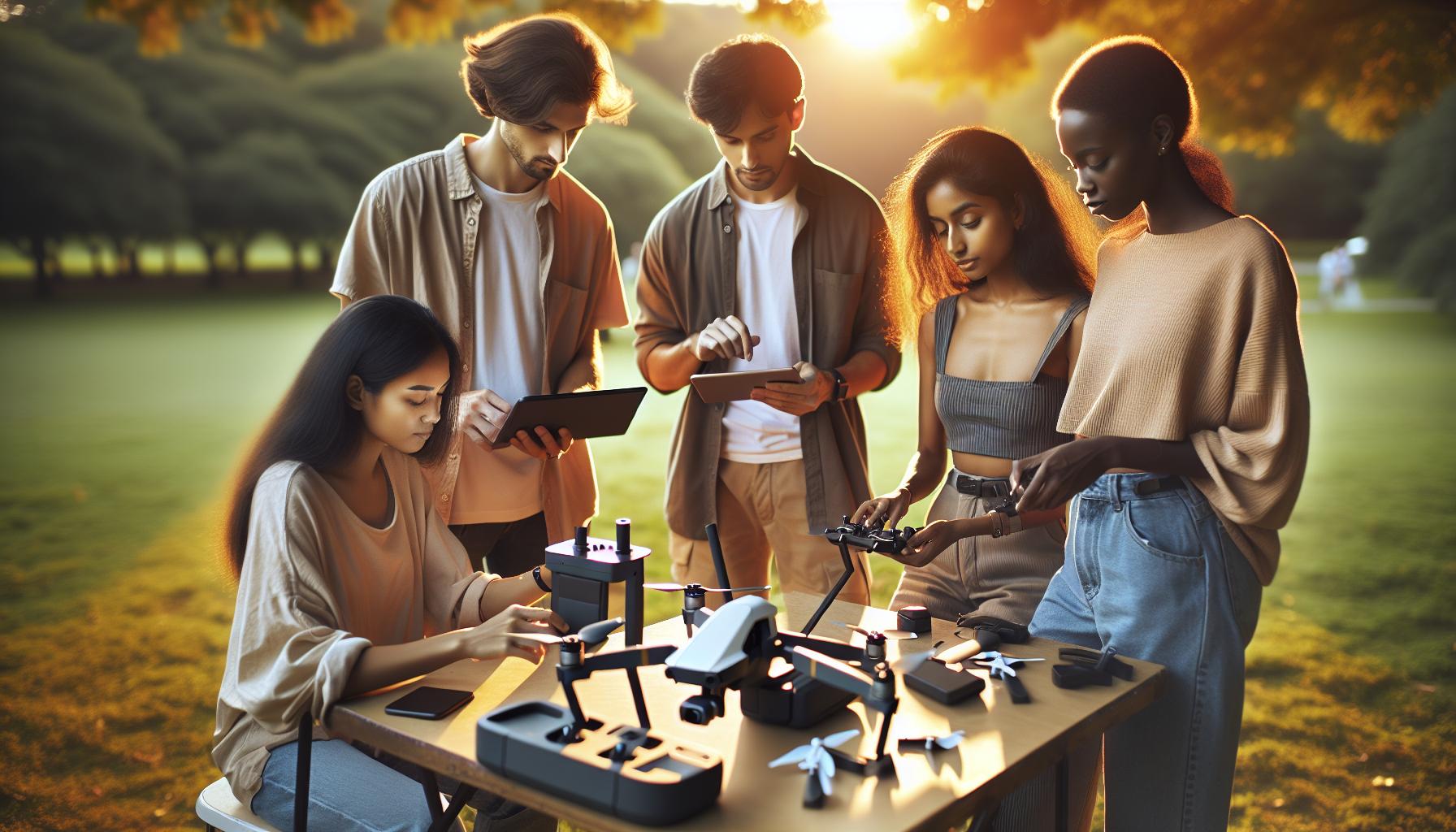
Optimizing Flight Experience: Adjusting Camera Settings
Adjusting camera settings effectively can elevate your aerial photography and videography with the DJI Avata to new heights-literally. Understanding how to manipulate these settings is critical, especially when you’re flying without the immersive experience that goggles provide. The DJI Fly app is your go-to tool for accessing these adjustments.
Start by navigating to the camera settings in the app. Here you can adjust key parameters that will enhance your flight experience and capture. Focus on:
- Resolution and Frame Rate: Choose between 4K or 1080p and set your frame rate according to the type of footage you wish to capture. Higher frame rates, like 60fps, are great for smooth action shots, while 24fps gives a more cinematic feel.
- ISO Settings: Adjust your ISO to control the camera’s sensitivity to light. A lower ISO (e.g., 100-200) is excellent in bright conditions, while higher values (e.g., 800-1600) can help in lower light scenarios. Just remember that too high an ISO can introduce noise into your footage.
- Shutter Speed: Follow the 180-degree rule for video, where the shutter speed should be roughly double the frame rate. If you’re shooting at 30fps, set your shutter speed to 1/60s to achieve natural motion blur.
- White Balance: Adjusting white balance can dramatically change the color temperature in your footage. For outdoor shoots, consider setting it to daylight (approximately 5500K) to keep colors accurate.
After making these adjustments, it’s wise to test them out. The DJI Fly app offers a virtual flight mode that allows you to practice different camera settings without the risk of actual flight, providing you with a safe environment to see how changes affect your footage.
Furthermore, don’t overlook using the grid lines and histogram features available in the app. Grid lines can help with composition, ensuring your shots are framed properly, while the histogram gives insight into the exposure of your image, helping you avoid overly dark or bright areas that can compromise your shots.
By understanding these camera settings and utilizing the DJI Fly app, you’ll not only enhance your flight experience but also unlock the full creative potential of your DJI Avata aircraft-even when flying without goggles. The freedom to adjust settings on-the-fly allows for a versatile shooting approach, enabling you to adapt quickly to changing environments and lighting conditions. Whether you’re aiming for stunning landscape shots or dynamic action sequences, mastering these adjustments will set you on the path toward capturing breathtaking aerial imagery.
Safety First: Important Pre-Flight Checks
Before embarking on any flight with your DJI Avata, conducting a thorough pre-flight check is essential to ensure safety and optimal performance. Skipping this crucial step can lead to accidents, equipment damage, or flying in restricted areas, which is why adhering to a checklist can be a pilot’s best practice.
Begin by inspecting the aircraft itself. Physically examine the drone for any signs of wear or damage such as cracks or loose components. Ensure the propellers are firmly attached and free from nicks or any dirt that might affect performance. A quick visual inspection can save you from potential malfunctions during flight.
Next, check the battery levels for both the drone and the remote controller. A full charge is critical for flying; it’s advisable to have at least 20% battery life remaining to return safely. Also, make sure the batteries are within temperature thresholds, as extreme cold or heat can affect battery performance.
Environmental Conditions
Consider the weather and environmental factors before takeoff. Wind speed and direction, inspection of local obstructions (like trees or buildings), and nearby traffic can all impact flight safety. Your DJI Fly app provides useful information about local weather conditions, so make it a habit to check it prior to flying.
Another important aspect is ensuring you are in a legal flying zone. Familiarize yourself with local regulations regarding airspace restrictions, flight altitude, and other legal considerations. Tools like the Dronie or AirMap apps can guide you to determine if you are in a no-fly zone or within proximity to airports.
Finally, ensure that the DJI Fly app is updated, and all necessary firmware updates have been installed. This will not only improve functionality but can also address any previous software bugs. A solid connection between the drone and your remote controller is also crucial; perform a range test to confirm that the controller and drone communicate effectively.
By following these pre-flight checks consistently, you’ll foster a culture of safety and professionalism in your remote piloting adventures, allowing you to focus on creativity rather than concerns about potential mishaps while flying your DJI Avata.
Troubleshooting Common Issues Without Goggles
Operating a DJI Avata without goggles can be a liberating experience, especially for new pilots or those who prefer a straightforward flying method. However, challenges may arise when transitioning from a traditional FPV setup, making troubleshooting a vital skill. The following insights will help you mitigate common issues encountered while piloting without goggles.
Battery performance is crucial, and a low battery can trigger unexpected behavior. Always ensure that both the drone and remote controller have ample charge. If the drone is not responding or shows a weak signal, this could be due to low battery levels. Additionally, verify that the batteries are within the acceptable temperature range; extreme conditions can impair performance. If you encounter issues like erratic movements or unresponsiveness, try recalibrating the drone’s IMU and compass using the DJI Fly app. This step can help realign its sensors and improve its stability in the air.
Another potential issue relates to connectivity. Ensure your remote controller is paired successfully with the drone before flight. If the drone repeatedly loses connection, it may indicate interference from surrounding electronic devices or physical barriers. For best results, maintain a clear line of sight and avoid dense urban environments where signal interference is prevalent. You can assess connectivity during pre-flight by performing a range test. If the connection remains weak, consider updating the firmware of both the drone and controller to the latest version available via the DJI Fly app.
Lastly, adjusting the camera settings directly through the app can be essential for optimal performance. If the camera feed is unclear or exhibits lag, ensure that your smartphone is functioning well and not overloaded with background applications. Check for app updates frequently, as DJI often releases patches that can improve performance and resolve bugs. By following these tips, you can cultivate a smooth, enjoyable flying experience with your DJI Avata even without goggles.
Exploring Alternative Viewing Solutions for DJI Drones
For many drone pilots, the first thought when considering flying a DJI Avata is the immersive experience offered by FPV goggles. However, there are viable alternatives that can enhance the flying experience without requiring the traditional headset setup. Utilizing smart devices and other peripherals can provide clarity, convenience, and sometimes even a broader view of the surroundings.
One popular option is using the DJI Fly app on a smartphone or tablet. This method allows pilots to see the live feed from the drone’s camera directly on their device, providing a clear picture without needing goggles. To optimize this experience, consider mounting the smartphone on the remote controller using a secure device holder. This setup achieves a stable viewing platform while maintaining ease of control. Additionally, ensure the device is fully charged and that the application is up to date for the best performance.
For those looking to share the experience with others, using a tablet can be beneficial. A larger screen not only enhances viewing but allows multiple people to see the drone’s camera feed simultaneously. This is particularly useful in group settings or during events where spectators might be interested in the drone’s aerial perspective. Be mindful of the app settings; adjusting resolution and aspect ratio can help mitigate potential lag and enhance the clarity of the video stream.
Another innovative solution is utilizing DJI’s new technology that allows for streaming the feed wirelessly to compatible smart glasses. This advancement provides a hands-free experience that can replicate some aspects of the traditional goggle experience while keeping the pilot’s peripheral vision unobstructed. For safety and compliance, ensure these devices are legal in your flying area and are compatible with your specific DJI model.
In summary, while flying the DJI Avata without goggles may seem unconventional, leveraging smartphones, tablets, or smart glasses can open up new avenues for exploration. Embracing these alternative viewing solutions not only enhances the piloting experience but also allows for shared enjoyment, making drone flying a more inclusive activity. Always ensure that you’re familiar with the menu settings and interface of your chosen device to maximize the capabilities of your drone in flight.
Mastering DJI Avata Controls: A Complete Guide
When operating the DJI Avata, mastering its controls can significantly enhance your flying experience, even if you choose to fly without the goggles typically used for first-person view (FPV) flying. The Avata, designed primarily for immersive experiences, still offers robust capabilities that can be utilized effectively through alternative setups, such as using a smartphone or tablet with the DJI Fly app.
One of the first steps in mastering the controls is familiarizing yourself with the DJI Fly app interface. This app not only offers live streaming of the drone’s camera feed but also provides access to critical telemetry data such as altitude, speed, and battery status. Here’s how to effectively leverage the app for better control:
- Calibration: Begin with thorough calibration of your drone and controller to ensure responsiveness and accuracy. Follow the in-app prompts to complete this process before taking off.
- Control Modes: The Avata features multiple control modes including Normal Mode for stability, and Sports Mode for faster, more agile flying. Experiment with these modes in open areas to gauge how each affects your control over the drone.
- Camera Settings: Adjust the camera settings through the app to optimize image quality. Settings like exposure, ISO, and resolution can be crucial for capturing quality footage. Regularly check the settings to ensure they align with your shooting conditions.
- Gesture Controls: The Avata supports some gesture controls, allowing you to take photos or videos without needing to touch the device. This feature can streamline your shooting process and allow for more dynamic operation.
It’s also important to practice using the joystick controls. The left stick typically governs altitude and rotation while the right stick controls forward, backward, and lateral movements. To build muscle memory, spend time in a safe, open environment flying different patterns and maneuvers. This practice can dramatically enhance your reflexes and control precision over time.
Lastly, exploring advanced settings such as obstacle avoidance and return-to-home features can provide greater safety and ease during your flights. Understanding how these features operate gives you an additional layer of security, especially when flying in unfamiliar areas. Properly set up, the DJI Avata is a responsive and adept aerial companion that can still deliver stunning visuals and exhilarating flight experiences, all while bypassing the traditional goggles setup if you so prefer.
Comparing DJI Avata to Other Models: Goggles vs. No Goggles
Flying the DJI Avata without goggles opens up a world of possibilities for both hobbyists and professionals. While many pilots swear by the immersive experience that goggles provide, the ability to control the Avata via a smartphone or tablet enriches accessibility and functionality. This method not only caters to a wider audience but also accommodates varied flying environments, from tight indoor spaces to expansive outdoor areas.
One key consideration when comparing setups with and without goggles is the level of situational awareness a smartphone provides. Unlike the enclosed experience of FPV goggles, where the pilot is fully immersed in the drone’s first-person view, using a device allows for greater environmental awareness. This can be particularly beneficial in crowded areas or when flying near obstacles. By watching the live feed on a larger screen, pilots can easily monitor surroundings while maintaining control of the drone.
However, flying without goggles does come with its own set of challenges. The reliance on a smartphone means that the pilot must be comfortable managing the drone’s response to commands while simultaneously keeping an eye on the device’s screen. This can lead to increased strain and potential distraction, especially if notifications interrupt the live feed. To mitigate these issues, pilots are encouraged to adjust their smartphone settings to minimize distractions and to practice keeping the drone in view while managing controls.
Ultimately, the choice between using goggles or a smartphone hinges on personal preference and the specific flying context. For those prioritizing visual immersion and engaging in FPV racing or cinematic shots, goggles may enhance the experience significantly. Conversely, for more casual flying or scenarios requiring enhanced spatial awareness, utilizing a smartphone can be a practical and effective alternative.
Enhancing Your DJI Experience: Accessories That Matter
The DJI Avata opens up an array of operational possibilities, particularly when piloted without goggles. However, to fully optimize your flying experience, certain accessories can enhance functionality and usability significantly. From protective gear to controller adaptations, the right tools can elevate your drone operations, ensuring a seamless and enjoyable flight experience.
Must-Have Accessories for Your DJI Avata
- Smartphone Mount: A sturdy smartphone mount is essential for pilots flying without goggles. This accessory allows you to secure your device for an unobstructed view of the live feed while keeping your hands free for precise control. Look for mounts that offer adjustable angles for optimal visibility.
- Spare Batteries: Flight time can be limited, especially during extended sessions or when capturing high-quality footage. Investing in extra batteries ensures that you spend more time flying and less time waiting for recharges.
- ND Filters: Neutral Density filters can significantly enhance your aerial photography and videography by controlling exposure. These filters allow for smoother motion blur and improved image quality, particularly in bright conditions, making them invaluable for capturing cinematic shots.
- Carrying Case: A well-designed carrying case protects your DJI Avata and accompanying accessories from damage during transport. Choose one with dedicated compartments to keep everything organized and secure, making it easy to grab and go for spontaneous flying adventures.
Beyond these essentials, consider exploring third-party applications that enhance the user experience. Apps such as Litchi or DroneLink allow for enhanced waypoint settings and automated flight paths, providing versatility in your flying missions. Moreover, pairing your DJI Avata with a compatible controller can improve your handling and responsiveness, making it easier to navigate through complex environments.
Equipping your DJI Avata with thoughtful accessories can significantly enhance your flying experience. Whether you’re engaged in casual flying or serious aerial photography, these tools bring added functionality and ease, allowing you to focus more on the joy of flying and less on the technical details. Remember, the right accessories can make all the difference in how you experience and control your drone while maintaining safety and efficiency.
Legal Considerations for Flying Without Goggles
Flying a drone offers an exhilarating experience, but it also comes with stringent legal responsibilities, especially when operating without the customary goggles. Pilots utilizing the DJI Avata without goggles should be acutely aware of the laws governing drone operation, which can vary significantly depending on jurisdiction. Understanding these regulations is vital not only for compliance but also for ensuring the safety of both the pilot and those around them.
First and foremost, most countries require drone operators to maintain visual line of sight (VLOS) with their aircraft at all times. When flying without goggles, this is inherently easier, as you can directly observe the drone’s flight path. However, be vigilant; the moment you lose sight of the drone, you risk violating local laws. In the United States, the Federal Aviation Administration (FAA) stipulates that recreational pilots must follow specific guidelines, including registering their drone if it weighs over 0.55 pounds and adhering to altitude limits (generally not exceeding 400 feet above ground level). Similar regulations exist globally, so it is crucial to review the rules specific to your location.
Another consideration is the airspace in which you are operating. Certain areas, especially near airports, require permission to fly drones due to safety and security concerns. Utilizing resources like the FAA’s B4UFLY app can help identify no-fly zones and advise on airspace regulations. Furthermore, if flying in proximity to populated areas, understanding local ordinances regarding noise and privacy is essential. Some municipalities have their own regulations that may limit where and how you can operate a drone, even if you are legally allowed to fly in that area.
Finally, pilots should consider the implications of flying a drone in areas where public gatherings or events are taking place. Not only does this heighten the risk of accidents, but it can also lead to legal liabilities should the drone cause harm or invade someone’s privacy. To mitigate such risks, always conduct thorough pre-flight checks and ensure all necessary permissions are secured in advance.
By staying informed and adhering to legal guidelines, drone pilots can enjoy a fulfilling flying experience while maintaining safety and compliance. Understanding these legal frameworks not only supports responsible flying but also enhances the overall credibility of the drone community.
FAQ
Q: Can I fly the DJI Avata without using goggles?
A: Yes, you can fly the DJI Avata without using goggles by utilizing the DJI fly app on a smartphone or tablet. This allows you to have a visual feed directly from the drone’s camera while controlling it remotely.
Q: What are the alternatives to using goggles with the DJI Avata?
A: Alternatives to using goggles include connecting your smartphone via the DJI Fly app or using a compatible remote controller that supports a screen display. This lets you see the live feed and control the drone effectively.
Q: How do I set up the DJI Avata for flying without goggles?
A: To set up the DJI Avata without goggles, install the DJI Fly app on your mobile device, connect it to the remote controller, and follow the on-screen instructions to link to your drone and initiate piloting.
Q: Can you control the DJI Avata using an iPhone or Android phone?
A: Yes, you can control the DJI Avata using either an iPhone or Android phone by downloading the DJI Fly app, which provides a user-friendly interface for piloting and accessing camera settings.
Q: Is flying the DJI Avata without goggles less immersive?
A: Yes, flying without goggles offers a less immersive experience since you won’t have the first-person view that goggles provide. However, using a smartphone can still give you a clear view of your surroundings and flight path.
Q: Are there any limitations when flying DJI Avata without goggles?
A: While you can fly without goggles, you may experience limitations in range and responsiveness compared to using goggles. Additionally, the smartphone screen might not provide the same clarity and field of view, especially in bright sunlight.
Q: Can I use a tablet with the DJI Avata instead of a phone?
A: Yes, you can use a tablet to control the DJI Avata. Ensure the tablet is compatible with the DJI Fly app to access all features and provide a larger screen experience for piloting.
Q: What should I consider when flying DJI Avata without goggles?
A: When flying without goggles, consider the visibility of your smartphone screen, the drone’s distance, and surrounding obstacles. Always ensure you have clear line-of-sight visibility and follow safety guidelines while piloting.
In Conclusion
As we wrap up our exploration of using the DJI Avata without goggles, we hope you now feel more empowered to leverage this drone’s versatility through alternative setups. Remember, while goggles offer an immersive experience, there are effective ways to enjoy flying without them. Don’t miss out on checking our detailed guides on firmware updates and gimbal calibration to enhance your flying experience even further.
If you have questions or would like to share your own setup experiences, drop a comment below-we love hearing from fellow drone enthusiasts! For more insights, explore our in-depth reviews of the latest DJI models or get tips on flight safety and regulations. Your next adventure awaits, so don’t wait-dive into the world of aerial photography and start capturing stunning footage with confidence today!